Introduction
Photographers preparing images for contests often run into the same practical questions: What file size should I export? How should I crop for required aspect ratios? Should I add a watermark? Why do colors shift between screen and upload? In this comparison, we’re looking at four Unique Photo community-focused events and learning experiences that can help photographers build better submission workflows. While these are not identical products, each offers a different path to improving how you prepare, edit, and share images for competition.
Side-by-Side Comparison
| Product | Format | Best For | Strengths for Contest Prep | Potential Limitation |
|---|---|---|---|---|
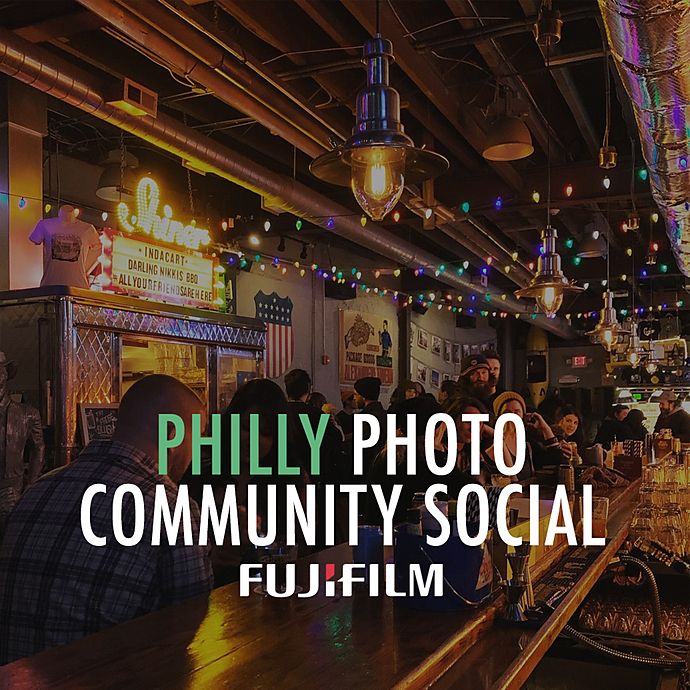
| *FREE RSVP* Photo Community Social at Garage Passyunk (Philly) | In-person social event | Peer advice and real-world feedback | Great for discussing contest rules, cropping expectations, watermark norms, and common submission mistakes with other photographers | Less structured than a formal class |
| PCS: Photographing Your Community with Brian W. Fraser | Class / presentation | Photographers improving storytelling and image intent | Helps create stronger images before export, which matters when selecting and framing contest submissions | Likely less focused on technical export specs than a dedicated editing session |
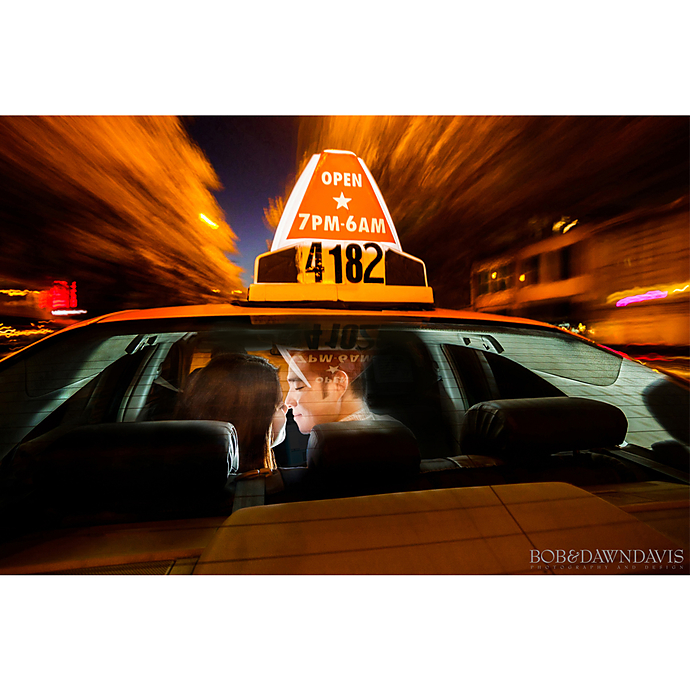
| UUOnline: Share the Light Live Demo with Bob Davis and Westcott | Online live demo | Lighting and presentation-minded photographers | Useful for understanding how strong lighting reduces editing problems and improves file quality before submission | More capture-oriented than file-delivery-oriented |
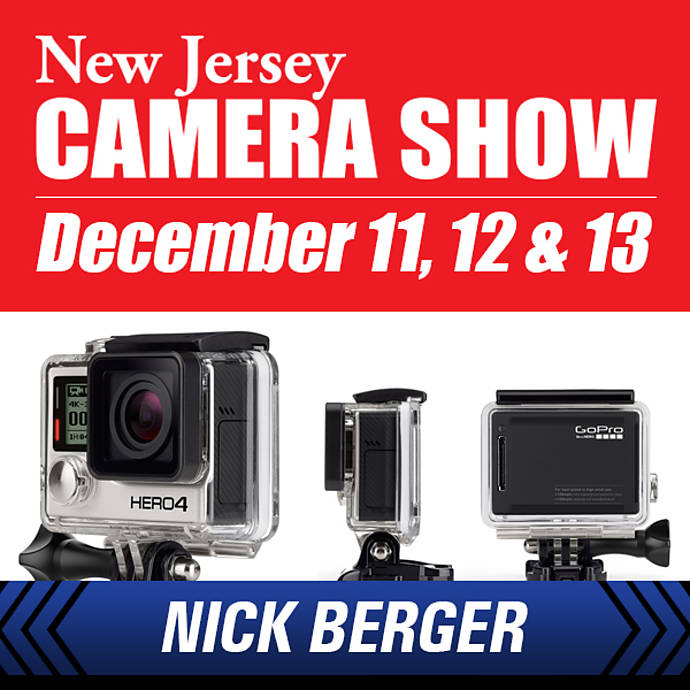
| NJCS: Edit and Share Your GoPro Content with Nick Berger (GoPro) | Editing / sharing class | Photographers and creators needing practical export and sharing workflow tips | Most directly aligned with editing, output, sharing, and likely file-prep considerations | GoPro-oriented angle may be narrower for traditional still photographers |
How They Compare for Contest File Preparation
1. Technical Specs and Export Settings
When contest entrants ask about JPEG quality, pixel dimensions, resolution requirements, and file size limits, the most directly relevant option here is NJCS: Edit and Share Your GoPro Content with Nick Berger. Anything centered on editing and sharing naturally supports the kind of workflow thinking needed for contest compliance: exporting the correct dimensions, managing compression, and avoiding rejected uploads.
The Photo Community Social at Garage Passyunk is also valuable, but in a different way. Instead of formal instruction, it offers peer insight. Community members often share practical fixes for issues like oversized files, over-sharpening, or platforms that strip metadata. If your biggest need is hearing what works in the real world, the social format can be surprisingly helpful.
2. Cropping Standards and Composition for Submission
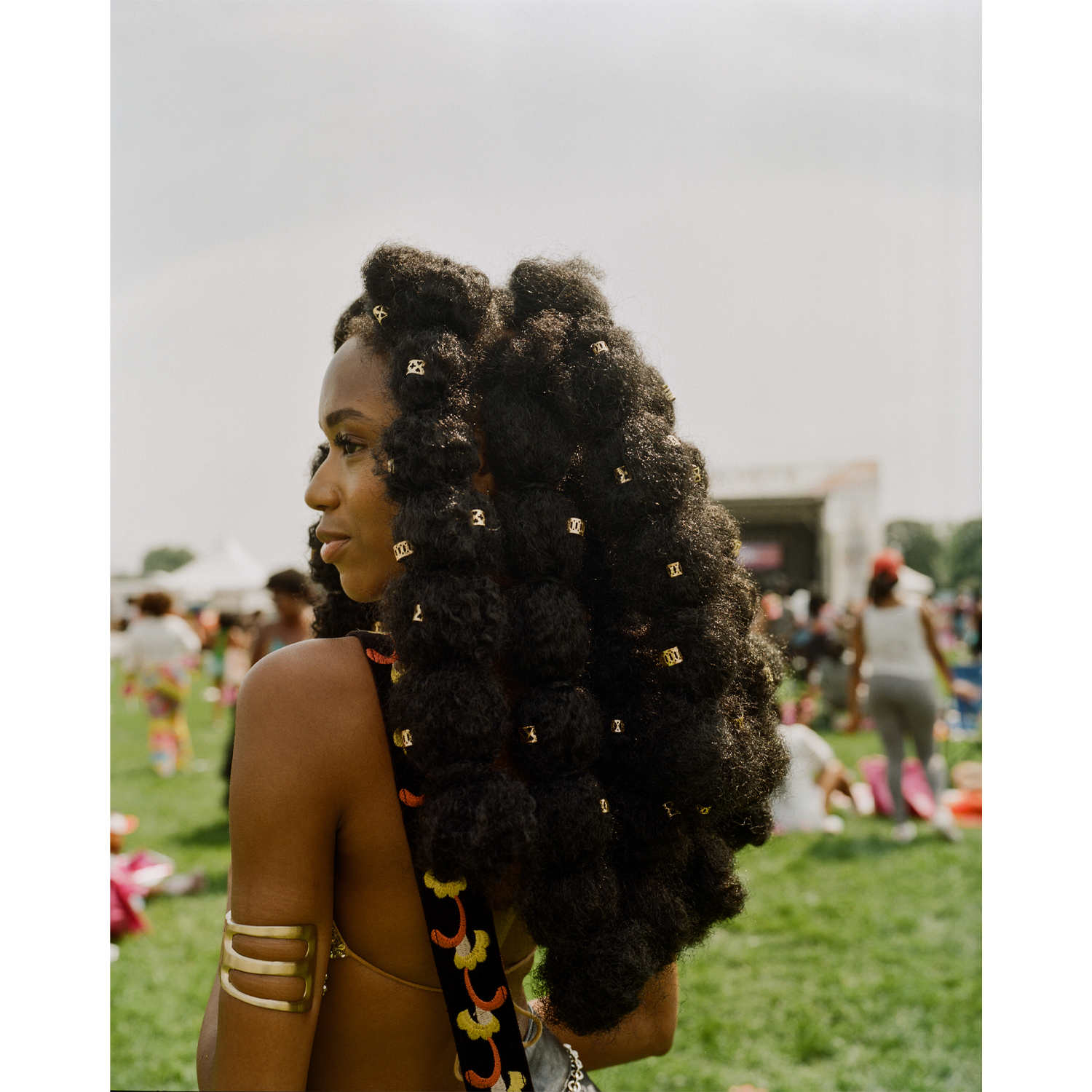
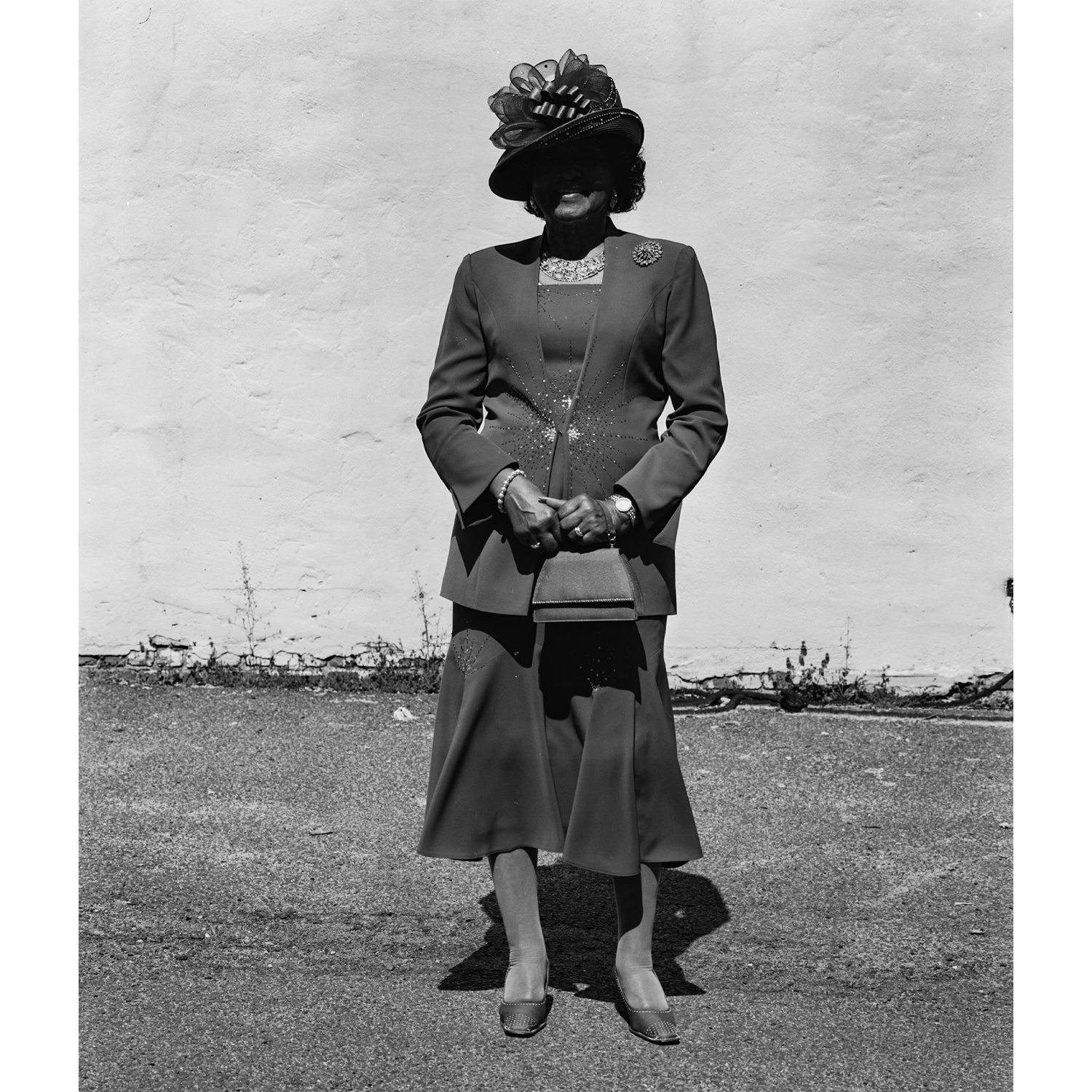
Contests frequently impose specific aspect ratios or require that images hold up when cropped to square, 4:5, or panoramic formats. This is where PCS: Photographing Your Community with Brian W. Fraser stands out. A course about photographing your community is likely to emphasize framing, narrative clarity, and intentional composition—all useful when you need a contest entry to remain strong after cropping.
By contrast, the social event can help clarify unwritten norms, such as whether a crop feels too aggressive or whether juried competitions in a certain niche tend to favor full-frame compositions over tight edits.
3. Watermark Usage and Presentation Standards
One of the most common contest-prep mistakes is adding a watermark when the rules prohibit it. Another is failing to distinguish between images intended for judging and images intended for social promotion. For this topic, the Photo Community Social may actually be one of the best resources in the group, because photographers regularly exchange experiences about what organizers expect, how strictly they interpret rules, and when watermarks hurt more than help.
The NJCS Edit and Share session is also relevant because sharing workflows often touch on output versions for different destinations. That distinction matters: one version for contest submission, another for web sharing, and another for portfolio display.
4. Color Management and Common Submission Issues
Color management problems—such as Adobe RGB files displaying incorrectly online, oversaturated exports, or monitor-to-upload mismatches—are among the most frustrating contest issues. None of these events appears exclusively dedicated to color management, but NJCS: Edit and Share Your GoPro Content with Nick Berger again feels closest to the need because editing and sharing discussions often include output consistency.
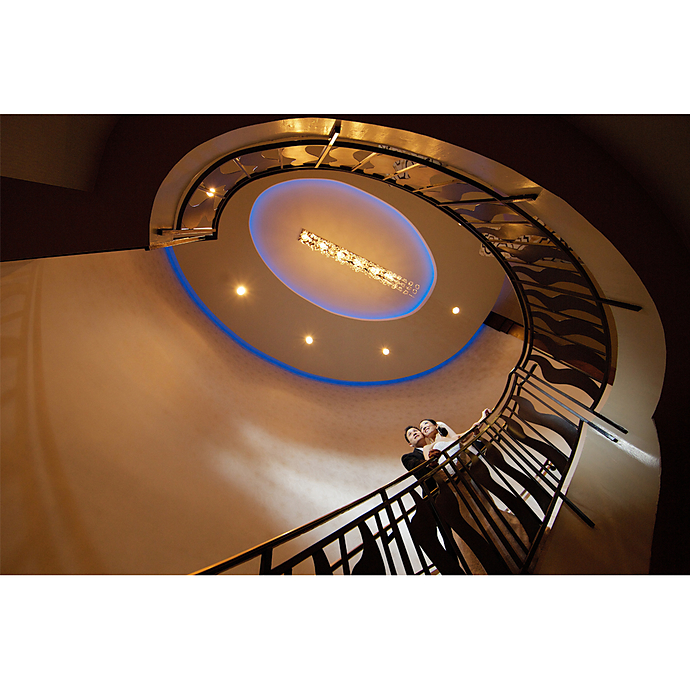
UUOnline: Share the Light Live Demo with Bob Davis and Westcott contributes from another angle: better lighting at capture can reduce the need for heavy correction later. Cleaner files, better white balance, and stronger tonal control can all make color-managed output easier.

5. Best Choice for Practical, Real-World Advice
If your goal is strictly contest readiness, there are two strong directions here. For structured workflow help, NJCS: Edit and Share Your GoPro Content with Nick Berger is the clearest fit. For practical community wisdom on what actually causes rejections or weak submissions, *FREE RSVP* Photo Community Social at Garage Passyunk (Philly) is highly appealing. The best option depends on whether you need instruction or discussion.
Our Pick
Our Pick: NJCS: Edit and Share Your GoPro Content with Nick Berger (GoPro)
For photographers seeking the most relevant resource for contest image preparation, this is the strongest overall choice. The editing-and-sharing focus aligns most closely with the real tasks involved in contest submission: preparing compliant files, managing output versions, avoiding avoidable export errors, and understanding how finished images travel across platforms.
If you already have a strong editing workflow and want broader peer feedback on cropping standards, watermark etiquette, and common organizer expectations, the Photo Community Social at Garage Passyunk is an excellent companion option.
Final Thoughts
Each of these Unique Photo events supports contest preparation differently. The social meetup is ideal for community-driven advice, the Brian W. Fraser session is strong for compositional intent and framing, the Bob Davis and Westcott live demo supports better image capture through lighting, and the Nick Berger class is the closest match for practical editing and output workflow. If you’re comparing options based on file prep, export confidence, and sharing readiness, start with the editing-focused class and explore additional learning opportunities through Unique Photo.