Choosing and Preparing a Photo for Contests: What to Compare
Picking an image for a photo contest is rarely just about choosing your favorite frame. The strongest entries usually combine three things: a compelling idea, confident storytelling, and polished presentation. For photographers deciding how to approach that process, it helps to compare two sides of contest prep: creative inspiration and technical finishing.
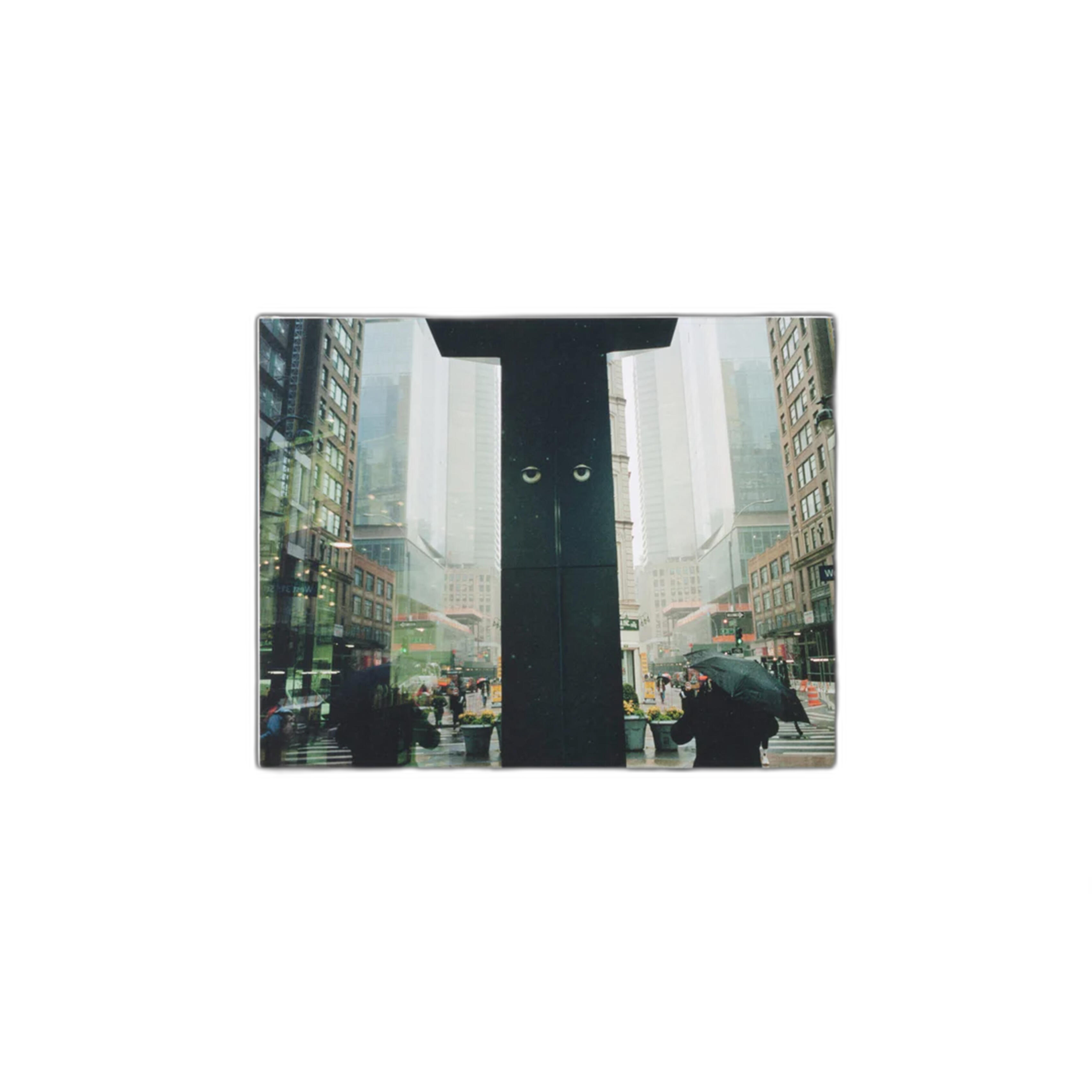
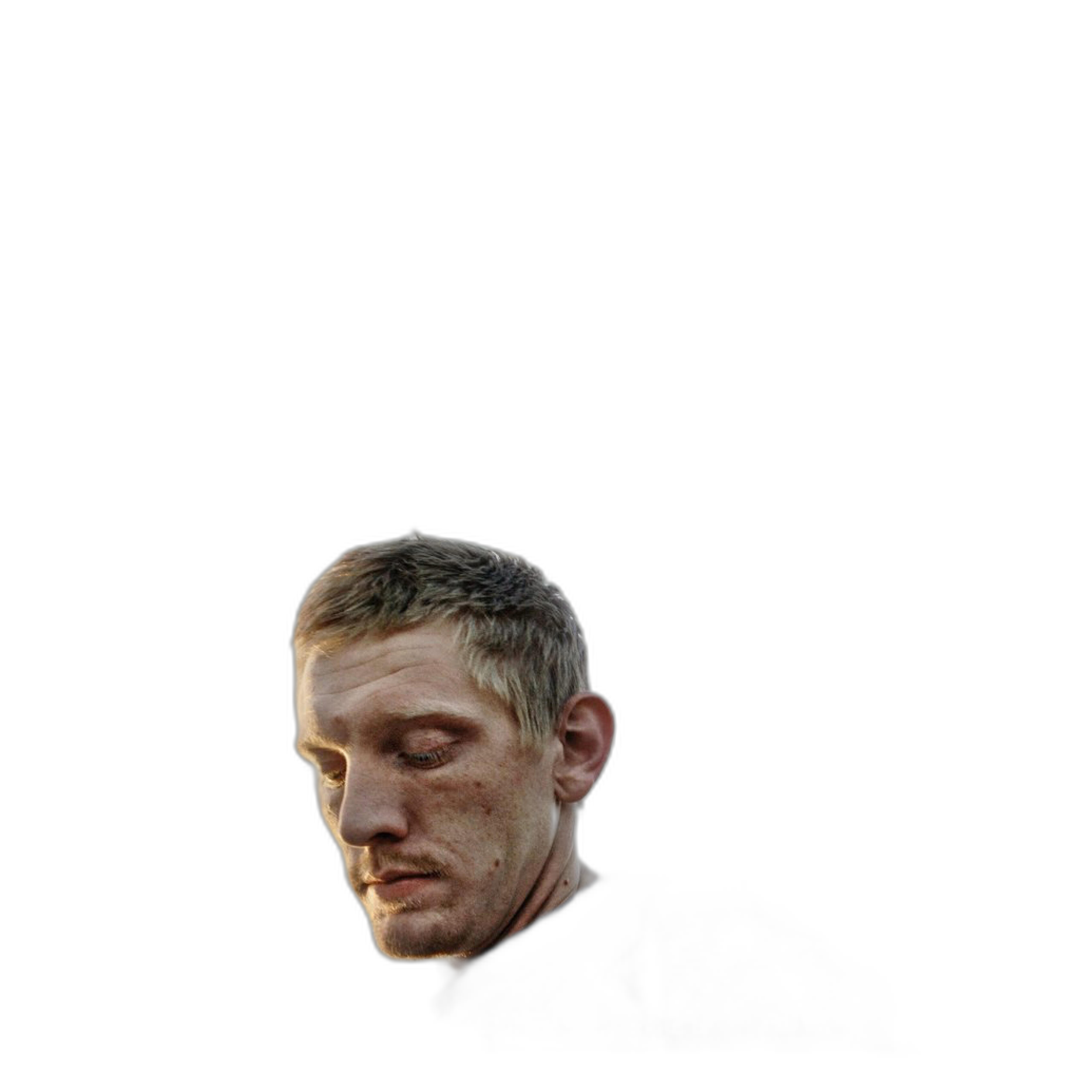
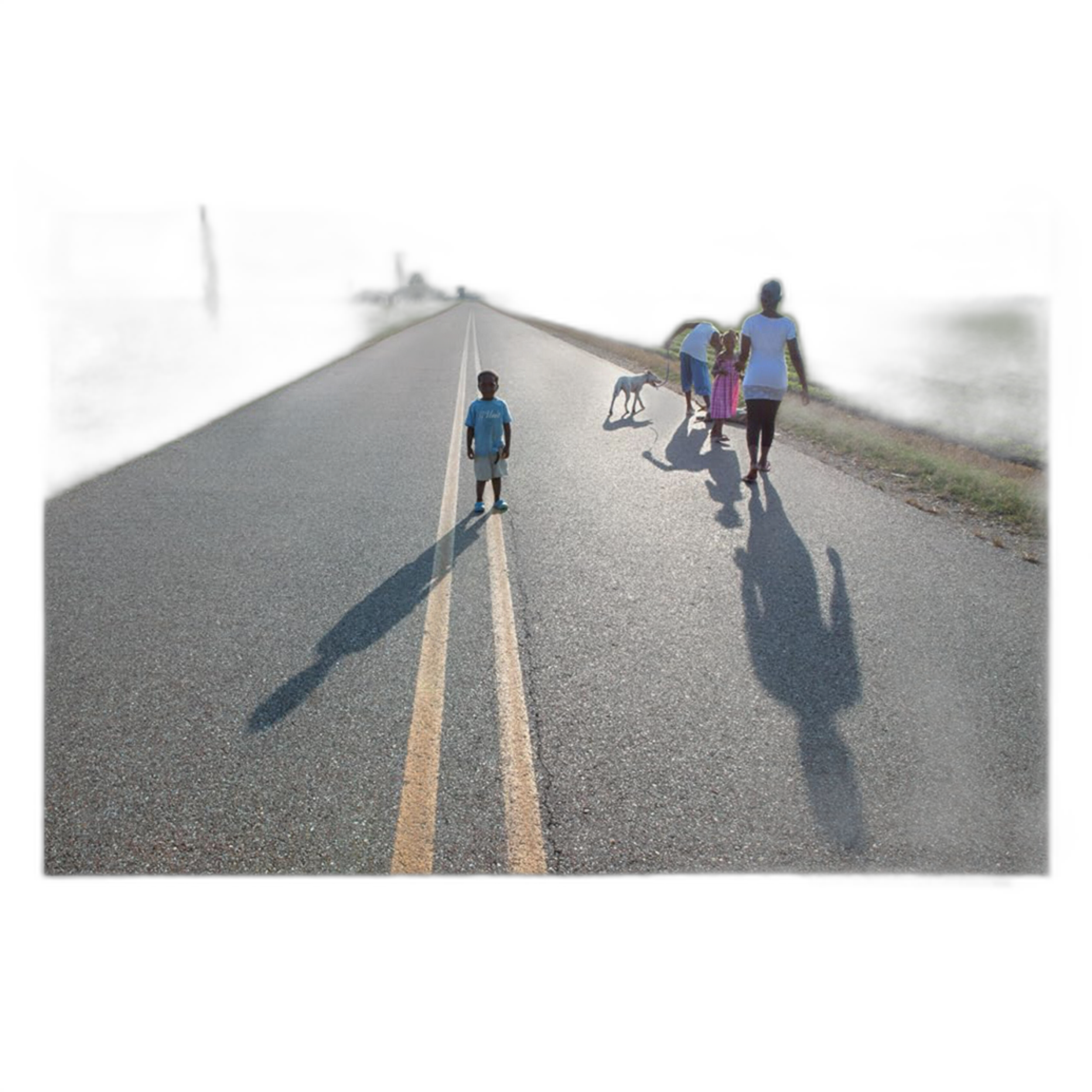
In this comparison, we look at five photography books available at Unique Photo that support different stages of contest preparation. On the inspiration side, You Are What You Do by Daniel Arnold and Do I Know You? by Eugene Richards can help photographers think more critically about voice, subject matter, and emotional impact. On the workflow side, Rocky Nook guides for Photoshop, Lightroom Classic, and InDesign help turn a strong image into a properly prepared submission.
If your question is, “How do I approach choosing and preparing a photo for contests?” this head-to-head comparison gives you a practical framework.
Side-by-Side Comparison
| Product | Best For | Primary Strength | Contest Stage | Type |
|---|---|---|---|---|
| You Are What You Do - Daniel Arnold | Finding a distinctive voice | Personal vision and observational inspiration | Image selection | Photography book |
| Eugene Richards- Do I Know You? | Emotional storytelling | Narrative depth and human connection | Image selection | Photography book |
| How Do I Do That In Photoshop by Scott Kelby | Precise retouching and final polish | Practical editing techniques | Post-processing | Instructional guide |
| How Do I Do That In Lightroom Classic 2nd Ed by Scott Kelby | Cataloging, culling, and global adjustments | Efficient workflow and image organization | Selection and editing | Instructional guide |
| How Do I Do That in Indesign? by Dave Clayton | Portfolio-style submissions and presentation layouts | Layout and presentation tools | Submission packaging | Instructional guide |
Contest Preparation Starts with the Right Kind of Comparison
Most contest entries fall apart in one of two places: either the image is technically polished but creatively ordinary, or it is emotionally powerful but submitted with weak editing and presentation. That is why this comparison matters. The books here are not competing in the same category so much as helping photographers solve different parts of the same problem.
For Choosing the Right Photo: Daniel Arnold vs. Eugene Richards
When it comes to selecting a contest image, the biggest question is often not “Which file is sharpest?” but “Which image stays with the viewer?” Daniel Arnold and Eugene Richards represent two strong but different ways to think about that.
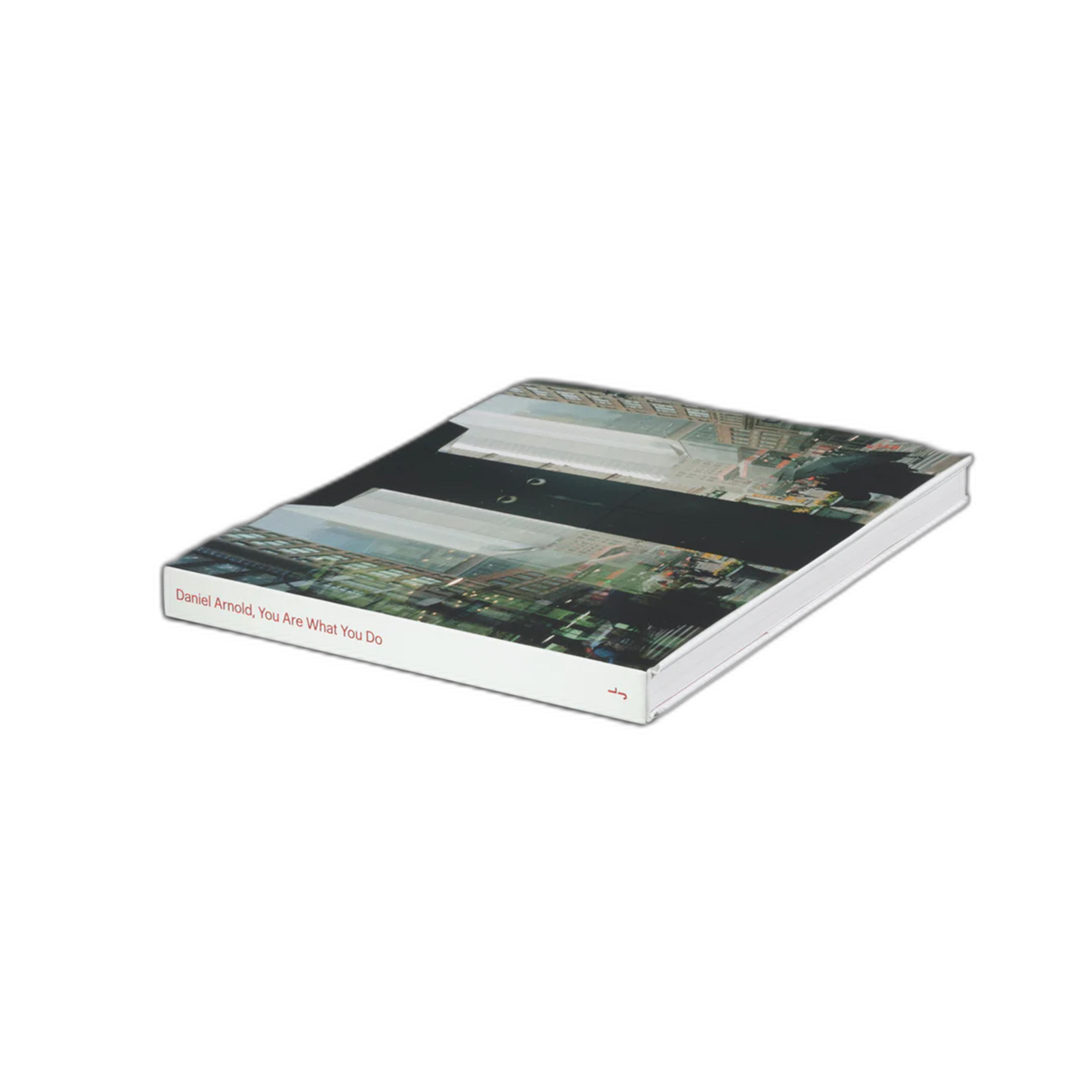
Daniel Arnold’s You Are What You Do is useful for photographers who want to sharpen instinct and develop confidence in pictures that feel immediate, personal, and observant. If your contest strategy is built around originality and point of view, this is the more natural inspiration pick.
Eugene Richards’ Do I Know You?, by contrast, is especially helpful for photographers who want to understand emotional complexity and layered storytelling. If you are choosing between several strong images, this type of influence can help you favor the frame with the deepest human resonance rather than the most obvious visual punch.
Comparison takeaway: choose Arnold if you need help identifying a more individual, voice-driven image; choose Richards if you want to evaluate your work through the lens of empathy, narrative, and emotional weight.
For Narrowing Down Entries: Lightroom Classic vs. Pure Instinct
Once inspiration helps you identify what matters, Lightroom Classic becomes the practical toolset mindset. How Do I Do That In Lightroom Classic 2nd Ed by Scott Kelby is the strongest fit for photographers who struggle with the culling process. Contest preparation often means reviewing many similar frames and making disciplined choices.
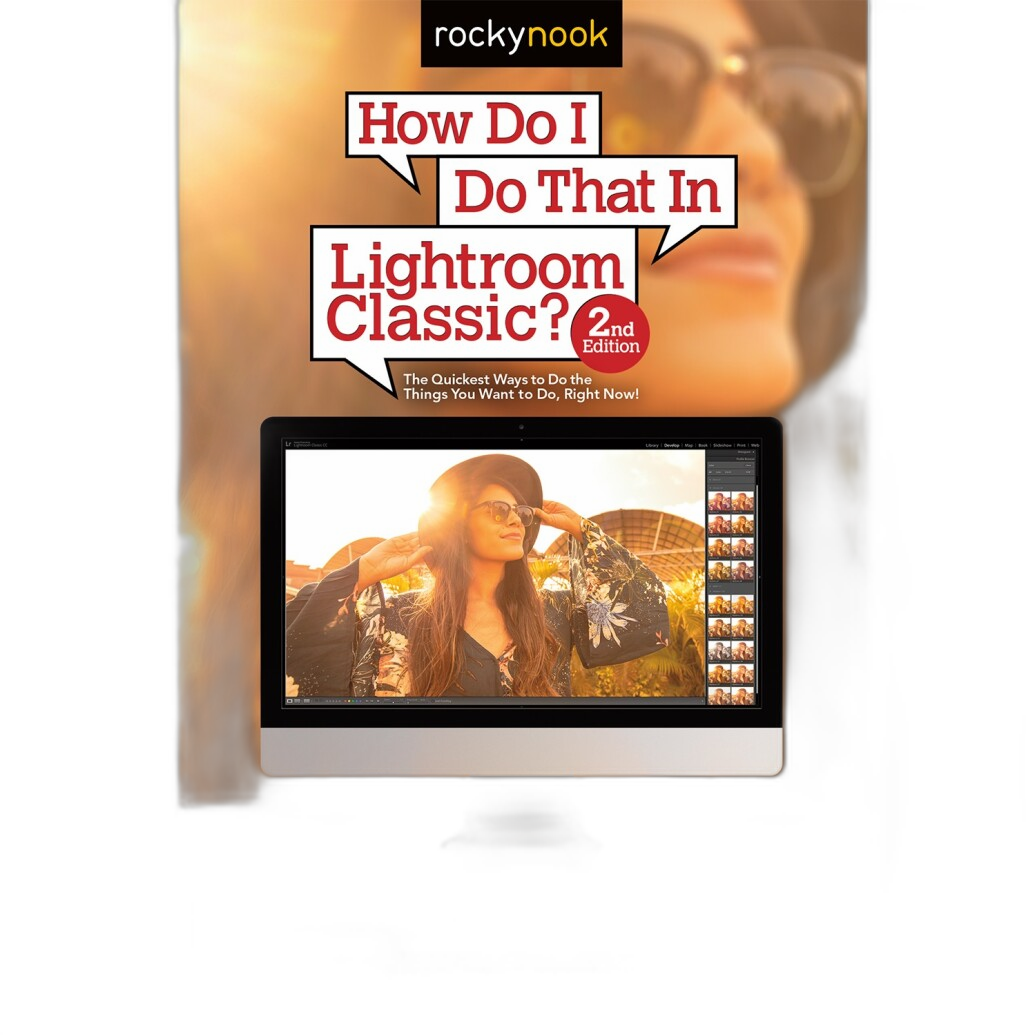
Lightroom-oriented learning supports a cleaner workflow for comparing variants, applying consistent tonal corrections, and preparing export-ready files. In a contest context, that matters because subtle differences in crop, highlight control, or color balance can affect how refined your final image appears.
Comparison takeaway: inspiration books help you decide what kind of image belongs in a contest, while Lightroom guidance helps you decide which exact frame is strongest and how to cleanly prepare it.
For Final Image Polish: Photoshop vs. Lightroom
Photographers often debate whether Lightroom is enough for contest work or whether Photoshop is necessary. In many cases, the answer depends on how far your image needs to go before submission.
How Do I Do That In Photoshop by Scott Kelby is the better companion when your selected image needs more targeted refinement. That could mean localized cleanup, more advanced tonal shaping, distraction removal, or subtle finishing touches that move an image from very good to submission-ready.
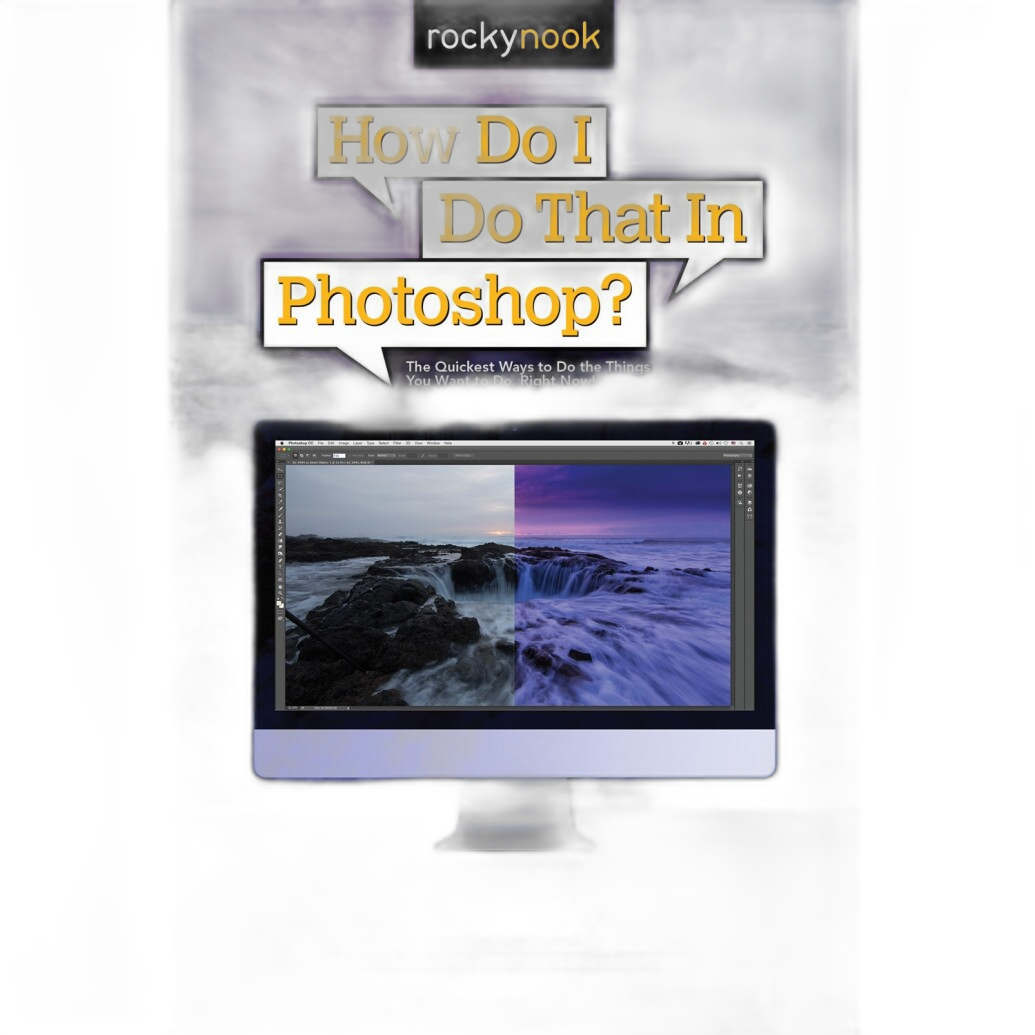
Lightroom is generally the better choice for broad workflow efficiency and global image correction. Photoshop is stronger when the image needs detailed control. For contests, restraint matters: edits should strengthen the picture without making it look overworked or inconsistent with the rules.
Comparison takeaway: use Lightroom-centric thinking for efficient culling and foundational corrections; use Photoshop-centric thinking when the chosen frame needs careful, selective polish.
For Submission Presentation: InDesign vs. Single-Image Simplicity
Not every contest needs layout work, but some require sequences, portfolios, captions, artist statements, or PDF submissions. In those cases, Rocky Nook - How Do I Do That in Indesign? by Dave Clayton becomes especially relevant.

Compared with image-editing books, InDesign guidance is less about improving the photograph itself and more about improving how your work is received. A clean presentation can support juror attention, especially when multiple files or supporting materials are involved. If the contest is a simple single-image upload, this may be less critical. If the contest includes a body of work or statement, it becomes much more valuable.
Comparison takeaway: choose InDesign-oriented preparation when contest rules ask for structured presentation, not just a final JPEG.
How to Approach Choosing a Photo for Contests
Across these comparisons, a practical contest workflow emerges:
1. Start with impact. Review your work for images with staying power, not just technical perfection. Books like Daniel Arnold’s and Eugene Richards’ can help recalibrate your eye toward meaning and voice.
2. Edit ruthlessly. Use a Lightroom-style mindset to compare similar frames and remove weaker options. The best contest image is often the one with the clearest composition and strongest emotional read.
3. Polish carefully. Use Photoshop-style precision only where needed. Avoid over-editing, especially if contest rules limit manipulation.
4. Match the submission format. If the contest requires portfolios, statements, or multi-page documents, InDesign-style presentation can elevate your professionalism.
5. Re-read the rules. Color space, file size, dimensions, borders, metadata, and manipulation guidelines all matter just as much as image quality.
Our Pick
Our Pick: How Do I Do That In Lightroom Classic 2nd Ed by Scott Kelby
If you want one resource that most directly supports the real-world process of choosing and preparing a photo for contests, this is the most practical starting point. It addresses the stage where many photographers struggle most: narrowing down images, organizing options, making consistent corrections, and exporting a clean final file. It may not replace deeper inspiration or advanced retouching, but it offers the strongest all-around value for contest prep.
For photographers who already have a strong editing workflow and want to improve the substance of what they submit, Do I Know You? by Eugene Richards is an excellent runner-up for sharpening your sense of what makes an image memorable.
Conclusion
Choosing and preparing a photo for contests is ultimately a comparison exercise: instinct versus discipline, storytelling versus polish, and artistic voice versus submission requirements. The best results come from balancing both inspiration and workflow. Whether you are looking to refine your eye with Daniel Arnold or Eugene Richards, improve your finishing process with Lightroom or Photoshop, or package a stronger presentation with InDesign, Unique Photo offers resources that can help you submit more confidently.