Online photo contests are crowded, but the images that rise to the top share a few repeatable habits: they match the brief, tell a story, and look flawless on a judge’s screen. Use these practical tips—rooted in craft, preparation, and presentation—to give your entries the edge.
Plan and Shoot for the Brief
1. Read the rules like a judge
Scrutinize the category definitions, eligibility dates, size/format limits, and post-processing rules. Note common disqualifiers: borders, watermarks, AI elements, and exceeded file sizes. Look at past winners to learn what the contest values (story, impact, technical precision) and tailor your approach accordingly.
2. Build a concept and avoid clichés
Start with a simple thesis: What is the feeling or story? Then shoot to support it. Push beyond common tropes by changing perspective, time of day, or lighting. Explore unusual subjects to refresh your portfolio and spark contest-worthy ideas—Unique University excursions like Photograph Fluorescent Zinc Ore at Sterling Hill Mine can yield striking, rare visuals judges haven’t seen.

Polish With Smart Editing
3. Get ruthless with selects
Don’t submit your favorite—submit the strongest. Compare images side-by-side at 100% for sharpness, clean edges, and distractions. Printing small proofs can reveal issues screens hide; sequencing potential entries in a physical album makes weaknesses obvious. A compact option like the Pioneer 4 x 6 In. Bi-Directional Memo Photo Album helps you annotate and sort contenders across a few categories.

4. Print a proof to catch hidden flaws
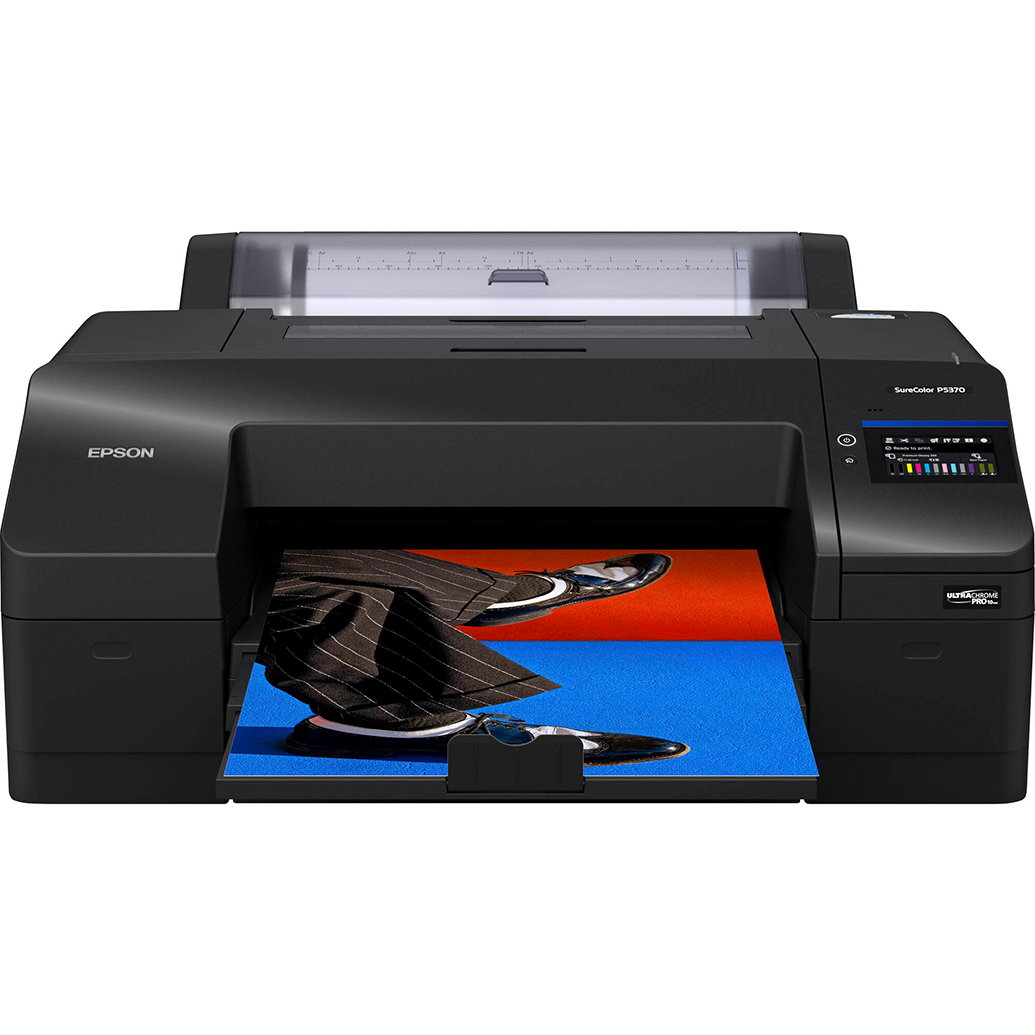
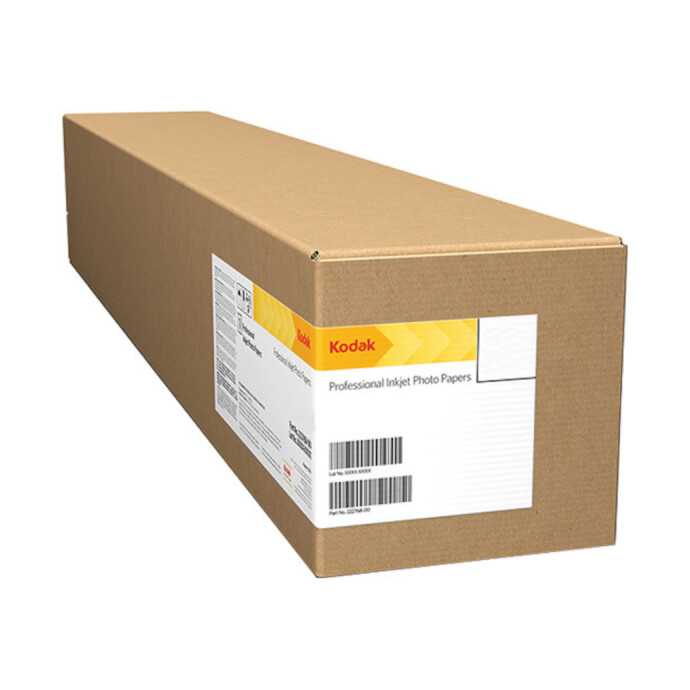
Before final export, run a letter-size proof: you’ll catch halos, color casts, and banding quickly. The Epson SureColor P5370 delivers consistent, wide-gamut proofs, and pairing a dramatic image with Kodak Professional Metallic Photo Inkjet Paper can help you judge how specular highlights will read on screen and in print.
5. Keep retouching ethical and contest-compliant
Unless composites are allowed, limit edits to global tone/color, minor dodging/burning, and dust removal. Keep textures and noise natural. If you cloned or composited, confirm the rules permit it and be ready to describe your process.
Deliver a Flawless File
6. Color-manage and export correctly
Calibrate your display, soft-proof, and export to the required color space (often sRGB). Sharpen for screen, not print. Meet pixel dimensions and file size limits; if capped, reduce resolution before cranking compression. Test on a phone and a calibrated monitor.
7. Name, caption, and metadata with care
Follow naming rules exactly (e.g., Lastname_Title_Category). Keep titles concise and evocative; use captions to add context only if it elevates the image. Remove watermarks, embed basic metadata, and keep releases handy for identifiable people or private locations.
Presentation and Lighting for Reproductions
8. Control light for product and flat-lay entries
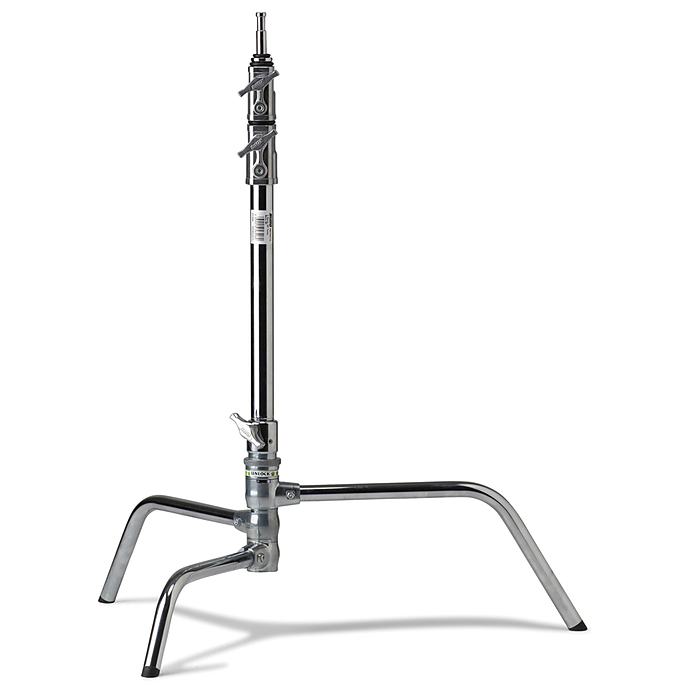
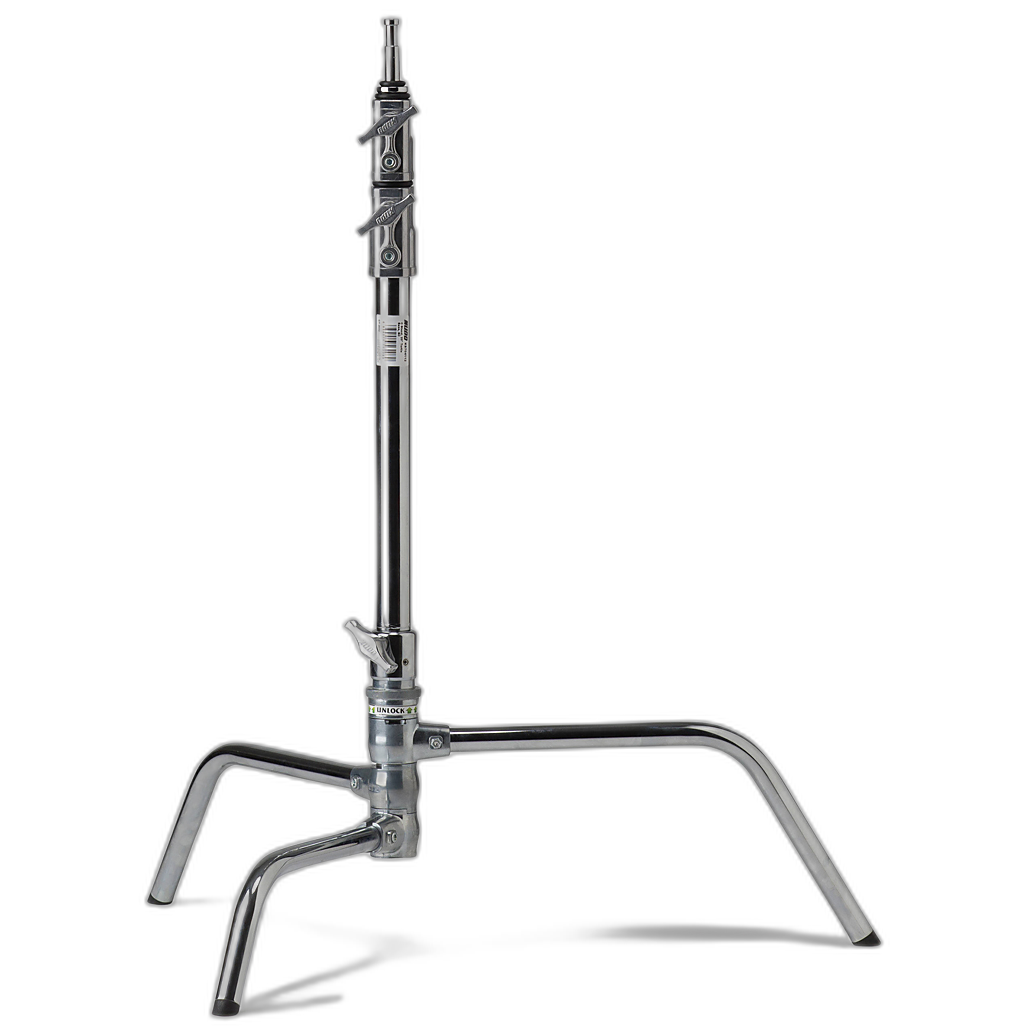
Precision lighting separates good from great. A solid support like the Kupo 20 Inch C-Stand with Turtle Base stabilizes booms and flags so your highlights and shadows stay consistent across takes. For copy-work of artwork or prints, dedicated lamp arms for a copy stand keep lighting angles symmetrical.
9. Clean edges and backgrounds
Judges zoom the borders. Before exporting, scan for clipped corners, uneven horizons, sensor dust, and messy edges. If allowed, add a subtle content-aware fill to fix tiny background gaps, or crop slightly tighter for a cleaner frame.
Keep Improving and Keep Entering
10. Train your eye with targeted practice
Skills compound when you practice with intent. Workshops like Macro and Landscape Photography at Duke Farms with Michael Downey build technique, timing, and storytelling—three pillars judges reward.
11. Build a repeatable submission workflow
Make a checklist: rules review, concept notes, select, proof, export, caption, final verify. Track deadlines and results in a simple spreadsheet so you can analyze what wins and refine your approach. Consider maintaining a curated print/album of proven entries—Pioneer’s classic albums are great for showing work to mentors and peers for feedback.
Conclusion
Winning online photo contests isn’t luck—it’s clarity of concept, meticulous craft, and flawless delivery. Start tightening your process today, and lean on the right tools, training, and support from Unique Photo to help your best work stand out.