Choosing the best software for RAW processing can redefine your workflow, color, and image quality. In this guide, we compare Adobe Lightroom (Classic and Cloud) vs Capture One, then explore top alternatives like DxO PhotoLab, ON1 Photo RAW, Luminar Neo, Darktable, and more. Whether you’re a studio pro, travel shooter, or hybrid photo/video creator, Unique Photo can help you build the right end-to-end workflow.
Lightroom vs Capture One: Which RAW processor is best?
Both Lightroom and Capture One deliver professional-grade RAW development, but they emphasize different strengths:
- Lightroom Classic: Deep cataloging, cross-platform ecosystem, powerful AI masking, excellent HDR/Panorama, rock-solid lens profiles, and seamless round-trips to Photoshop.
- Lightroom (Cloud): Streamlined experience with cloud sync across desktop, mobile, and web; ideal for photographers who want edits everywhere without managing files manually.
- Capture One Pro: Industry-leading tethered shooting, nuanced color tools, layer-based editing within the RAW workflow, and session-based file management that studios love.
In practice, Lightroom is the best all-rounder and most complete ecosystem; Capture One is the studio and color specialist that many commercial and fashion photographers prefer.
Lightroom Classic vs Lightroom (Cloud) vs Adobe Camera Raw (ACR)
- Lightroom Classic: Desktop-first with folders and catalogs; best for high-volume libraries and feature depth (Print, Map, Book, robust metadata).
- Lightroom (Cloud): Cloud-first library, simple interface, powerful mobile apps, and automatic device syncing.
- Adobe Camera Raw (ACR): The RAW engine inside Photoshop; ideal if you prefer Bridge for browsing and Photoshop for finishing.
If you need bulletproof cataloging, choose Classic. If you want simplicity and cloud sync, choose Lightroom (Cloud). If Photoshop is your home base, ACR plus Bridge is an efficient pairing.
Capture One Pro strengths: color, tethering, sessions
- Color Editor and Skin Tone tools: Precise hue/sat/lightness control, excellent uniformity for consistent skin across a set.
- Layer-based editing: Local adjustments feel like a RAW-first version of layers, with refined masking and opacity per layer.
- Sessions workflow: Self-contained project folders (Capture, Selects, Output) ideal for client work, team sharing, and handoffs.
- Tethering: Fast, reliable, with camera control, live view, overlay, and composition grids—favored on commercial sets.
Color and consistency: Lightroom vs Capture One
Lightroom’s AI masks (Subject, Sky, Background, People) and adaptive presets enable fast, targeted adjustments. Capture One’s color wheels and dedicated Skin Tone uniformity tools excel in fashion/beauty work. On Fujifilm files, both have matured profiles; Capture One has historically been popular for X-Trans color finesse, while Lightroom’s film simulations and profiles have steadily caught up.
For studio color accuracy and consistent backgrounds, a neutral seamless can help keep hues stable during both capture and grading. A classic choice is a bone-toned sweep:

Feature comparison (quick hits)
- Masking/local adjustments: Lightroom’s AI masks are fast; Capture One’s layer system is nuanced and highly controllable.
- Noise reduction: Lightroom’s Denoise AI is excellent on high-ISO and astro. Capture One’s noise tools are solid but less AI-driven.
- Lens corrections: Lightroom’s extensive profile library is a standout; Capture One’s coverage is strong for major systems.
- HDR/Panorama: Lightroom has robust built-in merges; Capture One supports HDR/Pano as well but Lightroom’s speed and simplicity are notable.
- Cataloging: Lightroom Classic leads for massive archives; Capture One’s catalogs are capable, but many prefer Sessions for jobs.
- Tethering: Capture One wins in reliability, speed, and control on set; Lightroom tethering is improving and fine for lighter studio needs.
- Mobile/tablet: Lightroom (Cloud) is best-in-class. Capture One for iPad exists, but the Adobe ecosystem is more mature on mobile.
- Plugins/ecosystem: Lightroom/Photoshop enjoy the broadest plugin and preset marketplace.
Best alternatives to Lightroom and Capture One
- DxO PhotoLab: Class-leading optical corrections, DeepPRIME XD denoising, and smart local adjustments; superb for high-ISO and wildlife.
- ON1 Photo RAW: An all-in-one editor with AI masking, portrait tools, effects, and cataloging—great value.
- Luminar Neo: Creative, AI-driven looks and relighting; complements a primary RAW tool for stylized finishes.
- Darktable (free, open source): Powerful RAW engine with a deep toolkit; steeper learning curve, no subscription.
- RawTherapee (free): Detailed control over demosaicing and tone; ideal for tinkerers.
- Bridge + ACR + Photoshop: If you prefer file browsers and layer-based finishing, this trio is a flexible alternative to a full catalog app.
Performance and hardware tips for RAW editing
- CPU/GPU: Modern multi-core CPU and a midrange or better GPU help with AI masks, denoise, and complex brushes.
- RAM: 16 GB minimum; 32 GB+ recommended for high-megapixel or panorama/HDR workflows.
- Storage: Use NVMe SSDs for catalogs and caches; keep RAWs on fast SSD or RAID. Back up with 3-2-1 strategy.
- Display and color: Calibrate your monitor regularly; keep ambient light consistent for accurate soft-proofing.
Shooting on controlled backgrounds also speeds editing. For glossy product or macro work, a graduated background can create an instant hero backdrop that needs minimal post:

Tethered shooting: Lightroom vs Capture One for studio
- Capture One: Near-instant capture, live view, composition overlays, and session structure—ideal for client-approved sets.
- Lightroom: Adequate for basic tethering and small teams; shines if you want edits synced to mobile/cloud for quick sharing.
For on-set consistency, keep backgrounds, lighting ratios, and white balance constant. Unique Photo carries backgrounds, stands, and grip to stabilize your tethered workflow.
Pricing and licensing
- Lightroom/Photoshop: Subscription via Adobe Creative Cloud; frequent AI-feature updates and cloud services included (depending on plan).
- Capture One: Available via subscription; perpetual licenses have existed historically but check current policy and upgrade terms.
- Alternatives: DxO, ON1, and Skylum offer perpetual or subscription options; free trials are common—always test with your files.
Who should choose what? Recommendations by photographer type
- Event/wedding/high-volume: Lightroom Classic for cataloging speed, AI masking, and batch tools; consider DxO for extreme denoise.
- Commercial/fashion/beauty: Capture One for tethering, color uniformity, and layered adjustments right in RAW.
- Travel/hybrid mobile: Lightroom (Cloud) for seamless cross-device editing and sharing.
- Wildlife/astro/high-ISO: Lightroom Classic + Denoise AI, or DxO PhotoLab for DeepPRIME XD.
- Creative stylists: Luminar Neo as a finishing app alongside your main RAW tool.
- Budget/open source: Darktable or RawTherapee, with time invested to master their robust toolsets.
Workflow add-ons and related gear from Unique Photo
Beyond software, the right accessories make editing faster and results more consistent. Unique Photo stocks studio and finishing essentials to round out your RAW workflow:
- Backgrounds and grip: Neutral and graduated sweeps speed up your color work and product retouching.
- Voiceover and tutorials: If you create editing courses or livestream your post-processing, a clean condenser mic elevates audio.
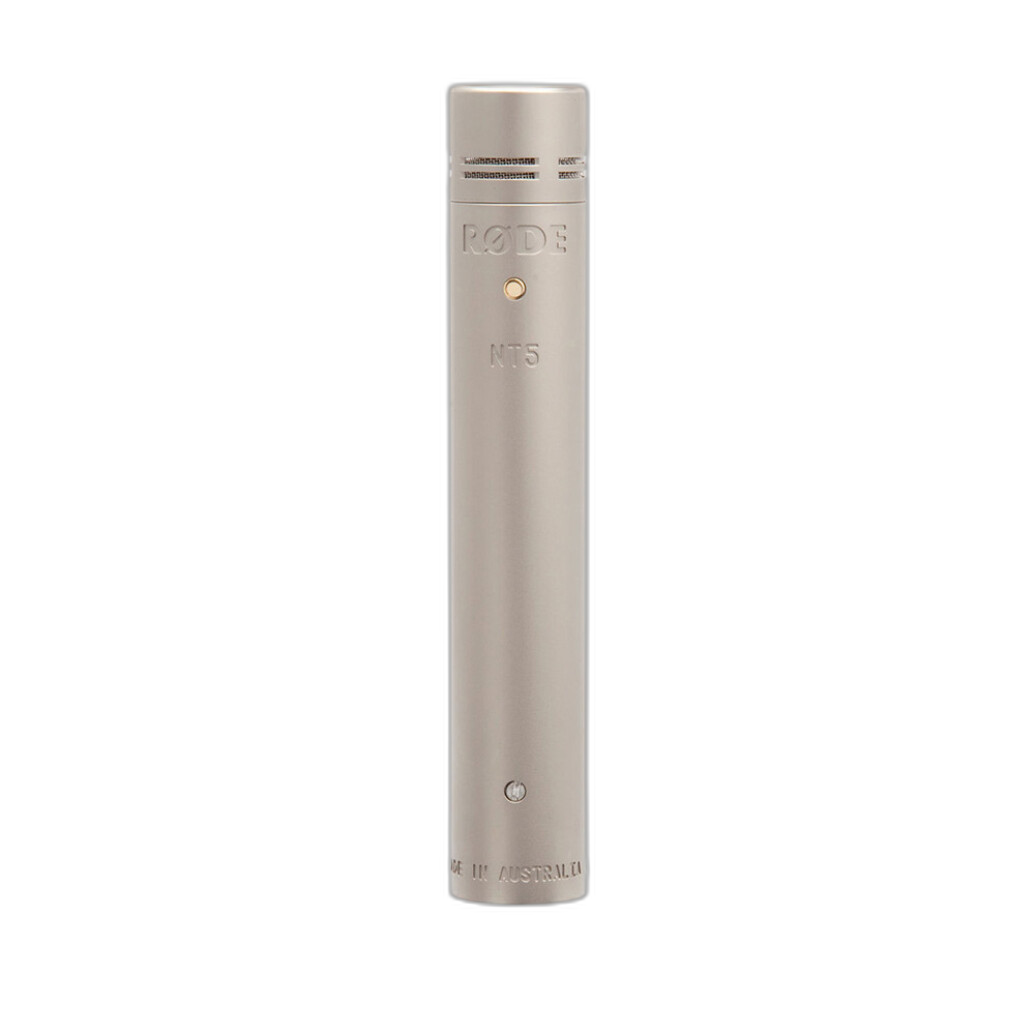
- Printing and client delivery: After you perfect your RAWs, consider tangible keepsakes and proofing books.

For mobile creators, a compact sling like the PGYTECH OneMo Sling 11L makes it easy to carry bodies, primes, and a tablet for on-the-go culling and edits.
FAQs
Is Capture One better than Lightroom for Fujifilm? Many Fujifilm shooters appreciate Capture One’s color tools and profiles, while Lightroom’s film simulations and AI tools are compelling. Test both with your files.
Which is faster on big catalogs? Lightroom Classic generally handles very large libraries better. Capture One’s Sessions are great for project-based work.
Do I need Photoshop if I use Lightroom or Capture One? For heavy compositing, complex retouching, or pixel-level edits, Photoshop (or similar) remains essential. For most global and local RAW adjustments, Lightroom or Capture One suffices.
Best RAW editor for noise and optics? Lightroom’s Denoise AI is excellent; DxO PhotoLab’s DeepPRIME XD is also best-in-class with outstanding lens/camera modules.
Conclusion: How to choose—and what to link next
If you want the best all-around workflow with AI tools, HDR/Pano, cloud sync, and massive catalog support, choose Lightroom (Classic or Cloud). If you’re a studio or commercial shooter who lives on set with clients and demands surgical color control and ironclad tethering, choose Capture One. For specialty needs—extreme denoise, creative AI looks, or open-source freedom—DxO, ON1, Luminar, Darktable, and RawTherapee are excellent picks.
Next steps on Unique Photo (internal linking suggestions):
- Backgrounds & Background Stands for studio consistency
- Photo Printers, Ink & Paper for true-to-screen output
- Monitors & Color Calibration for accurate grading
- Tethering Cables, Stands & Grip for reliable studio capture
- Memory Cards & Storage for fast catalogs and backups
- Microphones & Streaming Gear for tutorials and client reviews
- Photo Albums & Archival Supplies for client delivery
- Education: Classes, events, and workshops at Unique Photo
Have questions about building a RAW workflow from capture to delivery? Visit Unique Photo in-store or online—we’re here to help you choose the right software and the gear to match.