Entering an online photography contest can be exciting, but strong images alone are not always enough. Successful entries usually combine compelling storytelling, careful editing, proper file preparation, and close attention to submission rules. If you want your work to stand out, preparing your photos for online photography contests should be treated as a final production step, not an afterthought. At Unique Photo, we regularly work with photographers who are refining images for submission, printing, portfolio review, and online presentation, and many of the same principles apply here.
Read the Photography Contest Rules Before You Edit
One of the most common mistakes photographers make is editing first and reading the rules later. Every online photography contest has its own technical and creative requirements. Some accept only JPEG files, others specify sRGB color space, and many impose strict limits on dimensions, file size, borders, watermarks, metadata, or AI-assisted edits.
Before exporting anything, confirm:
- Accepted file format
- Required pixel dimensions
- Maximum file size
- Color space requirements
- Whether watermarks are prohibited
- Whether composites or heavy retouching are allowed
- How much metadata must remain embedded
- Naming conventions for uploaded files
This first step can save you from accidental disqualification. If the contest is genre-specific, such as landscape, portrait, wildlife, architecture, or macro, review the category definitions carefully as well. A beautiful image that does not fit the category may never make it past the first round.
Choose Your Strongest Images, Not Just Your Favorite Ones
When selecting images for an online photo contest, objectivity matters. Your personal favorite may not be the one with the strongest visual impact at thumbnail size or the clearest concept for judges. Online contests are often viewed quickly at first, so your image needs to communicate immediately.
Ask yourself:
- Does the subject read clearly at small size?
- Is the composition clean and intentional?
- Does the image have emotional, technical, or storytelling impact?
- Is the edit polished but believable?
- Does it fit the contest theme exactly?
It often helps to narrow your options to three to five candidates, then step away and review them again later. Better yet, get feedback from a trusted peer or from the community at Unique Photo if you are already engaging with other photographers through classes, events, or store conversations.
Prepare Images for Online Contest Judging With Clean, Purposeful Editing
Editing for a photography contest is different from editing for social media. On social platforms, dramatic processing may grab immediate attention. In contests, overediting can hurt credibility. Judges frequently notice exaggerated HDR effects, clipped highlights, unnatural saturation, oversharpening, muddy shadows, or distracting skin retouching.
Best practices include:
- Correct white balance so color feels intentional and consistent
- Recover highlights and shadows without flattening the image
- Use sharpening carefully for the final export size
- Remove sensor dust and distractions when permitted
- Maintain natural skin texture in portraits
- Avoid halos, banding, and noise artifacts
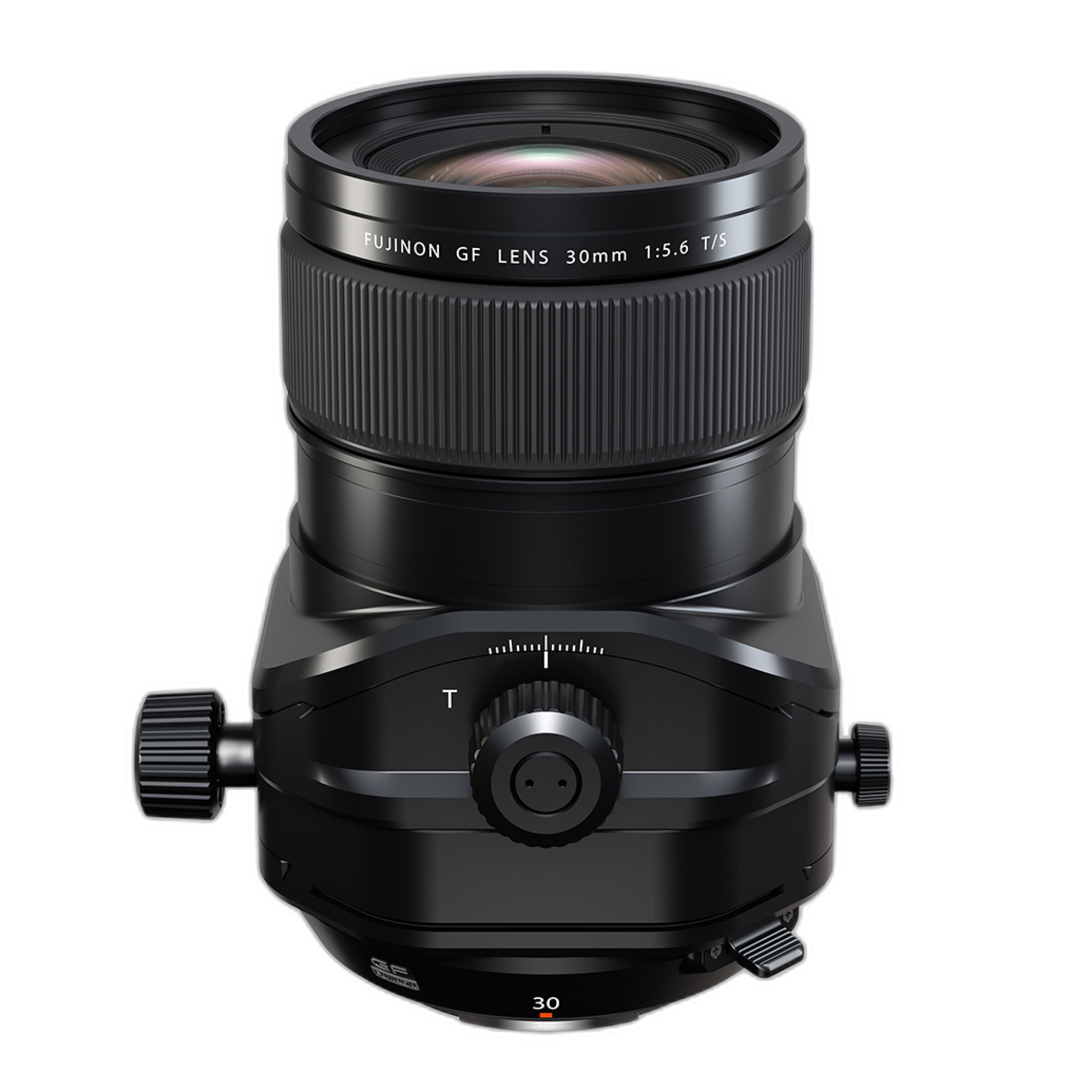
If you captured your work with high-resolution equipment or specialty optics, subtle processing often lets the quality of the original file shine through. For example, architecture and product-focused photographers using precision lenses such as the Fujifilm FUJINON GF 30mm f/5.6 T/S Lens or the Fujifilm FUJINON GF 110mm f/5.6 T/S Macro Lens may benefit from keeping perspective, edge detail, and tonal transitions looking natural rather than excessively stylized.
Optimize Cropping and Composition for Digital Presentation
Online photography contests are viewed on different screens, often beginning with gallery thumbnails. That means cropping deserves extra attention. A crop that looks sophisticated at full size may lose impact when viewed smaller.
As you prepare your file:
- Check how the image reads as a thumbnail
- Remove unnecessary dead space unless it supports the concept
- Make sure the subject is not too close to the frame edge
- Watch for mergers, cut-off limbs, or awkward edge distractions
- Confirm horizon lines and verticals are properly aligned
This is especially important in architectural, landscape, and fine art categories, where edge control and geometry matter. Contest judges often read compositional discipline as a sign of technical maturity.
Export the Right File Size, Resolution, and Color Space
One of the top search questions photographers ask is how to export photos for online contests. The answer depends on the rules, but a few general guidelines apply. If a contest requests JPEG in sRGB, do not upload Adobe RGB or ProPhoto RGB files and assume they will display correctly. Color shifts can appear in browsers and judging systems if the file is not prepared properly.
Before uploading:
- Resize to the exact pixel dimensions requested
- Use sRGB unless the contest says otherwise
- Export high-quality JPEGs with controlled compression
- Review the final file at 100% and fit-to-screen
- Confirm the file size stays under the upload limit
If you want a more disciplined approach to the business and submission side of photography, educational resources can help. A practical title like Best Business Practices for Photographers by John Harrington can be a useful addition for photographers who want to sharpen not only their imagery but also their professional workflow.

Sharpen for the Final Output, Not the Master File
Output sharpening is one of the most overlooked steps in contest preparation. An image that looks perfect in your editing software may appear soft after resizing for web upload. At the same time, too much sharpening creates crunchy edges and halos that judges can spot immediately.
Use a master file for your full-resolution archive, then create a separate exported version for the contest. Apply sharpening based on:
- The final pixel dimensions
- The subject matter
- The level of detail in the scene
- The expected viewing environment online
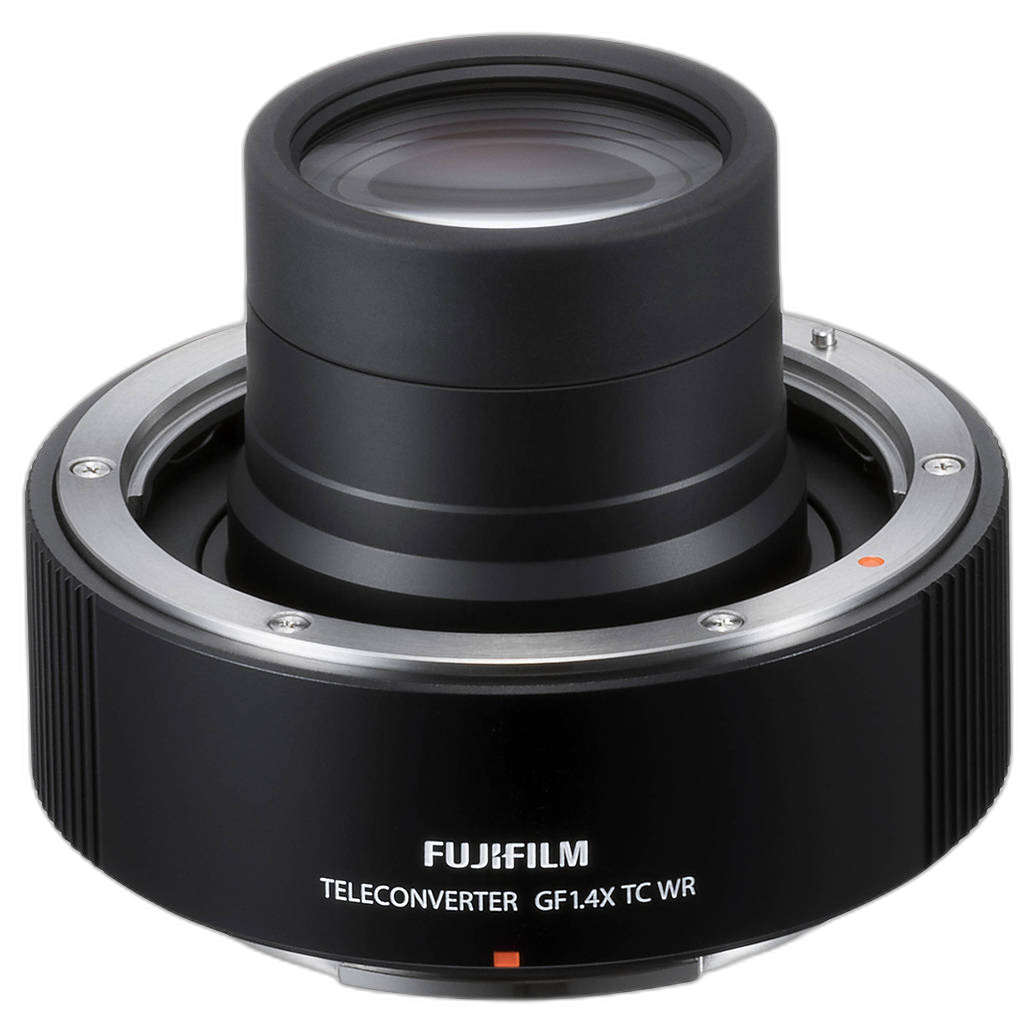
Detailed nature, macro, and cityscape images often need careful balancing. If your capture setup emphasizes precision and reach, accessories like the Fujifilm GF 1.4X TC WR Teleconverter for G-Mount Lenses may help in the field, but the final submitted file still needs smart, restrained sharpening during export.
Check Noise, Banding, and Compression Artifacts Before Submission
Online contest uploads can reveal image flaws you may not notice during editing. Noise reduction that looks fine at first glance can smear detail. Heavy gradients can produce banding. Strong JPEG compression can add artifacts in skies, shadows, and backgrounds.
To avoid quality loss:
- Inspect skies and smooth backgrounds carefully
- Zoom into detailed textures like hair, foliage, or fabric
- Test a few export quality settings before choosing one
- Upload a trial version if the platform allows previewing
- View the file on more than one calibrated display if possible
These are small details, but in competitive judging, small details matter. At Unique Photo, photographers often focus on capture gear first, but presentation discipline is just as important when your work is being compared side by side.
Decide Whether to Leave Metadata In Your Contest Entry
Some contests require EXIF metadata for verification. Others anonymize entries and prefer minimal identifying information. Read the rules closely. If metadata is allowed or required, make sure the capture details are accurate. If anonymity matters, remove any personally identifying fields and avoid file names that include your name or business unless specifically permitted.
Also consider copyright metadata. Embedding copyright information can be a good archival practice, but visible watermarks are often prohibited in contest entries. Judges want to evaluate the image itself, not a branded version of it.
Write Better Captions, Titles, and Descriptions for Photography Contests
Not every contest asks for a title or description, but if one is requested, it should support the image without overexplaining it. A strong title can add context, mood, or clarity. A weak title can feel generic or distracting.
Keep your supporting text:
- Short and relevant
- Free of technical clutter unless requested
- Consistent with the category and theme
- Specific rather than vague
Avoid writing captions that tell judges what they are supposed to feel. Instead, provide useful context when it genuinely deepens understanding of the work.
Use a Calibrated Monitor and Review on Multiple Screens
If color accuracy matters to the contest, monitor calibration is essential. An image edited on an overly bright or oversaturated display may look very different on a judge's screen. While you cannot control every viewing condition, you can improve consistency by editing on a calibrated monitor and checking the final file on a second device.
This is particularly useful for subtle color palettes, black-and-white tonality, and low-key imagery where shadow separation is critical. If you also print your work as part of your review process, maintaining reliable color management across screen and print can improve your decision-making before submission.
Prepare a Backup and Keep Your Original Files Organized
Contest preparation should never put your originals at risk. Keep your RAW files, layered edits, and exported JPEGs in clearly labeled folders so you can revise if needed. Naming conventions help when entering multiple categories or several contests over time.
A simple structure might include:
- Original RAW captures
- Master edited files
- Contest-specific resized exports
- Submission confirmations and screenshots
This organization is especially valuable if a contest later requests a higher-resolution version or asks for proof of capture.
Review Your Entry Like a Judge Would
Before hitting submit, evaluate the entire presentation. Open the final uploaded file if the platform offers a preview. Check that the image is oriented correctly, the title is clean, the category is accurate, and the file renders as expected.
Then ask one final question: if you saw this image among dozens or hundreds of entries, would it stop you?
That final review can make the difference between a good submission and a polished one. Strong contest preparation is really about removing avoidable weaknesses so the image can compete on its merits.
Final Thoughts on Preparing Photos for Online Photography Contests
The best practices for preparing your photos for online photography contests come down to discipline: follow the rules, choose stronger images, edit with restraint, export carefully, and review every detail before submission. Whether you shoot portraits, landscapes, macro, architecture, or conceptual fine art, your final file should reflect both your creative intent and your technical standards.
Unique Photo is a great resource for photographers looking to improve both capture and presentation. From specialized optics to educational books and workflow guidance, the right tools can support stronger submissions from start to finish.
For internal linking, consider pointing readers to related Unique Photo pages such as camera lenses for contest genres, photography books and educational resources, monitor calibration and printing tools, and photo classes or events for critique and portfolio development.