Why image preparation matters for photo contests
Entering a competition is about more than capturing a strong photograph. The way you prepare your files and prints can directly affect how judges see your work. Many photographers spend weeks refining composition, timing, and lighting, only to lose points because of incorrect file sizing, poor print quality, distracting borders, or missed submission requirements. At Unique Photo, we regularly help photographers move from capture to final presentation, and the most successful contest entries usually combine creative vision with careful technical preparation.
Whether you are submitting digital files, printed photographs, or a portfolio series, the goal is the same: present your image exactly as you want it to be seen. That means checking rules, calibrating your workflow, refining edits, and outputting the cleanest possible final version.
How to read photo contest rules before editing
One of the best practices for preparing images for photo contests is to review the rules before you begin final post-processing. Contest organizers often specify file type, color space, pixel dimensions, aspect ratio, maximum file size, print surface, mounting method, naming convention, and whether watermarks are prohibited. Ignoring even one of these details can disqualify an otherwise excellent image.
Make a checklist that includes:
- Accepted file formats such as JPEG or TIFF
- Required resolution and dimensions
- Whether sRGB or Adobe RGB is preferred
- Print size restrictions
- Rules about borders, mats, or signatures
- Whether AI-generated or composited elements are allowed
- Any deadlines and upload naming standards
Before making a final export, compare your output against the contest brief line by line. This simple step can save time, stress, and entry fees.
Choosing the strongest image for a photography competition
Preparing images for a photo contest starts with image selection. Technical perfection alone rarely wins. Judges often respond to story, emotional impact, originality, timing, and consistency with the contest theme. Try narrowing your choices by asking a few practical questions:
- Does the image communicate clearly at first glance?
- Is the subject placement intentional and effective?
- Does the photograph fit the contest category exactly?
- Are there distracting elements near the frame edges?
- Is your edit supporting the image instead of overpowering it?
If you are entering a themed category such as landscape, travel, portrait, or macro, reviewing educational experiences can help refine your eye. Unique Photo classes and excursions, such as Macro and Landscape Photography at Duke Farms with Michael Downey and Photograph Fluorescent Zinc Ore at Sterling Hill Mine, can inspire category-specific approaches to image making and presentation.


Best editing practices for contest-ready photos
When editing for contests, subtlety and control matter. Over-sharpening, aggressive noise reduction, crushed blacks, clipped highlights, and oversaturated colors can all reduce the perceived quality of your submission. Judges often look closely, especially in fine art and professional categories.
Use a non-destructive workflow and review your image at multiple zoom levels. Helpful editing checkpoints include:
- Exposure: Preserve highlight and shadow detail where appropriate
- Color balance: Keep skin tones, landscapes, and neutrals believable unless the contest encourages stylization
- Contrast: Add depth without losing tonal nuance
- Retouching: Remove dust spots and sensor debris, but confirm that edits remain within contest rules
- Sharpening: Apply output sharpening based on screen or print delivery
- Cropping: Improve composition while maintaining the required aspect ratio
A strong final edit should feel intentional, polished, and natural to the subject matter.
Preparing digital files for online photo contest submission
For digital contests, your export settings are critical. Start with the master edited file, then create a dedicated contest export copy. In most cases, JPEG in sRGB is the safest choice unless the organizer says otherwise. Resize carefully so the longest edge and file size match the instructions exactly.
To prepare digital files correctly:
- Export from the highest-quality edited master
- Use the required pixel dimensions
- Choose the specified compression level
- Convert to the correct color space
- Double-check filename formatting
- View the exported file on a neutral screen before uploading
If the contest platform compresses uploads, preview for banding, artifacts, or lost shadow detail. It is often worth doing a test export or private upload first.
How to prepare prints for photo contests
Print competitions require even more care because the final physical object becomes part of the judging experience. A beautiful capture can lose impact if the print surface does not suit the image or if color and density are poorly managed. If a contest calls for prints, work from a calibrated monitor and use a printer-paper combination designed for photographic output.
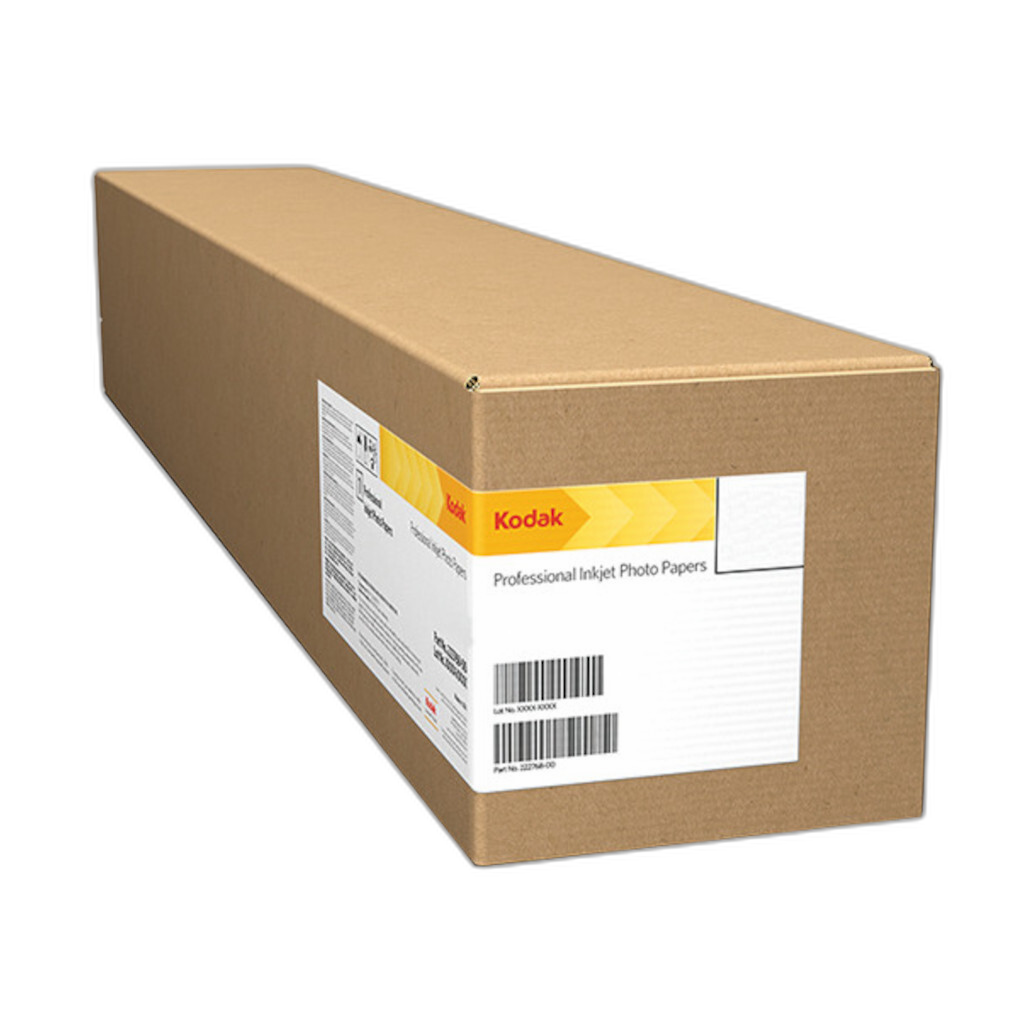
The Epson SureColor P5370 17-Inch Professional Photographic Printer is a strong option for photographers who want dependable fine art and photo output with excellent tonal control. Pairing a quality printer with a premium media choice such as Kodak Professional Metallic Photo Inkjet Paper 44 x 100 Roll can add depth and visual punch, especially for cityscapes, fashion, automotive work, and dramatic highlights.
Before printing your final competition image, make a smaller proof. Evaluate:
- Overall brightness and tonal separation
- Shadow detail
- Color neutrality and skin tones
- Paper surface reflections under gallery lighting
- Edge cleanliness and print defects
Unique Photo is a valuable resource for photographers comparing printers, papers, and print workflow solutions for contest submissions.
Color management tips for competition prints and files
Color management is one of the most overlooked best practices for preparing images for photo contests. If your monitor is too bright or too cool, your prints may come out dark or color-shifted. Likewise, exporting in the wrong color space can make online entries appear dull or inaccurate.
To improve consistency:
- Calibrate your monitor regularly
- Use ICC profiles for your printer and paper when available
- Soft proof before printing
- Edit in controlled lighting conditions
- Avoid making final adjustments on an uncalibrated laptop in mixed lighting
These small workflow habits can significantly improve how your image translates from screen to judge.
Mounting, handling, and presenting physical entries
If your contest involves print display, presentation matters. Follow the competition rules precisely for border size, mat color, backing material, and hanging readiness. Keep prints clean and protected during transport. Cotton gloves, archival sleeves, and flat packaging all help maintain a professional presentation.
For organizing printed work and maintaining clean presentation copies, products like the Pioneer 4 x 6 In. Bi-Directional Memo Photo Album and Pioneer Album Refill Pages for BP-200 Album can be useful for proofing, reviewing sequencing, and storing reference prints before final submission. Photographers who maintain archives of prior entries may also appreciate practical storage solutions from Unique Photo.
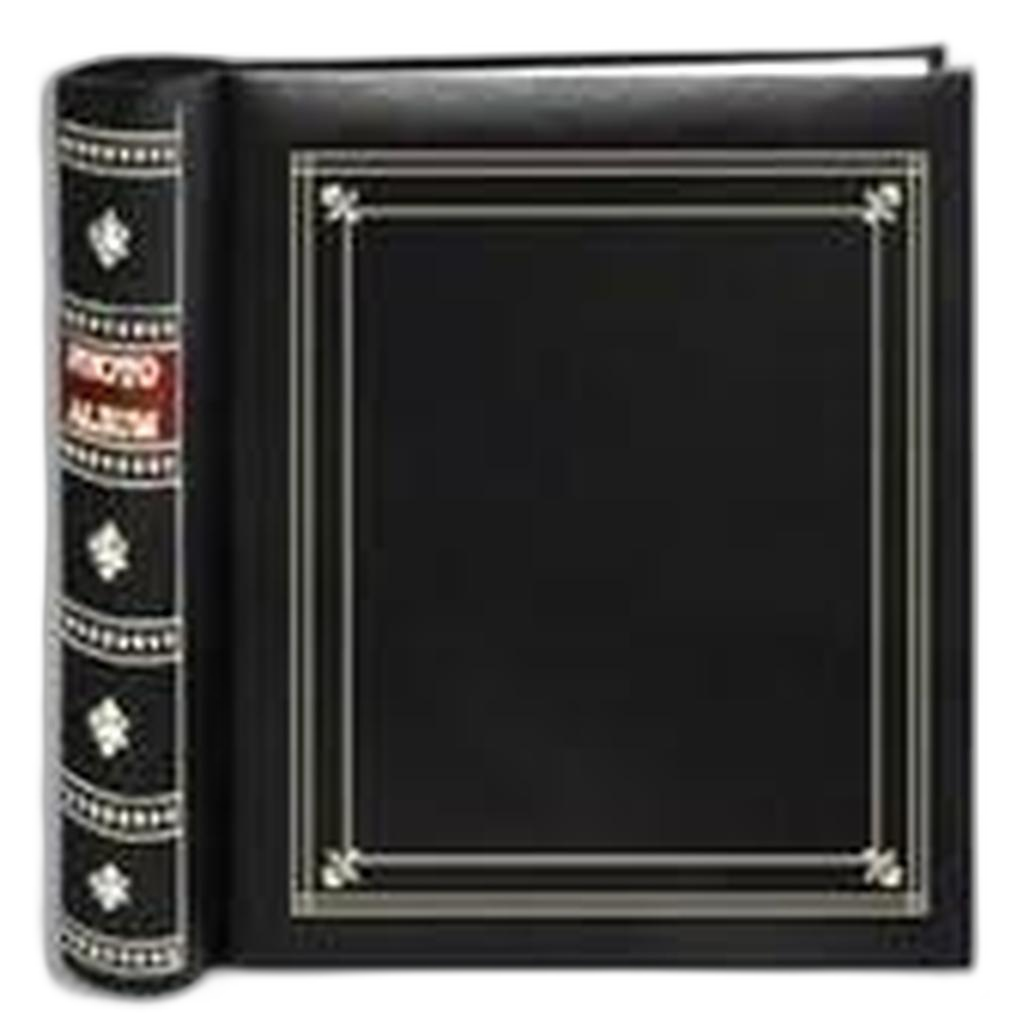
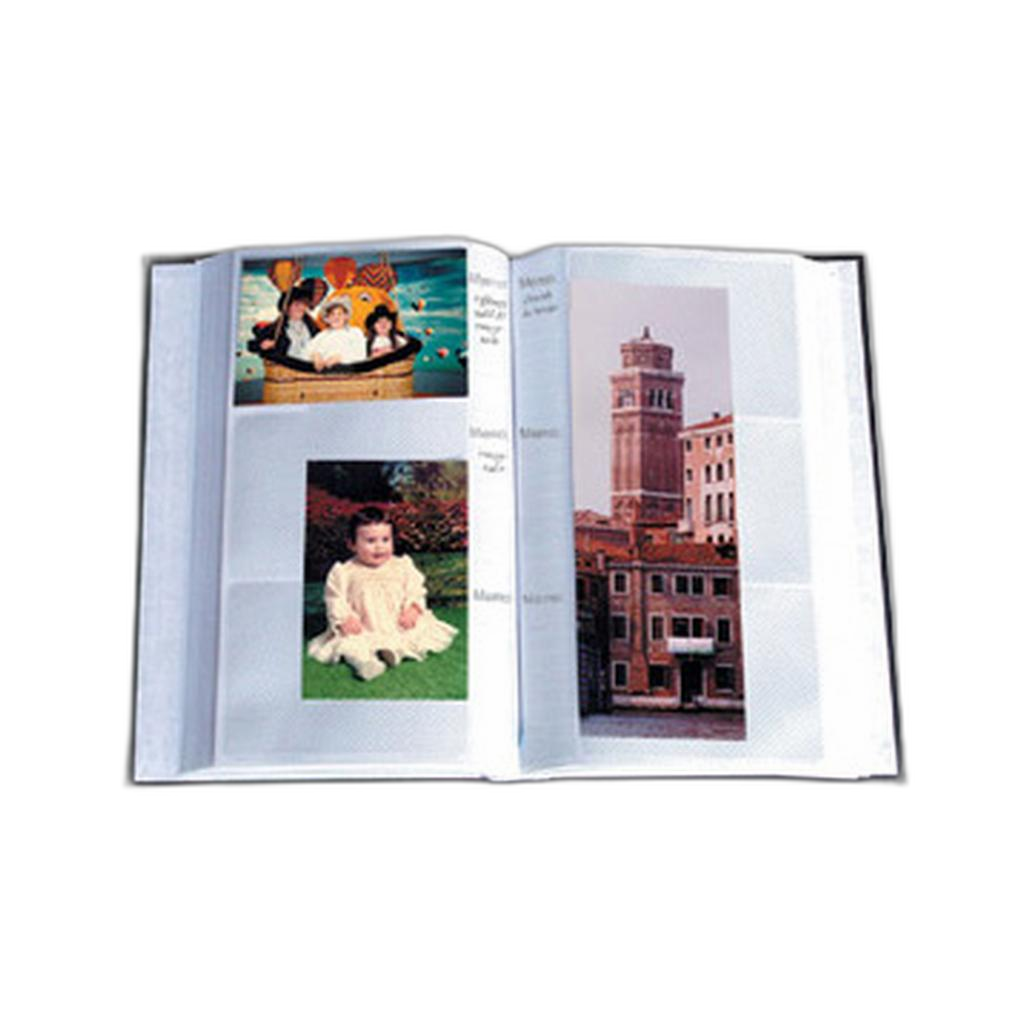
Even if the final submission is digital, maintaining printed proofs can help you compare tonal quality and sequencing more critically than on screen alone.
Common mistakes that hurt photo contest entries
Many rejected or overlooked images share the same preventable issues. Avoid these common mistakes:
- Submitting the wrong file size or aspect ratio
- Leaving visible dust spots or cloning errors
- Applying heavy-handed HDR or clarity effects
- Ignoring category definitions
- Printing too dark
- Using low-quality paper for a premium image
- Missing deadlines or incomplete forms
- Including watermarks when not allowed
Another common issue is emotional attachment. The image you enjoyed capturing the most may not be your strongest contest piece. Ask trusted peers for honest feedback before entering.
Final checklist for preparing images for photo contests
Before you submit, use this simple final checklist:
- Confirmed the image fits the category and theme
- Checked all technical requirements
- Cleaned up dust spots and distractions
- Applied appropriate sharpening for output
- Verified color space and export settings
- Proofed the print or digital file carefully
- Reviewed naming, captions, and metadata requirements
- Packed or uploaded the final file before the deadline
At Unique Photo, photographers can find printing tools, educational events, and workflow essentials that help elevate both digital and print competition entries. If you are refining your contest process, consider exploring Unique Photo’s printer selection, photo paper options, workshops, and archival storage products. Internal linking suggestions for this topic include pages related to professional photo printers, inkjet photo paper, photography classes, Unique University workshops, and photo albums for print organization.