Best Mirrorless Cameras for Solo Video Shooters in 2024
Solo videographers need cameras that can do a lot at once: dependable autofocus, stable handheld footage, fast setup, and strong video features without blowing the budget. If you're comparing today's best mirrorless options for run-and-gun production, this FAQ breaks down what matters most and highlights several strong choices available at Unique Photo.
Whether you're filming client work, travel content, behind-the-scenes clips, or social-first videos, the right camera should help you move quickly and confidently. Below, we answer the most common questions solo creators ask when shopping for a video-focused mirrorless camera in 2024.
What should solo video shooters prioritize in a mirrorless camera?
For one-person crews, ease of use is just as important as image quality. The most valuable features tend to be fast and reliable autofocus, effective stabilization, a flip screen for self-recording, quality onboard audio options, and a compact body that stays comfortable during long handheld sessions. Strong battery life and simple menu systems also help when you need to work quickly without extra support.
If you want an easy entry point into creator-focused video, kits like the Canon EOS R50 Mirrorless Camera with RF-S 10-18mm Video Creator Kit and Canon EOS R50 V Video Creator Kit are appealing because they package a modern mirrorless body with a setup that makes self-recording and wide-angle shooting more practical for solo work.
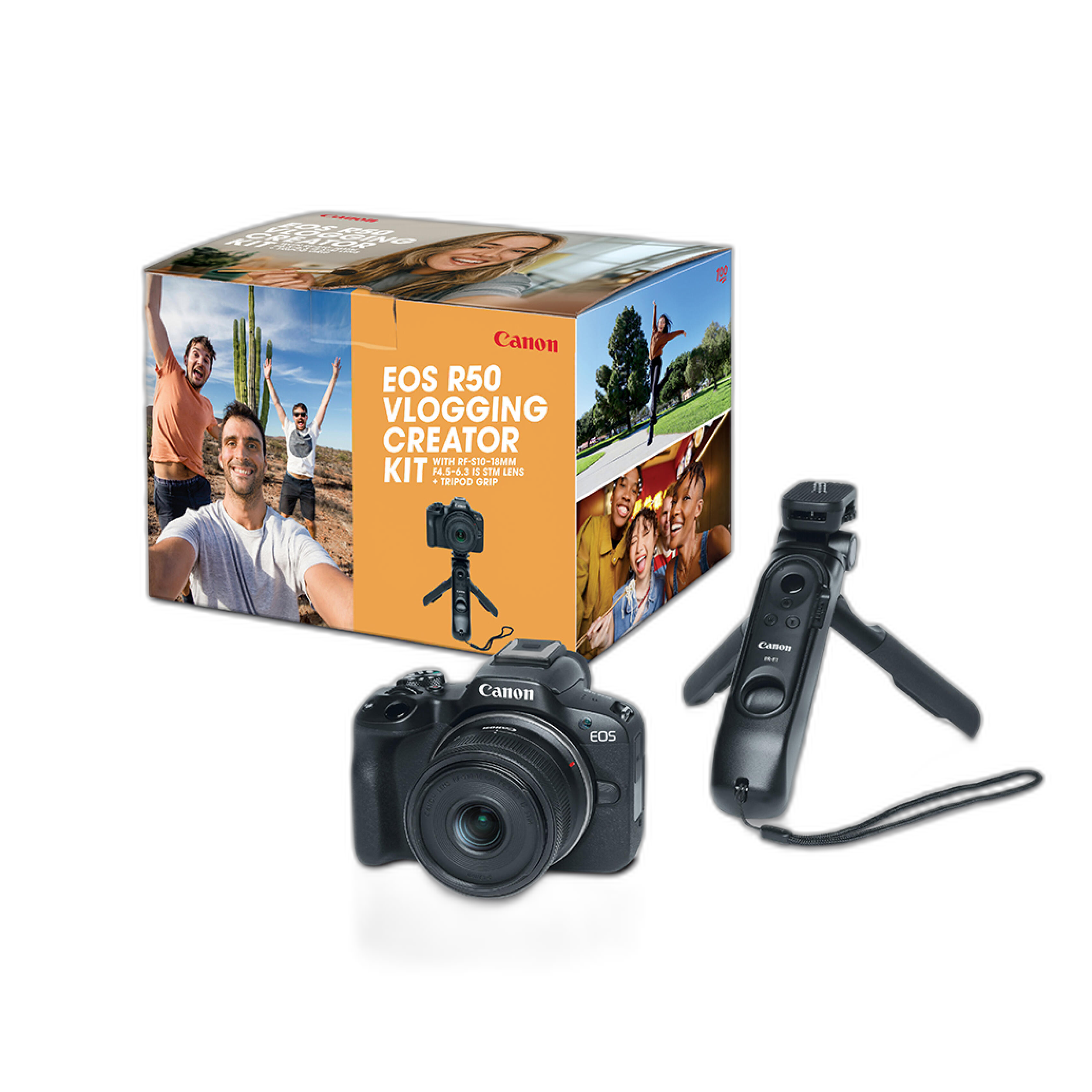
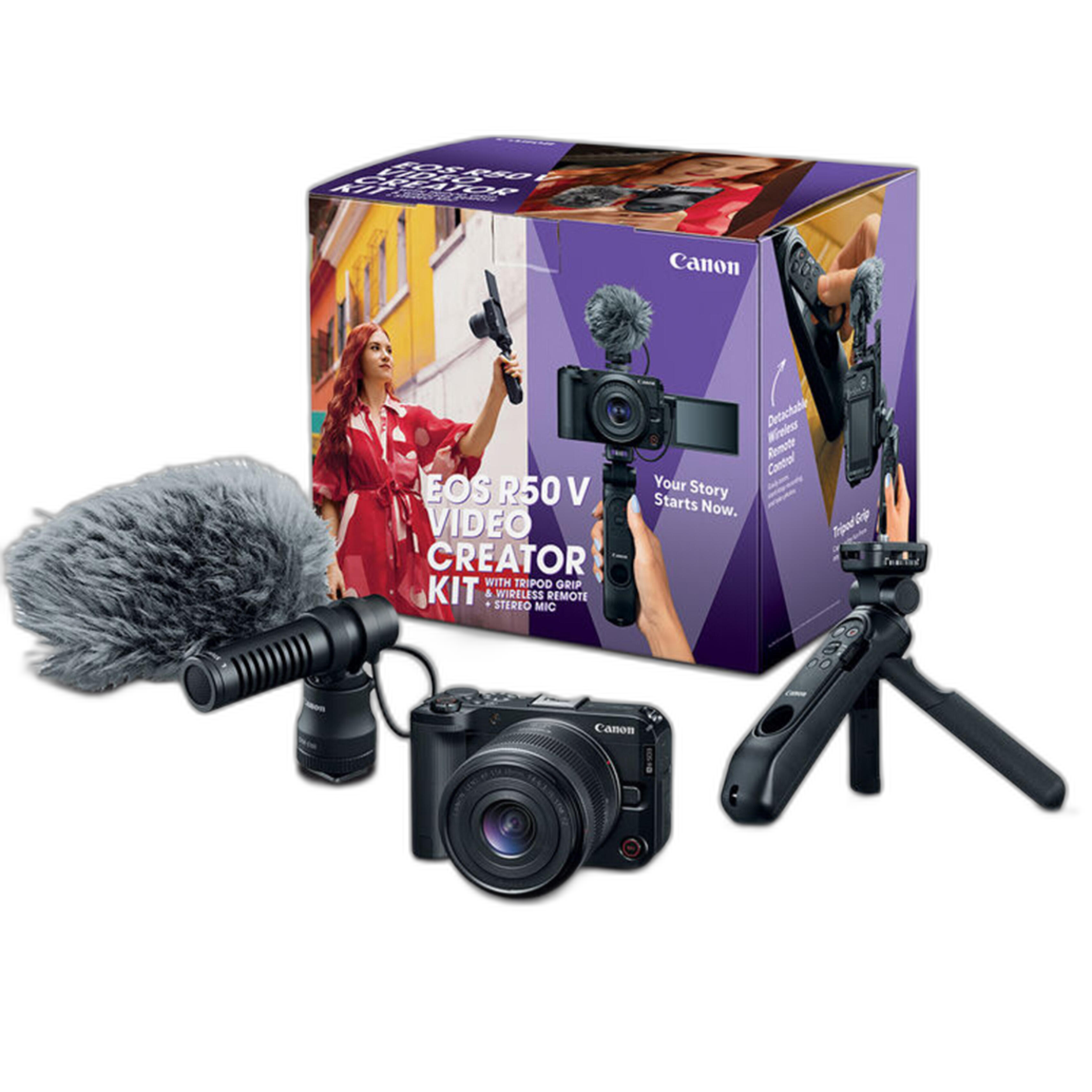
What are the top mirrorless cameras under $2000 for run-and-gun videography?
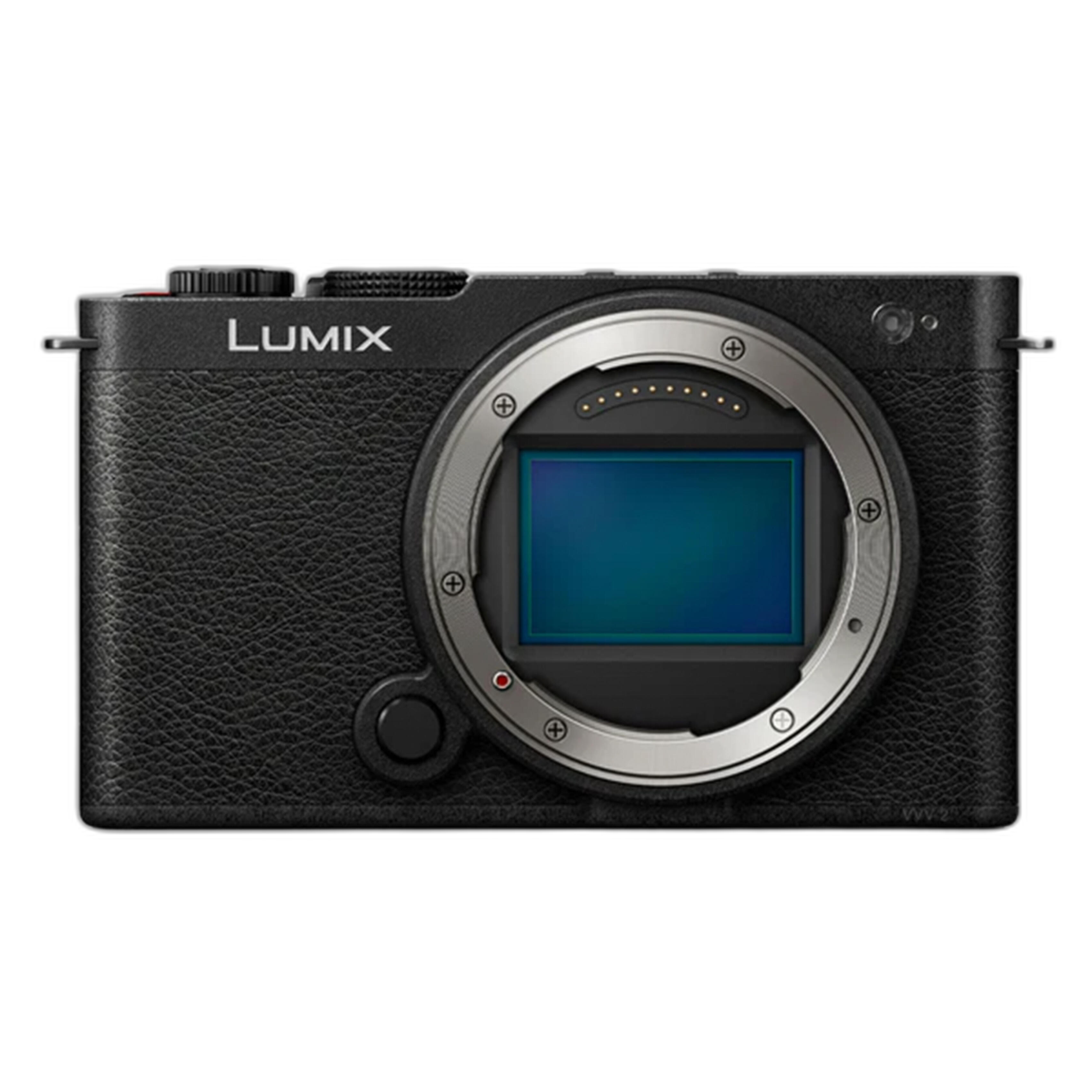
Under the $2000 mark, the best choices are usually the ones that balance portability, autofocus performance, stabilization, and creator-friendly operation. A compact option like the Panasonic LUMIX S9 Mirrorless Camera (Body Only) stands out for shooters who want a small full-frame body and strong video-oriented appeal in a travel-friendly package. For Canon users, the EOS R50 family remains a practical option for creators who want approachable controls and a lightweight setup for daily shooting.
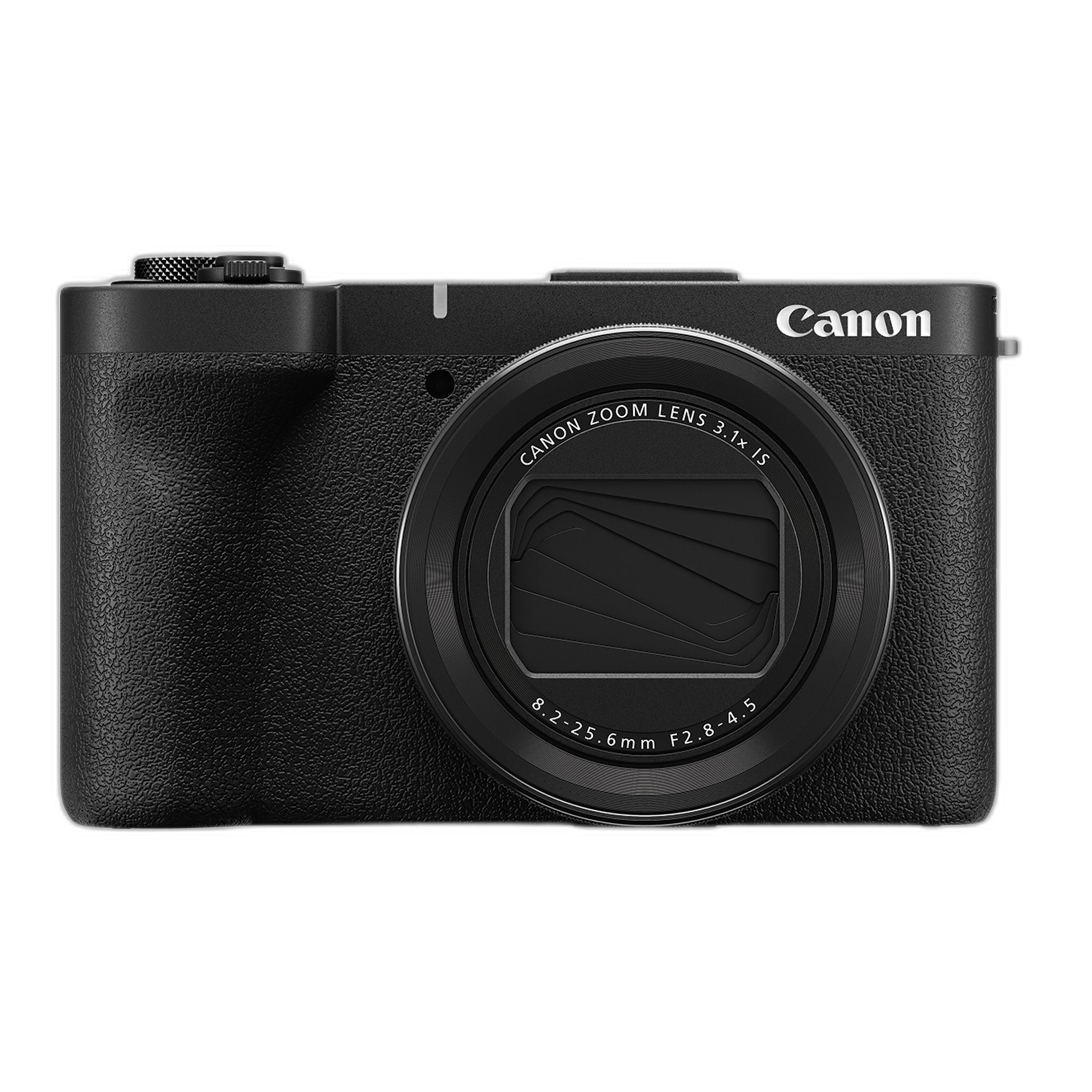
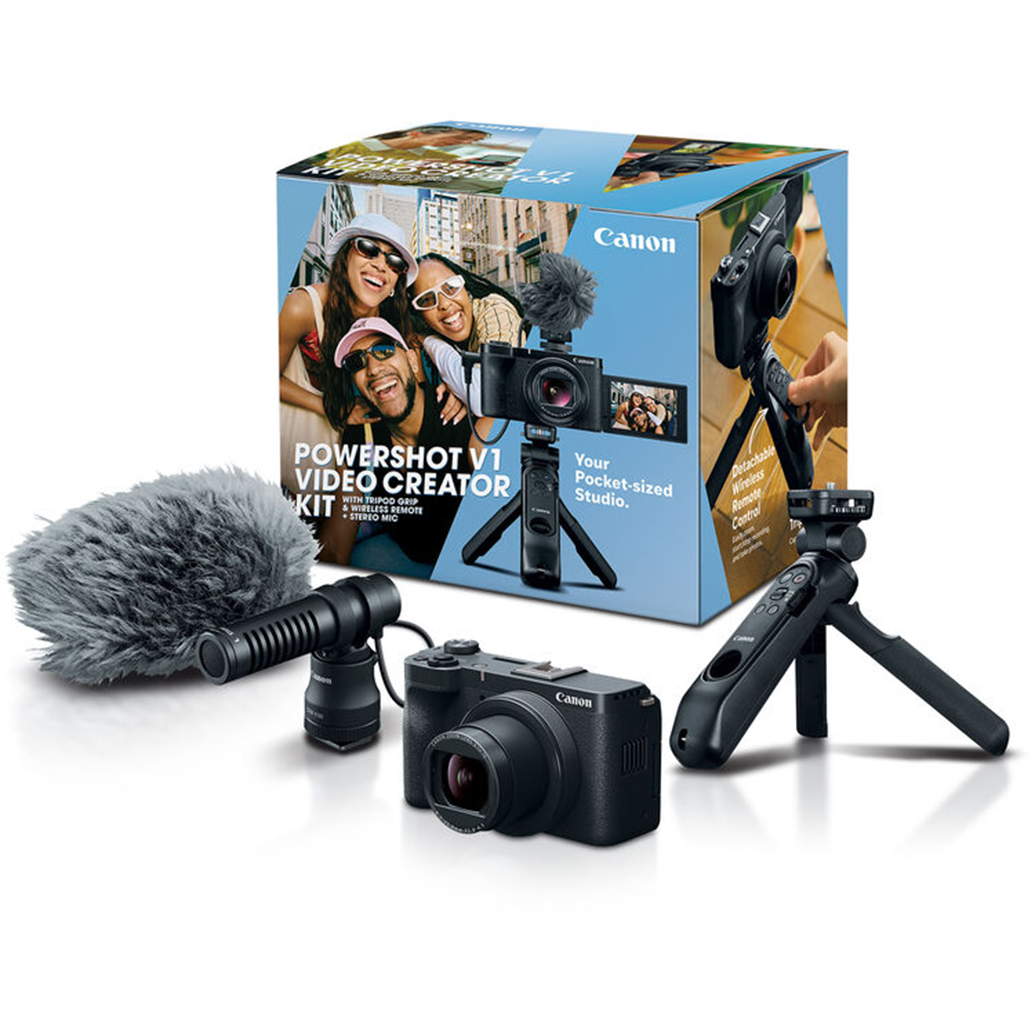
The Canon PowerShot V1 Mirrorless Camera and Canon PowerShot V1 Video Creator Kit are also worth considering if your goal is speed and convenience. A video creator kit can be especially helpful for solo shooters who want a streamlined setup instead of piecing together accessories one by one. If your work leans more toward vlogging, interviews, product demos, or quick branded content, these kinds of creator-focused bundles can reduce setup time considerably.
How important is IBIS for handheld work?
IBIS, or in-body image stabilization, can make a meaningful difference for solo shooters who spend a lot of time filming handheld. It helps smooth out small shakes and natural body movement, which is especially useful when you're walking, framing yourself, or shooting in tight spaces where a tripod or gimbal is impractical. While IBIS is not a complete replacement for good handheld technique or external stabilization, it often improves the consistency of everyday footage.
That said, the importance of IBIS depends on your style. If most of your work happens on a tripod, at a desk, or with a gimbal, you may be able to prioritize autofocus or lens selection instead. But for run-and-gun creators who regularly move between locations, a camera with strong stabilization support can make production faster and reduce how much footage needs correction in post.
The Panasonic LUMIX S9 is a strong example of a camera that appeals to handheld-first creators, while Canon video creator kits can also be a smart match for users who plan to combine compact rigs, wide lenses, and digital stabilization features for lightweight field production.
Which cameras have the best autofocus for solo shooters?
For solo video, autofocus reliability is one of the biggest time-savers. You need a system that can recognize faces and eyes consistently, recover quickly if you move around the frame, and avoid distracting focus jumps while recording. This matters even more for self-shot videos, events, and documentary-style coverage where you cannot pull focus manually.
Canon has built a strong reputation for user-friendly autofocus performance, which is why cameras like the Canon EOS R50 Video Creator options and Canon R6 V models are especially attractive to solo creators. If your work involves talking-head content, product presentations, or fast-paced coverage with unpredictable movement, dependable autofocus can reduce retakes and help keep your production flow smooth.
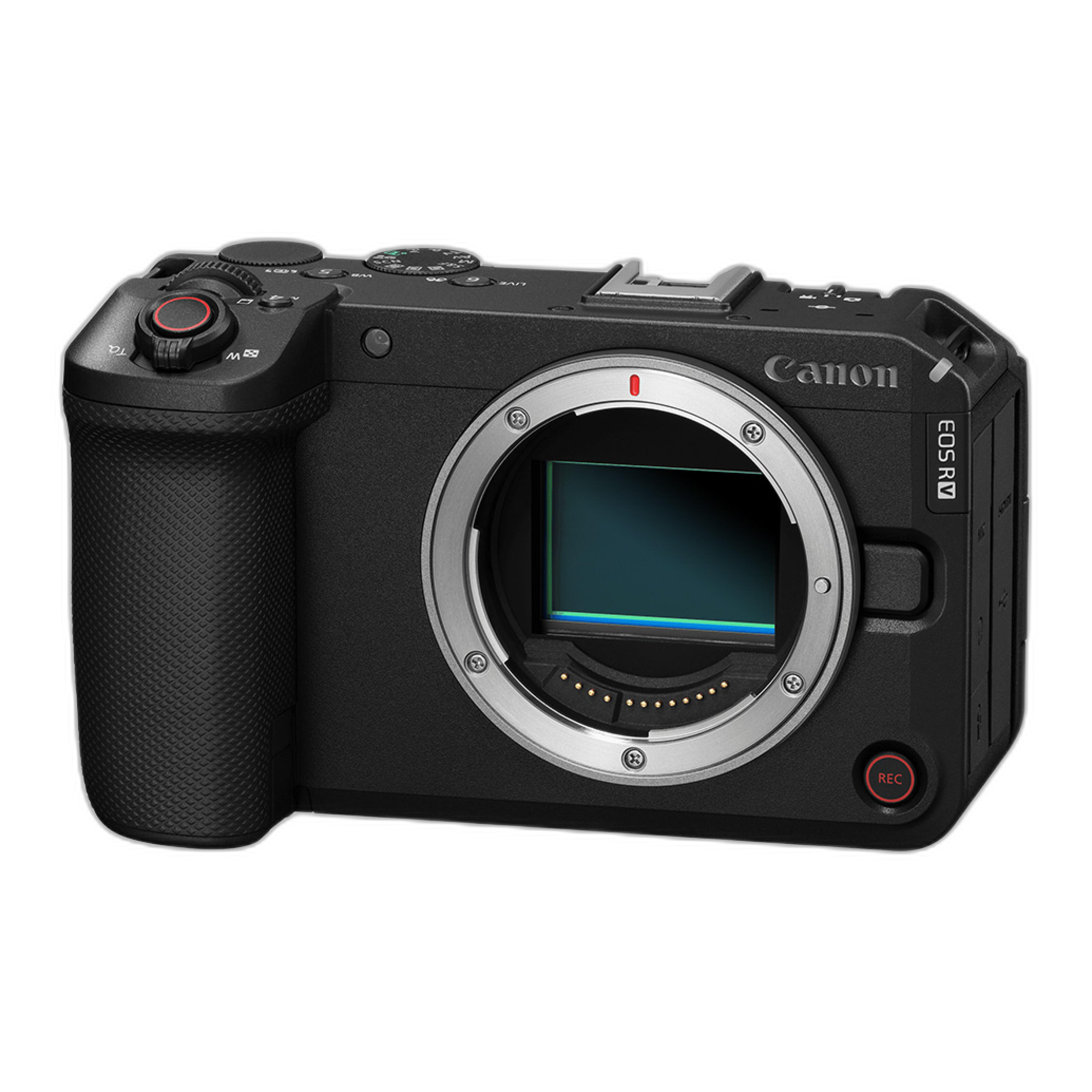
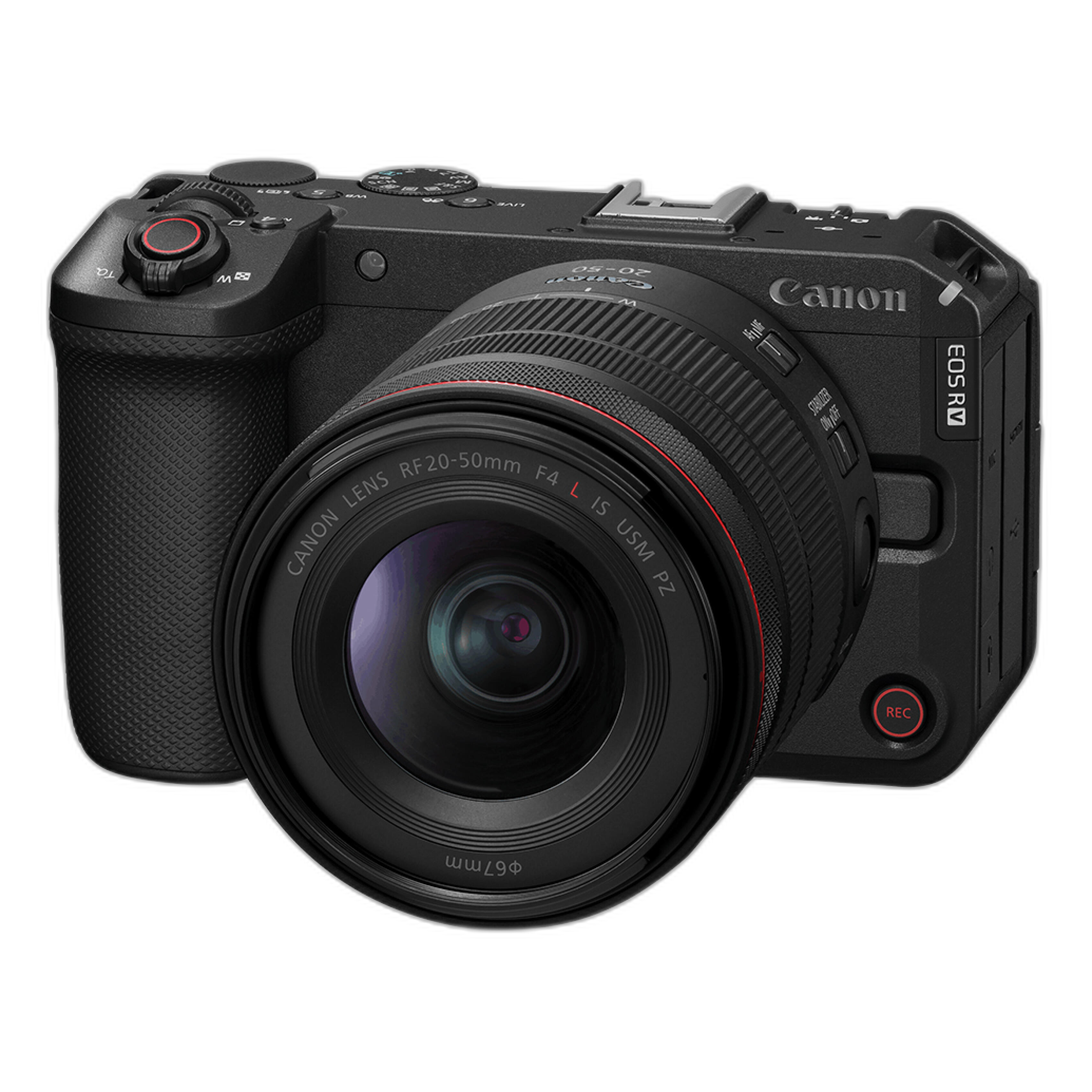
For creators ready to move into a more advanced video workflow, the Canon R6 V Body Only and Canon R6 V with 20-50mm F 4L IS USM PZ are standout options. These are geared more toward serious hybrid shooters and video-forward users who need stronger overall performance and room to grow.
Are Sony, Canon, or Panasonic models more reliable for quick setup videos?
For quick setup work, reliability is less about brand loyalty and more about how efficiently a camera fits your workflow. In general, Canon is often favored by creators who want intuitive autofocus and a straightforward user experience. Panasonic tends to attract shooters who prioritize video tools, stabilization, and compact full-frame options. Sony is frequently discussed in this category as well, but if you're shopping the options highlighted here, Canon and Panasonic offer especially strong solutions for solo creators who need to move fast.
If your idea of reliability means getting from bag to recording in seconds, creator kits can be a major advantage. The Canon EOS R50 Mirrorless Camera with RF-S 10-18mm Video Creator Kit and Canon PowerShot V1 Video Creator Kit are designed around that kind of streamlined production. If you want a more advanced system with room for professional expansion, the Canon R6 V platform is the better long-term investment.
Is a creator kit better than buying a camera body only?
For many solo shooters, yes. A creator kit often delivers better overall value because it bundles together a camera and components that make immediate video production easier. That can mean a more suitable lens, creator-focused accessories, or a configuration designed specifically for self-recording and compact video work. Buying body only makes more sense when you already own compatible lenses, have a clear rigging plan, or need to build around a specific production style.
Newer content creators often benefit from starting with a complete solution like the Canon EOS R50 Video Creator Kit or Canon PowerShot V1 Video Creator Kit. More experienced users who already know their preferred focal lengths, audio setup, and support gear may prefer a body such as the Panasonic LUMIX S9 or Canon R6 V and build from there.
When should you step up to a more advanced camera like the Canon R6 V?
You should consider moving up to a camera like the Canon R6 V when your projects demand more than basic creator features. That might include more demanding client work, longer shooting days, more complex autofocus needs, lens flexibility, better ergonomics, or a stronger overall platform for professional video production. Advanced bodies also tend to pair better with higher-end lenses and accessories as your workflow evolves.
The Canon R6 V Body Only is a strong choice for creators who already own lenses or want to customize their setup. If you'd rather start with a more video-ready combination, the Canon R6 V with 20-50mm F 4L IS USM PZ offers a compelling package for shooters who want a lens suited to efficient, modern video work. There is also the Canon EOS R6 V Body with Stop Motion Firmware for creators working in specialized production environments.

What's the best mirrorless camera for vlogging versus client video work?
For vlogging, portability, a flip screen, fast autofocus, and an easy-to-manage lens or compact kit are usually the top priorities. In that role, the Canon EOS R50 creator-focused kits and the Canon PowerShot V1 options are especially appealing because they suit self-recording and lightweight travel production. They are ideal for creators who want to stay mobile and keep their setup simple.
For client video work, priorities often shift toward a more expandable system, stronger handling, broader lens options, and a body that can support longer-term growth. That's where a camera like the Canon R6 V becomes more compelling. If you need a balance between compact size and a more premium imaging platform, the Panasonic LUMIX S9 is also worth a close look.
How do I choose the right camera if I shoot mostly alone?
Start by being honest about your most common shooting conditions. If you primarily film yourself indoors, autofocus, a flip screen, and a wide lens matter most. If you shoot handheld outdoors while moving, stabilization and body comfort matter more. If you work for clients, lens ecosystem and long-term expandability should be part of the decision as well.
A good practical approach is to divide cameras into three groups: beginner-friendly creator kits, compact enthusiast bodies, and advanced video systems. The Canon EOS R50 and PowerShot V1 creator options fit the first group well. The Panasonic LUMIX S9 fits the compact enthusiast category for creators who want a small full-frame body. The Canon R6 V lineup is the stronger choice for users aiming at higher-end production and future growth.
If you're still deciding, Unique Photo can help you compare features, match the right camera to your workflow, and choose a setup that supports the way you actually shoot. Explore our creator kits and mirrorless video cameras to find the best fit for your solo production needs.