Best Film Scanners and Workflows for Digitizing Negatives FAQ
Digitizing film negatives is one of the best ways to preserve an archive, simplify editing, and make sharing your images much easier. The right setup depends on your film format, volume, quality expectations, and how much time you want to spend per frame, so choosing between a dedicated scanner, flatbed scanner, or camera scanning system matters.
At Unique Photo, we help photographers build practical film digitizing workflows for everything from a few family negatives to large archives of 35mm and medium format film. Below are the most common questions we hear when shoppers are comparing scanners and film copy options.
What is the best way to digitize film negatives?
The best method depends on the film you shoot and the balance you want between speed and image quality. For many 35mm photographers, a dedicated film scanner offers a strong combination of resolution, consistency, and ease of use. If you scan both 35mm and medium format, a larger-format scanner may be the better long-term choice. Camera scanning can also be an excellent option when speed is the priority and you already own a capable digital camera.
For 35mm-only users, the Pacific Image PrimeFilm XA Plus Scanner is a strong dedicated option because it is designed specifically for film scanning and can streamline bulk projects. 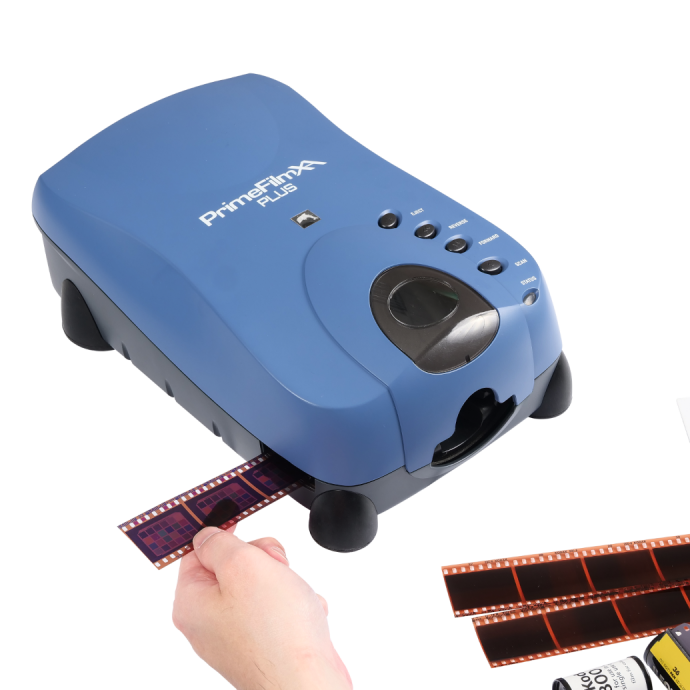
If you want to digitize medium format as well, the Pacific Image PrimeFilm 120 Pro Plus Scanner is a more appropriate fit for photographers working with larger negatives. 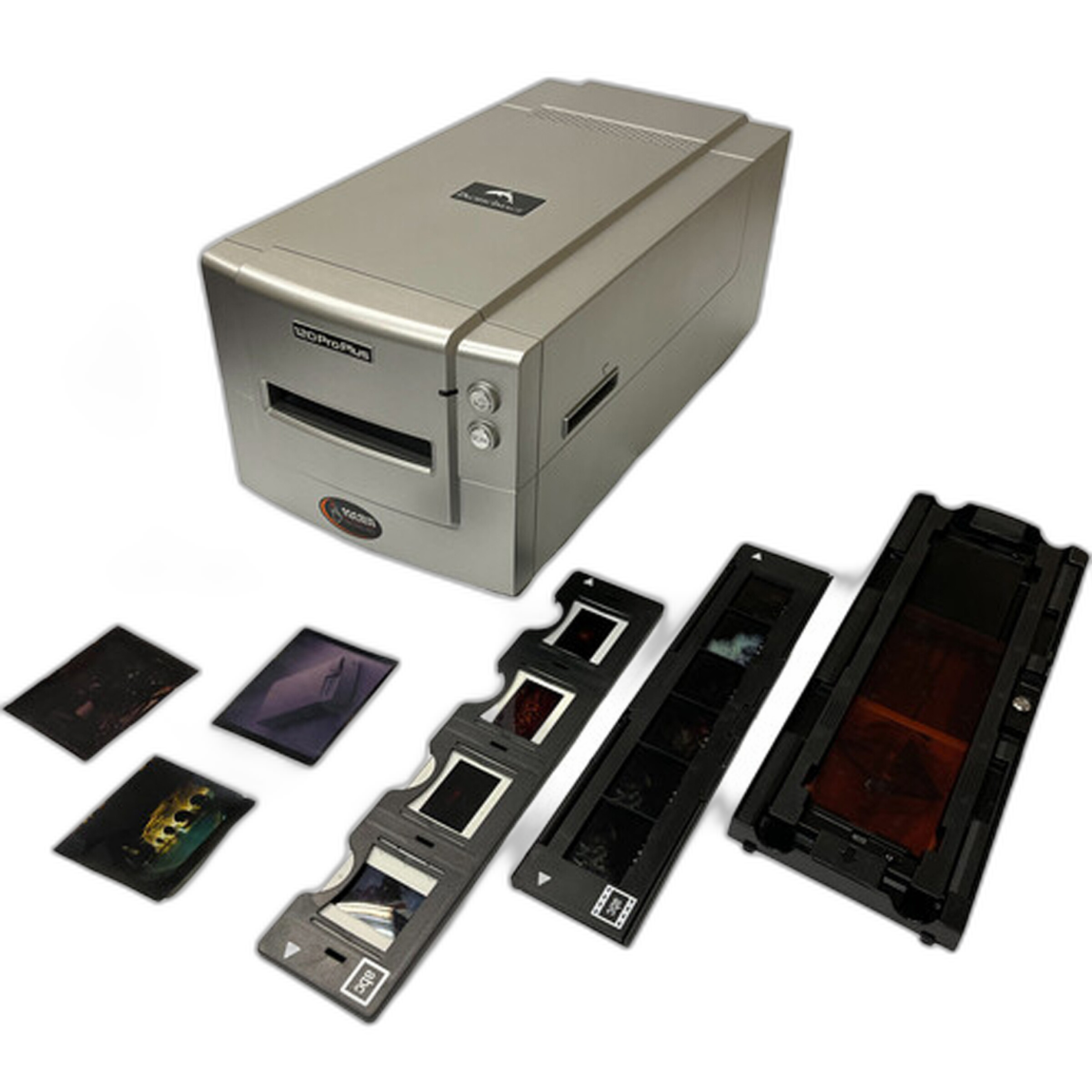
For photographers who need flexibility across prints, documents, and multiple film sizes, the Epson Perfection V850 Pro Scanner remains a popular archival flatbed solution. 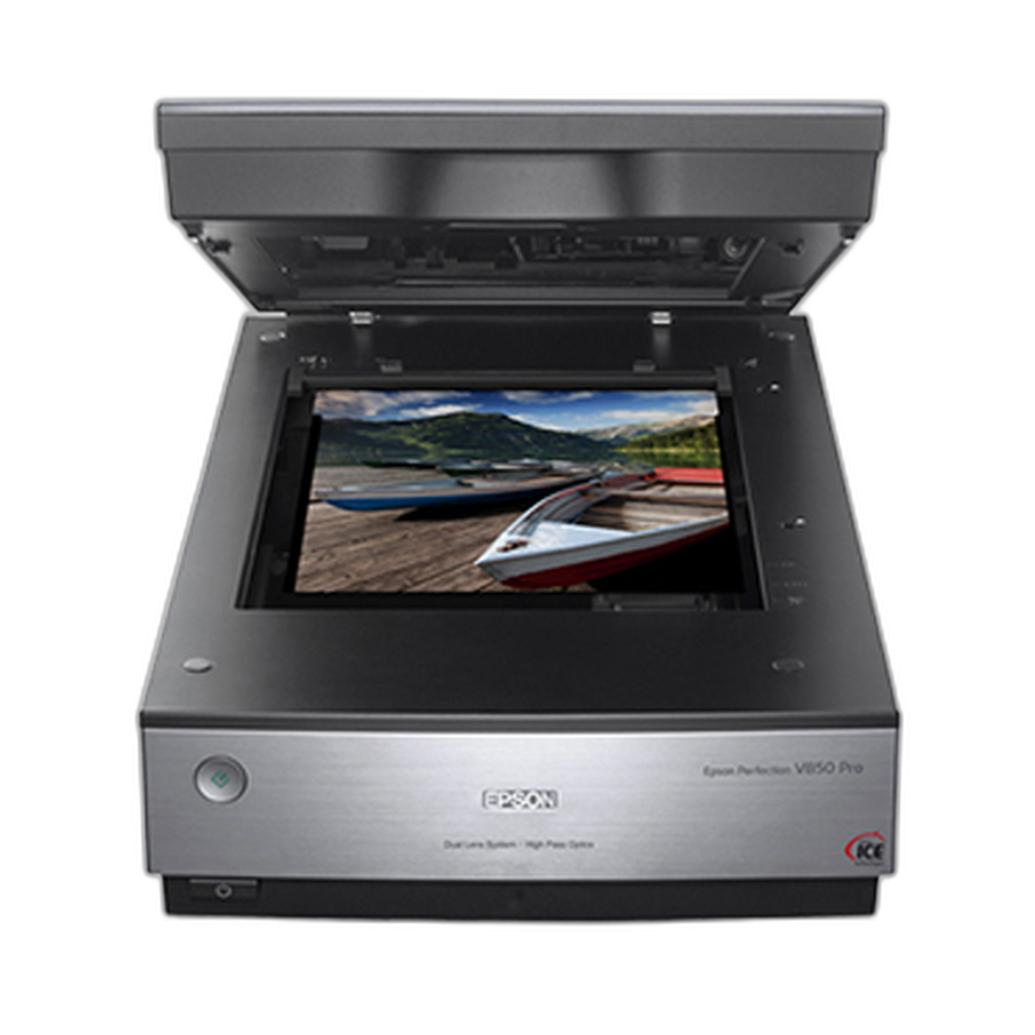
Should I choose a dedicated film scanner or a flatbed scanner?
A dedicated film scanner is usually the better choice if your main goal is extracting maximum detail from 35mm or medium format film. These scanners are purpose-built for transparencies and negatives, and they often provide better sharpness, better handling of dense film, and a workflow centered around photographic film rather than general office scanning.
A flatbed scanner is more versatile. It can scan film, prints, contact sheets, and paperwork, making it attractive for photographers who want one device for many tasks. The tradeoff is that flatbeds are not always the top choice for getting the most from small 35mm negatives, especially when ultimate sharpness is the goal.
If you want dedicated 35mm performance, the Pacific Image Power Film Plus Scanner is worth considering. 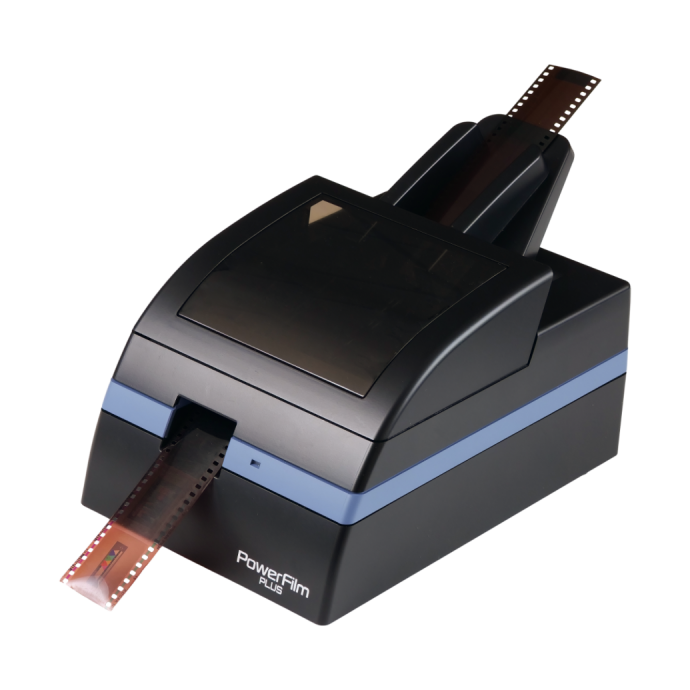
If you want a highly flexible flatbed for mixed media and multiple film formats, the Epson Perfection V850 Pro Scanner is one of the most widely recognized choices in this category. 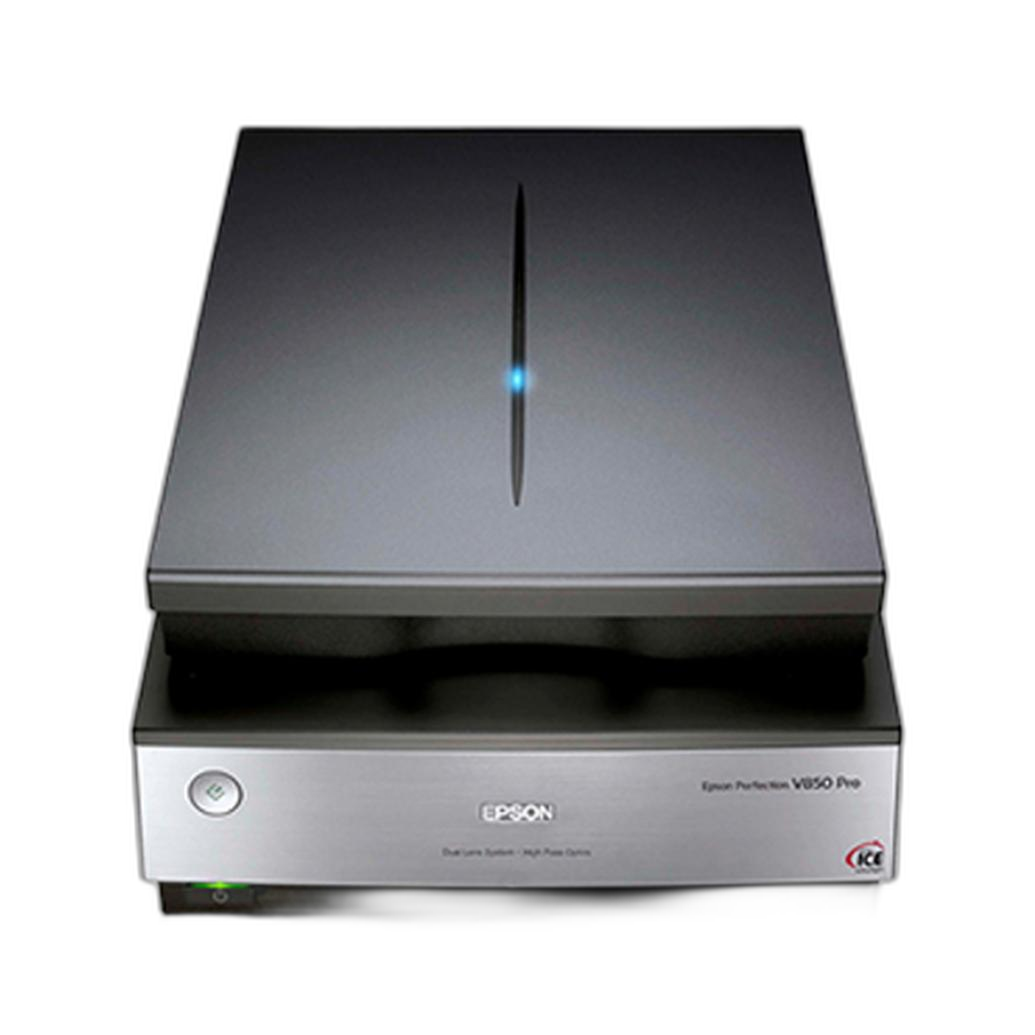
Is camera scanning better than using a scanner?
Camera scanning can be faster than a traditional scanner, especially if you have a large archive to digitize. With a good macro setup, stable copy arrangement, consistent light source, and proper film holder, camera scanning can produce excellent results. It is especially appealing for photographers who already own a high-resolution mirrorless or DSLR body and want a more efficient workflow.
For Nikon users, the Nikon ES-2 Film Digitalizing Adapter Set offers a simple way to digitize strips of 35mm film by pairing the adapter with a compatible Nikon camera and macro lens. It is compact, straightforward, and ideal for photographers who want to move quickly through negatives without setting up a full scanner each time. 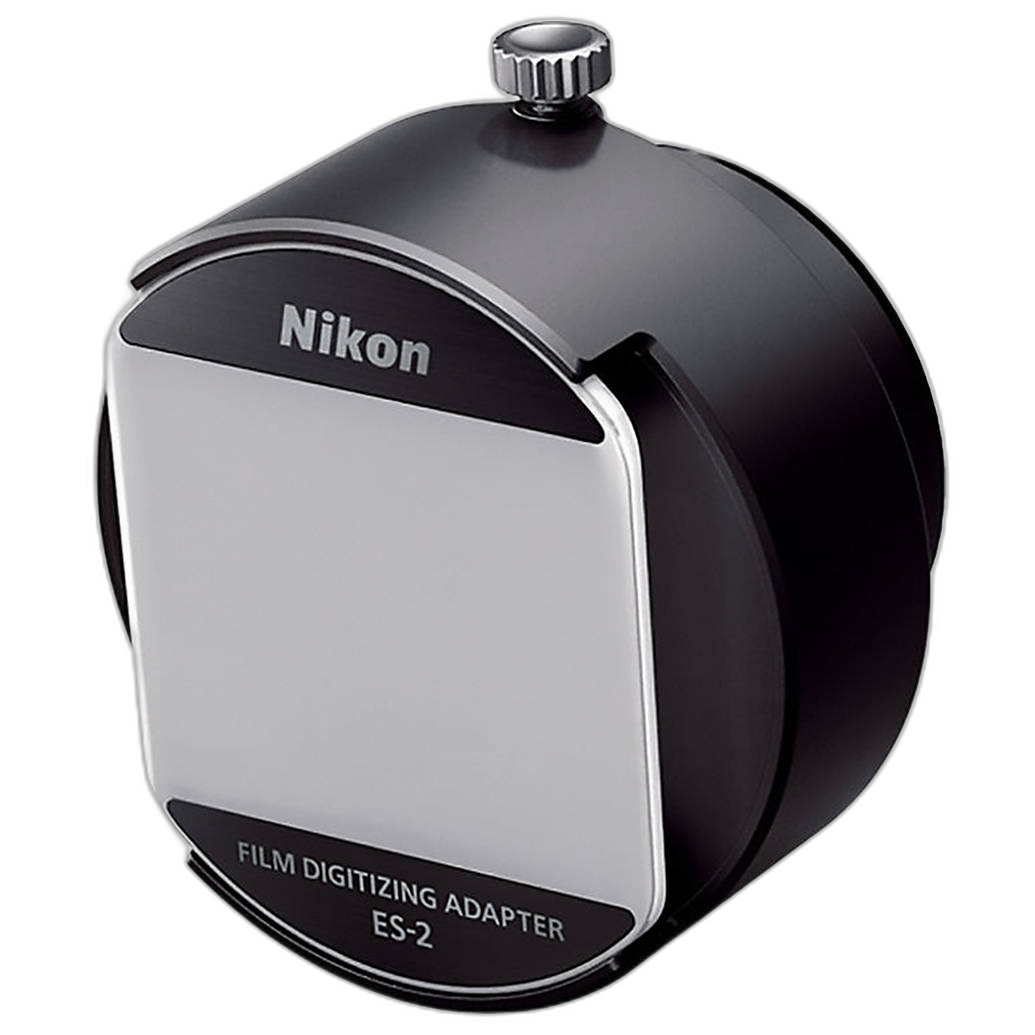
If you are building a more dedicated camera scanning station, the Kaiser DigiCopy Vario Camera Scannning/Copy System for Slides/Negatives is designed for copy workflow use and can help improve alignment and repeatability. Camera scanning is often the best fit for high-volume projects, but it does require attention to lens quality, flatness of film, and uniform backlighting.
What scanner is best for 35mm film negatives?
For photographers focused on 35mm film, a dedicated 35mm scanner usually makes the most sense. It is optimized for the format, often easier to keep consistent, and typically a more efficient way to process large numbers of strips or mounted slides than a flatbed. You should look for reliable transport, good software support, and image quality that matches your archiving or printing goals.
The Pacific Image PrimeFilm XA Plus Scanner is a standout choice for dedicated 35mm scanning because it is built specifically around this format and suits photographers who expect to scan regularly. 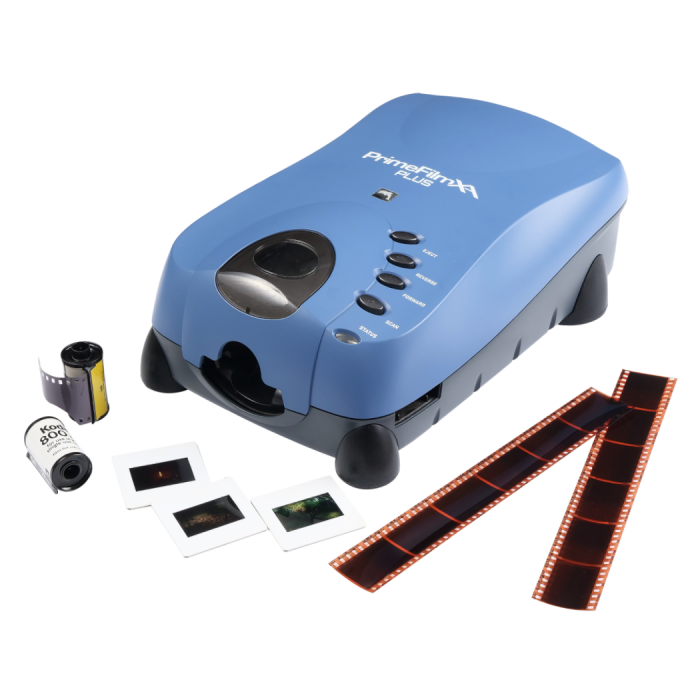
The Pacific Image Power Film Plus Scanner is another solid option for 35mm users who want a purpose-built scanner without stepping into a multi-format flatbed workflow. 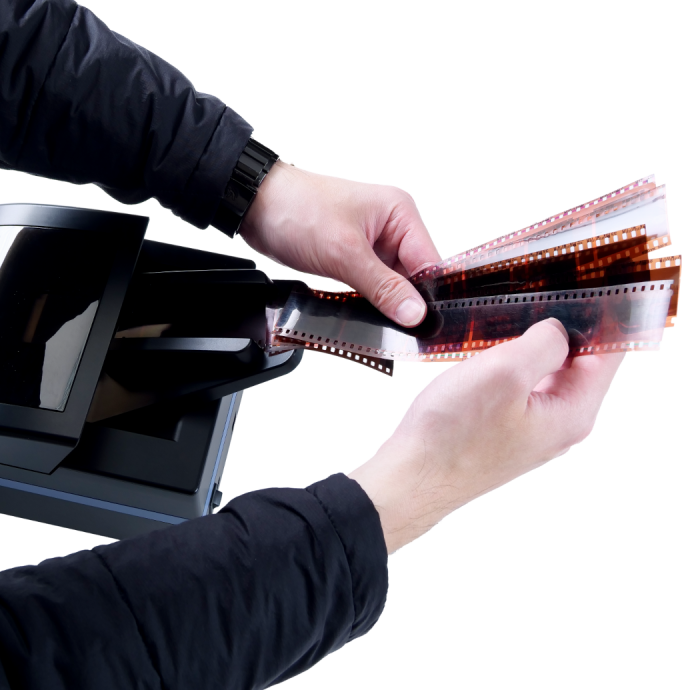
What scanner is best for medium format film?
If you shoot medium format, your best option depends on whether you need dedicated film scanning or wider versatility. For photographers who want a scanner designed with medium format film in mind, a model like the Pacific Image PrimeFilm 120 Pro Plus Scanner is a natural fit. It is aimed at users who want higher-quality scans from 120 film and prefer a film-first workflow. 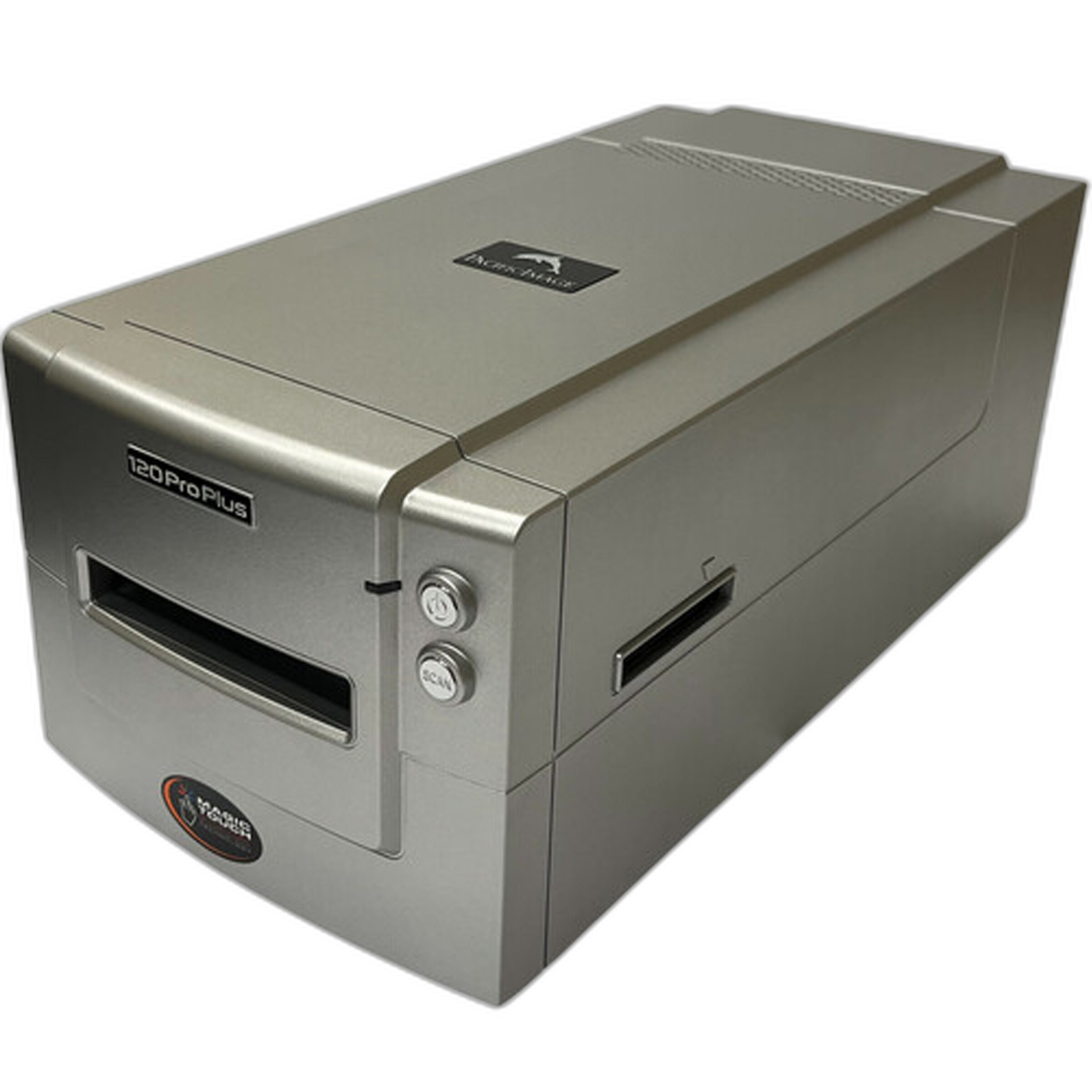
The Epson Perfection V850 Pro Scanner is also a strong option for medium format users, especially if you scan several film sizes or want to digitize prints and proof sheets too. It is a very practical choice for photographers, educators, and archivists building a broader digitizing station. 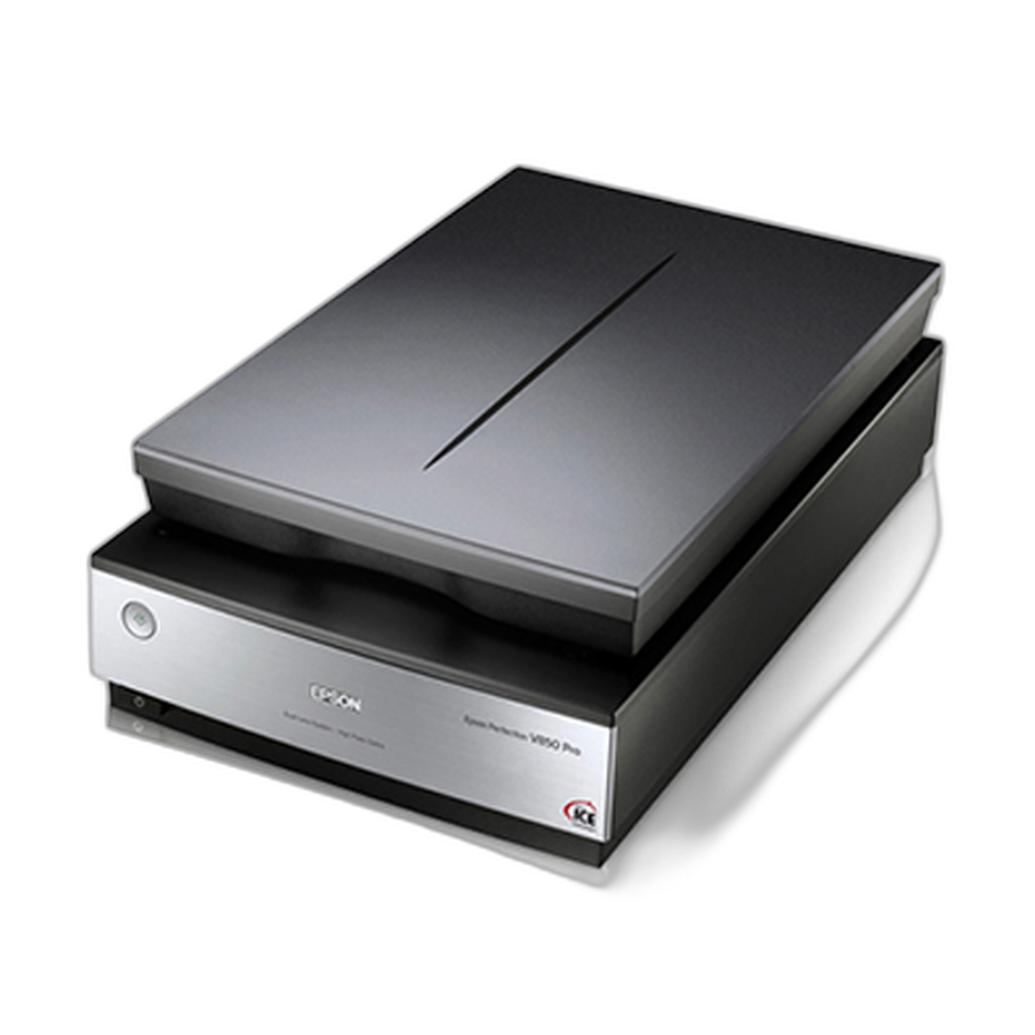
How do I get the best image quality when scanning negatives?
Image quality comes from the full workflow, not just the scanner itself. Start by cleaning negatives carefully with the proper tools to reduce dust before scanning. Keep film as flat as possible, use the correct holder or adapter, and scan at settings that capture enough information for your intended output. For archival work, save a high-quality master file before making smaller edited copies for web or printing.
Color negative film also requires thoughtful inversion and color correction, while black-and-white film may benefit from a different approach depending on grain structure and contrast. If you are camera scanning, consistency in backlighting and alignment makes a major difference. If you are using a scanner, careful holder placement and software settings can improve results significantly.
For Nikon camera users, the Nikon ES-2 Film Digitalizing Adapter Set can simplify alignment and repeatable framing for 35mm film copying. Photographers shopping on a budget may also want to consider the Used Nikon ES-2 Film Digitalizing Adapter Set - Excellent Condition when available. 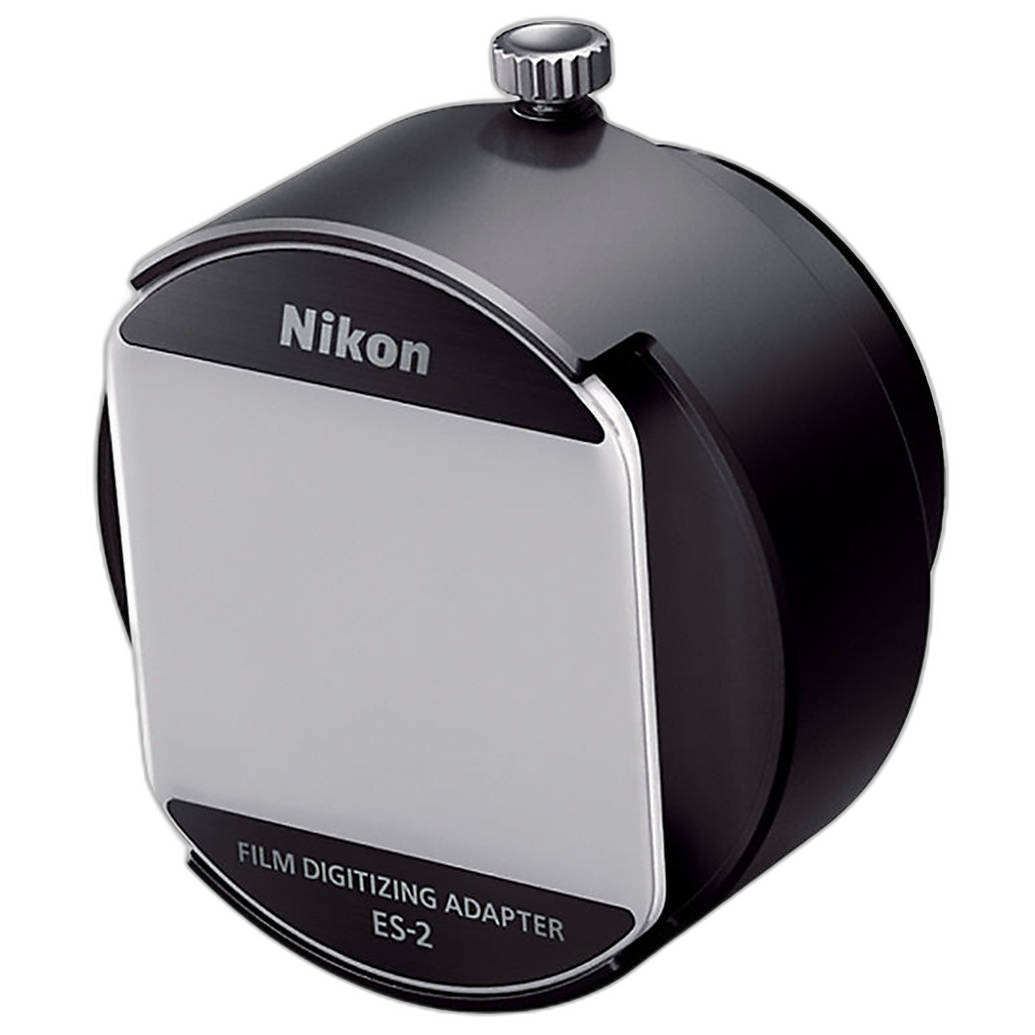
What is the fastest workflow for digitizing a large film archive?
If speed is your top concern, camera scanning is often the fastest method, especially for well-organized strips of negatives. A stable copy setup lets you move through many frames quickly, and batch inversion in editing software can save substantial time. This approach is popular with photographers who are digitizing family archives, contact-sheet replacements, or years of personal work.
Dedicated scanners can also be efficient when your process is standardized and you are scanning one format repeatedly. For example, a dedicated 35mm scanner can be a strong productivity tool if the archive is primarily 35mm. For a mixed archive containing medium format, 35mm, and printed materials, a flatbed like the Epson Perfection V850 Pro Scanner may be slower per frame but more flexible overall.
If budget matters, checking used gear can be worthwhile. The Used Epson V850 Scanner With Film Masks - Good can be an appealing route for photographers who want a premium flatbed workflow at a lower entry cost when used inventory is available. 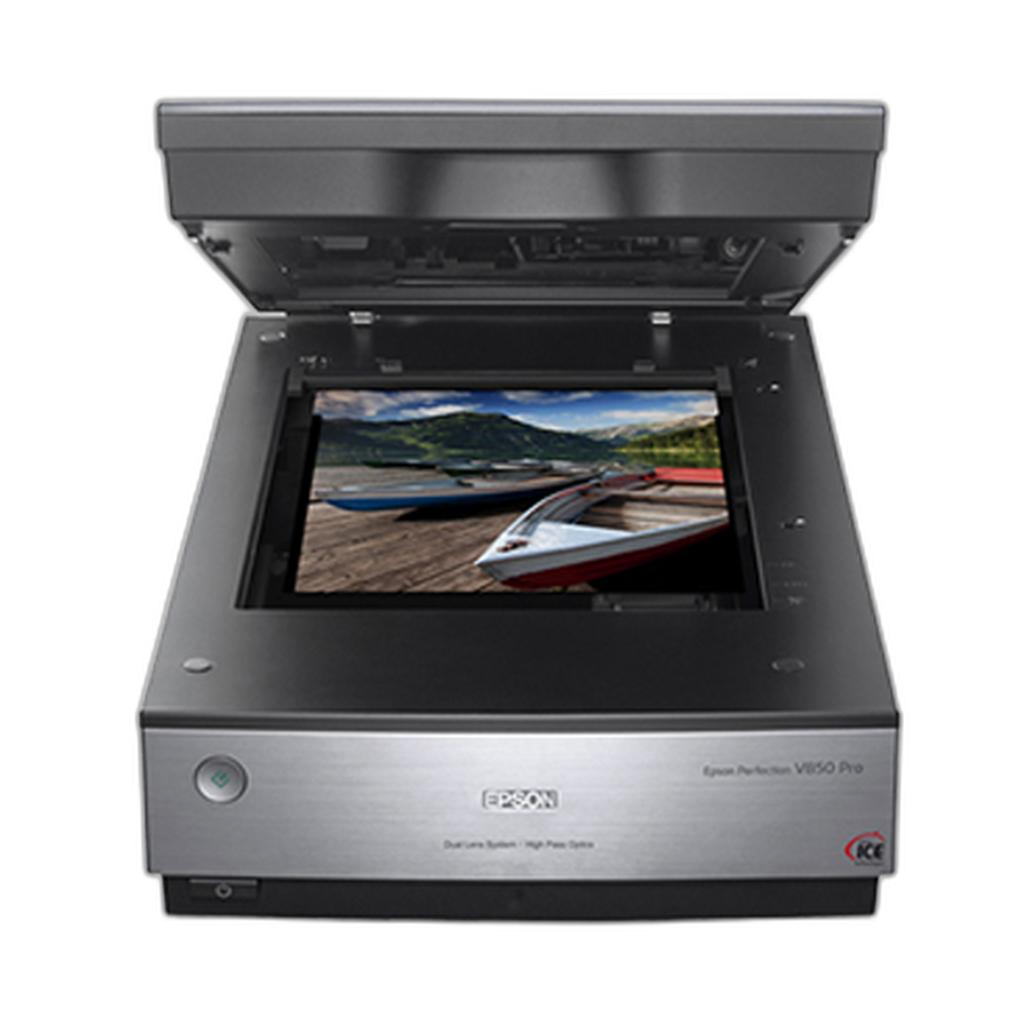
Should I buy new or used film scanning equipment?
Both new and used gear can make sense. New equipment is ideal if you want manufacturer-backed reliability, current condition, and the cleanest path to setting up your workflow. Used equipment can offer excellent value, particularly for proven products that remain relevant for film digitizing.
For example, a used Epson V850 Scanner With Film Masks can be a smart purchase for someone building an advanced home scanning station while controlling cost. Likewise, a used Nikon ES-2 Film Digitalizing Adapter Set may be perfect for photographers who already own compatible Nikon gear and simply want a lower-cost entry into camera scanning.
At Unique Photo, used inventory changes frequently, so it is worth checking back if you are targeting a specific scanner or film digitizing accessory.
What should my basic negative scanning workflow look like?
A reliable workflow starts with sorting and labeling your negatives before scanning. Clean each strip, choose the correct holder or adapter, and capture a high-quality master scan or camera copy. From there, invert negatives, apply basic color or tonal correction, crop consistently, and save edited versions separately from your master files.
For 35mm-only photographers, a dedicated scanner such as the Pacific Image PrimeFilm XA Plus Scanner or a camera-based option like the Nikon ES-2 Film Digitalizing Adapter Set can keep the process simple. For mixed formats or archival projects, the Epson Perfection V850 Pro Scanner gives you a more flexible workstation. The key is consistency: one file naming system, one folder structure, and one repeatable editing process.
Whether you are preserving family negatives or building high-quality scans for printing, choosing the right tool now can save hours later. Unique Photo carries dedicated film scanners, flatbed scanners, and film digitizing accessories to help you build a workflow that fits your archive and budget. Explore our selection to find the best film scanning solution for your next project.