Best Entry-Level Video Cameras for YouTube: FAQ for New Creators
Starting a YouTube channel is exciting, but choosing the right camera can feel overwhelming when you are balancing budget, ease of use, and video quality. At Unique Photo, we help new creators narrow the options by focusing on how you plan to shoot: talking-head videos, livestreams, tutorials, events, or multi-camera productions.
While many beginners look at compact creator cameras first, dedicated camcorders and PTZ cameras can be excellent alternatives when reliability, long recording times, zoom range, and simple operation matter most. Below, we answer the most common questions new YouTubers ask when shopping for an entry-level video setup.
What is the best type of camera for someone just starting a YouTube channel?
The best camera type depends less on your subscriber count and more on your workflow. If you want a straightforward, dependable setup for recording long videos, interviews, tutorials, church content, classrooms, or events, a camcorder is often easier to live with than a mirrorless camera. You get built-in zoom lenses, video-focused ergonomics, and features designed around extended recording.
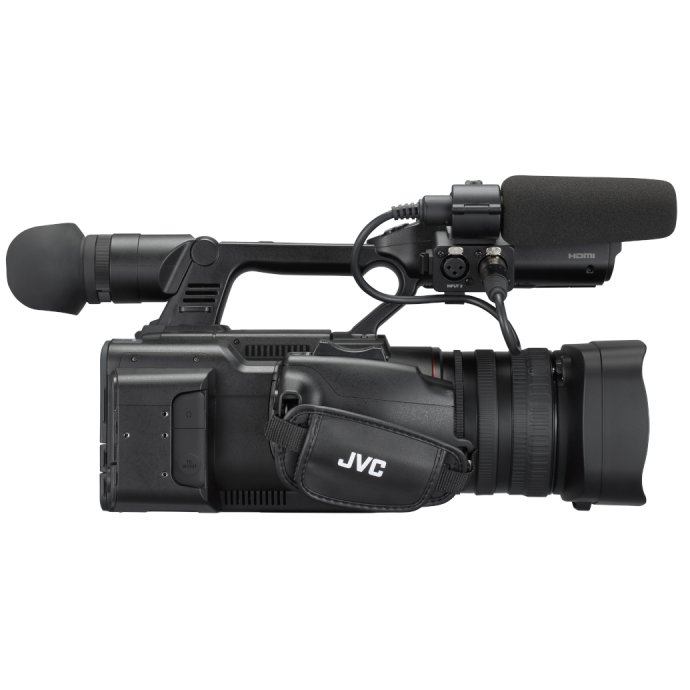
For example, a professional handheld option like the JVC GY-HC500U gives creators a strong all-in-one platform with 4K capture, a 1-inch sensor, and a form factor that is designed for video from the ground up. That can be especially appealing if you do not want to build out a separate lens kit.
If your content is mostly studio-based and you want to keep the camera mounted permanently, a PTZ camera can also be a smart starting point. It allows remote control, flexible placement, and clean operation for solo creators or small teams.
Are there affordable alternatives to popular creator-focused compact cameras?
Yes. If you are comparing against creator cameras that prioritize portability and autofocus, a dedicated camcorder can be a strong alternative when your priorities are different. Many new YouTubers discover that they care more about continuous recording, easier framing, stable handheld operation, and optical zoom than they do about swapping lenses or carrying the smallest possible body.
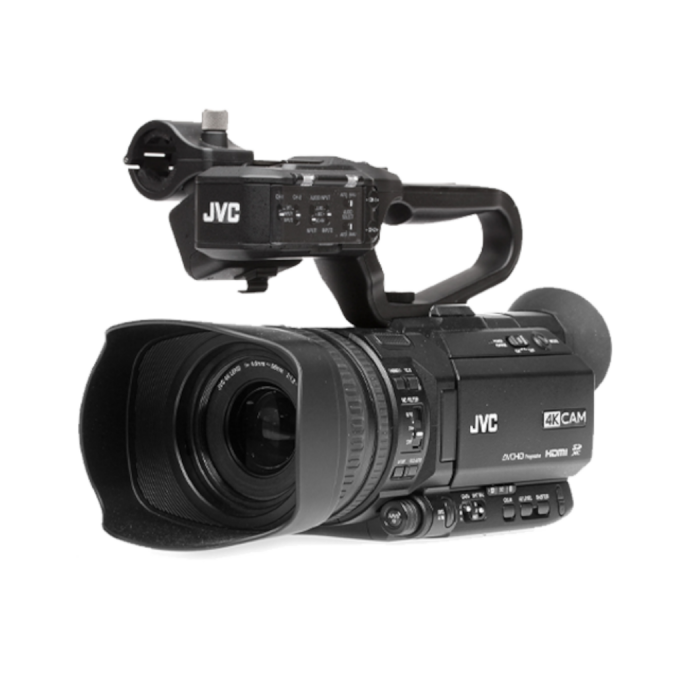
A model like the JVC GY-HM250SP is worth considering for budget-conscious creators who want a compact handheld camcorder style without jumping into a more complex cinema or mirrorless ecosystem. It is especially useful for creators covering local sports, school events, community programming, or interview-driven content where practical video handling matters more than still-photo performance.
In other words, an alternative does not have to mimic a compact vlogging camera feature-for-feature. It can instead solve the same problem in a more production-friendly way.
Should I choose a mirrorless camera or a dedicated camcorder for YouTube?
Choose mirrorless if you want shallow depth of field, interchangeable lenses, and a hybrid camera that can also handle photography. Choose a camcorder if your main goal is efficient video production with less setup friction.
For many beginners, camcorders offer real advantages: integrated zoom, longer recording workflows, easier handheld balance, and controls built specifically for video. If you are filming podcasts, training sessions, performances, or run-and-gun content, that convenience can matter more than sensor size alone.
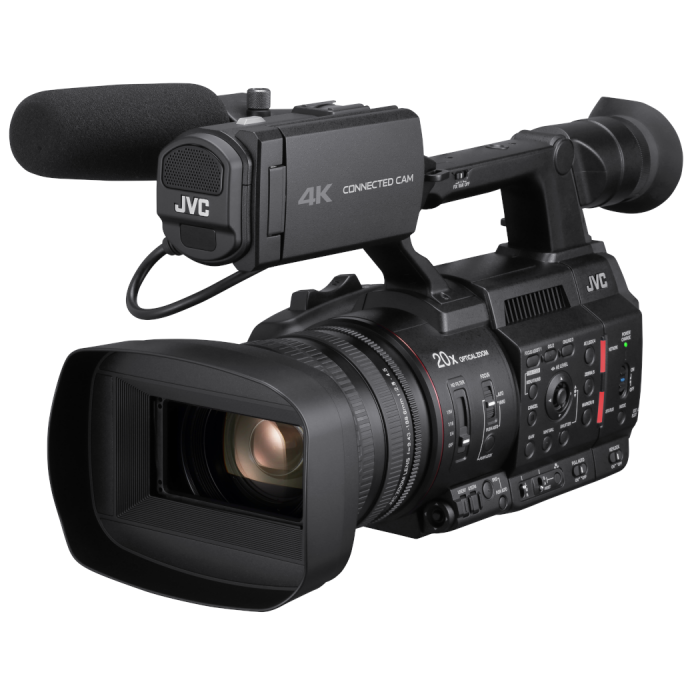
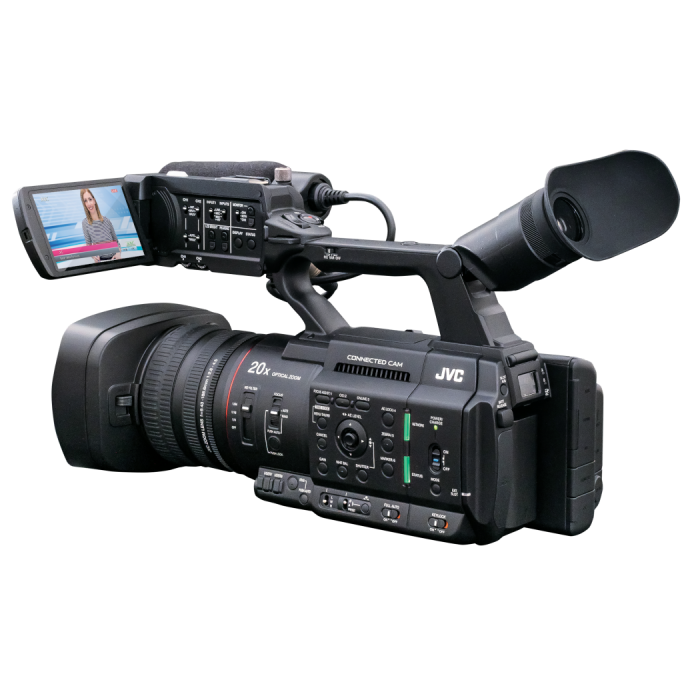
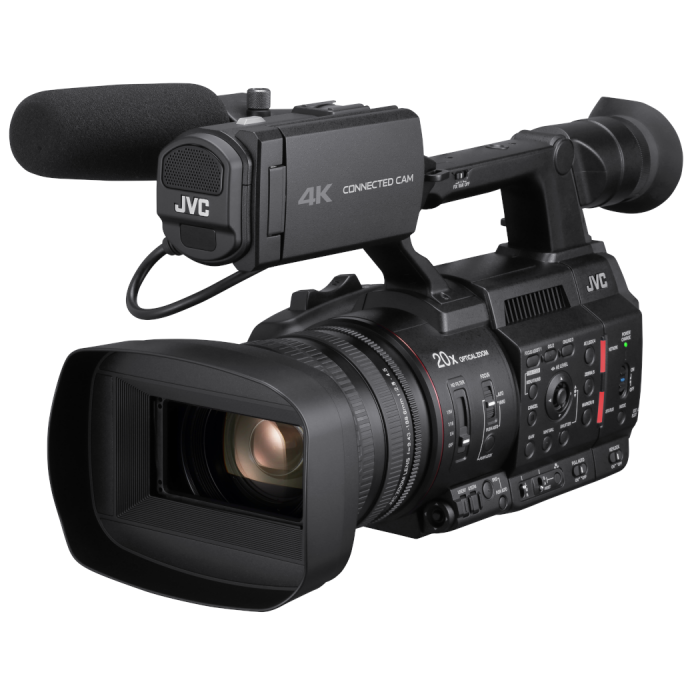
The JVC GY-HC500SPCU and JVC GY-HC500MC are examples of connected 4K camcorders that fit creators moving beyond casual clips and into repeatable production. These models make sense for channels that need dependable operation, live output options, and a more professional shooting experience.
If your priority is creating polished content quickly and consistently, a camcorder is often the more forgiving choice for a first serious video camera.
How important is 4K for an entry-level YouTube camera?
4K is valuable, but it is not mandatory for every beginner. It gives you more resolution for cropping, reframing, and future-proofing your content. That is especially useful if you want to shoot one wide shot and create tighter edits in post, or if you plan to keep your camera for several years.
However, HD can still be perfectly workable if your workflow is simple and your content is more important than pixel count. For livestreaming, education, worship, and talking-head videos, strong lighting and good audio often make a bigger difference than jumping immediately to 4K.
If you do want 4K from the start, the JVC GY-HC500U and JVC GY-HC500MC are compelling choices, and the JVC KY-PZ400N is a strong option for creators who want a remotely controlled 4K PTZ setup.
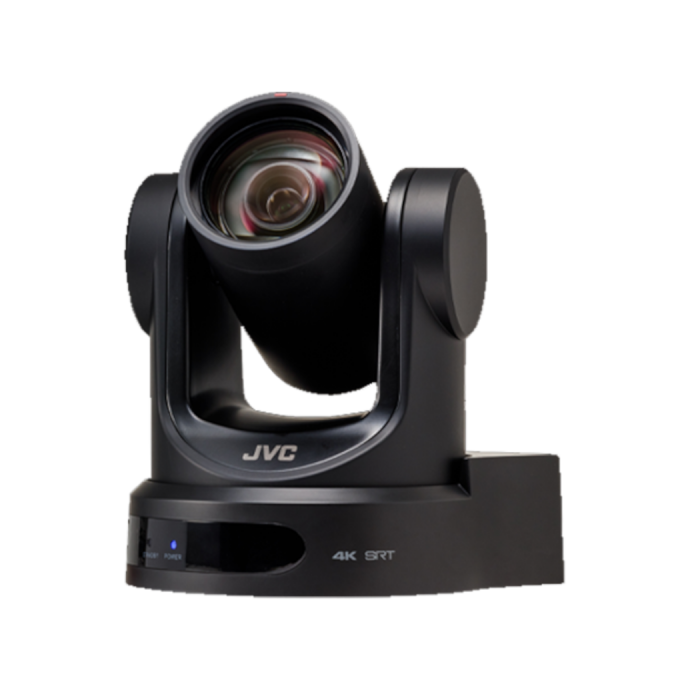
Our general advice: if your budget allows it, 4K is a smart investment. But if choosing 4K means compromising on audio, lighting, or overall usability, a reliable HD system can still be the better beginner purchase.
When does a PTZ camera make sense for a YouTube channel?
A PTZ camera makes sense when you want clean, unattended, or remotely operated production. PTZ stands for pan, tilt, and zoom, which means you can mount the camera in a fixed location and control framing without touching it. That is ideal for livestreamers, podcast studios, houses of worship, educational creators, and businesses recording recurring content.
The JVC KY-PZ200N HD NDI HX PTZ Remote Camera is a strong example for creators building a small studio or streaming setup. It offers remote control and optical zoom, making it easier to produce polished content with fewer operators. If you want a white-body version for a specific room aesthetic or installation need, the JVC KY-PZ200N and KY-PZ200 options are also available in white.
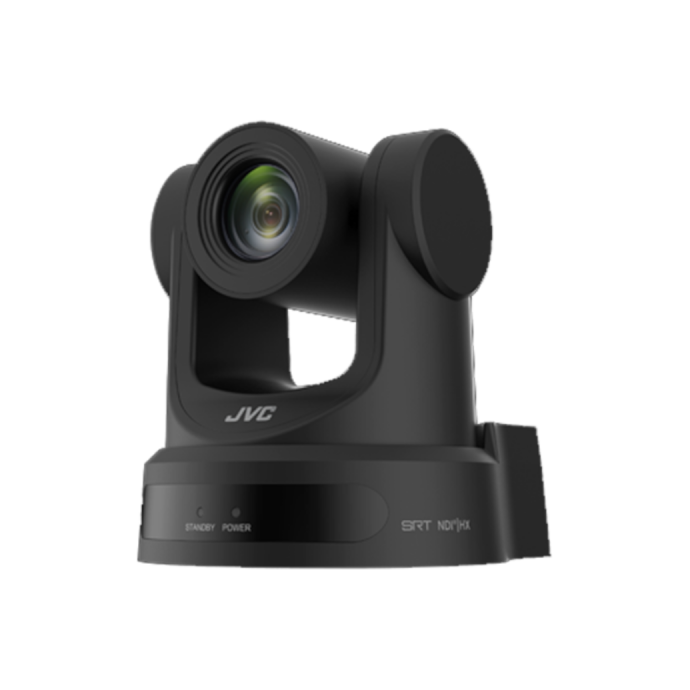
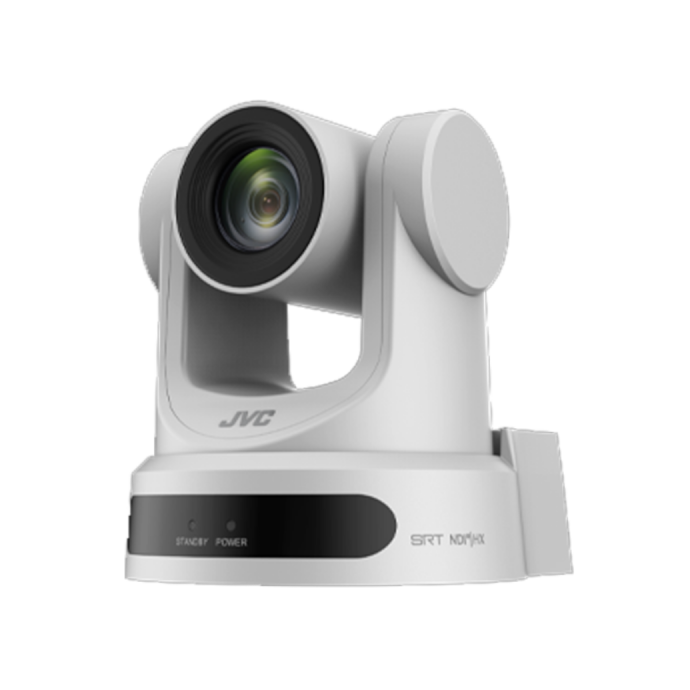
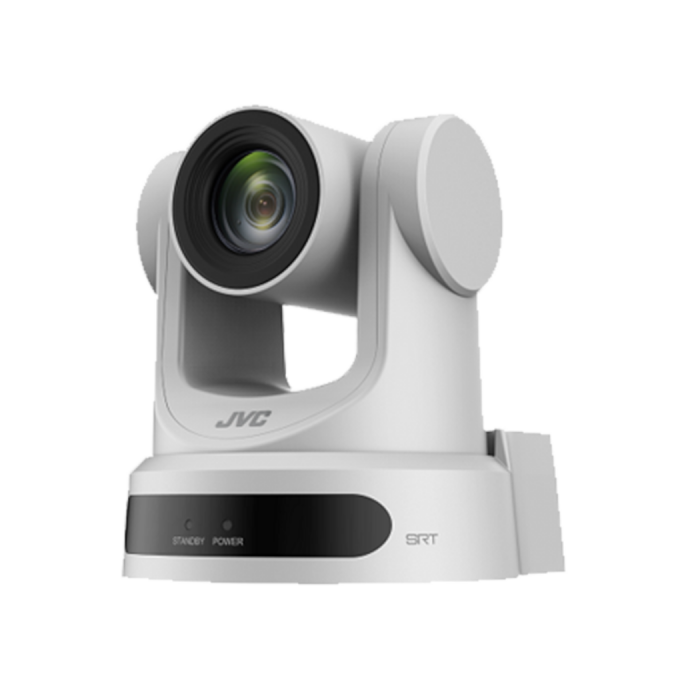
For solo creators who are tired of constantly getting up to adjust framing, a PTZ camera can dramatically simplify production.
Is optical zoom important for beginner YouTube creators?
Optical zoom can be extremely important if you shoot in varied spaces or need flexibility without moving the camera. It is especially useful for event coverage, interviews, stage presentations, sports, worship, and classrooms. Unlike digital zoom, optical zoom preserves image quality because it uses the lens rather than cropping the frame.
This is one reason camcorders remain so practical for video-first creators. Models like the JVC GY-HC500MC and PTZ options like the JVC KY-PZ200N give you useful zoom range built into the system, which helps beginners capture multiple shot types without buying extra lenses.
If your YouTube content is mostly filmed at a desk from one fixed distance, zoom may not be your top priority. But if you want more shooting freedom, it is a feature you will appreciate quickly.
What features matter most besides image quality?
New creators often focus on resolution first, but workflow features can be just as important. Look for straightforward operation, dependable recording, clean output for livestreaming, comfortable handling, and the ability to frame a variety of shots with minimal setup.
For YouTube production, we typically suggest prioritizing these practical needs:
Ease of use: A camera that encourages you to record consistently is better than one with advanced features you never use.
Recording reliability: Long-form creators benefit from systems designed for extended shoots.
Zoom flexibility: Built-in optical zoom expands your shot options without requiring additional lenses.
Remote control or connected workflows: Helpful for livestreams, multi-camera shoots, and solo production.
Upgrade path: A camera should still support your workflow as your channel grows.
That is where connected camcorders and PTZ models from JVC can stand out. They are designed around actual video production, not just occasional clips.
What is the best choice for livestreaming or multi-camera YouTube content?
If your channel includes livestreams, panel discussions, worship services, education, or recurring studio shows, PTZ and connected camcorders deserve serious consideration. They are often easier to integrate into production environments than entry-level stills cameras.
The JVC KY-PZ400N is particularly appealing if you want 4K PTZ capability with remote control for a modern streaming setup. For HD-based streaming environments, the KY-PZ200 family remains a practical and efficient option. If you prefer a handheld camera operator style with pro video controls, the GY-HC500 line offers more traditional camcorder handling while still fitting connected workflows.
This is less about what looks trendy on social media and more about choosing the right tool for the way your content is actually made.
What should a beginner buy first if they want room to grow?
If growth is a priority, buy for your next stage rather than only your first upload. A camera with strong video ergonomics, reliable long-form performance, and flexible connectivity will stay useful longer than a basic device you outgrow in a few months.
For creators who want a handheld camera that can scale into more professional work, the JVC GY-HC500U is an excellent long-term choice. For fixed-location content creators who see multi-camera streaming in their future, the JVC KY-PZ400N offers a clean entry into remotely controlled 4K production.
The right beginner camera is the one that makes publishing easier now while still supporting your ambitions later.
If you are ready to build your YouTube setup, Unique Photo can help you compare camcorders, PTZ cameras, and creator-focused video tools to find the right fit for your content and budget. Explore our video selection and connect with our team for guidance on the best camera for your channel.