Every great contest image starts with a strong capture, but the edit can make or break your entry. The challenge is knowing where thoughtful refinement ends and disqualifying manipulation begins. Use these practical, contest-safe tips to keep your images honest, impactful, and ready for judging—plus a few pro tools and classes from Unique Photo to help you get there.
Before You Edit: Know the Rules
1) Read the category fine print—twice
Different contests have different thresholds. Nature and photojournalism categories often restrict content changes to global tonal/color adjustments and basic cleanup. Open and creative categories may allow composites and heavy retouching. If the rules require RAW files on request, plan to keep your originals and edit non-destructively.
2) Learn from the organizer’s sample images
Many contests publish past winners. Study what level of polish looks acceptable in each category—subtle is often stronger than flashy.
Build a Clean, Contest‑Safe Workflow
3) Work non-destructively and save versions
Edit on virtual copies or layered files. Keep a version with only global adjustments (exposure, white balance, contrast) separate from any local or advanced edits. If judges ask for your RAW, you’ll be ready.
4) Document significant changes
Keep brief notes on major edits (e.g., pano stitching, focus stacking). Some contests require an edit description—clear notes showcase your integrity and craft.
What Edits Are (Usually) Safe
5) Global tonal and color corrections
Reasonable exposure, contrast, white balance, and color grading are generally allowed. Lens corrections and perspective fixes are usually fine, too.
6) Moderate, honest cleanup
Sensor dust removal, noise reduction, and restrained sharpening are standard. Removing transient distractions (e.g., a tiny floating leaf) may be acceptable in some categories, but verify first—many documentary categories prohibit any content removal.
Edits That Often Cross the Line
7) Content removal or addition
Erasing power lines, adding a better sky, cloning out people, or compositing elements can be disqualifying outside of “Open/Creative.” If you do composite in a category that allows it, disclose it.
8) Overprocessing tells
Halos from aggressive clarity, waxy skin from over-noise-reduction, and oversaturated colors are common rejection triggers. Judges often favor clean, believable files over hyper-stylized looks.
9) Generative AI and sky replacement
Most contests explicitly ban generative fills, AI object creation, and sky replacement in non-creative categories. If AI-assisted edits are allowed, they typically require disclosure.
Prepare Contest‑Ready Prints
10) Proof and print with consistent color
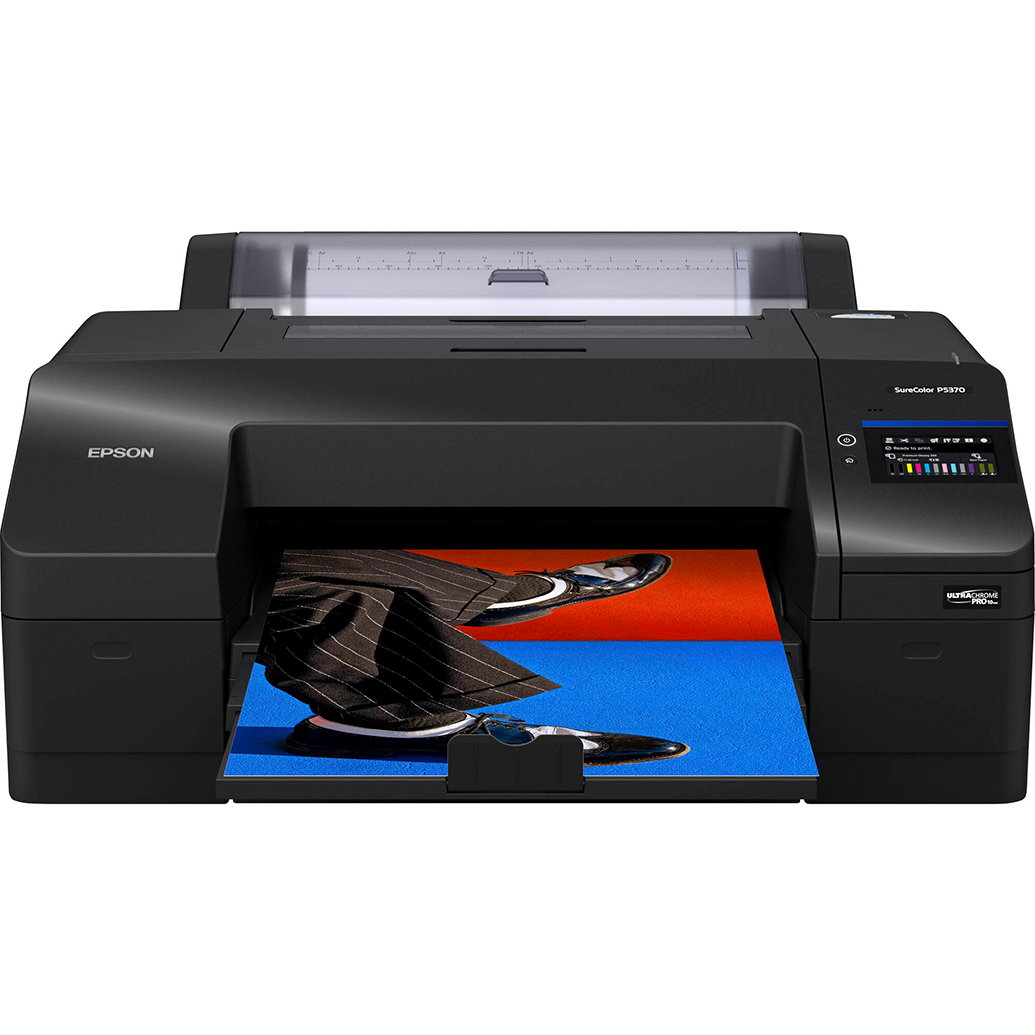
Final judging frequently happens in print. Calibrate your display, soft proof, and make test prints. A reliable printer like the Epson SureColor P5370 delivers consistent D50-friendly output and deep blacks that hold detail without crushing shadows.
11) Choose paper that matches your image
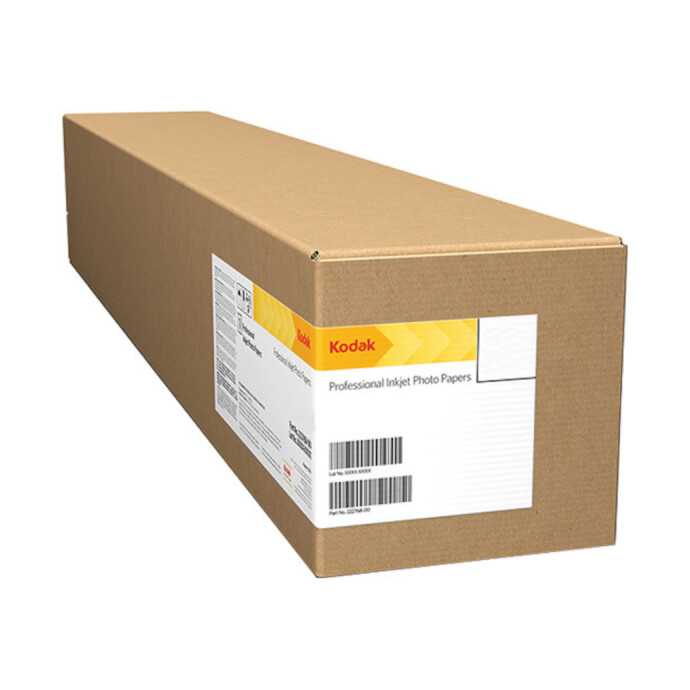
Metallic media can add a subtle pop to high-contrast landscapes, nightscapes, and macro work. For dramatic highlights and pearlescent depth, the Kodak Professional Metallic Photo Inkjet Paper (44 x 100) is an excellent choice for large-format entries.
12) Make small proofs before the final
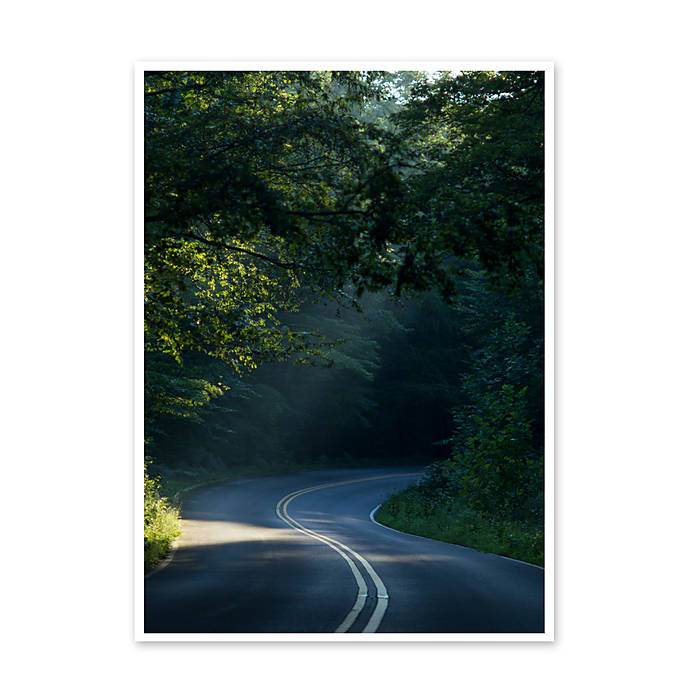
Iterate quickly with small test prints to evaluate density, color, and sharpening. The Unique Photo Lab 4x6 Print Glossy is a cost-effective way to check skin tones, shadow detail, and saturation before committing to big finals.
Sequence, Store, and Present Your Entries
13) Keep proof sets organized
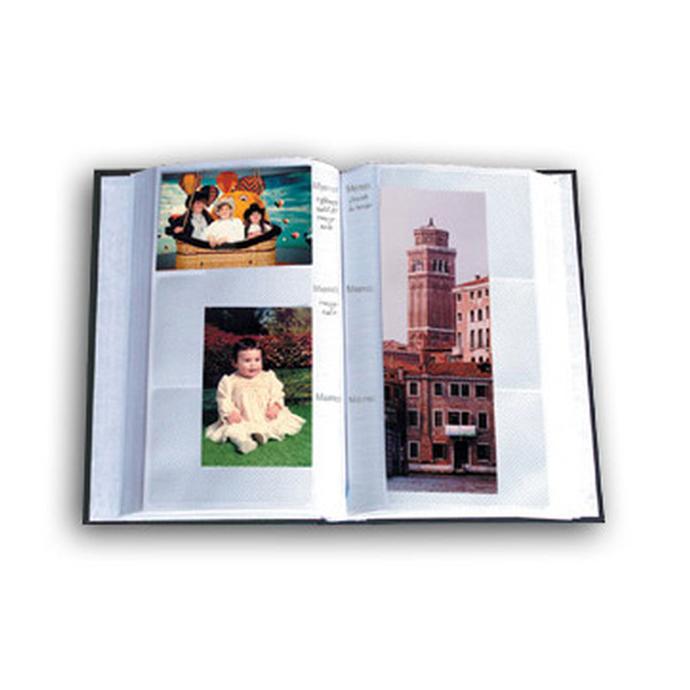
Use a simple album to track revisions and compare iterations side by side. The Pioneer 4 x 6 In. Bi-Directional Memo Photo Album (200 Photos) lets you add notes next to each print—great for documenting version numbers, paper types, and printer settings.

14) Update without mess
When you finalize a sequence, slip in fresh proofs using Pioneer Album Refill Pages for BP-200 albums so your book stays current without reworking the entire layout.
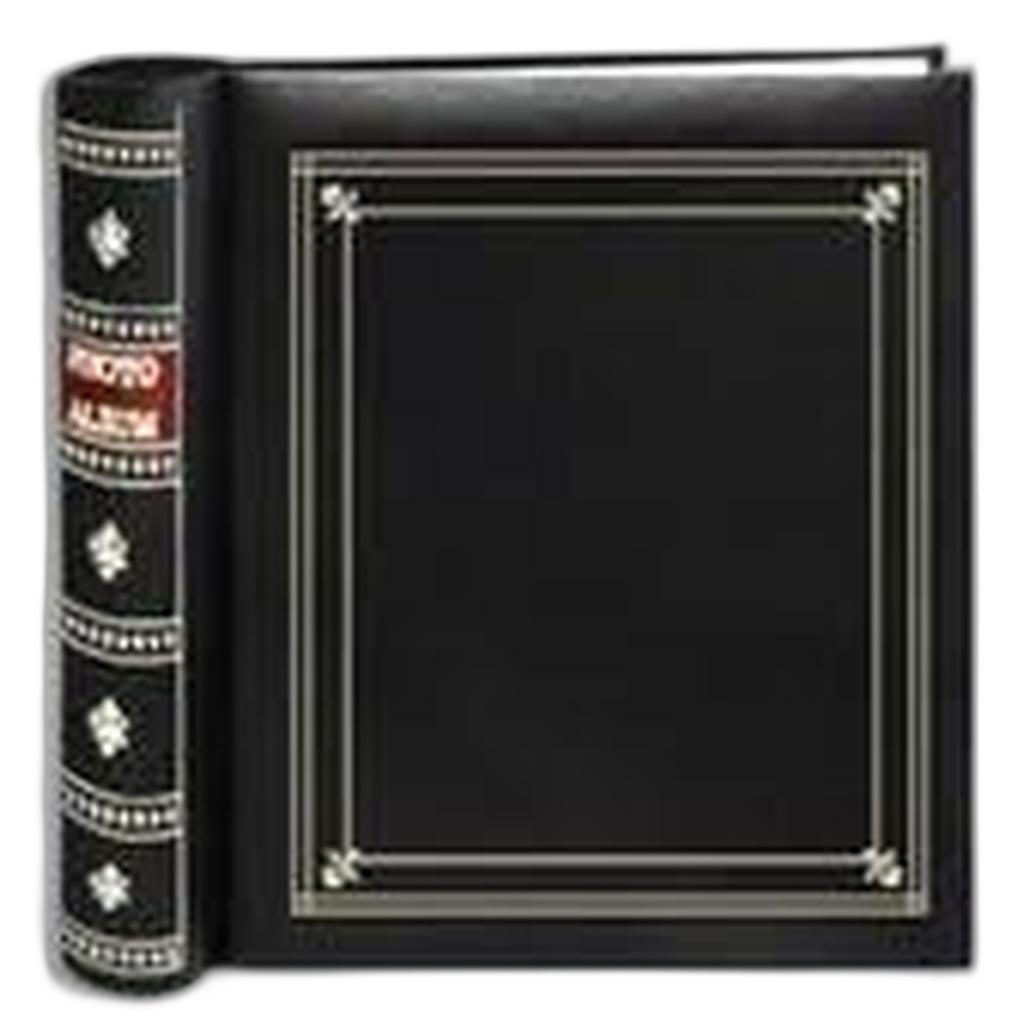
If you prefer a classic presentation, a brass-corner album like the Pioneer TS-246 Oxford Brass Corner Photo Album gives your finished sets a polished look for portfolio reviews.
Train Your Eye, Not Just Your Software
15) Study light and restraint in the field
The better your capture, the less heavy editing you’ll need. Guided shoots such as Macro and Landscape Photography at Duke Farms with Michael Downey help you pre-visualize tones and avoid rescue edits later.
16) Explore challenging subjects to master subtlety
Learning to balance extreme color and contrast makes you precise with the slider moves. Try an excursion like Photograph Fluorescent Zinc Ore at Sterling Hill Mine to practice nuanced exposure and color control that still looks natural in print.

Final Checks: Metadata, Naming, and Proofs
17) Keep originals and export responsibly
Maintain original RAWs, sidecars, and layered files. Export contest entries at the required dimensions, color space (often sRGB for digital submissions), and naming conventions. Strip or retain metadata per rules.
18) Print verification
Before delivering a final print, evaluate under standardized light (e.g., 5000K viewing conditions). Re-check blacks, skin tones, and any subtle gradients for banding or color shifts.
Bottom Line: Let the Image Breathe
Most judges reward thoughtful, transparent edits that enhance—not reinvent—what you captured. If you find yourself hiding major content changes, you’re probably pushing too far for most categories. Aim for clean, believable files, proof them in print, and present them professionally.
Need help dialing in your editing and print workflow? Unique Photo has the printers, papers, classes, and lab services to support you from capture to podium. Good luck—and have fun competing!