Getting Started: What First-Time Home Creators Actually Need
For first-time home developers building out a simple photo, video, or content creation space, the biggest challenge is usually not ambition—it is buying the right gear in the right order. Beginners often jump straight to specialized accessories before covering the basics, while others underestimate how much a small support tool can improve workflow.
In this comparison, we are looking at two very different categories of gear that often appear in growing home setups: mounting and support accessories versus timecode synchronization cables. For most first-time users, support hardware like adapter studs, pins, and leveling bases will solve more immediate problems than advanced sync tools. But if your home setup is expanding into multi-camera or professional audio/video production, timecode cables may become essential.
This head-to-head is designed to help beginners understand what each product type does, where it fits in the process, and which items make the most sense to buy first.
Side-by-Side Specs Comparison
| Product | SKU | Category | Best For | Beginner Value | Portability | Specialization |
|---|---|---|---|---|---|---|
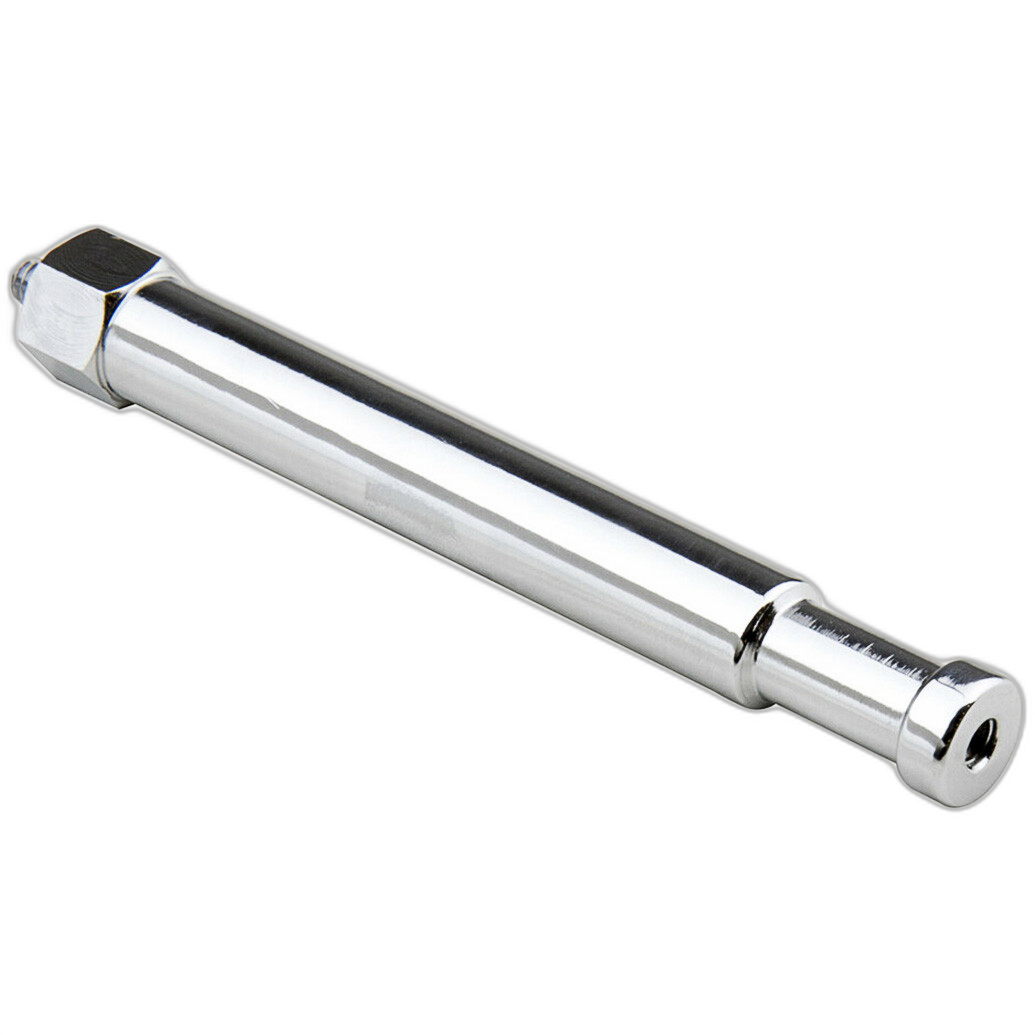
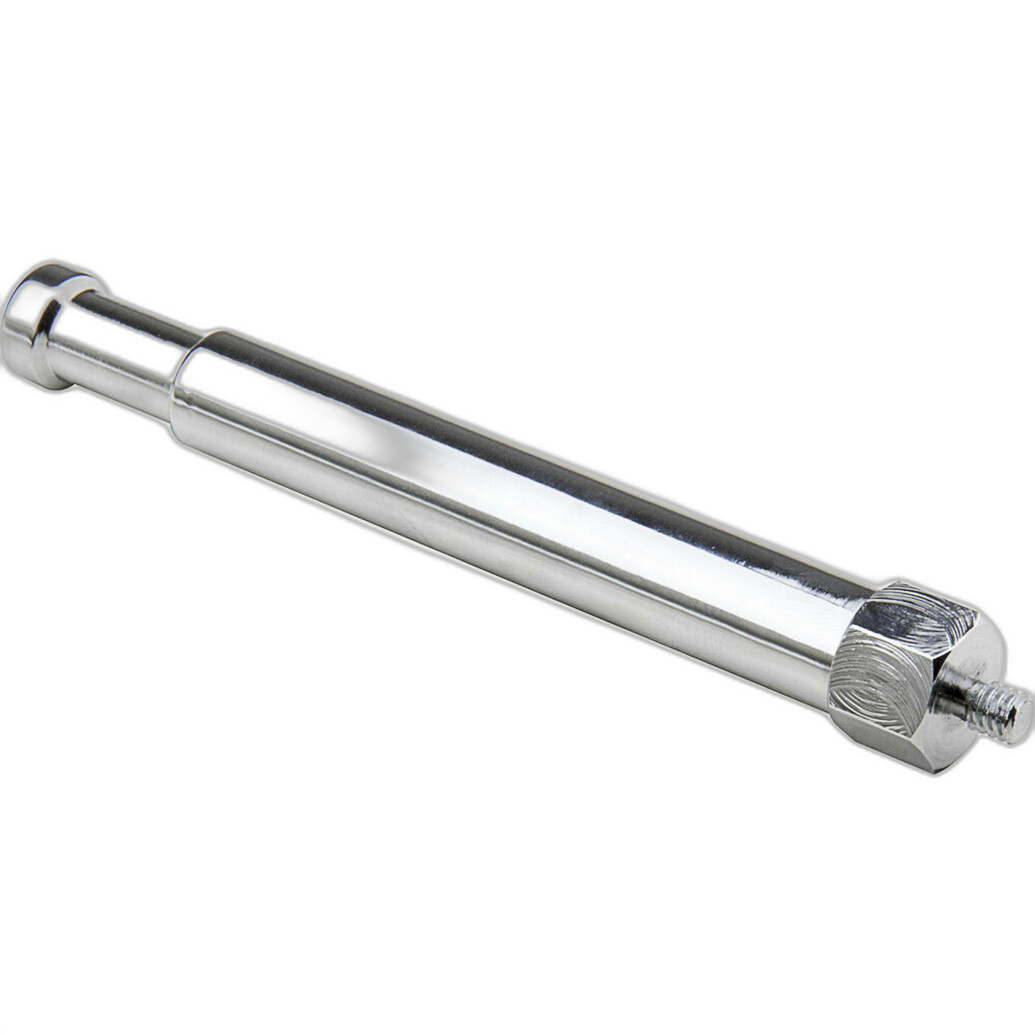
| Kupo Baby Pin with 1/4in-20 Male Thread | KUP2056 | Mounting / Lightstand Accessory | Attaching lights, accessories, and small gear to stands or grip equipment | High | High | Low to Moderate |
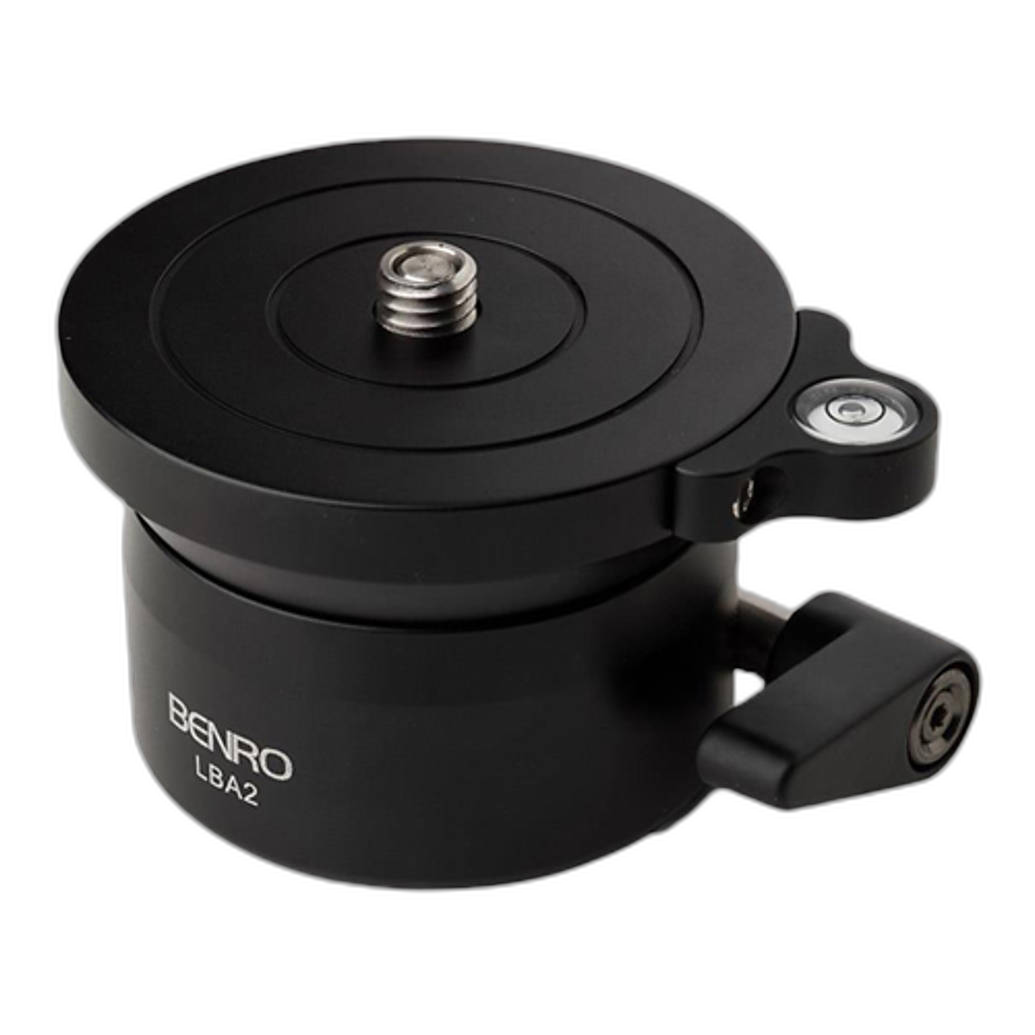
| Benro LBA2 Leveling Base -- Dual Camera Thread | BNR1102 | Tripod / Support Accessory | Leveling cameras or heads on uneven surfaces | High | High | Moderate |
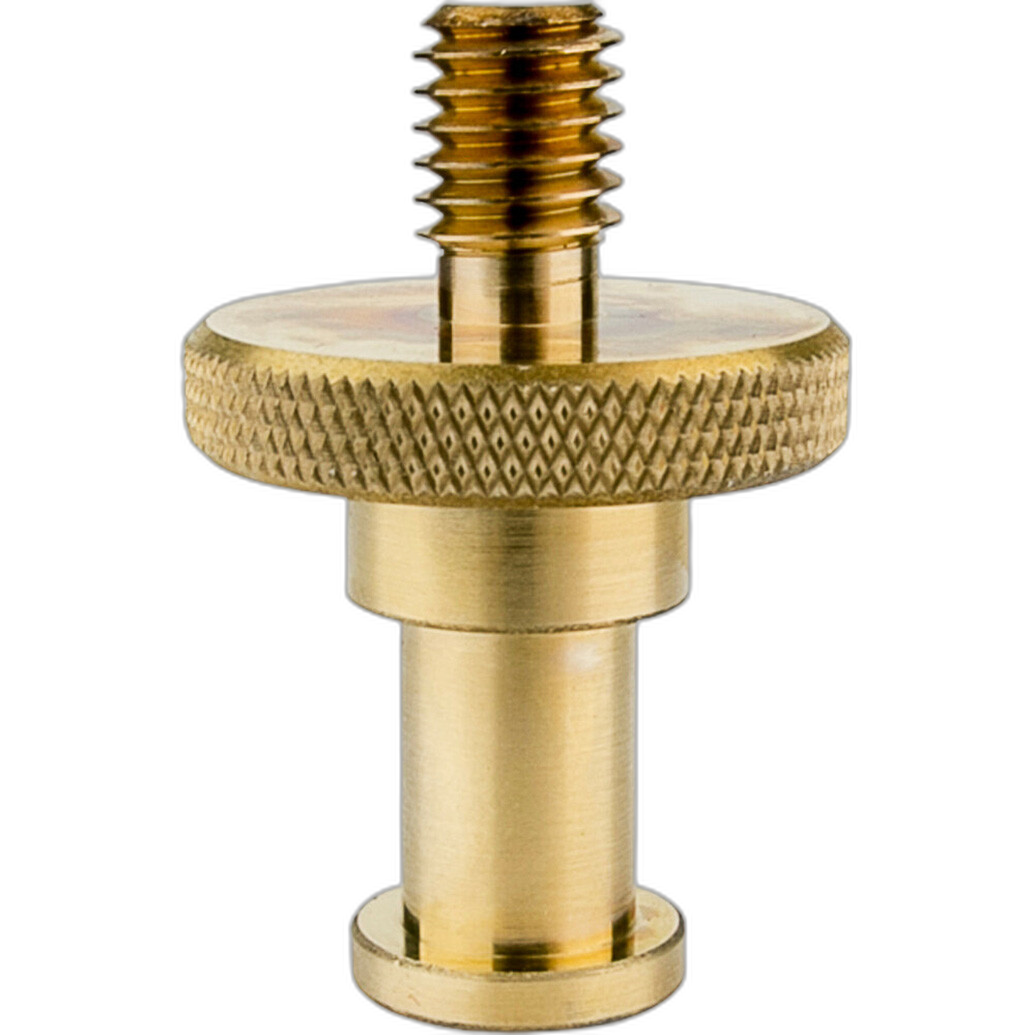
| Kupo Adapter Stud to 3/8-16 Thread | KUP1824 | Mounting Adapter | Converting support gear for accessory mounting | High | Very High | Low |
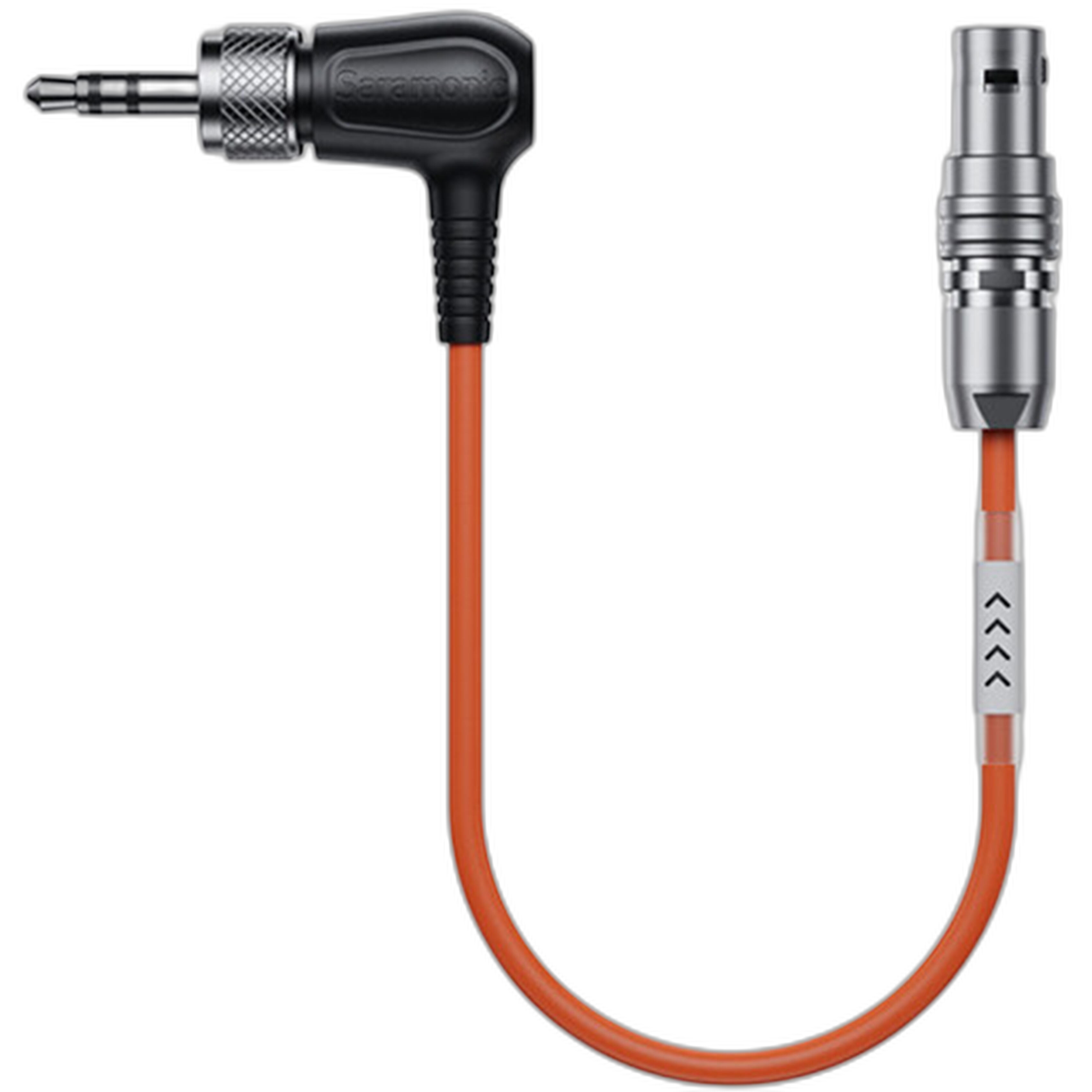
| Saramonic SR-TRS-C04 Locking 3.5mm TRS to Straight 5-Pin LEMO Timecode Cable | SAR2153 | Timecode Cable | Syncing compatible audio/video gear | Low for beginners | High | High |
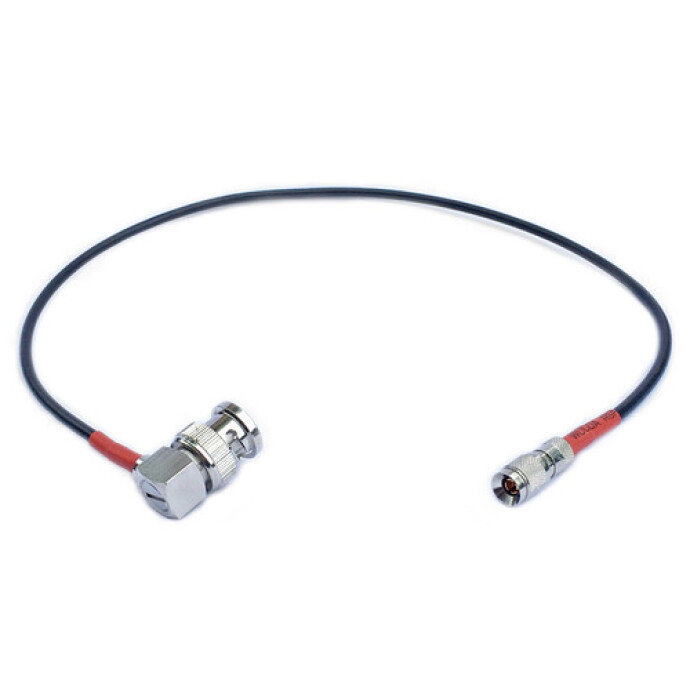
| Atomos Ultrasync One to BNC Timecode and Genlock Cable (Red) | AVR063 | Timecode / Genlock Cable | Professional sync and genlock workflows | Low for beginners | High | Very High |
The Two Paths Beginners Usually Face
When building a home setup for the first time, users usually fall into one of two camps. The first group is trying to create a cleaner, more flexible shooting area for photography, livestreaming, YouTube, product shots, or interviews. The second group is moving into more advanced filmmaking or audio production and needs accurate synchronization between devices.
If you are in the first group, support accessories will almost certainly have a more immediate impact. If you are in the second group, timecode cables are relevant—but only if the rest of your gear already supports that workflow.
Support Accessories: The Smarter Starting Point for Most Beginners
The Kupo Baby Pin with 1/4in-20 Male Thread, Kupo Adapter Stud to 3/8-16 Thread, and Benro LBA2 Leveling Base are the kinds of products that solve everyday setup issues. These are not flashy purchases, but they are exactly the sort of gear beginners often wish they had bought sooner.
The Kupo Baby Pin is especially practical for attaching compatible gear to stands, while the Kupo adapter stud expands mounting compatibility with 3/8-16 threaded accessories. The Benro leveling base is valuable when your tripod or shooting surface is not perfectly even, helping you make quick adjustments without fighting your entire setup.
Common beginner lesson: a home studio does not fail because of a lack of expensive gear—it fails because gear cannot be positioned, mounted, or leveled efficiently.
Timecode Cables: Powerful, But Often Too Advanced at the Start
The Saramonic SR-TRS-C04 and Atomos Ultrasync One to BNC Timecode and Genlock Cable are far more specialized. These products are intended for synchronization workflows in professional or semi-professional video production. That means they only become useful if your cameras, recorders, or sync boxes already support timecode or genlock.
For a beginner home developer working with a single camera, smartphone, USB mic, or basic mirrorless setup, these cables are usually not a first purchase. They are workflow enhancers for more advanced productions, not foundational setup tools.
Typical beginner pitfall: buying a specialized cable before confirming both device compatibility and actual workflow need. A cable alone does not create a synchronized workflow; it only supports one.
Step-by-Step Buying Advice for First-Time Home Developers
Step 1: Build Stability Before Complexity
Start with the gear that helps you mount, balance, and level equipment safely. For most users, that means buying support accessories before buying synchronization accessories. If your lights, camera, or accessories are awkwardly positioned, your workflow will slow down fast.
Step 2: Match Accessories to Your Real Workflow
If you are shooting stills, streaming, recording tutorials, or making solo video content, support pieces like the Kupo and Benro options are more universally useful. If you are running multi-device video production with dedicated audio recording, then the timecode cables may deserve a place on your shortlist.
Step 3: Avoid Overbuying Specialized Gear
Many beginners assume professional-looking setups require professional-level accessories in every category. In reality, the most productive first purchases are the ones that remove friction from daily use. A simple mount adapter or leveling base can improve results more than a specialized cable that sits unused.
Category-by-Category Comparison
Best for Immediate Home Studio Use
Winner: Kupo Baby Pin with 1/4in-20 Male Thread
This is the most straightforward option for users who need to attach accessories to a stand or support system. It addresses practical mounting needs that appear almost immediately in small home setups.
Best for Tripod and Camera Alignment
Winner: Benro LBA2 Leveling Base -- Dual Camera Thread
If your work involves tripods, uneven surfaces, tabletop shooting, or frequent reframing, the Benro leveling base is a strong upgrade for efficiency and accuracy.
Best Budget-Friendly Utility Add-On
Winner: Kupo Adapter Stud to 3/8-16 Thread
Adapters are rarely exciting, but they are often the difference between gear that works together and gear that does not. For first-time builders, this is a highly practical problem-solver.
Best for Advanced Sync Workflows
Winner: Atomos Ultrasync One to BNC Timecode and Genlock Cable (Red)
Among the sync-focused options, the Atomos cable is aimed at a more advanced professional environment where genlock and precise multi-device timing matter.
Our Pick
For most first-time home developers, our pick is the Kupo Baby Pin with 1/4in-20 Male Thread.
Why? Because it reflects the real needs of a beginner setup: flexibility, mounting convenience, small footprint, and broad usefulness. While the Benro leveling base is also an excellent early purchase, the Kupo Baby Pin is the more universally helpful item for creators assembling a functional home shooting space from scratch.
If your setup is already more advanced and includes compatible sync hardware, then the Saramonic or Atomos timecode options can make sense. But for the average beginner, support accessories should come first.
Conclusion
The key lesson for first-time home developers is simple: buy gear that solves your current problems before buying gear for future complexity. Support accessories like the Kupo and Benro options offer immediate, practical value in home studios, while timecode cables are best reserved for more specialized productions.
If you are building your setup one smart purchase at a time, Unique Photo is a great place to find the accessories that help your gear work better together—from everyday mounting tools to more advanced production essentials.