Affordable Film Scanning FAQ: Flatbeds vs DSLR Setups for Beginners
Getting film into a digital workflow can be as simple or as advanced as you want it to be. For beginners, the biggest questions usually come down to cost, image quality, speed, and how much setup work you are willing to do before you start scanning negatives or slides.
At Unique Photo, we help film photographers choose solutions that match both their budget and their format. Whether you are looking at a dedicated scanner, considering a used flatbed, or building a camera scanning setup around film holders and a light source, here are the key things to know.
Is the Epson V600 still a good option in 2024?
The Epson V600 remains a familiar name because it helped many photographers get started with home film scanning, especially for mixed use that includes prints and documents. In 2024, though, many shoppers are comparing it against newer dedicated film scanners and used higher-end flatbeds that can deliver stronger film-focused performance.
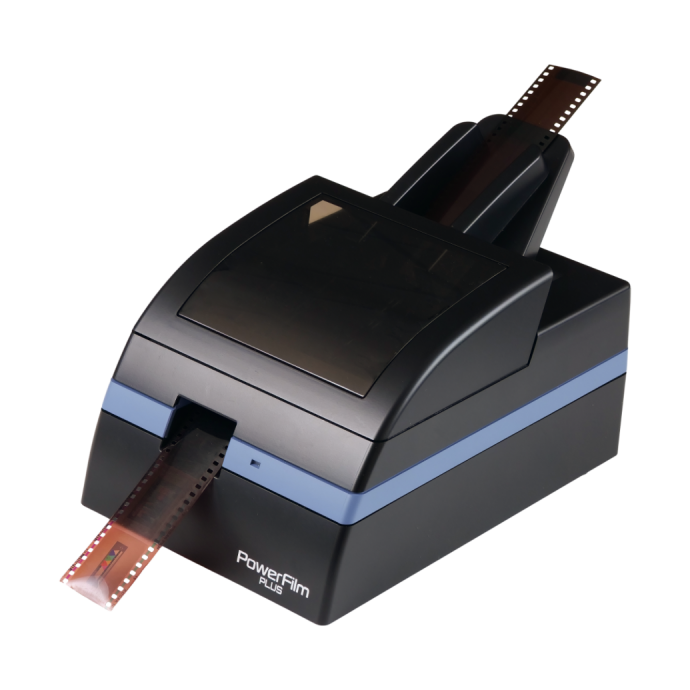
If your main goal is scanning negatives with better consistency and more format-specific control, a dedicated film scanner may make more sense than an entry-level flatbed. A strong example is the Pacific Image Power Film Plus Scanner, which is designed specifically for film digitizing rather than general-purpose flatbed tasks.
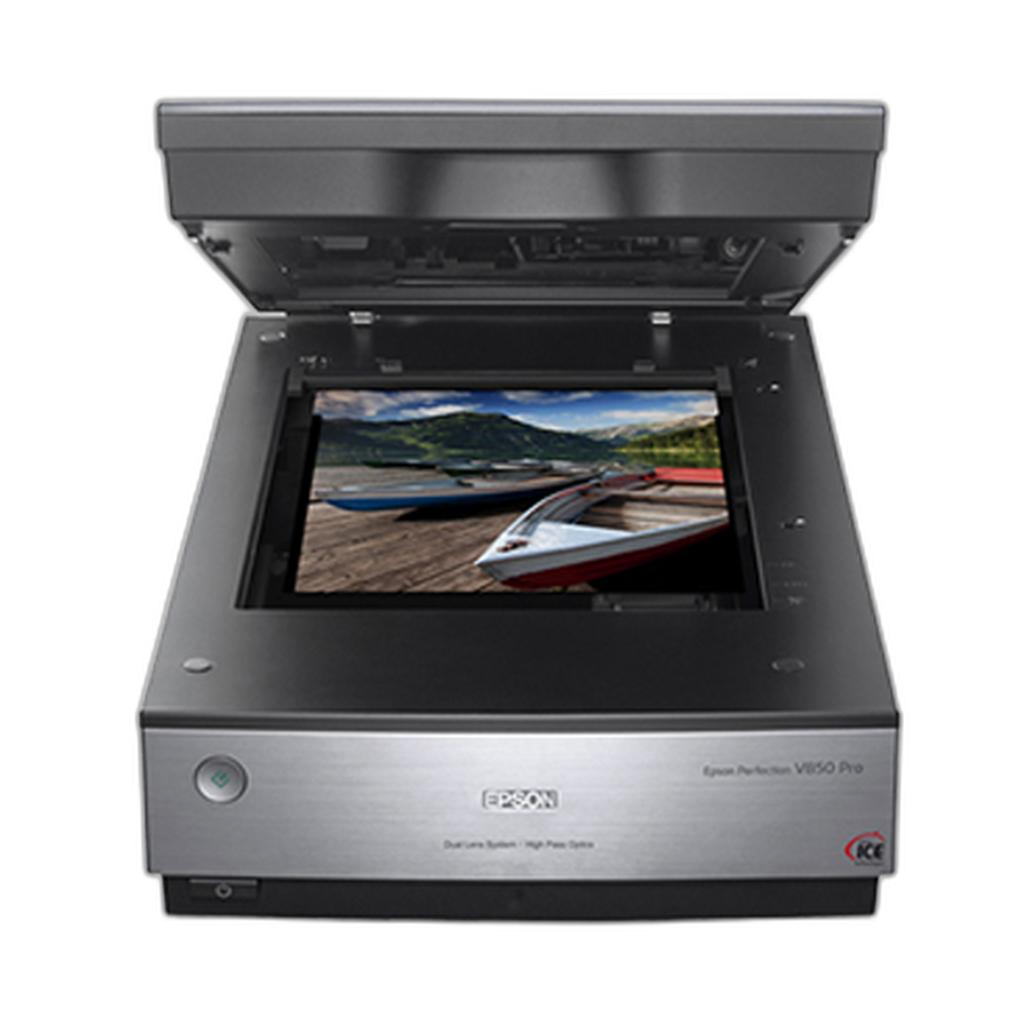
Another route is shopping used gear for more capability per dollar. A used flatbed like the Used Epson V850 Scanner With Film Masks - Good can be appealing for photographers who want a larger scanning bed, included film masks, and a more serious archival workflow without paying full new-product pricing.
So while the V600 idea is still relevant as a beginner reference point, buyers today should also compare dedicated film scanners and used higher-tier options before deciding.
How does DSLR or mirrorless scanning compare to a flatbed scanner?
Camera scanning often wins on speed and potential image quality, especially when paired with a good macro lens, stable support, and careful alignment. If you already own a high-resolution DSLR or mirrorless camera, digitizing film with a camera can be one of the most cost-effective ways to get sharp files quickly.
Flatbeds are generally easier for all-in-one use, especially if you also scan prints, documents, or medium format occasionally. They tend to be more approachable for beginners who want a simpler workflow. However, dedicated film scanners and camera scanning setups usually pull ahead when fine detail, better film flatness, and efficient batch work matter most.
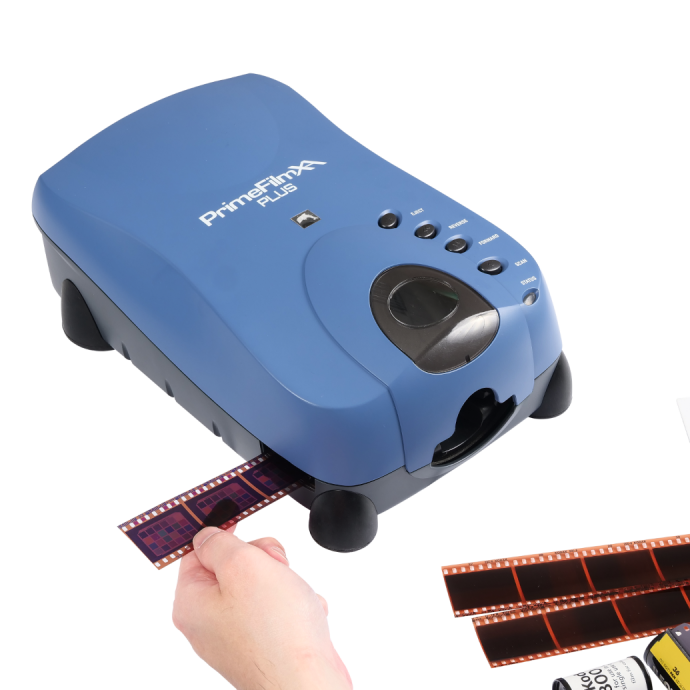
For 35mm shooters who want a scanner-focused solution, the Pacific Image PrimeFilm XA Plus Scanner is a compelling option. It is aimed at photographers who want dedicated film handling without building a full camera copy setup from scratch.
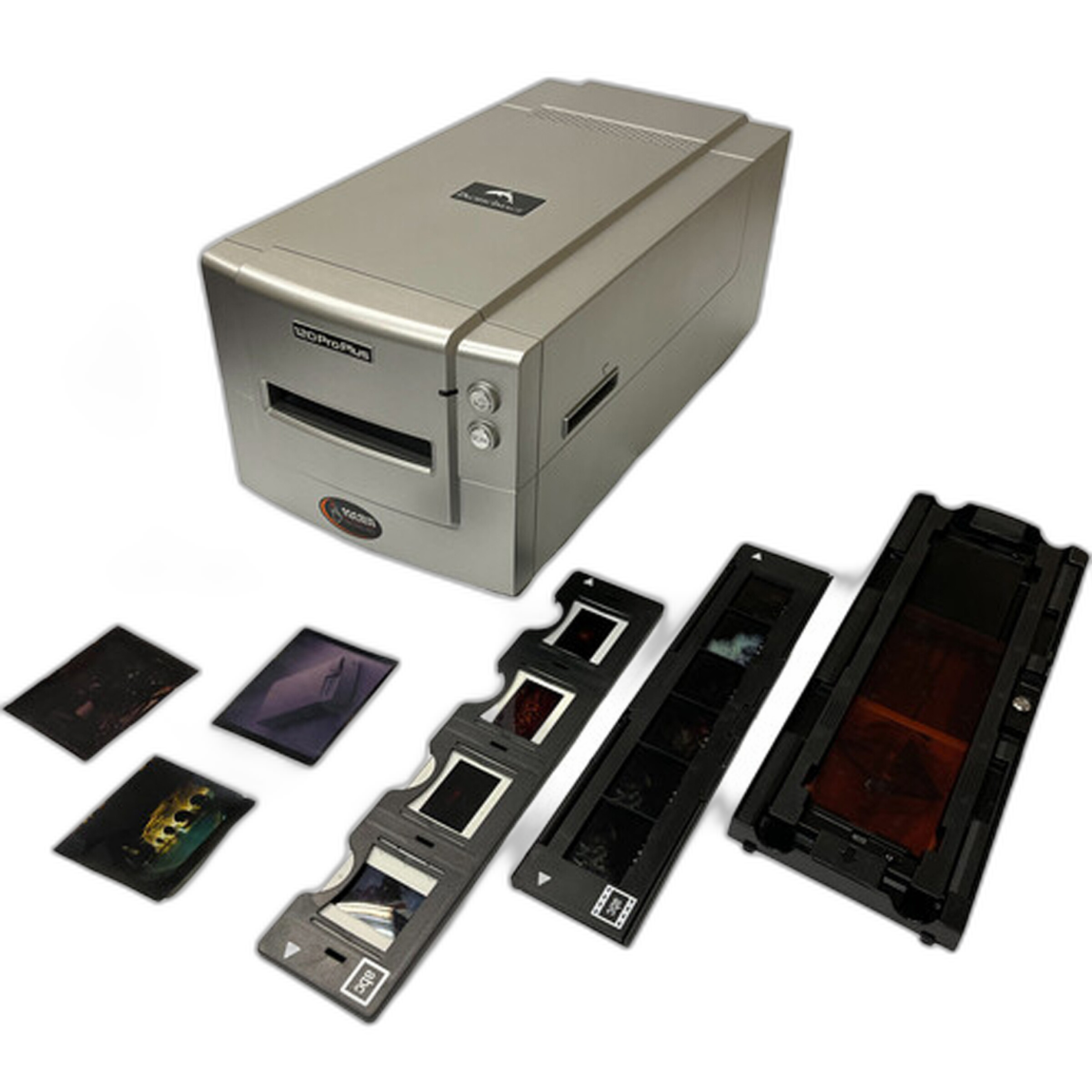
For medium format photographers, a dedicated option like the Pacific Image PrimeFilm 120 Pro Plus Scanner can be a stronger fit than trying to force a flatbed into higher-quality film work.
If you already own the camera gear, camera scanning can be extremely attractive. If you want a more turnkey film-only workflow, a dedicated scanner is often the cleaner choice.
What are the biggest advantages of a dedicated film scanner?
A dedicated film scanner is purpose-built for negatives and slides, which usually means better film transport, more predictable focus across the frame, and a workflow designed around actual film formats. This can be especially helpful for photographers who are digitizing archives and want repeatable results.
The Pacific Image Power Film Plus Scanner is a good example of an affordable film-first option for photographers who want to avoid piecing together a camera scanning rig.
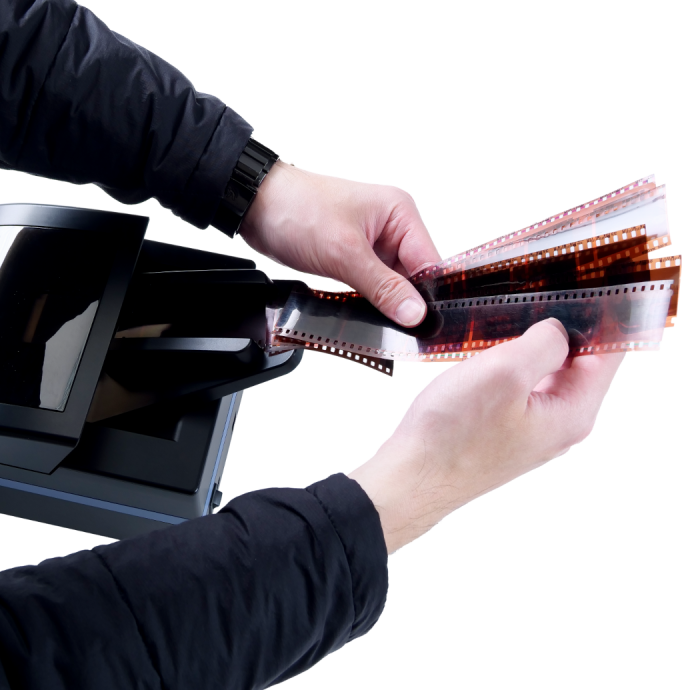
If you regularly shoot 35mm and want a scanner that stays focused on that format, the Pacific Image PrimeFilm XA Plus Scanner offers a more specialized path. And if your work centers on 120 film, the Pacific Image PrimeFilm 120 Pro Plus Scanner is a natural format-specific upgrade.
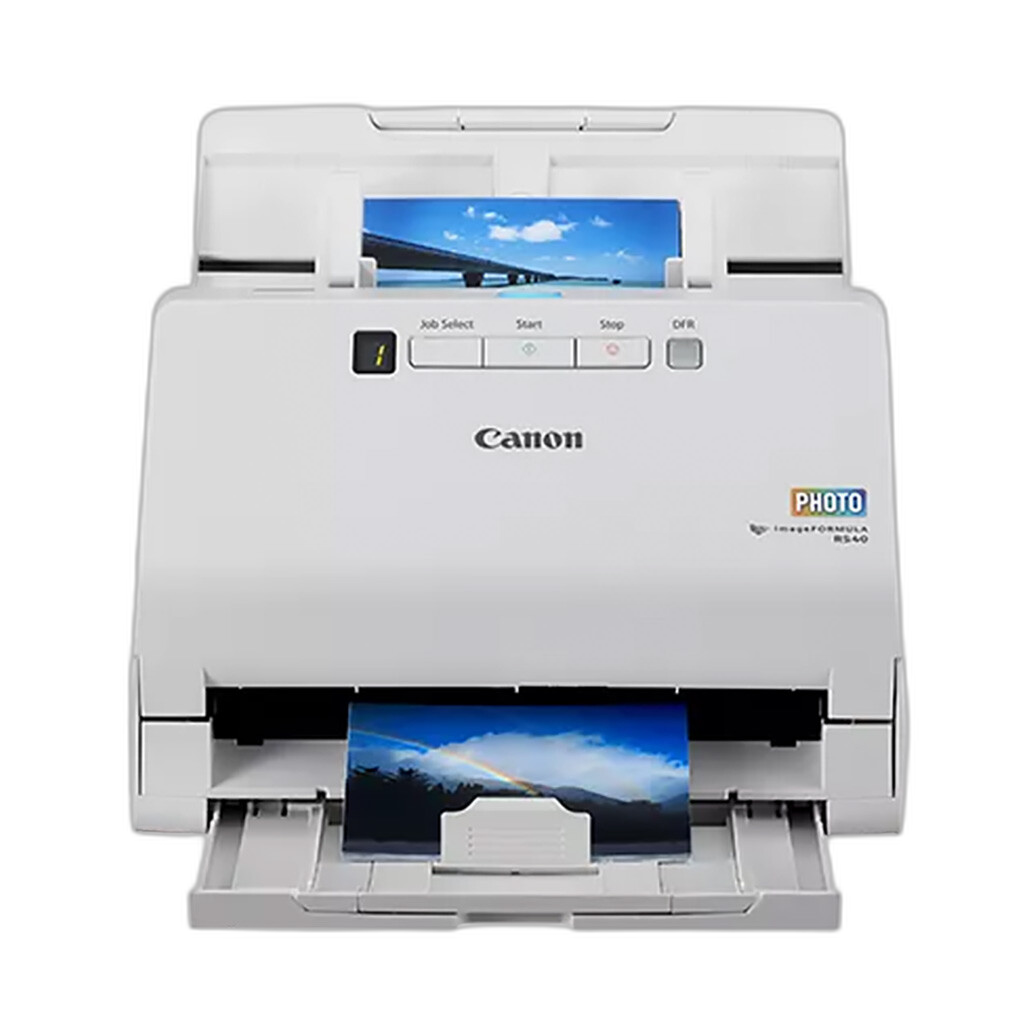
Compared with a general photo/document scanner such as the Canon imageFORMULA RS40 Photo and Document Scanner, a dedicated film scanner is simply the better match when negatives are the priority. The Canon model is useful for prints and documents, but it is not a replacement for film-specific scanning hardware.
What lighting setup works best for camera scanning negatives?
The ideal lighting for camera scanning is even, stable, and color consistent. You want a light source that produces uniform illumination across the film frame without hotspots, flicker, or visible texture. Consistency matters because uneven backlighting makes color correction and inversion more difficult.
Many beginners focus first on the camera and lens, but film handling is just as important. A good holder keeps the negative flat and elevated above the light source, which helps maintain sharpness and reduces Newton rings and other artifacts. That is why all-in-one scanning kits are so useful when starting out.
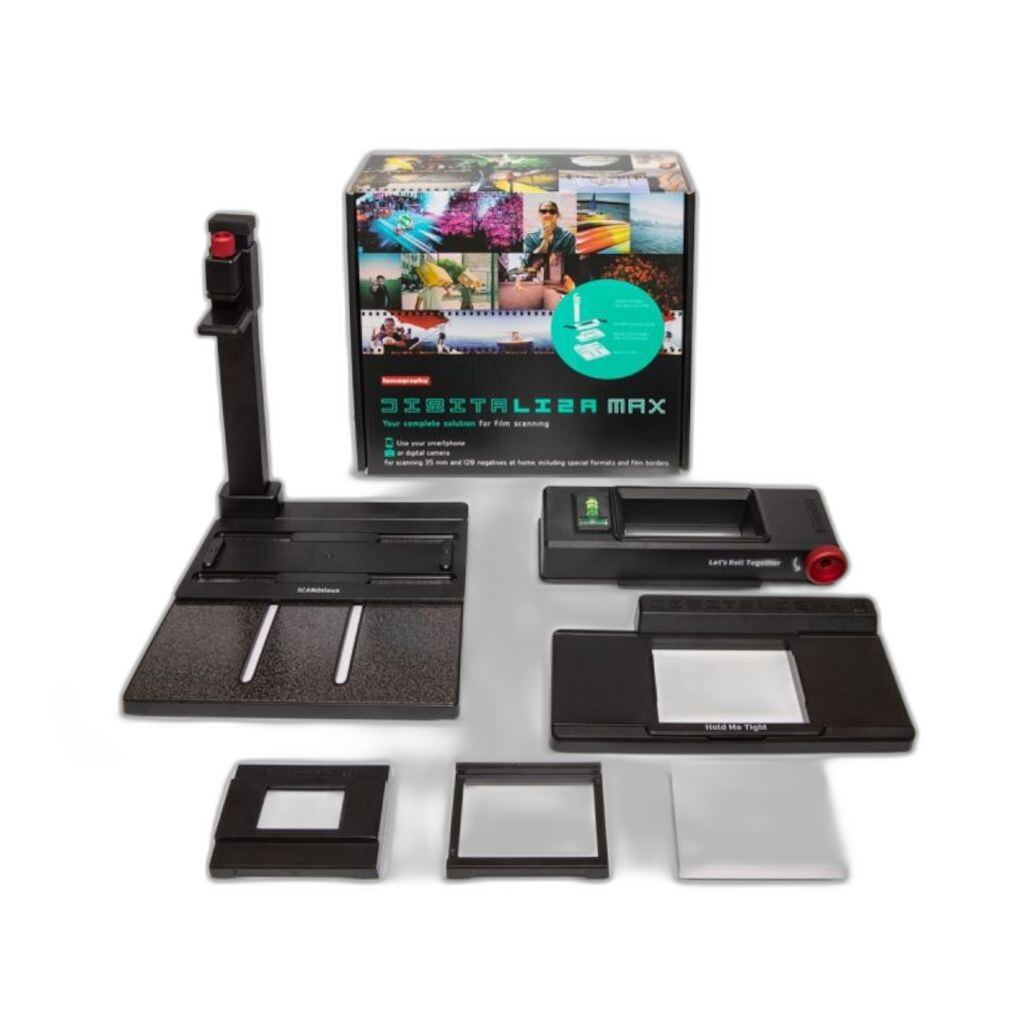
The Lomography DigitaLIZA Max Scanning Kit is a popular way to simplify a camera scanning workflow because it combines film handling with a beginner-friendly approach to digitizing.
If you want a versatile setup with support for multiple film workflows, the Lomography DigitaLIZA+ Scanning Kit is also worth considering.
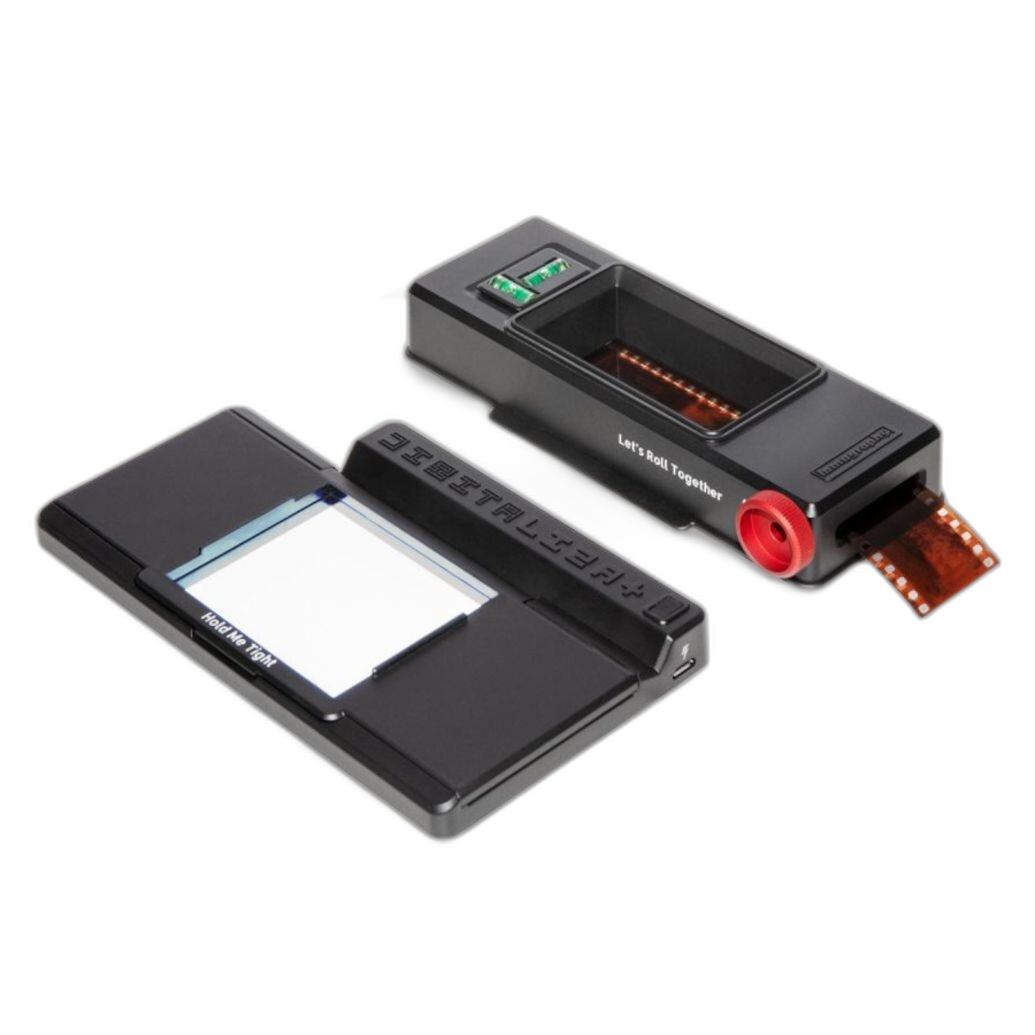
Whichever route you choose, prioritize a diffuse backlight, rigid alignment between camera and film plane, and a holder that keeps the film flat from edge to edge.
Are there any budget film holders that give good results?
Yes. For many beginners, a quality film holder is the most important upgrade after the camera itself. A budget-friendly holder can dramatically improve consistency by keeping the film flatter, more centered, and easier to advance frame by frame.
For medium format shooters, the Lomography DigitaLIZA 120 Film Scanning Mask is a simple and practical choice. It is especially useful if you want to build a camera scanning setup without investing in a large, expensive system all at once.
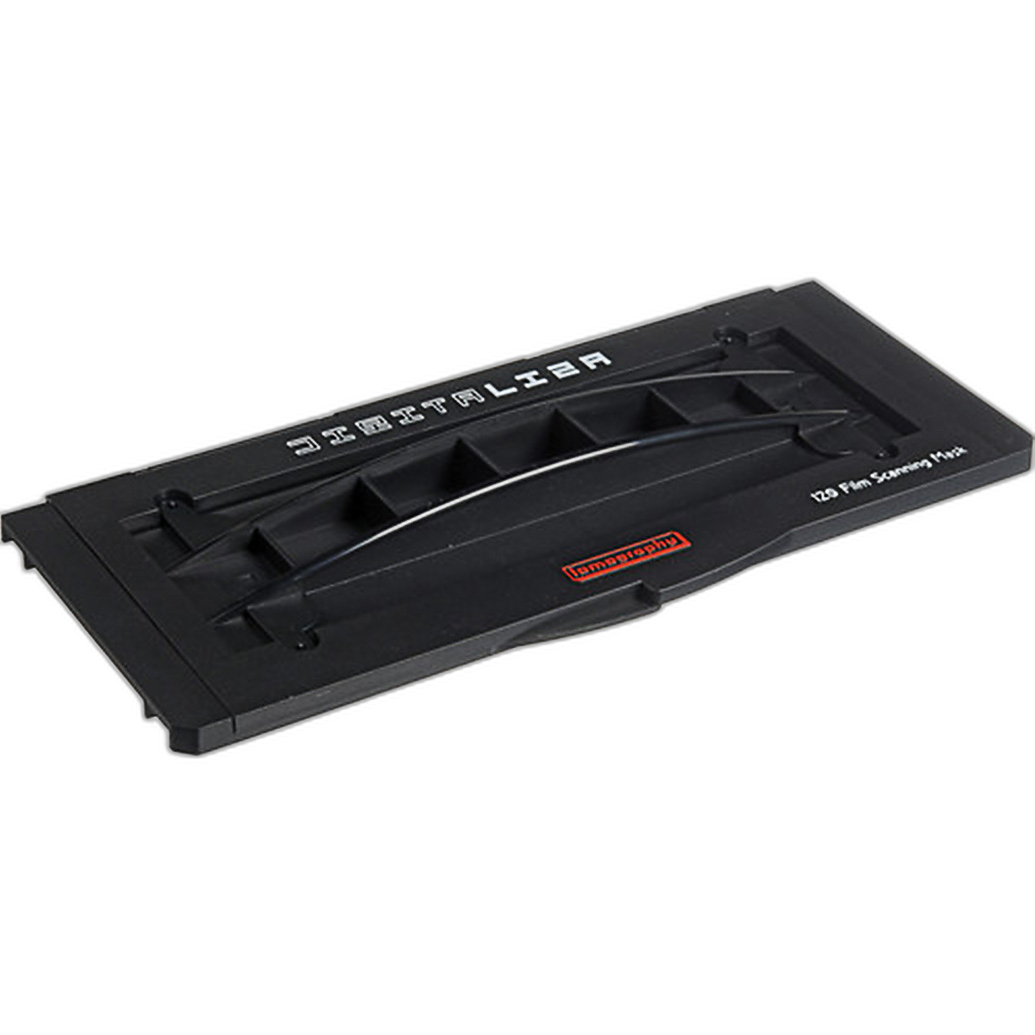
If you want more of a complete kit rather than a single holder, the DigitaLIZA+ Scanning Kit and DigitaLIZA Max Scanning Kit can make the process easier for beginners by bundling film support into a more ready-to-use workflow.
The key is not just price, but film flatness, ease of loading, and compatibility with the formats you actually shoot.
Which option is best for 35mm film on a budget?
For a budget-conscious 35mm shooter, the right answer depends on what gear you already own. If you already have a suitable digital camera and macro setup, camera scanning with a holder kit can be very affordable and fast. If you do not own that gear, a dedicated 35mm scanner may actually be the more economical route.
The Pacific Image PrimeFilm XA Plus Scanner is a smart option for photographers who want a dedicated 35mm workflow with less trial and error than a DIY camera rig.
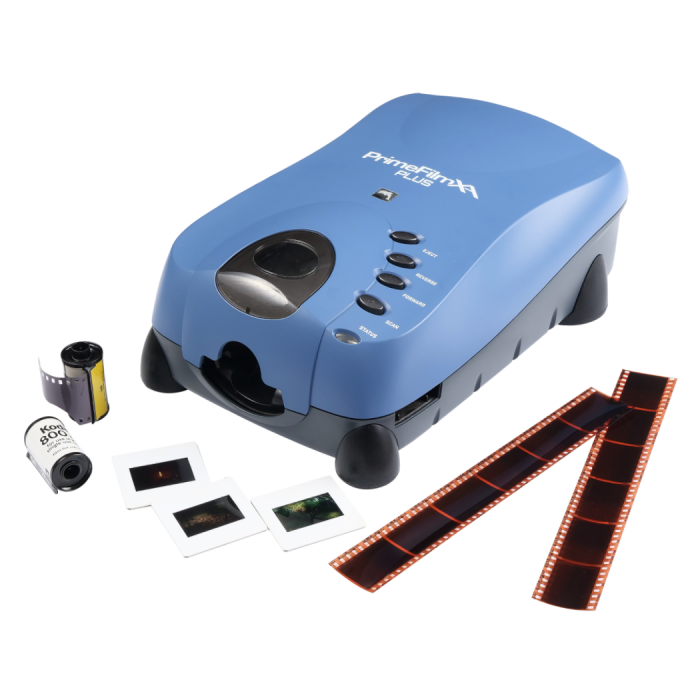
If you are trying to keep the initial investment lower while staying focused on film scanning, the Pacific Image Power Film Plus Scanner is another model worth comparing.
For buyers comfortable with pre-owned gear, a used higher-tier flatbed can also be attractive if you need flexibility beyond 35mm alone.
What if I shoot medium format film?
Medium format changes the equation because many entry-level solutions are optimized around 35mm. If 120 film is your primary format, make sure you choose either a scanner designed for it or a camera scanning setup with holders made specifically for medium format.
The Pacific Image PrimeFilm 120 Pro Plus Scanner is the most direct option here if you want a dedicated scanner built around 120 film capture.
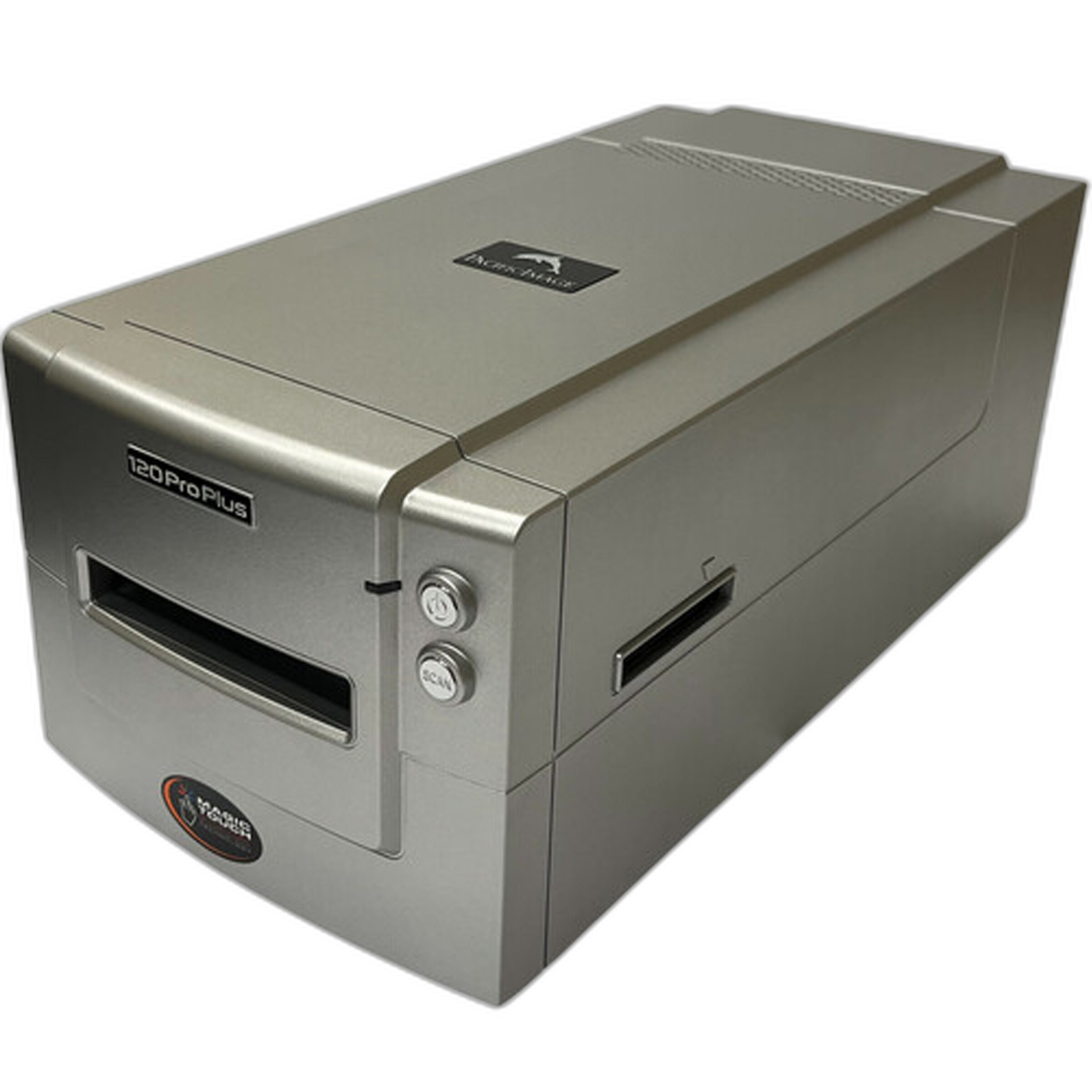
For camera scanning, the Lomography DigitaLIZA 120 Film Scanning Mask is a practical accessory that helps keep medium format film aligned and manageable. If you want a broader starter system, the DigitaLIZA kits provide a more complete entry point into camera scanning.
Should beginners choose a scanner or build a camera scanning setup first?
If you want the most straightforward path, start with a dedicated film scanner. It reduces the number of variables and can make your first scanning experience less frustrating. This is especially true if you are new to macro reproduction, negative inversion, or copy stand alignment.
If you already own a capable camera and enjoy hands-on workflow control, a camera scanning setup can deliver excellent value. In that case, investing in the right holder system matters as much as the camera body itself. Products like the Lomography DigitaLIZA Max Scanning Kit and DigitaLIZA+ Scanning Kit can make a beginner camera-scanning setup much more approachable.
For photographers who want to digitize a large backlog with consistent handling, a Pacific Image scanner may be the better first purchase. For photographers who enjoy flexible DIY workflows and already have some gear, camera scanning can be the smarter long-term value.
No matter which path you choose, the best setup is the one you will actually use regularly. Unique Photo carries film scanners, scanning kits, and accessories to help you build a workflow that fits your budget, film format, and quality goals. If you are ready to digitize your negatives with confidence, explore our film scanning options and let our team help you find the right solution.