Spend enough time in camera forums and you’ll see the same debate come up again and again: should a mid-range hybrid camera be judged more by its video specs or by its still-photo quality? The truth is that most content creators need a balanced setup, not just a spec-sheet winner. Real-world shooting often comes down to how a camera feels in hand, what lenses are available, how easily files fit into your workflow, and whether your accessories help or slow you down.
If you’re comparing hybrid cameras for YouTube, client work, travel, or everyday creative projects, these practical tips can help you build a kit that works in the field and at your desk.
1. Start with the kind of work you actually shoot
Match the camera to your main output
Forum discussions often get pulled toward frame rates, codecs, and headline features, but your best choice usually depends on what you deliver most often. If you mostly shoot portraits, products, events, or travel stills with occasional clips for social media, photo quality, autofocus consistency, and lens selection may matter more than advanced internal video options. On the other hand, if you’re creating interviews, reels, tutorials, or vlogs every week, reliable video tools become much more important.
A useful way to think about a mid-range hybrid body is this: don’t buy for the rare project that needs everything at once. Buy for the work you do 80 percent of the time, then build around it with accessories and lenses.
2. Don’t ignore ergonomics just because the specs look great
Comfort and control matter over long shoots
One of the most practical points experienced users bring up is ergonomics. A camera can have excellent image quality and impressive video modes, but if the grip feels cramped, the menu system slows you down, or the buttons aren’t easy to reach, that frustration shows up quickly during real assignments.
That’s especially true for creators carrying gear all day. A comfortable bag can make a big difference when you’re moving between locations or building a lightweight hybrid kit. The WANDRD PRVKE V4 21 Photo Bundle Sedona Orange is a great example of a bag that fits naturally into a creator workflow, giving you organized storage for a mid-range camera body, a couple of lenses, audio accessories, and everyday essentials without feeling oversized.
Even though cameras get most of the attention, the way your kit carries and handles can affect how often you actually bring it with you.
3. Think about lenses before you commit to a camera system
The best body is limited by the glass you can realistically afford and use
In forum debates, people often compare bodies in isolation, but lenses are what really shape your experience. A strong mid-range hybrid system should offer practical options for wide-angle video, everyday walkaround shooting, portraits, and perhaps a compact prime for low-light work.
If you’re a content creator, a standard zoom may be the safest starting point, but adding one fast prime can dramatically improve both your stills and your talking-head video look. For photographers who like experimenting with color and contrast in-camera, simple accessories can still play a role too. The Marumi 55mm YA2 Orange filter is more niche, but it reflects an important idea: once you settle into a lens system, small creative tools become easier to integrate into your process.
Your lens roadmap should answer three questions:
- Can you afford the focal lengths you need now?
- Are there upgrade options as your work grows?
- Do the lenses balance well on the body for handheld shooting?
4. Video specs matter, but usability matters more
Prioritize dependable performance over features you may never use
It’s easy to get caught up in resolution, bit depth, and recording formats. Those features matter, but many creators benefit more from dependable autofocus, good battery life, manageable file sizes, and clean audio support. If your workflow involves quick editing and fast delivery, a camera that produces easy-to-handle footage can be more valuable than one with advanced recording modes that demand more storage and processing power.
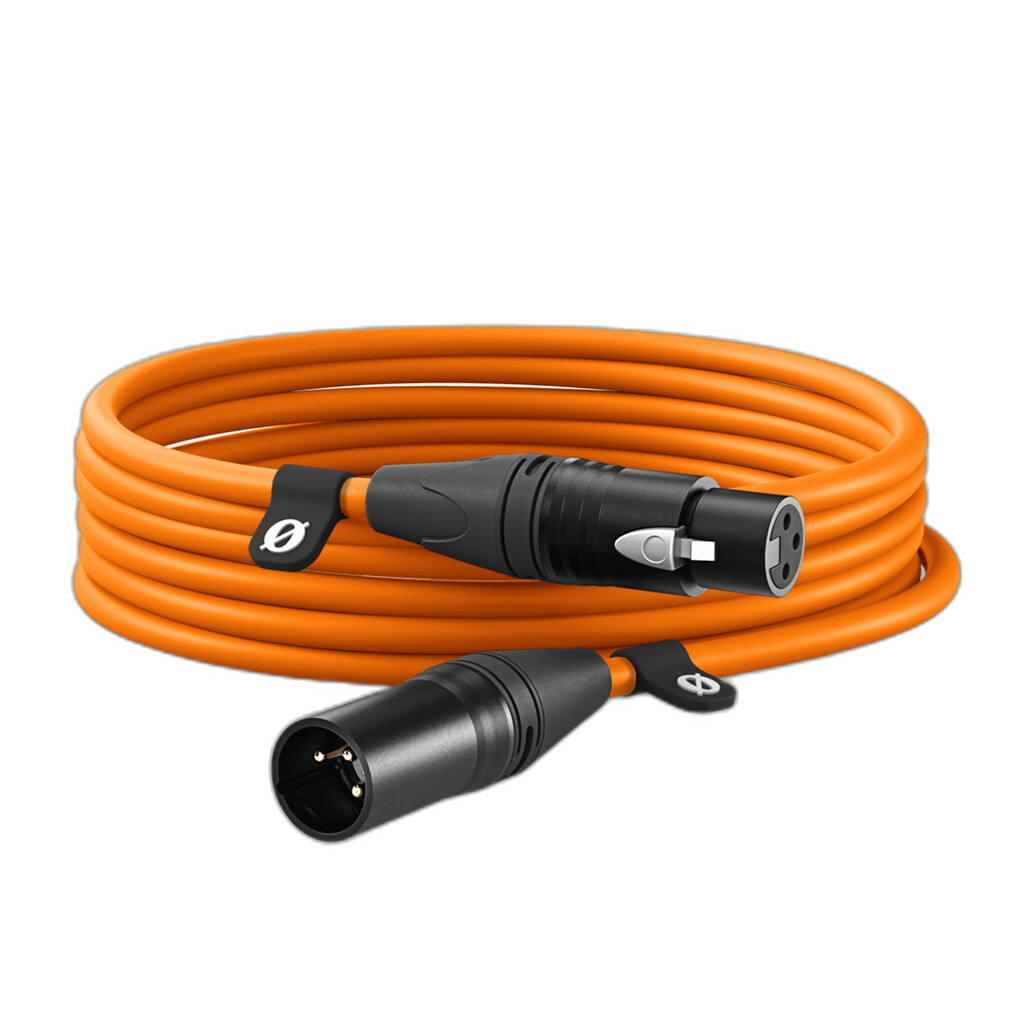
Audio is also part of the hybrid conversation. Even if the camera body is the centerpiece, creators often need simple accessories to keep sound setups clean and reliable. The Rode XLR Cable Orange - 19.6ft is a practical example for interview spaces, desk setups, or studio-style content where a longer cable run helps keep your frame tidy and your mic placement flexible.
In many real-world scenarios, viewers will notice poor sound before they notice whether your footage was captured with a more advanced codec.
5. Build a workflow that supports both photo and video
Fast transfers and tethering can be as important as capture specs
Another frequent forum takeaway is that hybrid creators shouldn’t judge gear only by what happens during capture. Workflow matters. If you shoot product photography, livestream setups, client previews, or studio content, a dependable connection between camera and computer can save time and reduce frustration.
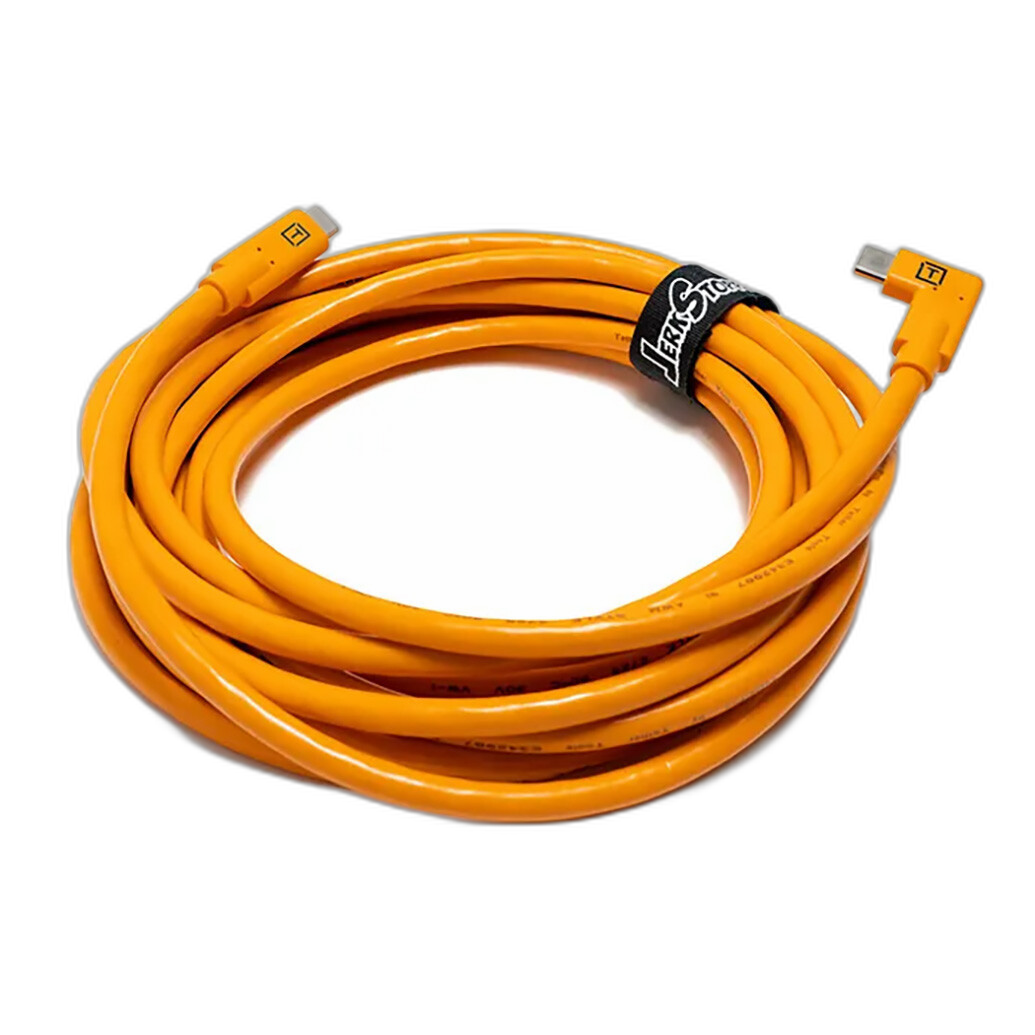
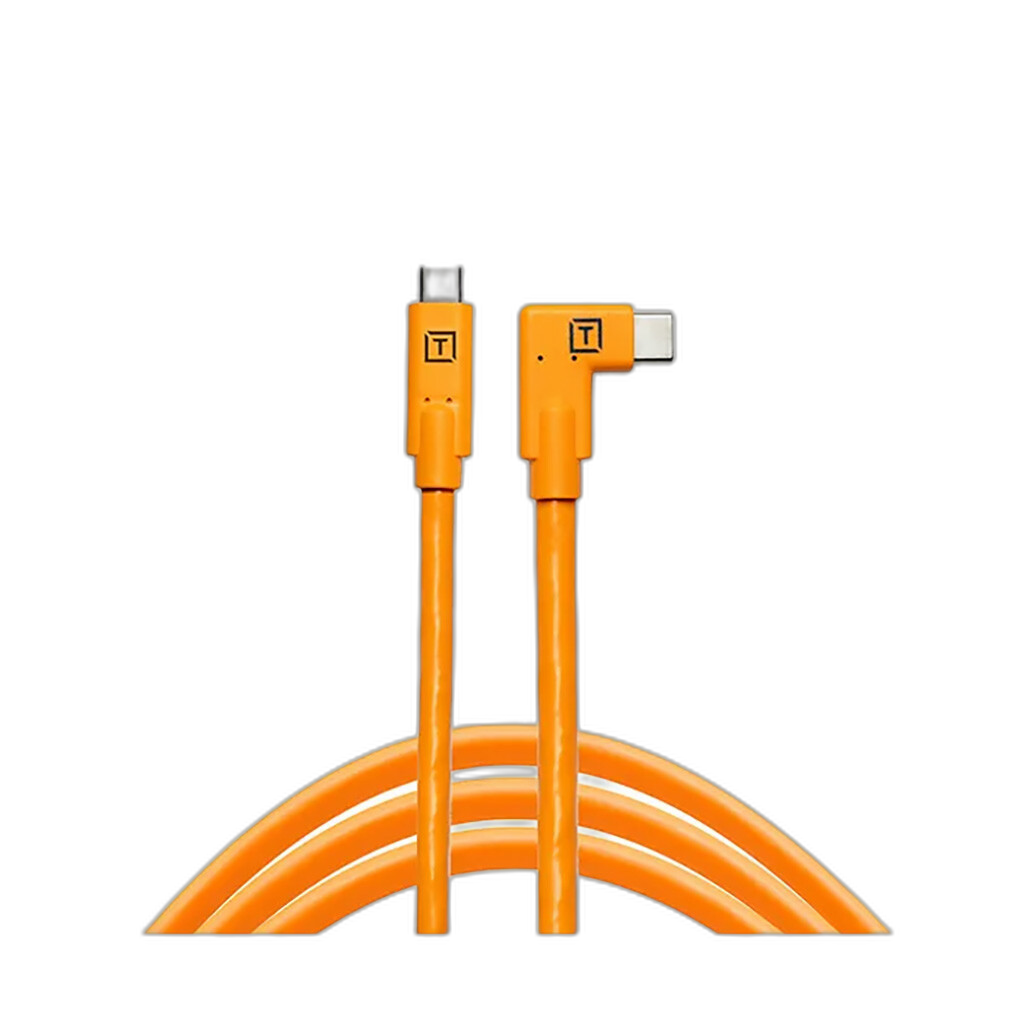
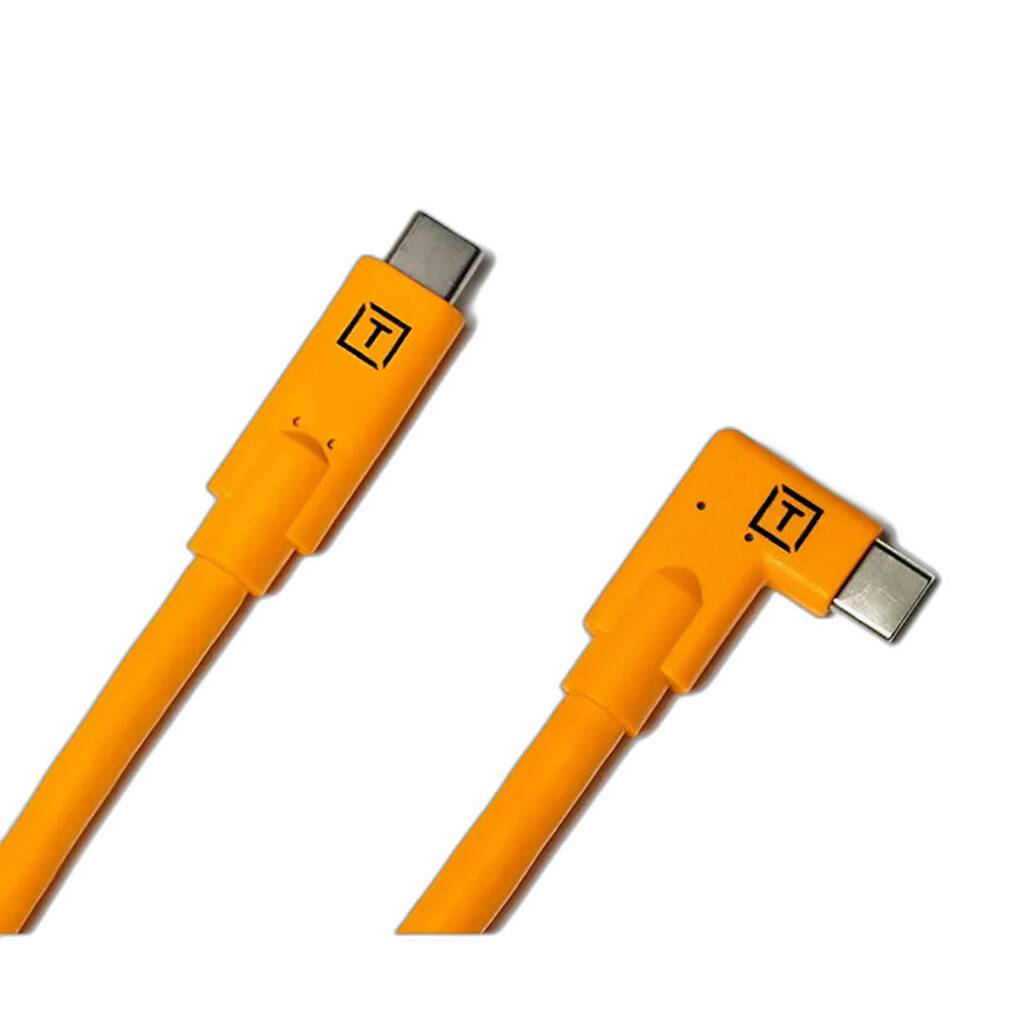
The Tether Tools TetherPro USB-C to USB-C R. Angle Orange 15ft is a smart accessory for creators who want a cleaner tethered setup. A right-angle cable can help reduce strain on the camera port, and the extended length gives you more freedom when positioning your camera for overheads, product demos, or workstation-based shooting.
If your editing process starts while you’re still shooting, accessories like this become part of the camera decision, not an afterthought.
6. Remember that supporting gear affects production quality too
Create a safer, more organized shooting environment
Hybrid shooting often means multitasking: framing video, checking stills, monitoring audio, and managing lights or backgrounds. Small studio accessories can make production smoother than chasing one more incremental camera feature.
For example, the Kupo Plastic Chain 3.5m / 11.5ft - Orange can be useful in temporary studio environments for organizing space, creating visual boundaries, or managing behind-the-scenes areas during small productions. It’s not glamorous gear, but content creation often runs better when your workspace is under control.
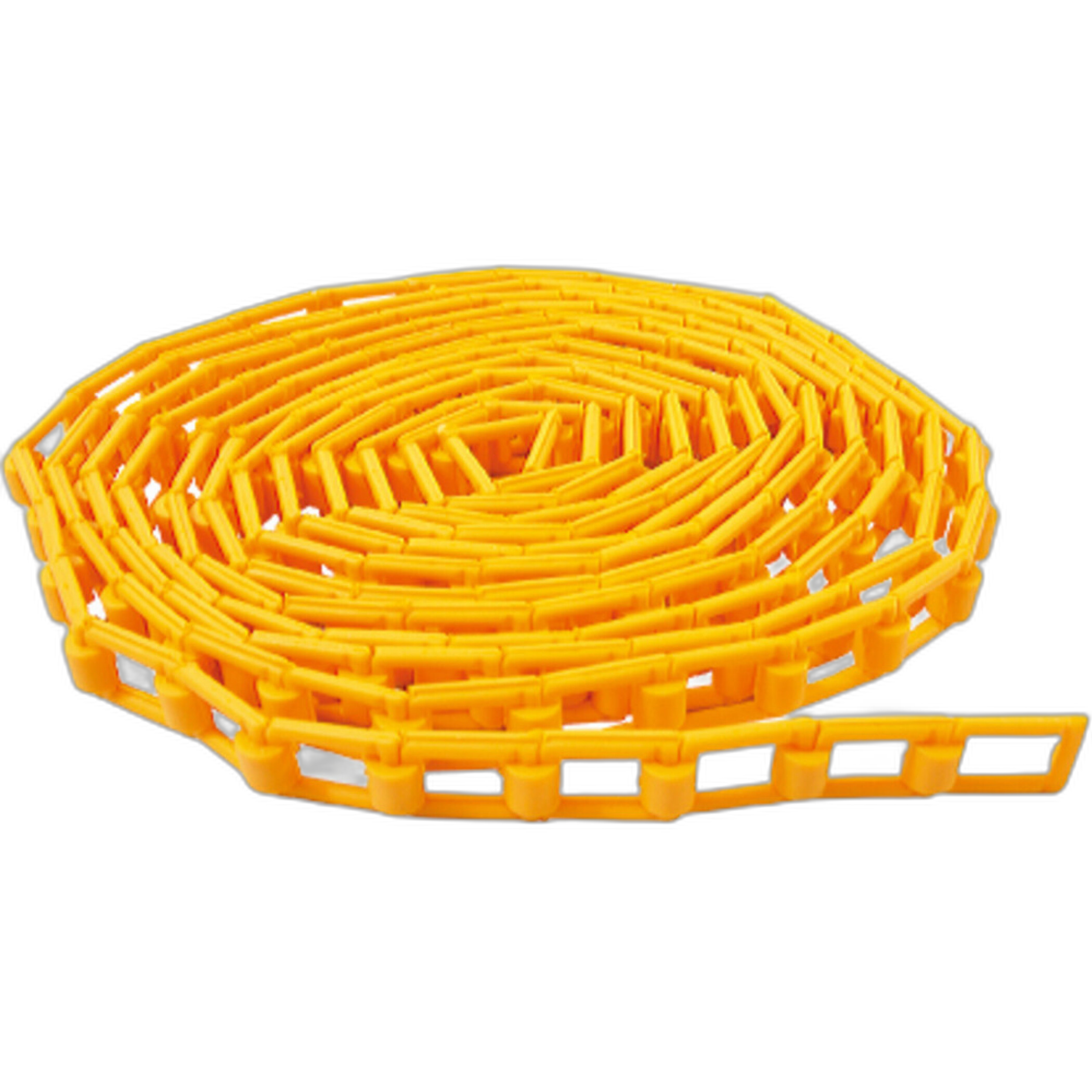
The broader lesson is simple: better workflow and safer set management often improve your final output more than marginal gains on a spec sheet.
7. Let experience guide you more than online arguments
Hands-on use reveals what matters most
Forum members may disagree on whether photo quality or video performance deserves top priority, but most experienced shooters eventually land in the same place: the right hybrid camera is the one that fits your style, your budget, and your delivery needs. Some users care deeply about color science and still-image rendering. Others need uncropped video, easy autofocus, or efficient file handling. Both viewpoints are valid.
The smartest approach is to test a camera with the lenses and accessories you’d actually use, then judge the whole experience. How quickly can you switch from stills to video? Does the grip feel secure? Are the files easy to edit? Can your bag, cabling, and audio setup support your pace of work?
Conclusion
Choosing a mid-range hybrid camera is about more than comparing photo quality against video specs. The best setup is usually the one that balances image performance, lens options, ergonomics, and workflow in a way that supports how you create every day. Whether you’re building a streamlined photo-first kit, a video-ready content rig, or something in between, thoughtful accessories can make that system more effective from capture to delivery.
If you’re ready to refine your hybrid setup, Unique Photo is a great place to explore practical gear for creators, from bags and cables to studio tools that help your camera work harder in the real world.