Choosing the right photo editing software in 2024 is less about finding a single “best” program and more about matching your workflow, shooting style, and delivery needs. Lightroom Classic, Capture One, and ON1 Photo RAW each bring something different to the table, from catalog-based organization to advanced color tools and flexible all-in-one editing. If you are trying to decide which platform deserves a place in your workflow, these tips will help you compare them in a practical way.
Start With Your Workflow, Not the Feature List
1. Pick the software that matches how you actually work
If your editing life revolves around large catalogs, keywording, collections, and syncing years of shoots, Lightroom Classic still makes a strong case. Its library tools remain one of the main reasons photographers stay in the Adobe ecosystem.
Capture One is often the favorite for photographers who care deeply about tethering, layer-based local adjustments, and nuanced color control. Studio, fashion, portrait, and commercial shooters often appreciate how refined the session-based workflow feels.
ON1 appeals to photographers who want a broad toolset in one package, including browsing, effects, masking, and editing without fully committing to a subscription-heavy ecosystem.
If your work extends beyond stills into color-critical video finishing, it can also be worth looking at tools adjacent to your photo workflow. For example, the Blackmagic DaVinci Resolve Micro Panel with Resolve Studio Software offers a powerful bridge into serious color grading for hybrid creators. 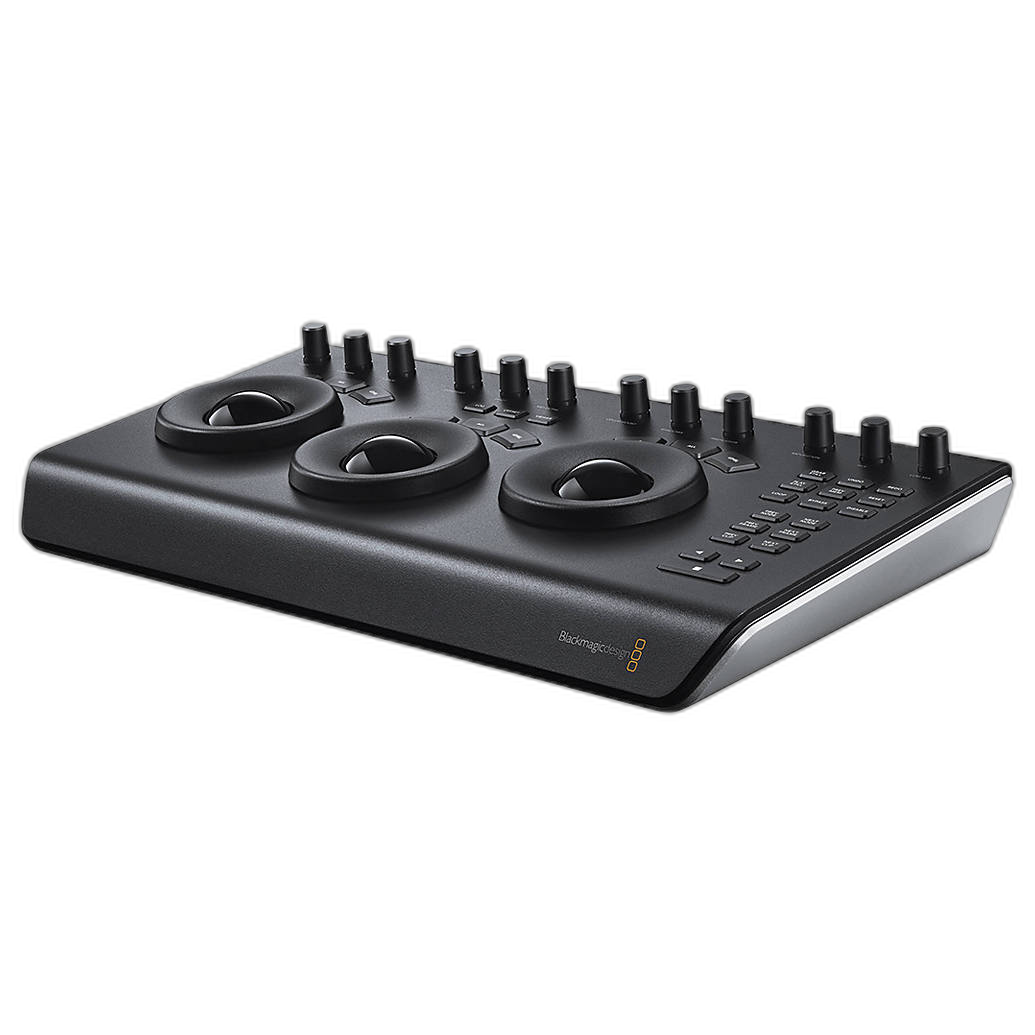
Think About Image Quality and Color Control
2. Compare how each program handles your camera files
All three platforms can produce excellent results, but they do not interpret RAW files exactly the same way. Capture One has long been praised for color rendering, skin tones, and detail separation, especially for portrait, product, and commercial work. Lightroom Classic remains highly versatile and dependable, with broad camera support and familiar Adobe profiles. ON1 has improved steadily and gives photographers a lot of control while keeping the workflow approachable.
A good test is to edit the same RAW file in all three and compare skin tone transitions, shadow detail, highlight recovery, and color response in tricky hues like reds, oranges, and greens.
If you want to sharpen your Capture One skills while evaluating it, a reference guide like Rocky Nook's Capture One Pro 10 by Sascha Erni can still be a useful workflow resource for understanding the software’s editing philosophy. 
Do Not Ignore Speed and Usability
3. The fastest editor is often the one you can navigate without thinking
Lightroom Classic feels familiar to a huge number of photographers, which matters when deadlines are tight. Capture One can be customized extensively, which is a major advantage once you build a workspace around your style of editing. ON1 often appeals to users who want a balance of browsing and creative tools without jumping between multiple apps.
One overlooked factor is tactile control. If you spend hours making repetitive adjustments, a dedicated console can speed up decision-making and reduce fatigue. The Loupedeck Creative Tool is a great example of hardware that can streamline editing across creative applications through customizable dials, buttons, and profiles. 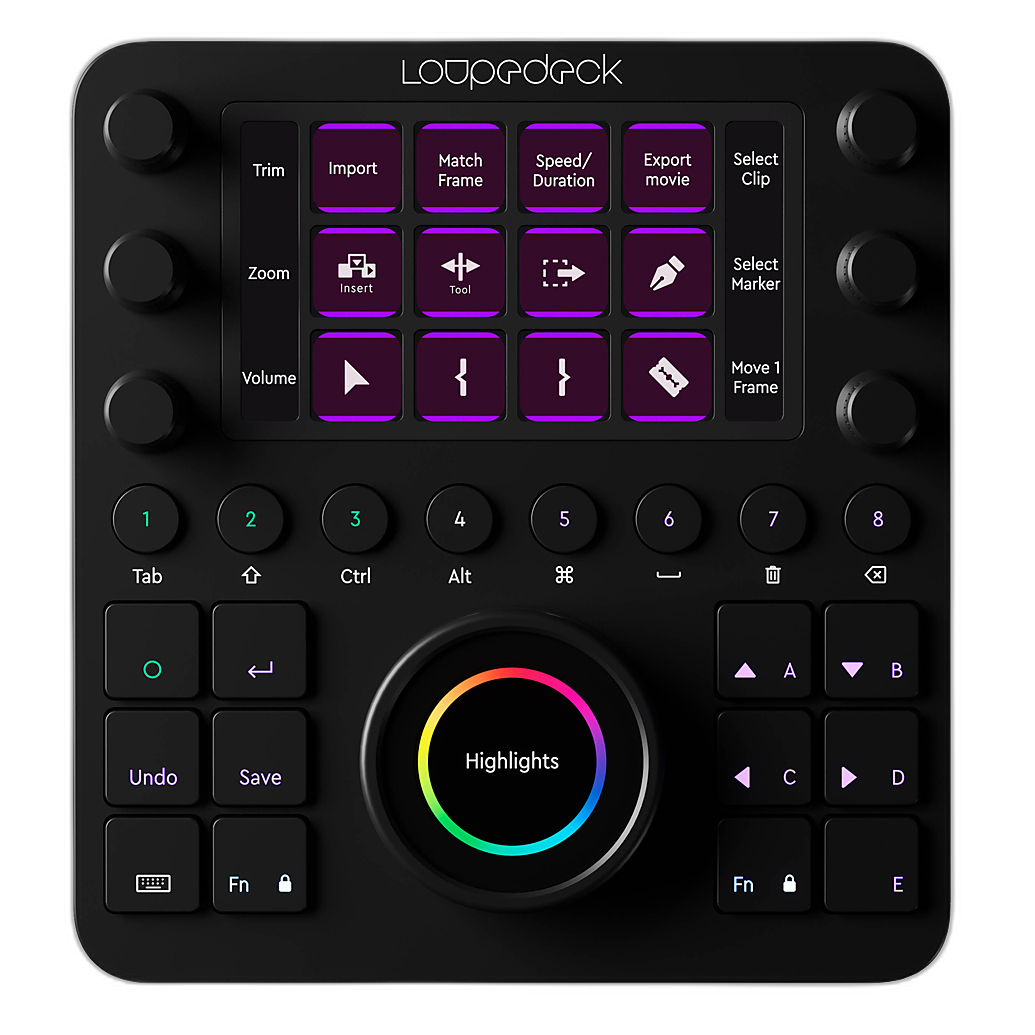
Be Honest About Your Need for Tethering
4. Studio and commercial shooters should weigh tethering heavily
This is one of the biggest separators in the showdown. If tethered capture is central to your business, Capture One is often the benchmark. Its tethering tools are widely trusted in studio environments where speed, reliability, live review, and client collaboration matter.
Lightroom Classic offers tethering for some workflows, but many photographers still prefer Capture One when tethering is mission-critical. ON1 can fit many photography needs well, but it is usually not the first choice for teams building a tether-first studio setup.
For photographers exploring Capture One in more depth, even older but still practical learning materials such as Capture One Pro 9 by Sascha Erni can help you better understand session workflows and core adjustments. 
Color Accuracy Matters More Than Brand Loyalty
5. Calibrate your monitor before you judge any software
A lot of software comparisons are unfair because they are being made on uncalibrated displays. Before deciding that Lightroom is too warm, Capture One is too cool, or ON1 is too contrasty, make sure your monitor is properly profiled.
The NEC Color Sensor and SpectraView II Software Kit is a smart addition for photographers who want dependable color when evaluating editing software or delivering client work. Accurate calibration makes every comparison more meaningful and helps ensure your prints and exported files match your intent. 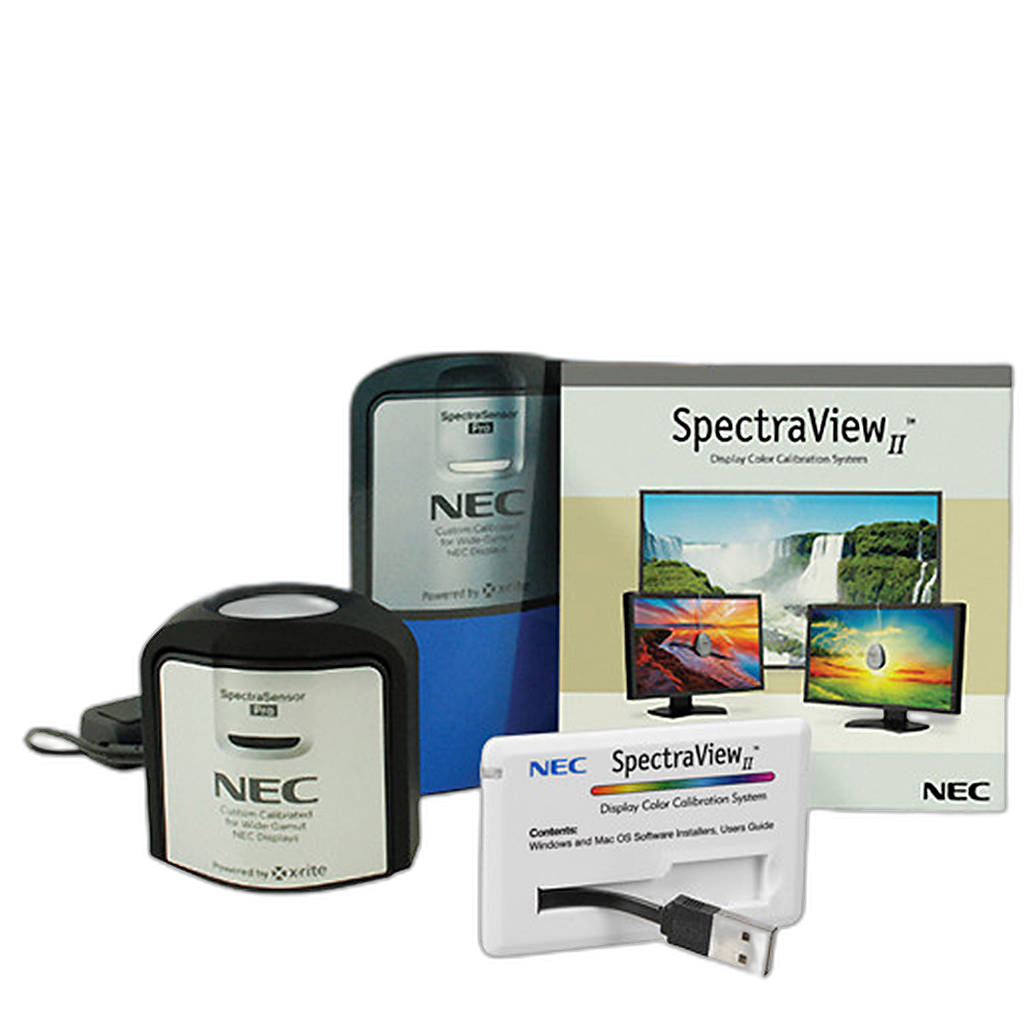
Consider Subscription Costs Versus Ownership
6. Budget for the long term, not just the first month
Lightroom Classic is typically part of Adobe’s subscription model, which is convenient for many users because updates are continuous and Photoshop is often part of the package. Capture One and ON1 have offered different licensing approaches over time, including subscription and perpetual-style options depending on the version and promotion.
If you prefer predictable monthly pricing and integrated cloud-adjacent tools, Lightroom Classic can make sense. If you want to avoid being locked into a single ecosystem, ON1 may stand out. Capture One can be easier to justify when its color and tethering strengths directly support your paid work.
The key tip: calculate your cost over two to three years and compare that to the value of saved time and improved output.
Hybrid Creators Should Look Beyond Photo-Only Tools
7. If you shoot both stills and video, think about your full post-production chain
Many creators today deliver galleries, reels, clips, and branded content from the same assignment. Lightroom Classic, Capture One, and ON1 are photo-centered decisions, but your overall workflow may benefit from pairing them with dedicated video tools.
For advanced color work in motion projects, Blackmagic’s hardware ecosystem remains compelling. The Blackmagic DaVinci Resolve Mini Panel is designed for fast, hands-on grading adjustments that can dramatically improve efficiency for video editors and hybrid shooters. 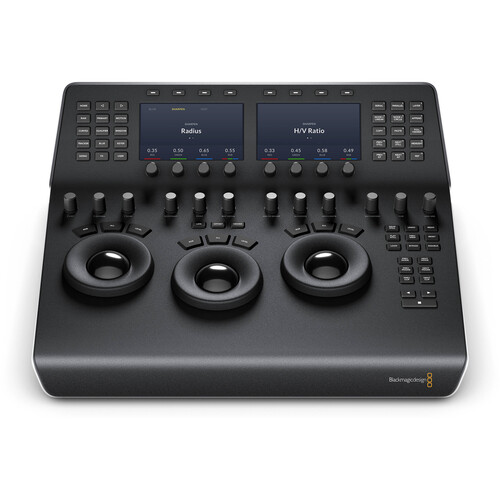
Likewise, the Blackmagic DaVinci Resolve Editor Keyboard can speed up timeline navigation and editing for creators whose work regularly crosses from RAW stills into polished video delivery. 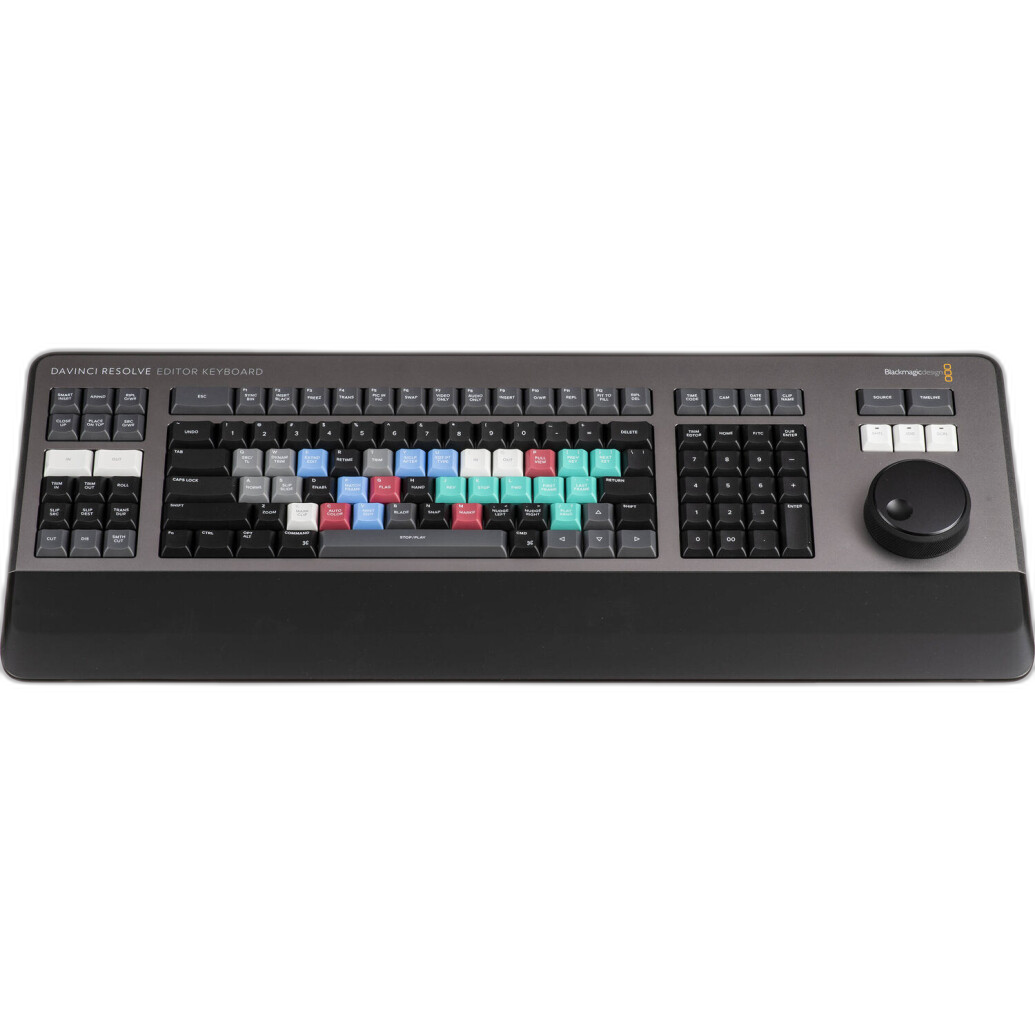
Test With Real Projects, Not Demo Files
8. Use your own shoots to decide
The best showdown happens on your own images. Import a wedding, portrait session, product shoot, or travel set into each program and measure:
- Import and preview speed
- Culling efficiency
- RAW rendering
- Masking and local adjustment control
- Export speed
- Catalog or session management
- Overall editing enjoyment
You may find that Lightroom Classic is the most complete organizer for high-volume work, Capture One gives you the best image quality and tethered confidence, and ON1 strikes the most appealing balance of tools and value.
Conclusion
In 2024, Lightroom Classic, Capture One, and ON1 are all capable choices, but they shine for different kinds of photographers. Lightroom Classic remains a strong all-around workflow hub, Capture One stands out for color and tethering, and ON1 offers an appealing all-in-one approach for photographers who want flexibility. The smartest move is to test each one on real jobs, on a calibrated display, and within the pace of your actual workflow. If you are building or refining your editing setup, Unique Photo is a great place to find the tools, accessories, and workflow gear that help you get more from your software.