Evaluate Hybrid Cameras with Confidence
Hybrid shooters demand cameras that excel at both stills and video. Specs are helpful, but real-world tests reveal how a body behaves on actual shoots—how the sensor resolves detail, how the codec plays in your NLE, whether autofocus sticks when talent turns, and how the whole workflow holds up under pressure. Use these field-proven tips to assess today’s hybrid models before you buy.
1) Start with the sensor in real scenes
Chart tests are useful, but take the camera to mixed lighting and high-contrast scenes. Check highlight roll-off, shadow noise, and color separation in foliage and skin. Pan across vertical lines or traffic to feel rolling shutter. If the camera offers dual native ISO or extended DR modes, test both with the same exposure and grade to see what’s actually usable.
2) Stress-test codecs and bitrates
Record the same scene in all available profiles: 8-bit vs 10-bit, Long-GOP vs All-Intra, and internal Log vs H.265/H.264. Drop those files into your editing software without transcoding and watch playback smoothness and scrubbing response. For longer projects, try a proxy workflow and measure export times. The right codec isn’t just about quality—it’s about how fast you can deliver.
3) Probe autofocus beyond simple walk tests
Evaluate face/eye tracking against backlight, low light, and side profiles. Check how quickly AF transitions between subjects and whether you can tune “AF transition speed” and “AF sensitivity” for different looks. Test with native and third-party lenses to ensure the combo you plan to use performs consistently for both stills and video.
4) Heat, reliability, and record limits
Set up a 4K (or higher) continuous record in a warm but safe environment and note when/if thermal limits appear. Try a second take to see recovery time. For interviews, confirm the camera can roll past 30 minutes without interruption, and whether it supports relay recording or slot mirroring for peace of mind.
5) Power and media: design for uninterrupted takes
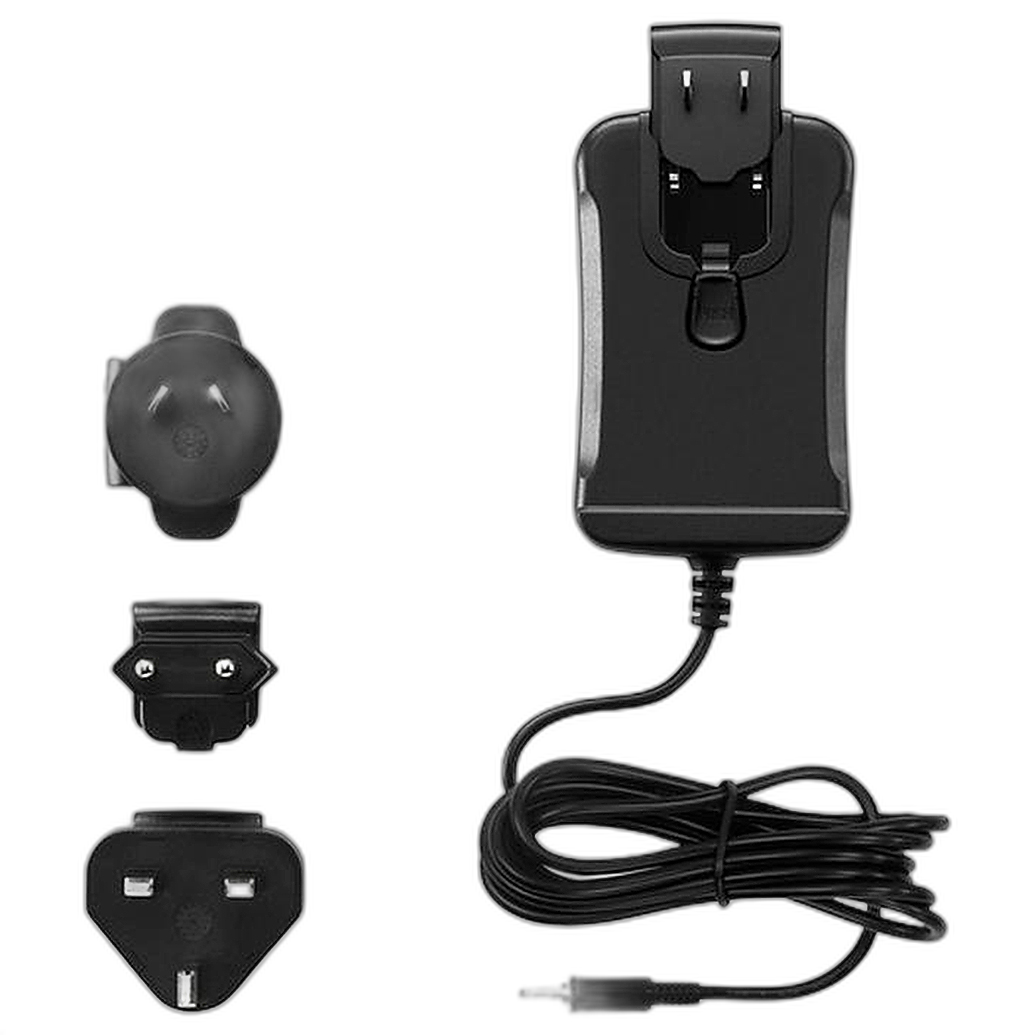
Measure battery runtime with IBIS and AF enabled—how many batteries do you need for a wedding ceremony or a 90-minute performance? For studio days, stable AC power can be a lifesaver. For example, if you’re building out a Pocket Cinema Camera rig, a dedicated AC adapter keeps you rolling without swaps during takes.
Confirm media reliability at top bitrates (e.g., CFexpress or UHS-II). Record simultaneously to a second card (if supported) for safety. If your camera records proxies, verify timecode and file naming carry through to your NLE.
6) Color pipeline and consistency
Shoot a quick portrait in standard and Log profiles, expose properly, then apply manufacturer LUTs and your own grade. Look for skin tone integrity, hue shifts in saturated colors, and highlight recovery. For multi-cam jobs, bring test clips from the other cameras you frequently use and build a fast matching workflow.
7) Choose lenses that pull double‑duty
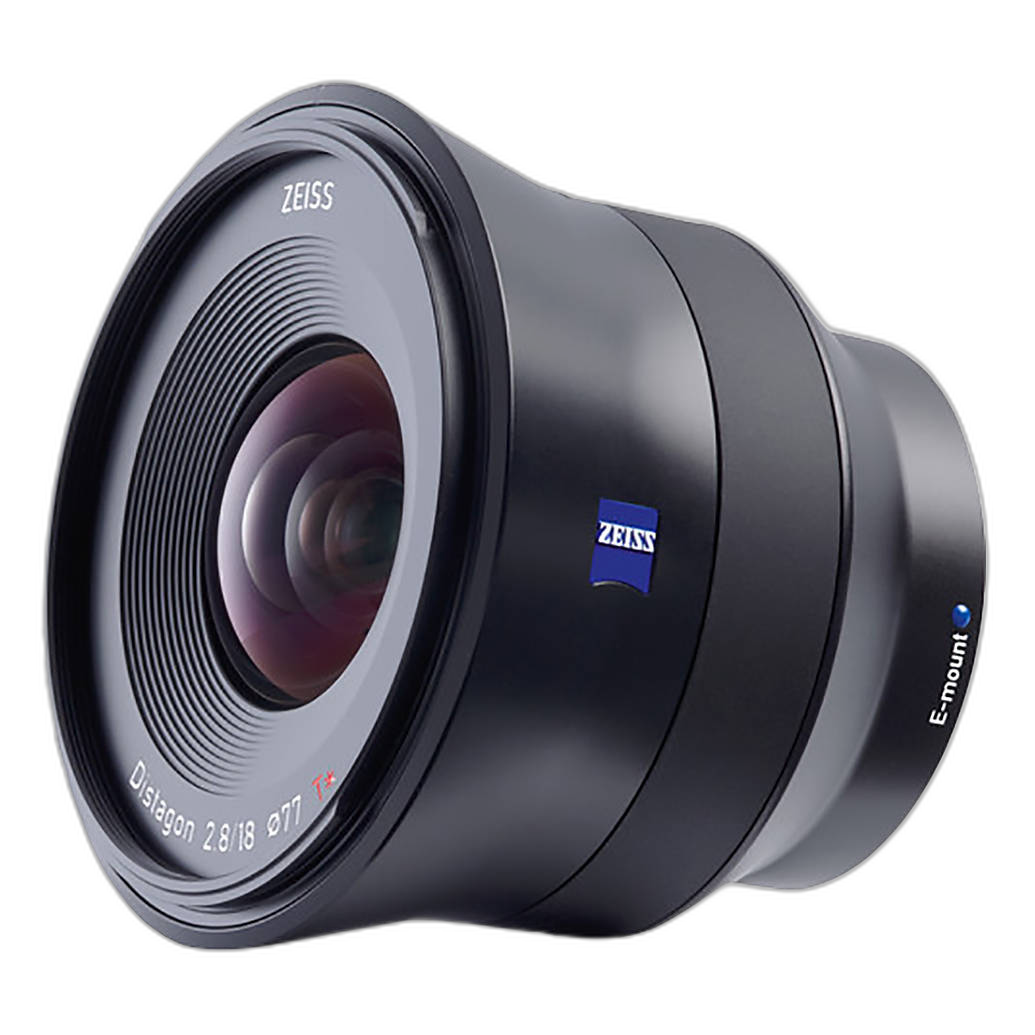
Hybrid work rewards lenses with reliable AF, good edge sharpness for high-res stills, and minimal focus breathing for video. Wide primes are excellent for gimbals and establishing shots. A lightweight, fast-focusing ultra-wide prime for Sony E-mount can keep both stills and video crisp while maintaining balance on compact stabilizers.
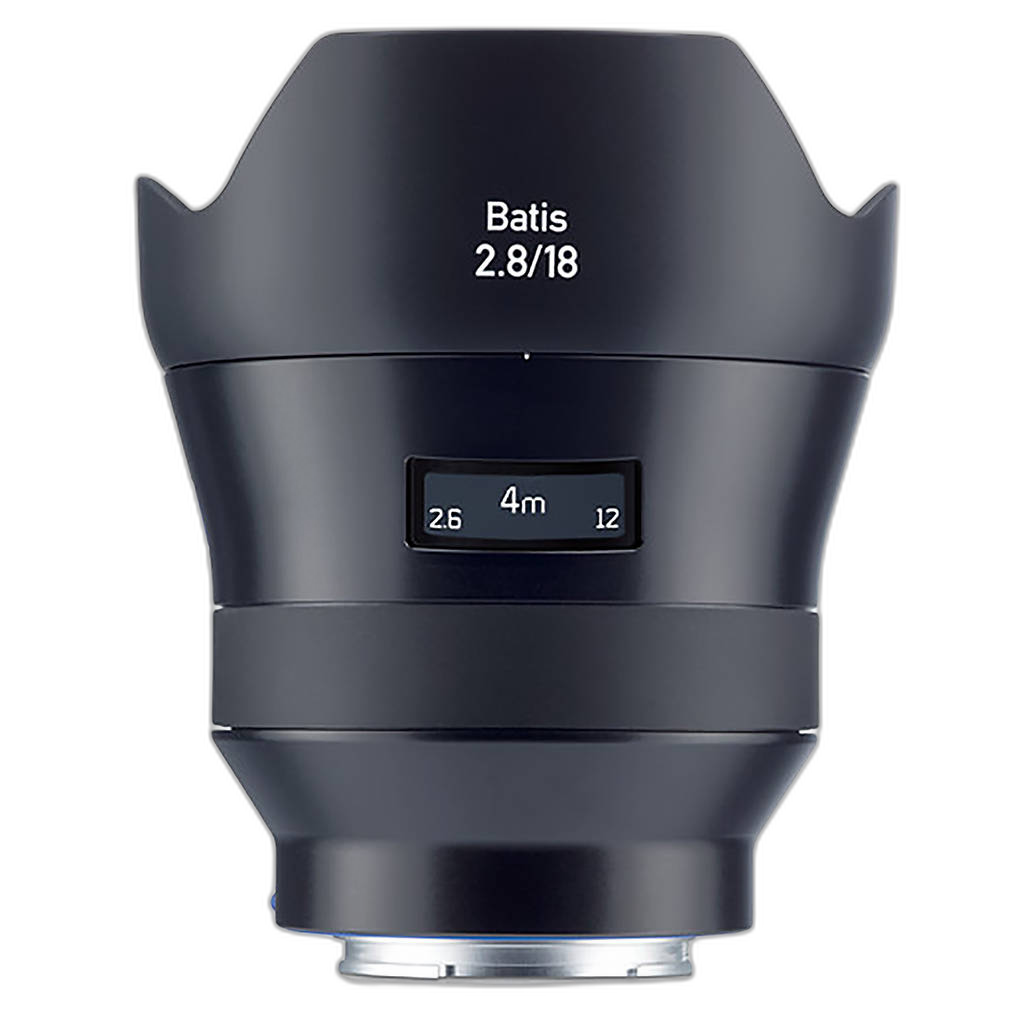
When evaluating, listen for focus motor noise on-camera mics, check flare characteristics in backlit scenes, and test stabilization synergy between the lens and body.
8) Ergonomics, rigging, and carry
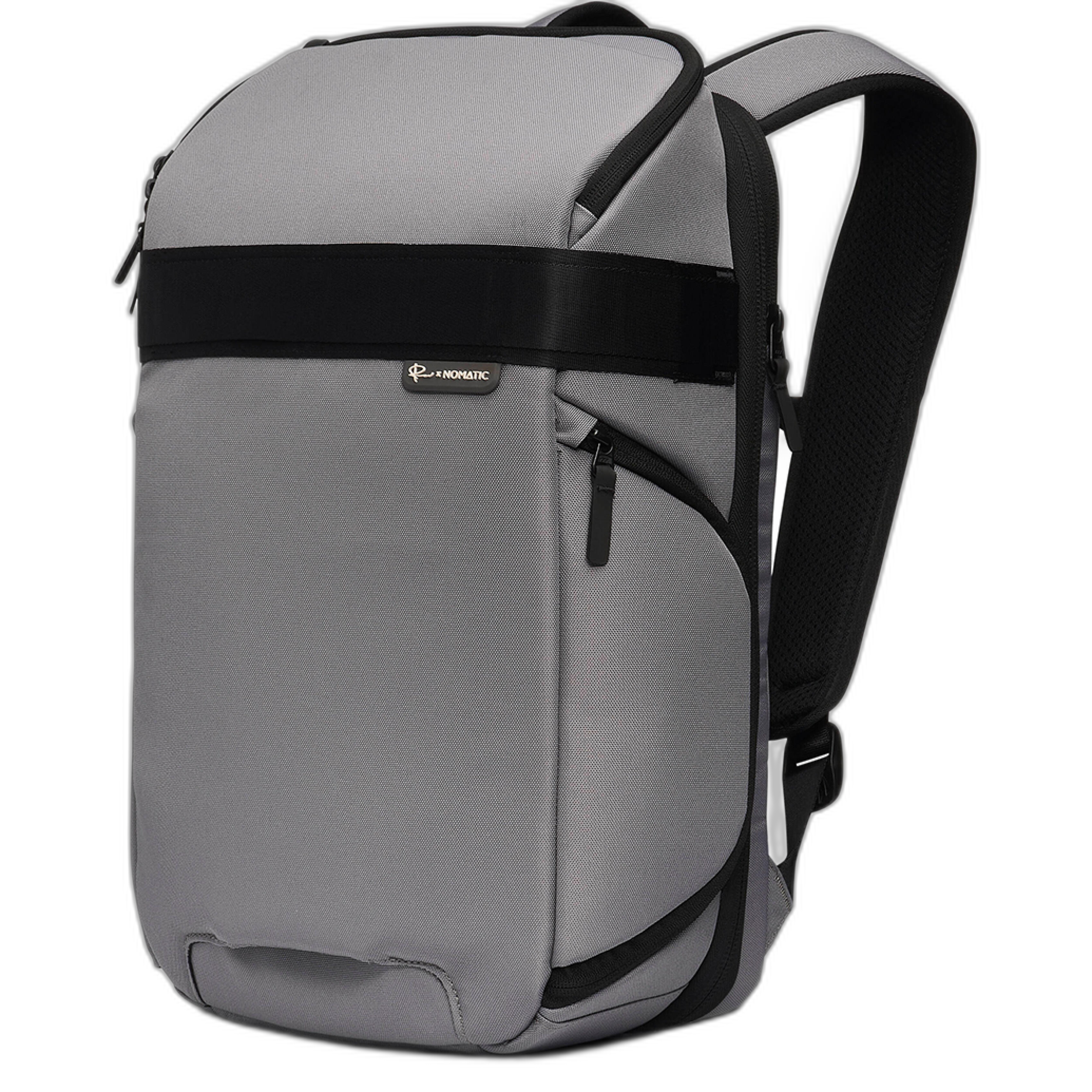
Handle the camera fully rigged: top handle, shotgun mic, on-camera light, and a small monitor. Can you still reach essential controls for stills? Is the shutter button placement comfortable on a gimbal? A thoughtfully organized pack reduces setup time between photo and video configurations. A compact, tech-forward 18L camera pack keeps bodies, lenses, audio, and power tidy and accessible.
9) Firmware, support, and warranties
Check firmware cadence and feature updates—AF improvements and new codecs can extend a camera’s life. Consider manufacturer and third-party coverage for the way you shoot. For example, Nikon Care plans add peace of mind for stills/hybrid bodies, while cinema-focused shooters may benefit from manufacturer-backed extended coverage for dedicated video systems—note enrollment windows and terms.
10) Build a real‑world test loop
Create a short scenario that mirrors your gigs: an interview, a handheld B‑roll walk, and a fast portrait session. Time every step—power on to first frame, card offload, sync, rough grade, and export. The best hybrid camera isn’t just the one with the best spec; it’s the one that helps you move faster while keeping quality.
Final thoughts
Hybrid success comes from pairing the right body with dependable lenses, power, carry, and support. Stop by Unique Photo or chat with our team to get hands-on, compare workflows, and outfit your kit with smart accessories that keep you shooting—stills or video—with confidence.