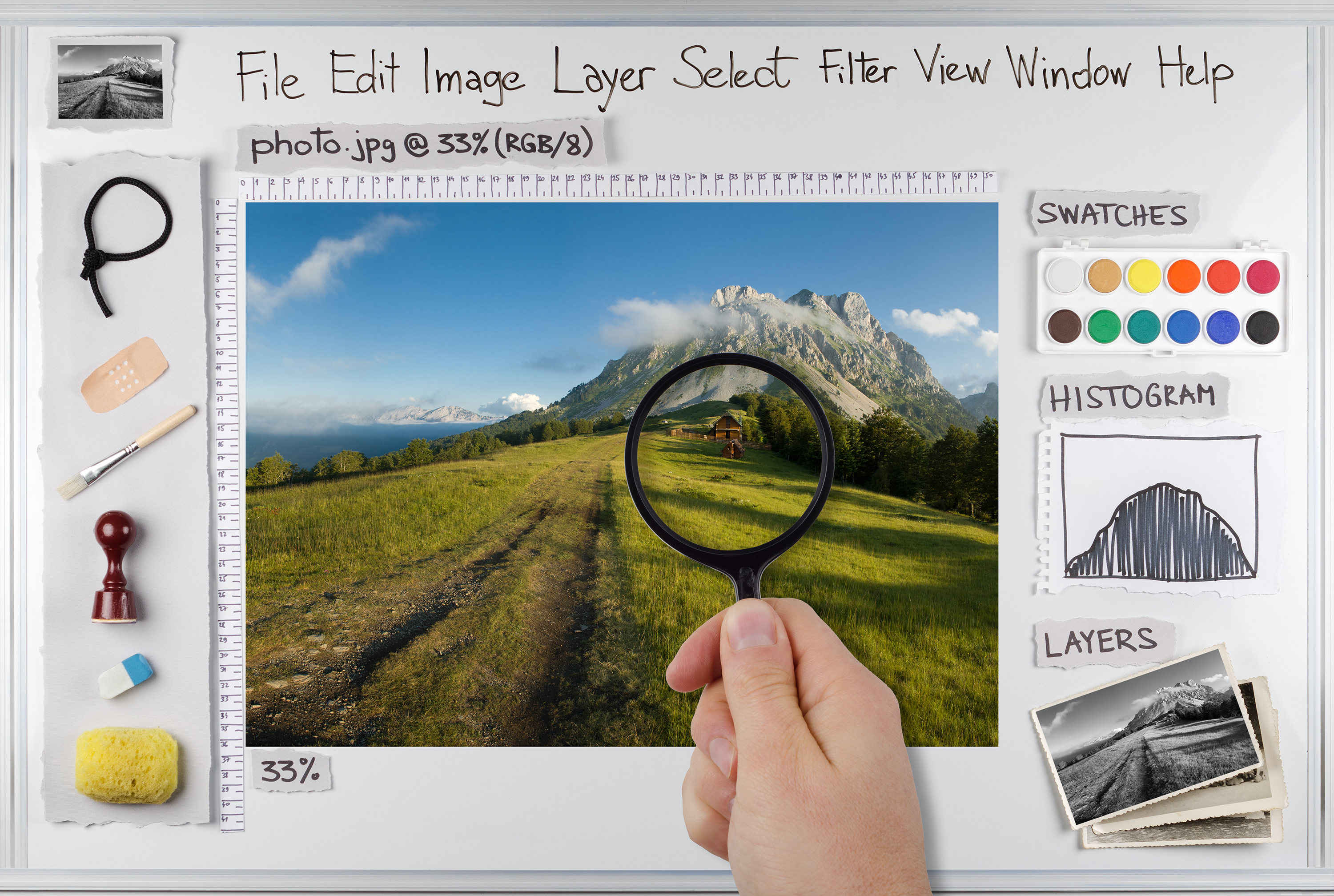
Photo editing has become a very important part of digital photography. It is the last stage of photography where you are able to perfect the image and produce the desired result that your client expects from you. Even though post-editing is such a vital part of today’s photography, it does not get the importance it needs. Due to time constraints, we usually stick to regular action and effects that might not be suitable for every picture clicked. Here, we will discuss some of the basic mistakes that we make while editing a photograph, and also discuss how to avoid these common mistakes and create better compositions.
Editing the Original file It is a general ground rule to save a copy of the original file before editing. Even though it seems to be a common practice, many photographers don't save the file till the time they are done with the edits, and find they are stuck with what they end up with. Saving the files before you start editing is not at all time consuming, plus it allows you to edit the untouched photo once again, if you are not satisfied with the original final output. Saving the original file also helps you to analyze the original picture and compare it with the edited one. You can revisit the file and edit it in a better way later.
Over Editing the Eyes This mistake is among the most common that are are made while editing a portrait image. The eyes are the most expressive part of the face and a good edit will help you to enhance the image and add more emotion to it. Photographers go wrong many times in working around that natural expression, and go too far by adding unreal colors to the iris or making the pupils too wide. All these unnecessary additions makes your picture look very unnatural. The key is to not go too far, and to try and maintain the natural look of the eye. Edit only parts that you feel need to be corrected.
Sharpening To Correct Focus One needs to understand that sharpness and focus are two different elements, and one can't improve the focus by sharpening the image. Rather it would create more noise, and you will lose many vital image details.
Too Much Contrast: The right amount of contrast makes the image drive attention to the subject. But one downside of adding a high amount of contrast is the loss of image detail. You also run the risk of burning some part of the image while correcting the other. The best thing to do to avoid this situation is to add contrast only to areas where it is needed rather than adding contrast to the entire frame. Though time consuming, this process will help you to save the details and avoid image flattening.
Faking Bokeh: A common mistake by many amateurs. The fact is you can't create the Bokeh effect with your editing software. You will only end up with random blurs that are unappealing and distracting. A good Bokeh creates a natural sense of distinction between the subject and the background. This effect should be created while shooting the picture and not while editing it.
Too much reliance of actions Action is a fast and convenient way to achieve the desired result without the need to work from scratch. It is convenient, but the downside is that these actions are too generic and effect the entire frame even though you might need it only in some part of the image. A good understanding about layers and layer masks will help you to achieve optimum results while using actions.Selective Colors The fad of using selective color is gone. It is simply overdone to the point that it is no longer interesting. Stick to color or monochrome which are timeless and never go out of fashion.
Over-cCropping Not all crops are right crops. Your artistic vision might not coincide with the client's expectation. Over-cropping an image does not allow you to change the aspect ratio later even if the current one is not suitable. The best is to crop the file only when you have a perfect idea of how and where the picture would be displayed.
Too Much Skin Smoothing Skin has texture, shadow and blemishes, going too far in correcting those elements would make the skin tone to look plastic and unreal. A subtle Editing is what is required while editing skin tone. Sometimes the difference between perfect and overdone is just a matter of one or two clicks. So be cautious of not overdoing it and ruining the effect.
Wrap Up When we are new to any photo editing software we try to push it to the extent to know its possibilities without having a correct idea of what we want. It is better to know what you exactly want to do with the image, before you start with the edits. It is also important to avoid fads and gimmicks and try to achieve results that would stand the test of time.