When photographers trade Lightroom workflow advice, the same themes come up again and again: faster imports, cleaner catalog organization, smarter preset use, reliable storage, better shortcuts, and efficient batch processing. If your goal is to spend less time waiting on transfers and repetitive edits—and more time shooting—then the right combination of education and hardware can make a dramatic difference.
For this workflow-focused review, the standout products are not cameras or lenses, but tools that support the entire post-production pipeline. On the learning side, Unique Photo offers Lightroom-focused classes that help photographers build better editing habits. On the hardware side, devices like the Lexar Professional Workflow Dual-Slot SD UHS-II Reader and ProGrade Digital PG10 v2 Solid State Workflow Drive 8TB target two of the biggest bottlenecks in Lightroom: ingest speed and storage performance.
This is a practical category review for photographers who want a smoother Lightroom experience—from import to export.
Product Positioning: What Actually Improves a Lightroom Workflow?
Lightroom workflow improvements usually fall into four categories:
- Import efficiency via fast card readers and high-speed storage
- Editing consistency through presets and batch-friendly approaches
- Catalog organization using better file naming, folder structure, keywords, and culling habits
- Skill development through classes that teach best practices instead of trial-and-error editing
That makes this review especially relevant for wedding photographers, portrait shooters, wildlife photographers, event photographers, and content creators handling large batches of RAW files. If Lightroom feels sluggish or disorganized, the problem often is not Lightroom alone—it is the system around it.
Featured Lightroom Workflow Tools and Training
Unique Photo Lightroom Education: Best for Better Editing Habits
For photographers asking how to improve presets, develop a faster culling process, or create a repeatable editing system, structured instruction is often the highest-value upgrade. Unique Photo’s Lightroom-related courses are particularly useful because they target real editing scenarios rather than abstract software demos.
One of the most relevant options here is NJCS: Lightroom Photo Editing for Nature and Wildlife with Bobby Stormer. While the title is tailored to nature and wildlife photographers, many of the workflow lessons translate across genres: tonal consistency, color correction, selective adjustment discipline, and handling large image sets efficiently.

This kind of class is especially helpful for photographers who rely too heavily on presets without understanding when to adjust them. A strong workflow is not just about applying a preset—it is about building a reliable starting point and knowing how to refine it quickly.
Also worth noting is EXPO: Lightroom Basics - Develop Module with Blake Taylor, which is a strong fit for users still trying to make the Develop module feel intuitive instead of overwhelming.

For photographers who feel stuck in repetitive or inconsistent editing, these classes may offer more real workflow improvement than another plugin or preset pack.
Lexar Professional Workflow Dual-Slot SD UHS-II Reader: Best for Faster Imports
Import speed is one of the first places to look when optimizing Lightroom. If you regularly come home with multiple SD cards full of RAW files, a dual-slot UHS-II reader can shave meaningful time off your ingest process.
The Lexar Professional Workflow Dual-Slot SD UHS-II Reader is positioned for photographers who need dependable, high-throughput media offload. Even without flashy extras, this type of accessory matters because Lightroom workflows begin at import. Faster transfers mean earlier culling, quicker previews, and less downtime between shoot and delivery.
For event and wedding shooters, dual-slot functionality is especially practical. You can move through card backups and imports more efficiently, and the workflow feels less fragmented than swapping a single reader back and forth all evening.
In a Lightroom-centered setup, this reader makes the most sense for photographers using modern SD UHS-II media and handling large jobs regularly. It is less exciting than a lens, but arguably more impactful on day-to-day editing throughput.
ProGrade Digital PG10 v2 Solid State Workflow Drive 8TB: Best for Catalogs, Cache, and Active Projects
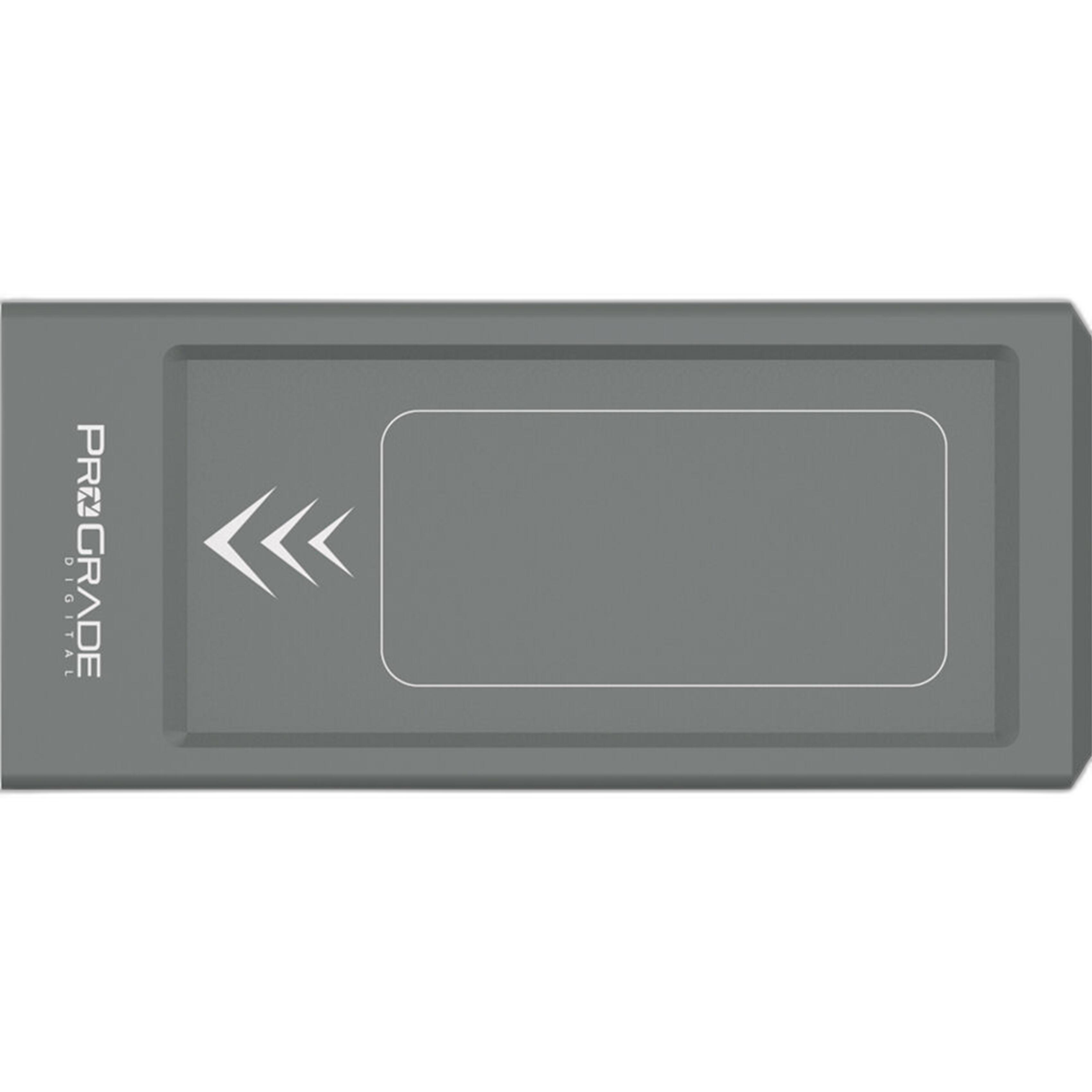
If your catalog, previews, or active image folders are sitting on a slower or crowded drive, Lightroom can start to feel more sluggish than it should. The ProGrade Digital PG10 v2 Solid State Workflow Drive - 8TB is the kind of premium storage solution that makes sense for photographers with heavy RAW workloads and long-term archive needs.
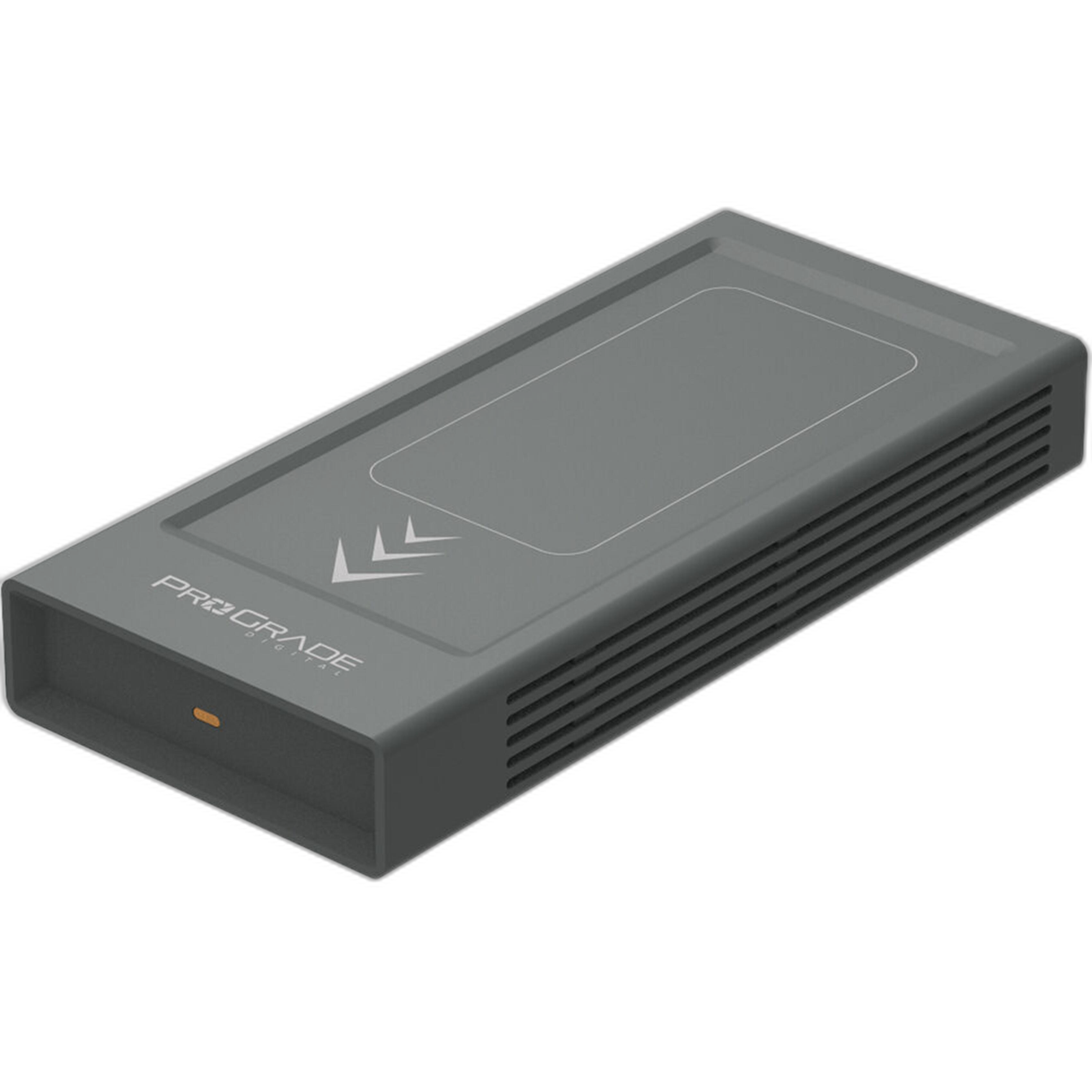
For Lightroom users, a large, fast SSD workflow drive can improve several parts of the process:
- Snappier access to current catalogs and preview files
- Faster handling of large RAW libraries
- Better performance when batch exporting or generating previews
- Cleaner separation between active jobs and long-term archive storage
The 8TB capacity is particularly attractive for photographers who want to keep active projects, exports, and backup working sets consolidated without constantly juggling space. It is a premium option, but for high-volume creators, it addresses one of the most common workflow pain points: storage becoming the bottleneck.
How These Products Support Presets, Organization, Shortcuts, and Batch Processing
Presets: Better as Starting Points, Not Crutches
A common workflow mistake is expecting presets to replace editing judgment. Classes like Bobby Stormer’s Lightroom session help photographers understand why a preset should create consistency, not sameness. That matters for batch processing because a good preset can speed up an edit set dramatically—but only if your exposure, white balance, and profile choices are already under control.
The best workflow advice is to build or choose presets that match your shooting style, then use synchronized adjustments selectively. Educational products from Unique Photo can help photographers use presets more intelligently instead of just more often.
Catalog Organization: A Workflow Multiplier
No reader or SSD can fix a chaotic catalog strategy. Lightroom works best when photographers maintain a consistent folder structure, sensible naming conventions, and keyword discipline. Training resources are valuable here because many users never formally learn how to structure a scalable archive.
Once your organization is clean, hardware upgrades become more noticeable. Fast storage and card readers amplify a well-designed workflow; they do not replace one.
Shortcuts and Repetition Reduction
Another area where classes pay off is keyboard shortcut fluency and module navigation. Many photographers lose time through constant mouse-driven edits, inconsistent rating habits, and awkward switching between import, culling, and develop steps. A good instructor can compress that learning curve dramatically.
That is especially useful for photographers trying to reduce editing fatigue across hundreds or thousands of files.
Batch Processing: Where Hardware and Technique Meet
Batch processing is where workflow tools really prove their value. The combination of a fast SD reader, fast workflow drive, and a more disciplined editing method means:
- quicker imports
- faster preview generation
- more efficient copy/paste or sync settings
- better responsiveness when moving through large shoots
- shorter export waits
For high-volume photography, those gains compound quickly.
Pros and Cons
Pros
- Unique Photo Lightroom classes address real-world editing and organization challenges
- Lexar dual-slot reader directly improves ingest efficiency for SD shooters
- ProGrade PG10 v2 8TB offers serious capacity for active Lightroom workflows
- Great combination of skill-building and hardware-based speed improvements
- Useful for photographers handling large RAW batches across many genres
Cons
- Workflow classes require time commitment to realize full value
- Premium SSD storage is a bigger investment than casual photographers may need
- Card reader benefits are most noticeable for high-volume SD-based shooters
- No single product solves poor catalog habits on its own
Who Should Buy These?
If you are a photographer who regularly imports large numbers of files, uses Lightroom as your main editing hub, and wants a more repeatable process, these are smart upgrades.
Choose Lightroom training from Unique Photo if: you need help with presets, Develop module confidence, editing consistency, or overall workflow structure.
Choose the Lexar reader if: import speed is slowing down your turnaround and you shoot heavily on SD UHS-II cards.
Choose the ProGrade workflow drive if: you need faster, larger, more dependable working storage for active catalogs and projects.
Verdict
As a Lightroom workflow review, the strongest takeaway is that meaningful speed gains come from both better habits and better infrastructure. Unique Photo’s Lightroom education options are an excellent starting point for photographers who want to improve presets, catalog organization, shortcuts, and batch editing logic. Pair that knowledge with workflow-focused hardware like the Lexar Professional Workflow Dual-Slot SD UHS-II Reader and ProGrade Digital PG10 v2 Solid State Workflow Drive 8TB, and Lightroom becomes less of a bottleneck and more of a streamlined production tool.
For photographers serious about editing efficiency, this is a category worth investing in—and Unique Photo is a strong place to buy both the learning resources and workflow gear that support it.