Want tack-sharp shots without a tripod? With the right settings, steady technique, and a few smart gear choices from Unique Photo, you can confidently capture crisp handheld photos and video in almost any situation.
Best camera settings for sharp handheld photos
Use these go-to settings to minimize blur when you’re shooting handheld:
- Shutter speed rule of thumb: start at 1/(2 × focal length). For a 50mm lens, aim for 1/100 sec; for 200mm, 1/400 sec. High-resolution sensors magnify shake, so don’t be afraid to go even faster.
- Auto ISO with a minimum shutter: set your camera’s minimum shutter speed to hold sharpness and let ISO float. Slight noise beats a blurry frame.
- Aperture for sharpness: many lenses are crisp around f/4–f/8. If light is low, open the aperture instead of letting shutter dip too slow.
- AF mode: for static subjects use single AF (AF-S/One Shot). For people, pets, and sports, use continuous AF (AF-C/AI Servo) with subject/eye detection if available.
- Burst shooting: fire short bursts. The middle frames often land sharpest as your hands settle.
- Image stabilization: enable IBIS/OIS for stills; use the appropriate mode for panning (often called Sport or Pan mode).
Handheld stabilization techniques that work
- Stance and grip: plant feet shoulder-width apart, tuck elbows in, and press the viewfinder lightly to your brow to create a third point of contact.
- Breath control: exhale gently and press the shutter during the natural pause.
- Strap tension: loop the neck or wrist strap and pull it taut to add stability.
- Use the world: lean against a wall, doorway, or tree; kneel or sit to reduce sway.
- Shutter discipline: squeeze, don’t jab. Rolling your finger onto the release reduces micro-jitters.
- Self-timer for ultra-slow speeds: a 2-sec timer or remote helps when you’re right on the edge.
IBIS vs OIS vs EIS: when to use which
In-body image stabilization (IBIS) shifts the sensor to counter hand movement and works with any lens. Optical stabilization (OIS/VR/IS) stabilizes in the lens and can be especially effective at longer focal lengths. Electronic IS (EIS) crops and digitally stabilizes video. Practical tips:
- Still photos: leave IBIS/OIS on. If you’re panning, choose a mode that stabilizes only the vertical axis.
- On a tripod: turn stabilization off to avoid feedback loops (unless your camera specifically supports tripod detection).
- Video: combine IBIS with a gimbal for the steadiest footage; use EIS only if the crop and slight warping are acceptable for your project.
Sharp handheld video and hybrid shooting
To keep individual frames sharp in video, watch shutter and support:
- Shutter angle: cinematic motion typically targets 180° (e.g., 1/50 sec at 24p). If your priority is frame-level sharpness for grabs, you may raise shutter modestly, knowing motion can look more staccato.
- Gimbal support: a gimbal keeps motion smooth so you can concentrate on composition. For longer takes, a support rig reduces fatigue and micro-shake.
For creators who move fast, a support system can be a difference-maker:
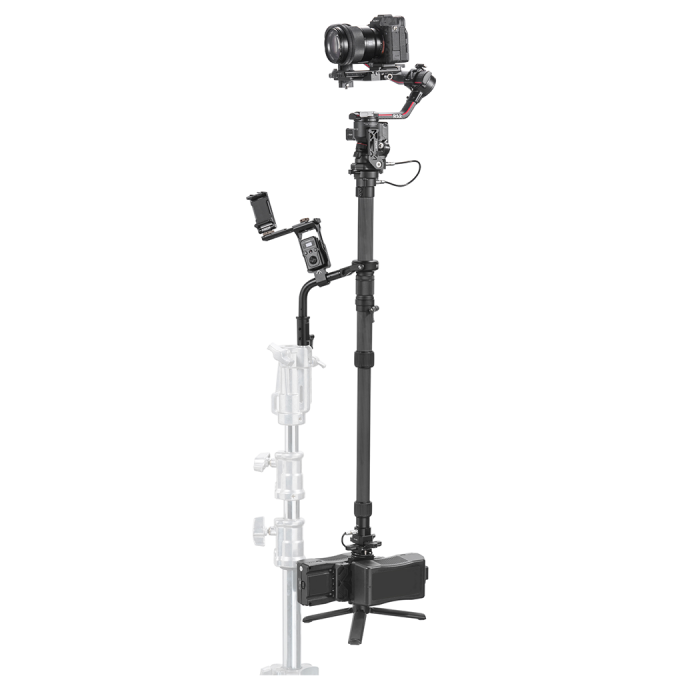 Use a Tilta Float Handheld Gimbal Support System for DJI RS2/3 to offload arm strain, keep horizons level, and maintain sharper frames over extended shoots.
Common causes of blur (and quick fixes)
- Too-slow shutter: raise shutter speed or increase ISO/aperture.
- Misfocus: switch AF modes or use single-point AF for precise control; confirm with magnified review.
- Subject motion: use continuous AF and a faster shutter; add flash to freeze action.
- Lens softness or diffraction: avoid extremes. Stop down one or two stops from wide-open; don’t overdo f/16–f/22 on high-MP sensors.
- Over-aggressive noise reduction: heavy NR can smear detail; balance sharpening and NR in-camera or in post.
Pro tips to squeeze out extra sharpness
- Minimum shutter automation: many cameras let you tie minimum shutter to focal length—turn this on.
- Use RAW: recover detail and fine-tune sharpening/NR later.
- Flash smartly: when ambient is dim, on-camera or off-camera flash with rear-curtain sync can freeze motion without losing environmental light.
- Practice panning: for moving subjects, match speed and use a panning IS mode to get sharp subjects with motion-blurred backgrounds.
Handheld-ready gear picks from Unique Photo
Thoughtful gear choices help you hold steadier, focus faster, and capture clean detail.
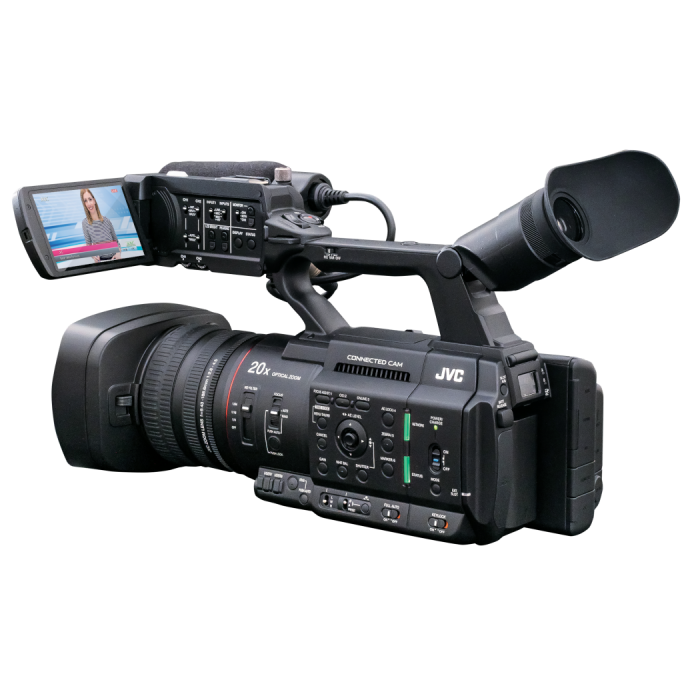
- JVC GY-HC500U Handheld Connected Cam 1in 4K Professional Camcorder — A compact 1-inch 4K camcorder designed for handheld operation and professional workflows. Great for run-and-gun shooters who need reliable handheld ergonomics and crisp detail.
- JVC GY-HC500SPCU Handheld 4K Connected Camcorder with Sport Overlays — Adds broadcast-style sport graphics, ideal for fast action coverage from the shoulder or hand. Pair with proper shutter and support for sharp results.
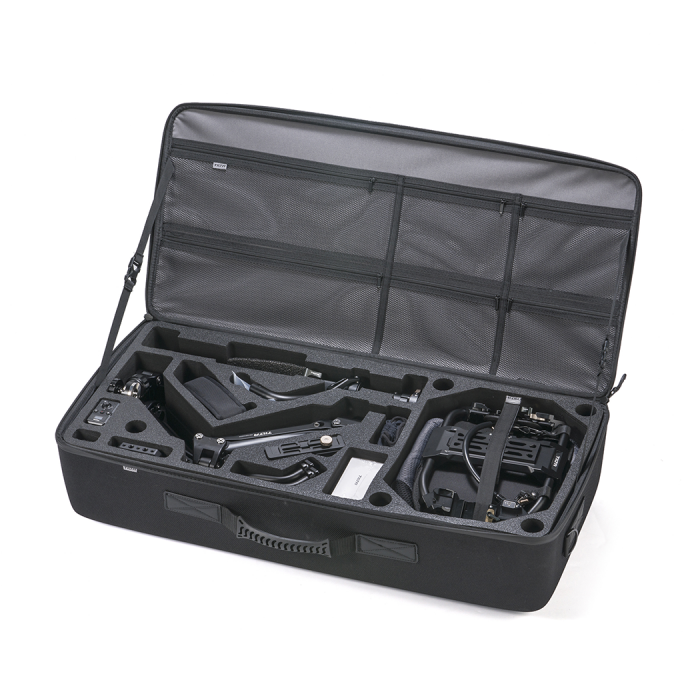
- Tilta Float Handheld Gimbal Support System for DJI RS2/3 — Reduce fatigue and micro-shake to keep handheld footage crisp over long takes.
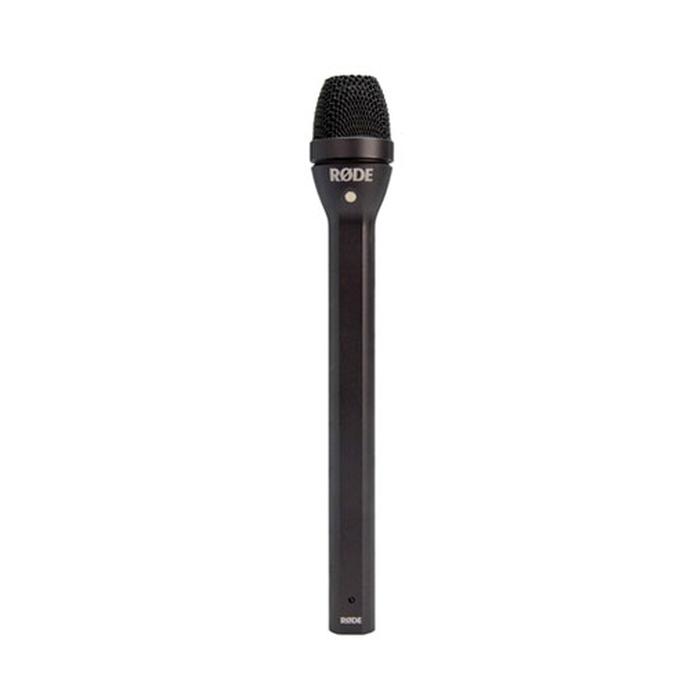
- Rode Reporter Omnidirectional Handheld Interview Microphone — For street interviews, a handheld mic keeps your camera hand free or lighter, making it easier to stabilize your rig.
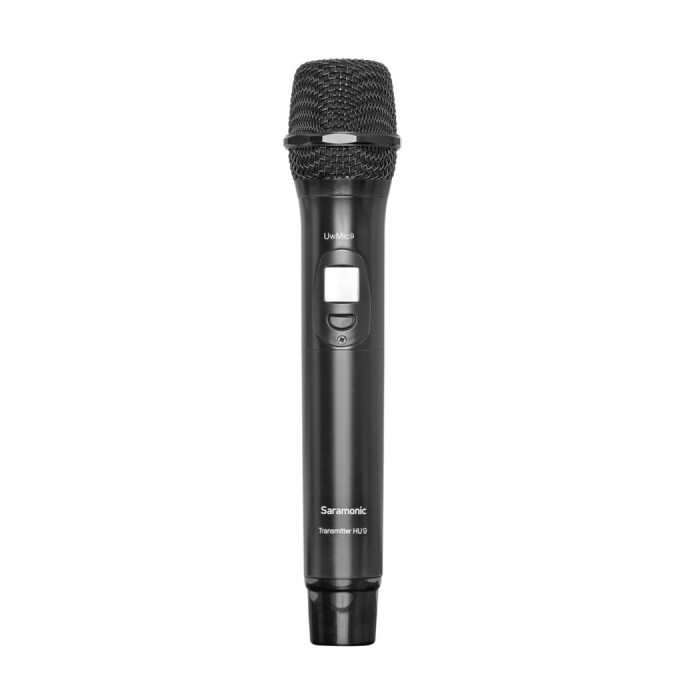
- Saramonic HU9 Wireless Handheld Mic (for UwMic9) — Go wireless so your camera can live on a gimbal or be gripped with two hands for steadier shots.
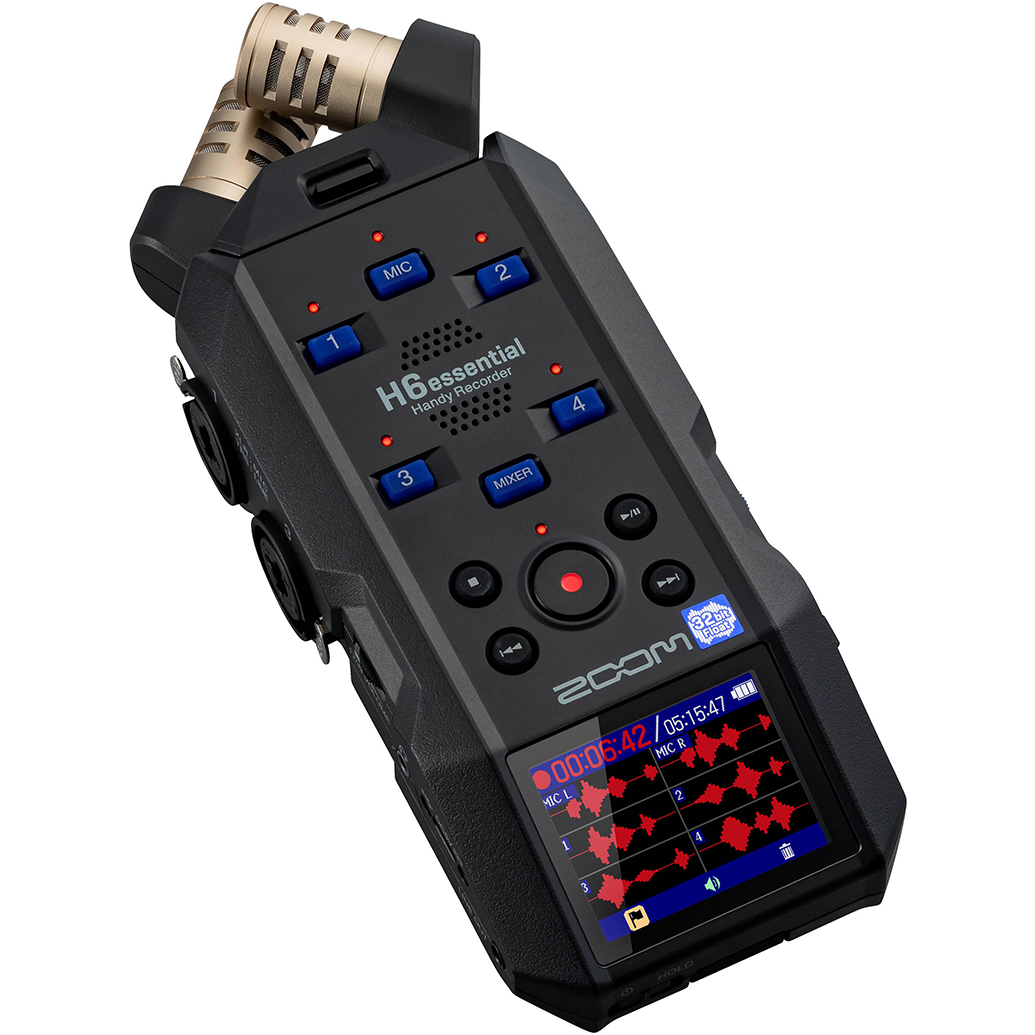
- Zoom H6Essential Series 6-Track 32-Bit Float Handheld Recorder — Capture pro audio off-camera; a lighter, better-balanced camera can be held steadier for sharper handheld work.
- Learn from the pros: PCS: Capturing Dance Movement with Steve Vaccariello — Master fast shutter strategies and motion techniques for crisp, dynamic images.

Conclusion and internal linking suggestions
Sharp handheld images come from the right combination of shutter speed, stabilization, and technique. Visit Unique Photo online or in-store to demo gear, compare stabilization options, and get hands-on advice from our experts.
Suggested internal links to add:
- Gimbals & Stabilizers at Unique Photo
- Professional Camcorders (JVC and more)
- Microphones & Wireless Audio (Rode, Saramonic)
- Audio Recorders (Zoom)
- Classes & Workshops (including action/motion photography)
Need personal help dialing in settings? Stop by Unique Photo’s service counter or chat with us—our team loves helping creators get sharper results, handheld.