Sony’s Lens Compare Beta can be a helpful starting point when you’re deciding between focal lengths, rendering styles, and real-world usability. But like any comparison tool, it works best when you know what to look for. If you’re wondering how accurate lens characteristic rendering really is, the answer is simple: it can be very useful for trends, but you should evaluate it with a photographer’s eye. These tips will help you read the results more critically and connect what you see on screen to how a lens may perform in actual shooting situations.
Start by Comparing Rendering Trends, Not Absolute Results
1. Look for overall character instead of pixel-level certainty
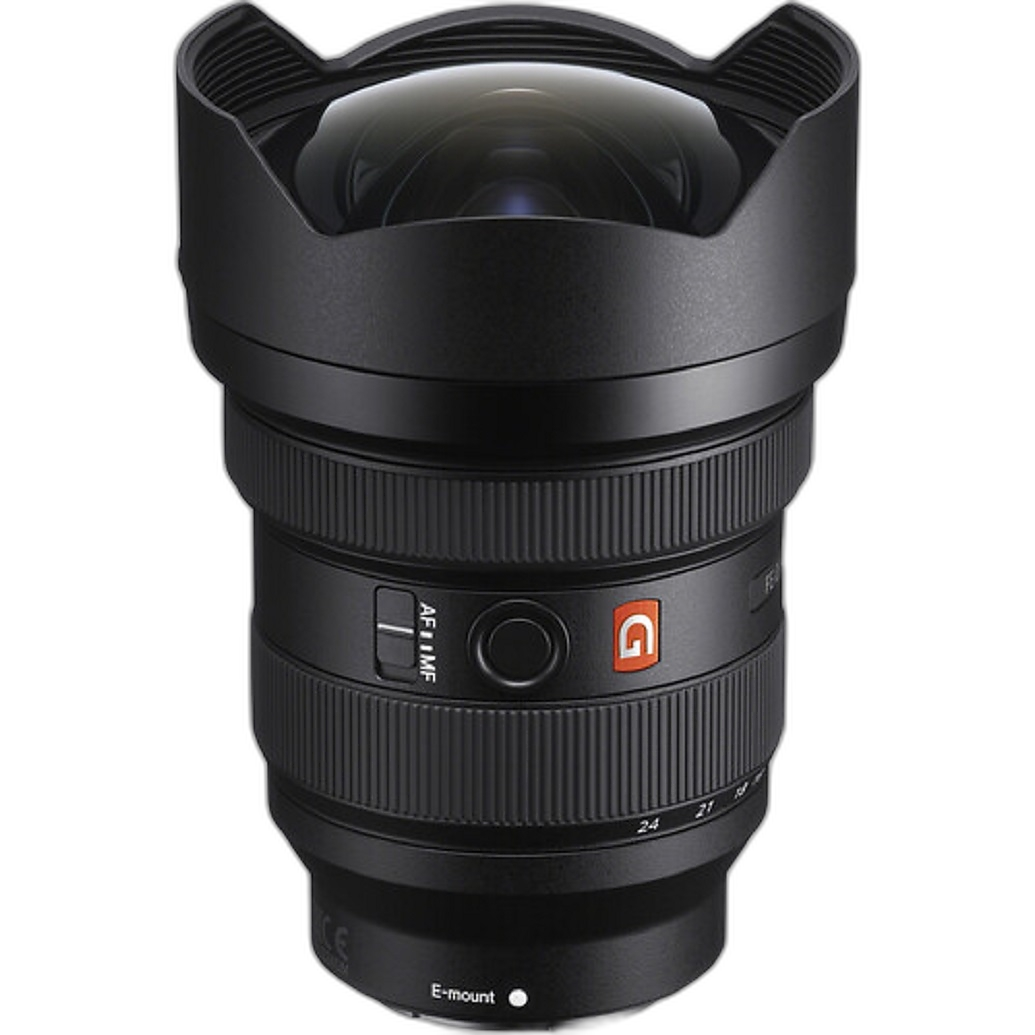
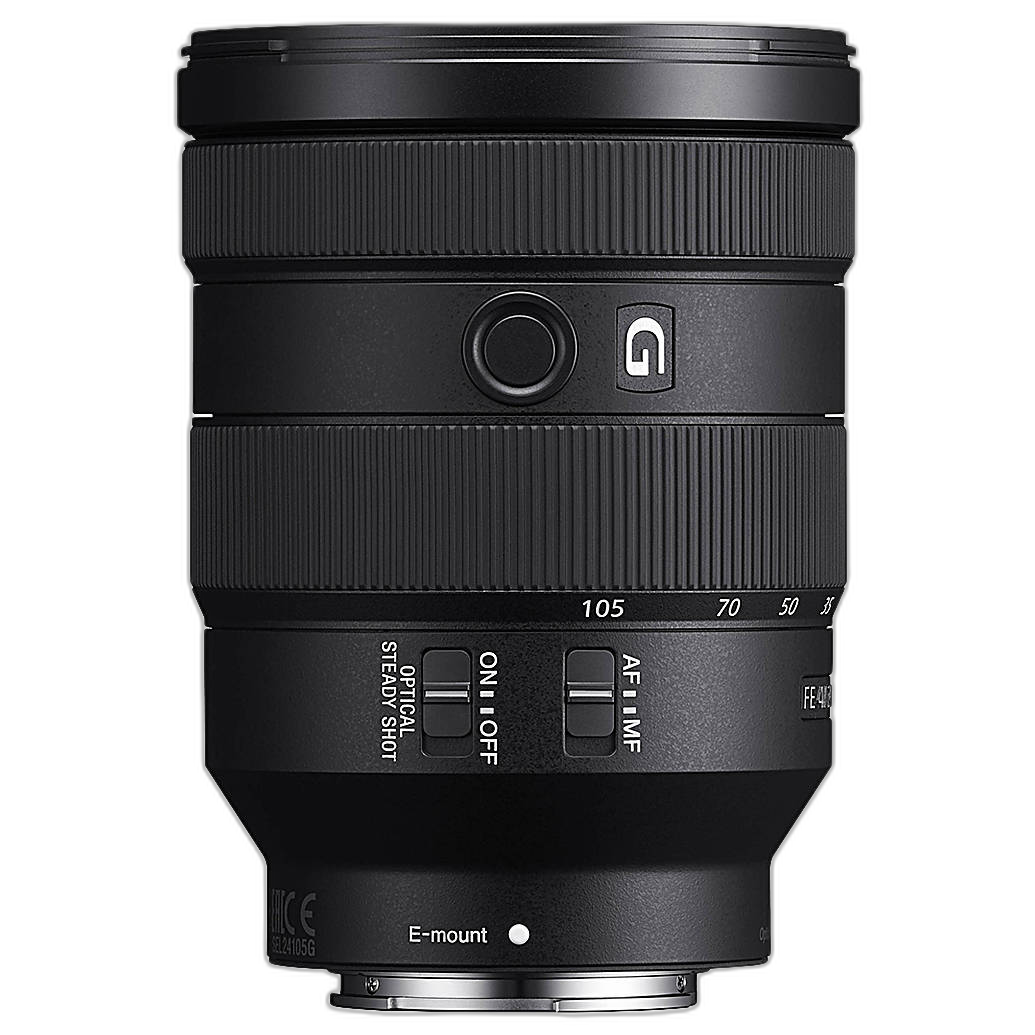
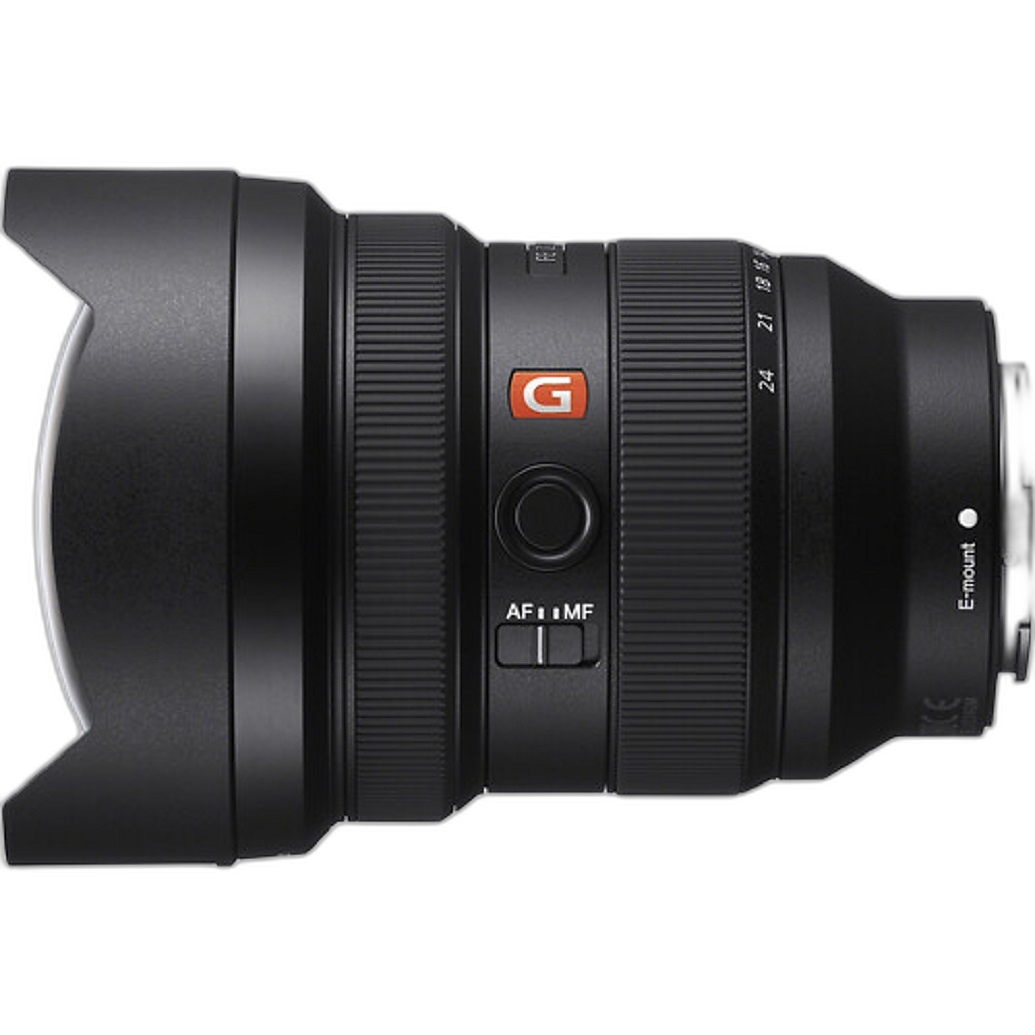
A lens comparison beta is often best at showing broad differences in contrast, field of view, edge behavior, and background rendering. For example, a wide-angle option like the Sony FE 12-24mm f/2.8 GM Lens will naturally emphasize perspective and expansive framing in a way that looks dramatically different from the more general-purpose Sony FE 24-105mm f/4 G OSS Lens. If the tool shows those differences clearly, that’s a good sign it is helping you understand character. What it may not always show perfectly is exactly how fine detail, flare, or microcontrast will appear in your own scenes.
Check Whether the Scene Matches the Lens Type
2. A lens rendering demo is only as useful as the sample subject
Ultra-wide lenses, standard primes, and walkaround zooms reveal their strengths in different environments. The Sony FE 12-24mm f/2.8 GM Lens is best judged in architecture, interiors, landscapes, and dramatic foreground-heavy compositions. The Sony FE 24-105mm f/4 G OSS Lens, by contrast, makes more sense in travel, portraits, events, and day-to-day shooting. If Lens Compare Beta uses a scene that favors one lens type over another, the rendering may look more impressive for reasons that have less to do with optical quality and more to do with subject choice.
Pay Attention to Perspective Versus Optical Rendering
3. Don’t confuse focal length differences with lens “look”
One of the most common mistakes in online lens comparison is assuming that dramatic visual change automatically means one lens renders better. In reality, perspective is heavily driven by shooting distance and focal length. A 12-24mm lens and a 24-105mm lens are not just different in sharpness or bokeh; they change how space feels. When reviewing Sony’s rendering previews, separate perspective effects from actual lens traits like distortion control, edge consistency, and tonal transition.
Use Known Optical Benchmarks as Mental Reference Points
4. Compare the beta tool’s output against lenses with established reputations
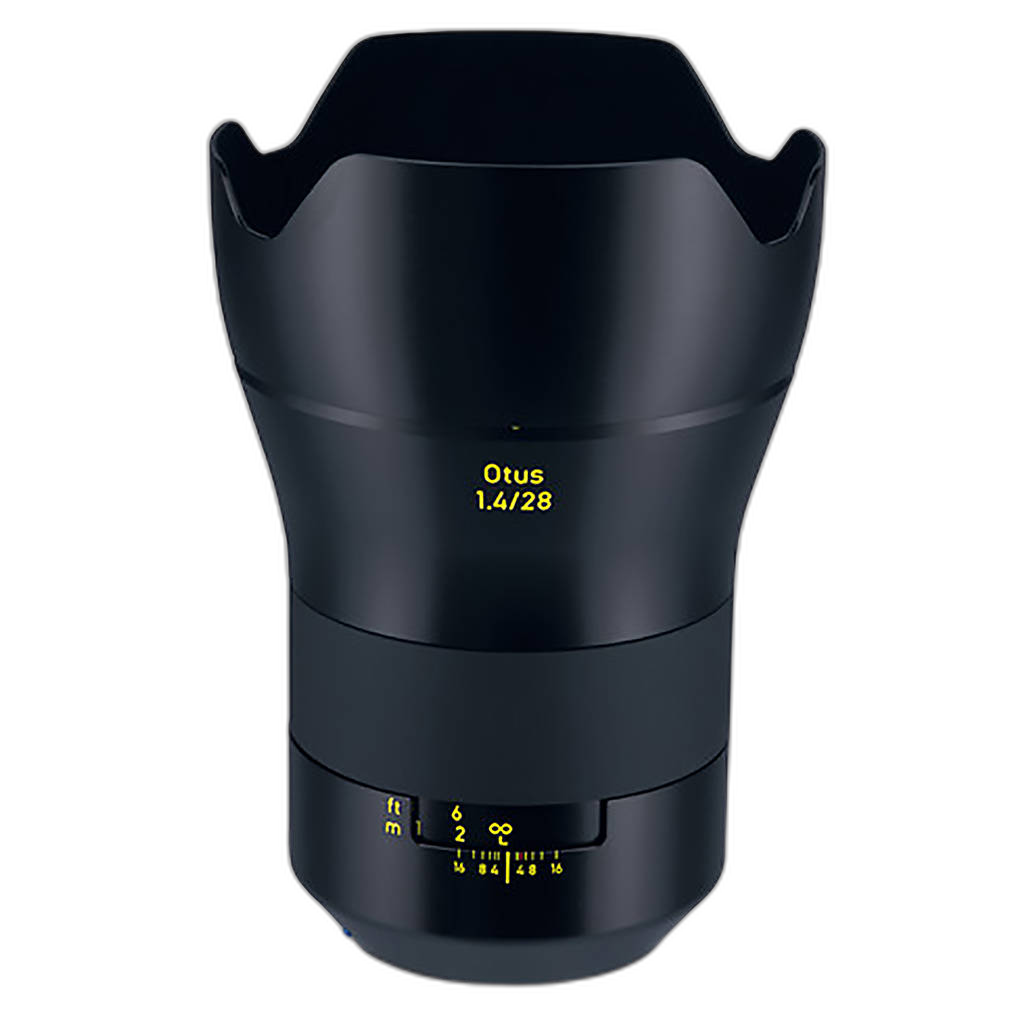
If you’ve used lenses with a strong and recognizable rendering style, they can help you judge whether a comparison tool feels believable. For instance, many photographers think of a manual-focus optic like the Zeiss 28mm f/1.4 OTUS Manual Focus Lens for Nikon ZF.2 as a lens with exceptional clarity and a very distinct drawing style. Even though it’s outside the Sony system, referencing lenses with well-known visual character can help you decide whether a beta comparison is showing realistic separation between optics or smoothing over differences too much.
Remember That Vintage and Modern Lenses Render Differently
5. Lens character is more than sharpness charts
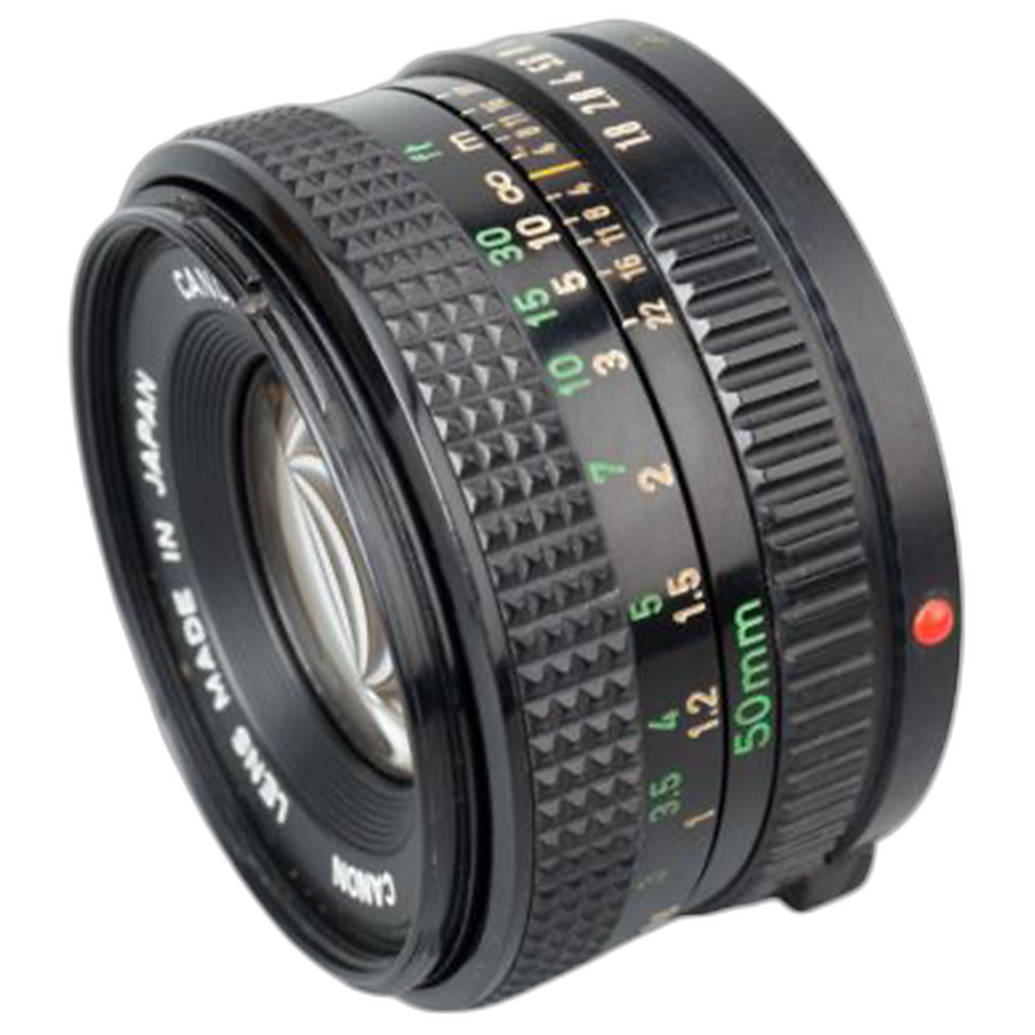
If you’ve ever used an older optic such as the Used Canon FD 50mm f/1.8 Lens - Good, you already know that rendering includes flare behavior, contrast roll-off, color signature, and the way highlights transition out of focus. Modern Sony lenses often prioritize consistency, correction, and high resolution, but that doesn’t mean every photographer wants a purely clinical look. If Lens Compare Beta seems to reduce everything to sharpness and framing, it may be helpful but incomplete as a rendering guide.
Test Edge Performance Carefully on Wide Lenses
6. Corners matter more than many previews suggest
With a lens like the Sony FE 12-24mm f/2.8 GM Lens, edge and corner rendering can be a major part of the buying decision, especially for landscape, architecture, and real estate shooters. A beta comparison may show center sharpness convincingly while understating corner stretching, coma, or edge contrast falloff. If the tool allows zooming or side-by-side evaluation, spend extra time on the outer frame rather than just the middle.
Consider Stabilization and Usability Alongside Rendering
7. Real-world image quality is affected by more than optical design
The Sony FE 24-105mm f/4 G OSS Lens is a good example of a lens whose practical value goes beyond rendering style alone. Its flexible focal range and OSS stabilization can help photographers get sharper handheld images in everyday situations. In other words, even if two lenses appear close in a rendering simulator, the one that better fits your actual shooting style may produce stronger results in practice.
Account for Accessories That Change Shooting Conditions
8. Filters, hoods, and shooting setup can affect what you really see
Lens rendering in a controlled beta environment may not reflect your field setup. For example, landscape photographers using specialized accessories often alter flare resistance and filter workflow in real shooting. While the NiSi 100mm Filter Holder for Sony FE 14mm f/1.8 GM Lens is built for a different Sony ultra-wide, it’s a reminder that accessories can influence the final image experience. The same goes for lens hoods, which can improve contrast by reducing stray light in conditions where a digital preview may look cleaner than real life.
Use Zoom Lenses to Judge Practical Versatility
9. Rendering consistency across the range matters
A big advantage of comparison tools is seeing whether a zoom maintains a pleasing look at multiple focal lengths. The Sony FE 24-105mm f/4 G OSS Lens is popular because it covers wide-to-short-telephoto needs in one package, but a useful comparison should help reveal whether the lens feels equally dependable throughout the range. If beta previews only emphasize one focal length, they may not tell the whole story.
Cross-Check with Real Images Before You Buy
10. Treat the beta tool as step one, not the final answer
The smartest way to judge the accuracy of lens characteristic rendering is to compare the beta output with sample galleries, reviews, and your own priorities. A rendering preview can narrow your choices quickly, especially if you’re deciding between something dramatic like the Sony FE 12-24mm f/2.8 GM Lens and a flexible everyday option like the Sony FE 24-105mm f/4 G OSS Lens. But before committing, look at full real-world image sets to confirm whether the tool matches what photographers actually see.
Conclusion
Sony Lens Compare Beta can be a valuable way to explore lens behavior, especially when you use it to understand broad rendering differences instead of expecting laboratory-perfect predictions. Focus on scene suitability, perspective, edge quality, and practical usability, and you’ll get much more from the tool. If you’re ready to compare Sony lenses more seriously, Unique Photo is a great place to explore trusted gear options and find the lens that fits your shooting style.