Editing and Enhancing Landscape and Nature Photography with Photoshop — A Practical Guide to Publication‑Ready Feature Images
When a feature image has to carry a story—on a homepage hero, a magazine spread, or a campaign banner—you need more than a pretty picture. You need a clean, consistent workflow that elevates the scene while preserving authenticity. Unique Photo’s “Editing and Enhancing Landscape and Nature Photography with Photoshop” class positions itself right at that intersection: practical best practices for enhancement, a realism‑first philosophy, and a toolkit aimed at getting you to a publication‑ready deliverable with repeatable steps.
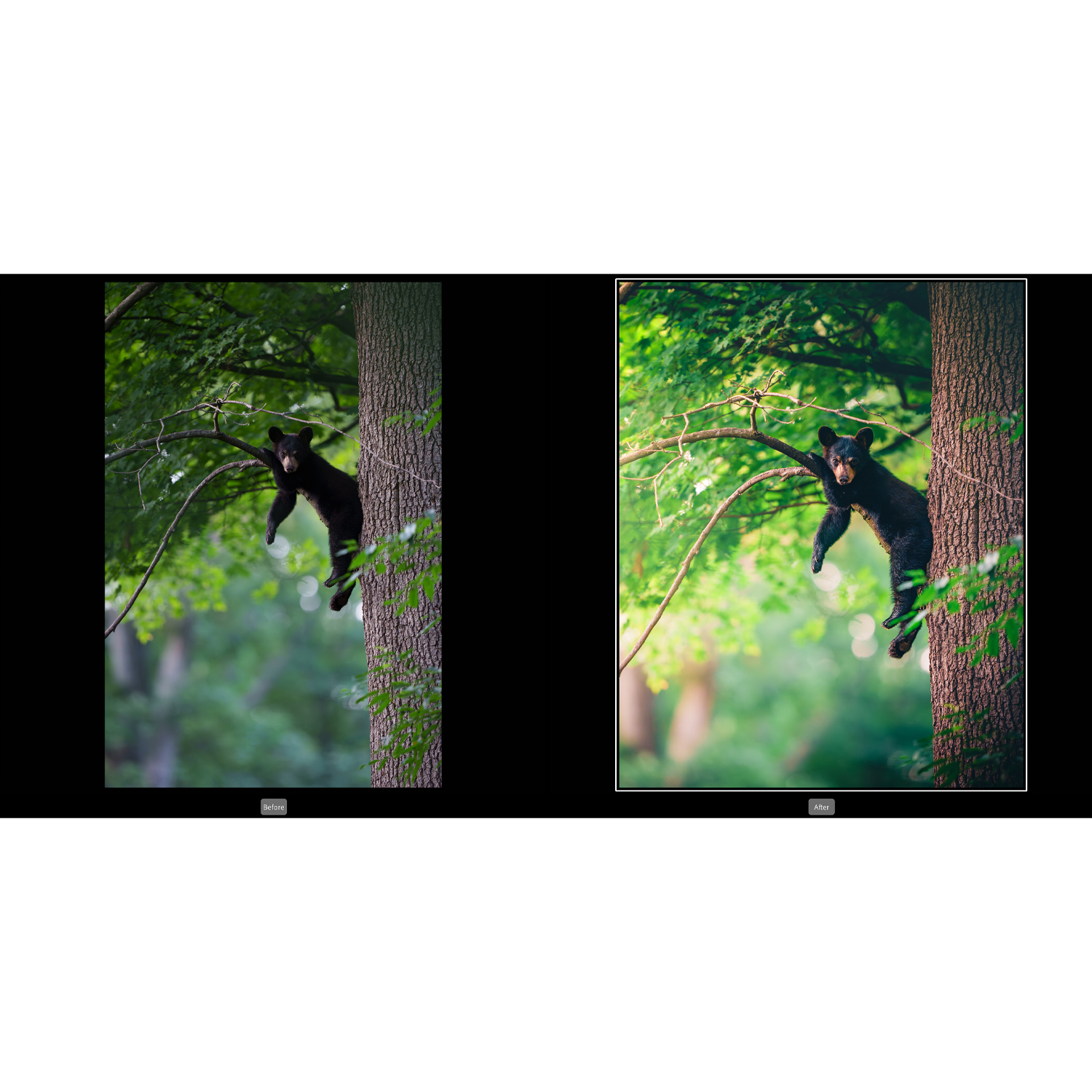
Unlike generic tutorials that pile on special effects, this class emphasizes judgment: where to push color, where to pull back texture, and when to let the light speak for itself. It’s built for photographers who want to refine their featured images for editorial or client use, with a focus on landscapes and nature—but the principles translate to any hero visual where credibility matters.
Who it’s for
- Landscape and nature photographers seeking a reliable, non‑destructive Photoshop workflow.
- Content creators and editors responsible for feature images that must meet brand or publication standards.
- Photographers comfortable with basic Photoshop tools who want to level up color, tone, and local adjustments with restraint.
Key features and takeaways
A realism‑first enhancement philosophy
This course is grounded in the idea that the best feature images look honest yet polished. You’ll explore how to amplify mood without tipping into the unbelievable—managing saturation, contrast, and micro‑contrast so the end result sings on print and screen without the tell‑tale HDR or oversharpened look.
Non‑destructive, publication‑ready workflow
Expect a layer‑centric approach using adjustment layers, masks, and Smart Objects so every decision can be revisited. The benefit is twofold: a cleaner history for client revisions and a frictionless path to alternate crops or outputs without re‑editing from scratch.
Tone, color, and dynamic range control
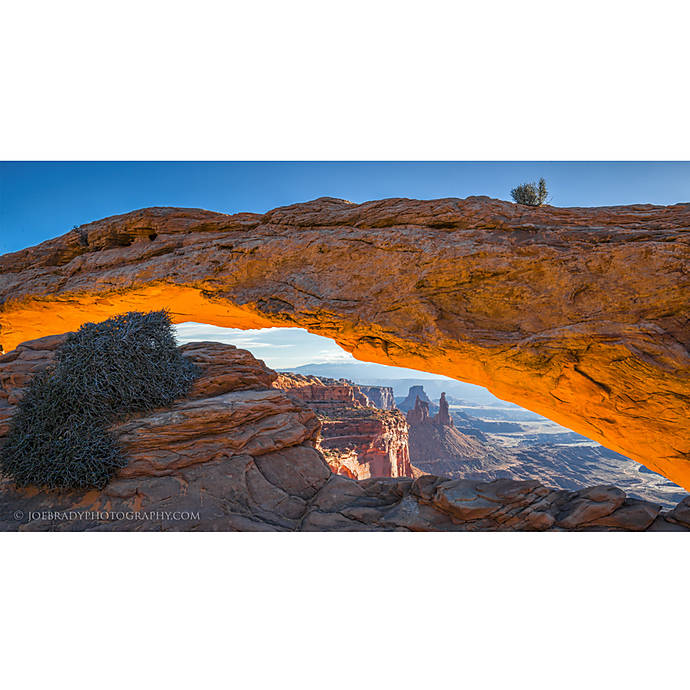
From global exposure shaping to hue‑specific refinements, the class demonstrates how to guide the viewer’s eye through thoughtful tonal hierarchy. You’ll practice measured use of curves, color balance, and selective color to create depth and coherence—essential for editorial approval where color accuracy and consistency are scrutinized.
Selections and masking that don’t look like selections
Feature images break if your masks are obvious. The lessons emphasize natural transitions using feathered masks, luminosity‑based selections, and “Blend If” strategies for clean skies, believable foliage, and controlled highlights that hold up under high‑resolution review.
Detail, texture, and sharpening—without artifacts
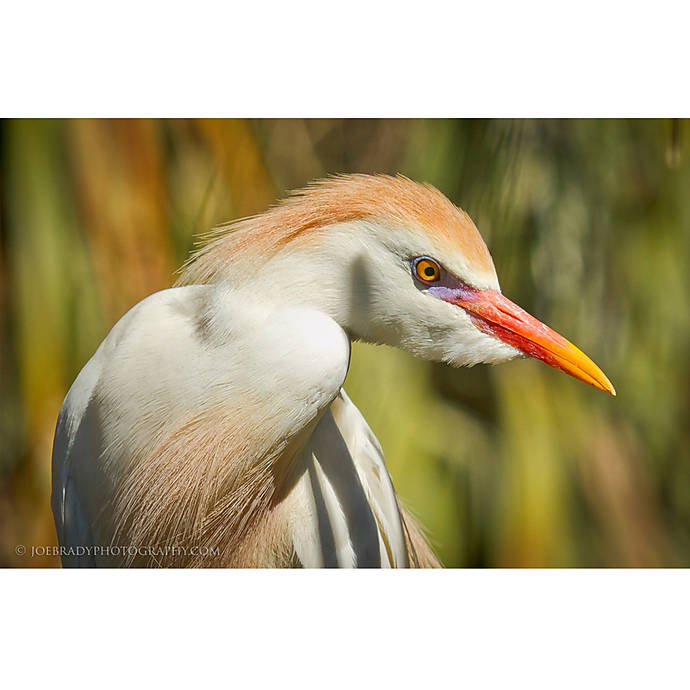
Sharpening is treated as a finishing move, not a fix. You’ll see how to separate capture sharpening, creative clarity, and output sharpening, plus how to tame noise and preserve delicate details like mist and water without plasticizing the frame.
Output standards for web and print
Publication‑ready means matching the medium. The course covers color space choices, resizing and resampling, compression strategies for web hero images, and soft‑proofing basics so your final looks consistent across platforms.
Software recommendations that complement Photoshop
While Photoshop remains the centerpiece, the class advocates a RAW‑first gateway. Using Adobe Camera Raw or Lightroom for initial exposure and color setup streamlines the project and keeps the PSD lean. For those who need extra polish, the instructor suggestions lean toward subtle tools—think restrained use of Camera Raw Filter, gradient tools, and HSL tweaks—rather than heavy, one‑click looks. The takeaway: fewer plugins, better judgment, stronger results.
In the field and at the desk: how it fits into a real workflow
Good editing starts with intent. The curriculum threads that thinking from capture to delivery: previsualize the final, protect highlights in‑camera, standardize your base RAW adjustments, then execute a predictable Photoshop stack. The result is a portable approach you can apply to every hero image, whether it’s for a travel feature, a conservation story, or a brand blog.
Pros and cons
- Pros:
- Clear emphasis on realism and editorial standards—ideal for feature images.
- Non‑destructive, revision‑friendly workflow that scales to client needs.
- Actionable techniques for color and tone without resorting to gimmicks.
- Solid guidance on output for both web and print deliverables.
- Cons:
- Best suited to photographers with basic Photoshop familiarity; total beginners may need a primer.
- Focuses on landscape and nature; product or portrait specialists may want genre‑specific follow‑ups.
- As with any class, you’ll get the most value if you practice immediately on your own files.
Verdict
If your goal is to deliver feature images that feel elevated yet truthful, Unique Photo’s “Editing and Enhancing Landscape and Nature Photography with Photoshop” is a smart investment. It favors fundamentals over flash, turning complex edits into a repeatable, non‑destructive workflow that meets the standards of editors, brands, and discerning audiences. For photographers ready to move from “nice shot” to “publishable hero,” this class provides the structure and sensibility to get you there.
You can enroll at Unique Photo—online or in store—and fold this methodology into your own editing pipeline right away.