Entering a photo contest is about more than capturing a strong image. The post-processing workflow you use can make the difference between a polished, professional submission and a file that misses key technical requirements. This guide is for photographers, content creators, and hybrid shooters who want a cleaner, faster path from capture to final contest-ready export. Whether you are organizing RAW files, editing on the go, building a reliable backup routine, or even reviewing film proofs before selecting final entries, the right workflow tools can save time and reduce mistakes.
Below, we highlight practical gear choices that support a dependable contest-submission workflow, with a focus on storage, transfer, organization, and proofing. If your goal is to deliver files that are sharp, properly exported, and safely backed up before deadline day, these are some of the smartest options to consider.
What Makes a Strong Contest-Submission Workflow?
A solid post-processing workflow for contests usually follows a few key steps:
- Ingest quickly: Move files off cards and cameras without delay.
- Back up immediately: Maintain at least one duplicate copy before heavy editing.
- Edit efficiently: Work from fast storage so previews, exports, and layered edits stay responsive.
- Proof carefully: Review composition, detail, and consistency before finalizing.
- Export to spec: Match the contest's required file size, color space, dimensions, and naming rules.
For many photographers, the weak link is storage speed or file organization. That is why portable SSDs and modular dock systems are such useful additions to a contest-focused setup.
Our Pick
Our Pick: Lexar Professional Workflow Dock Station - 6-Bays
If you regularly shoot high volumes, edit multiple projects, or want a more streamlined ingest-and-backup process before contest deadlines, this dock is the best foundation for a serious workflow. Its modular design makes it especially appealing for photographers who need to centralize media handling and reduce friction between import, backup, and editing.
Best Gear for Contest Post-Processing Workflows
Lexar Professional Workflow Dock Station - 6-Bays
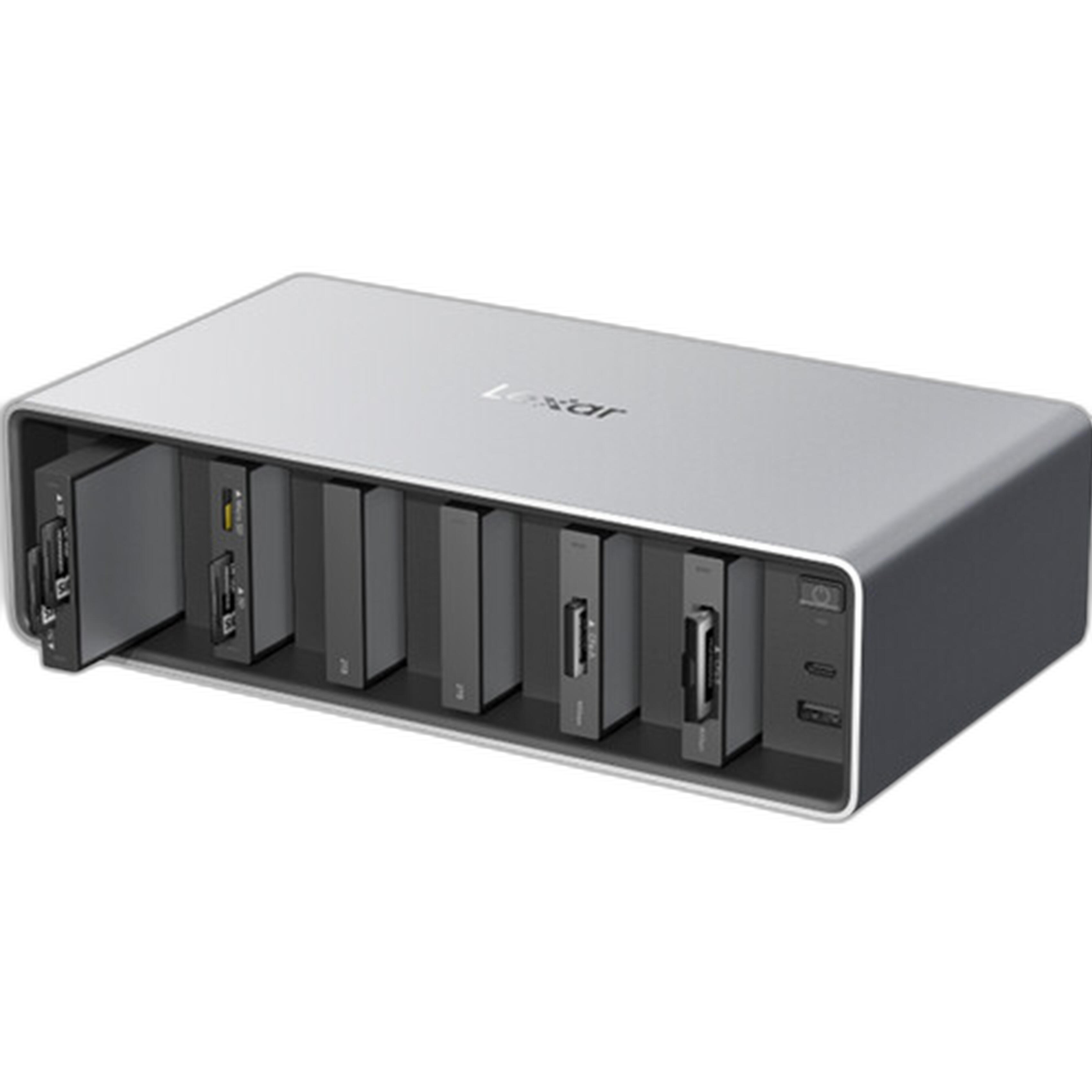
The Lexar Professional Workflow Dock Station - 6-Bays is the kind of workflow hub that makes sense for photographers who submit to contests regularly. Instead of juggling scattered drives and adapters, you can build a centralized workstation for ingest, offloading, and file management.
For contest work, consistency matters. A dock setup helps create a repeatable process: import files, duplicate them to a backup destination, edit from fast storage, then archive the finals once your submission is complete. If you often work on large RAW files, stitched panoramas, or video-based contest entries, a dock can help keep your setup organized and your turnaround times shorter.
Why it fits this guide:
- Helps create a dedicated post-processing station
- Supports a more organized ingest and backup routine
- Ideal for photographers handling large libraries or multiple submissions
- Excellent choice for deadline-driven editing workflows
Lexar Professional Workflow Portable SSD 4TB
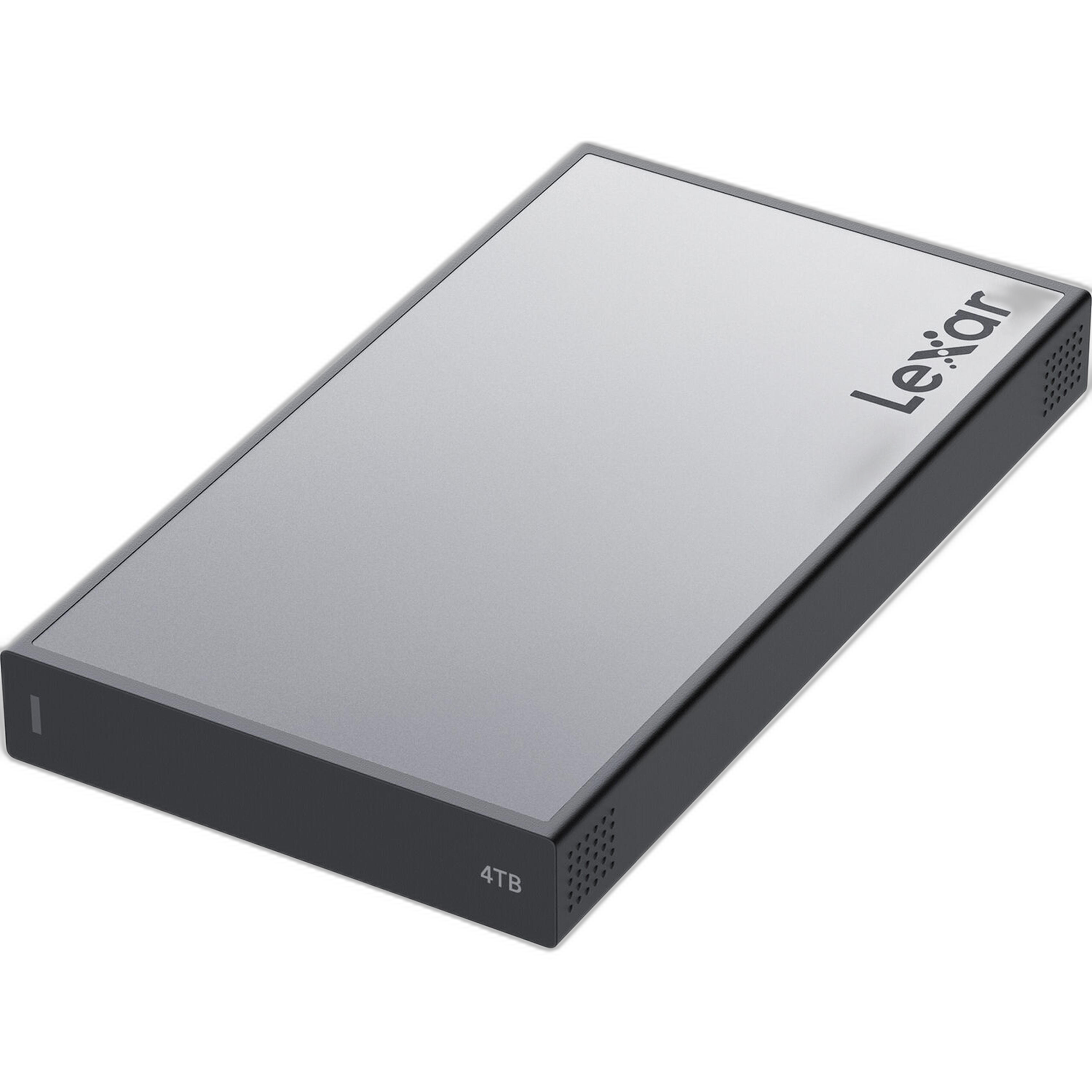
The Lexar Professional Workflow Portable SSD 4TB is a standout option for photographers who need speed and generous capacity in one portable drive. Contest submissions often involve multiple rounds of selects, alternate edits, layered PSD or TIFF files, and final exports. A 4TB SSD gives you room to keep active projects together without constantly moving files around.
This is especially useful if you edit on a laptop, travel for shoots, or want to keep your current contest entries on a separate high-speed workspace. Fast external storage can improve preview generation, batch exports, and overall responsiveness when editing large files.
Best for:
- High-resolution RAW workflows
- Keeping active contest projects on fast external storage
- Photographers who want more room for multiple events or rounds of edits
- Creators who need portable performance for editing anywhere
Lexar Professional Workflow Portable SSD 2TB
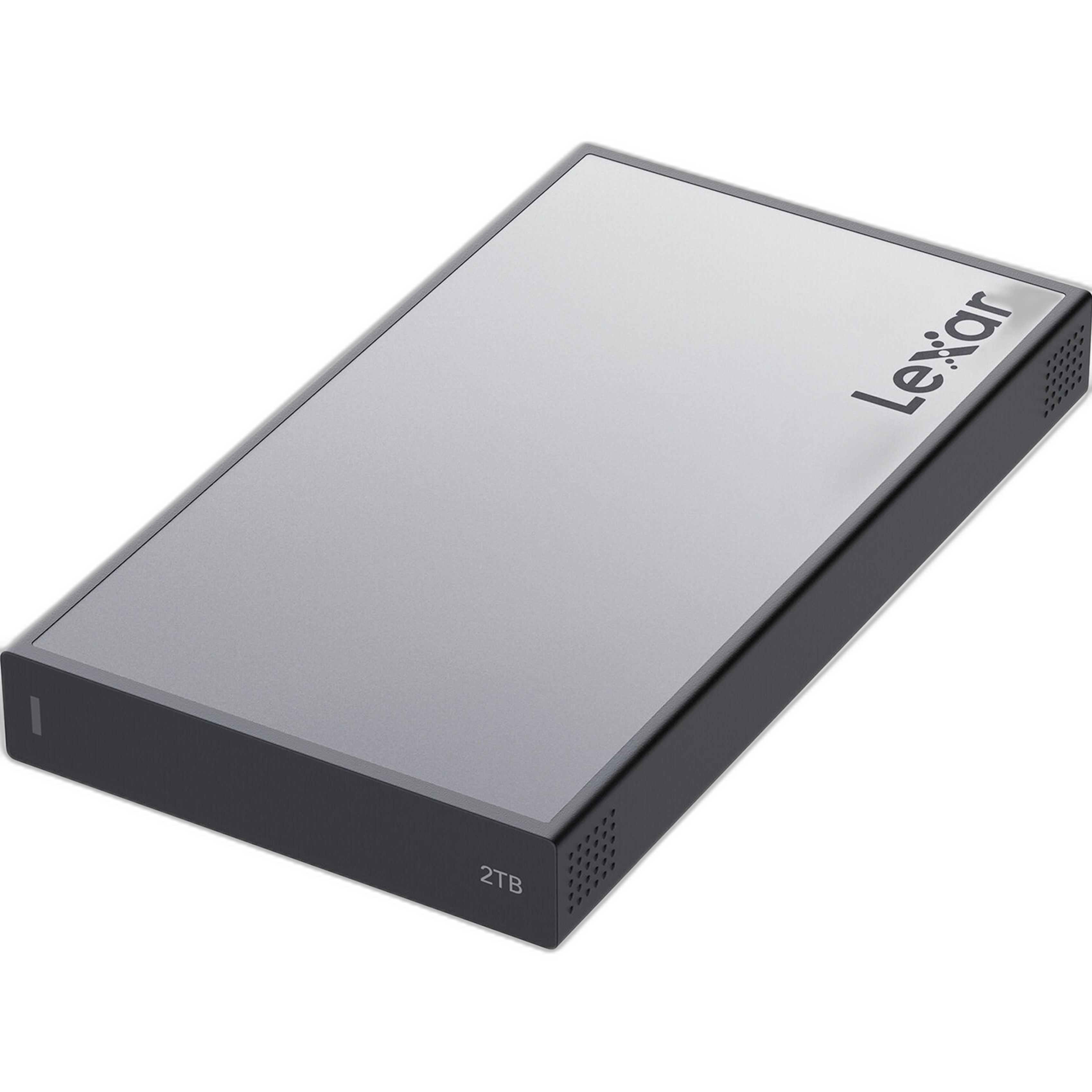
If you want the same workflow-friendly concept in a more compact capacity, the Lexar Professional Workflow Portable SSD 2TB is an excellent choice. For many contest photographers, 2TB is a sweet spot: enough space for current jobs, select backups, exports, and submission folders, without overcommitting your budget.
This drive makes sense for photographers who prefer to keep active work separated by project or season. It is also a strong pick for creating a dedicated "submission drive" where finals, resized exports, release forms, and contest-specific versions stay organized in one place.
Best for:
- Efficient active-project storage
- Travel or mobile editing kits
- Photographers building a budget-conscious workflow
- Separating current contest entries from long-term archives
Paterson Proof Printer 35mm 8x10
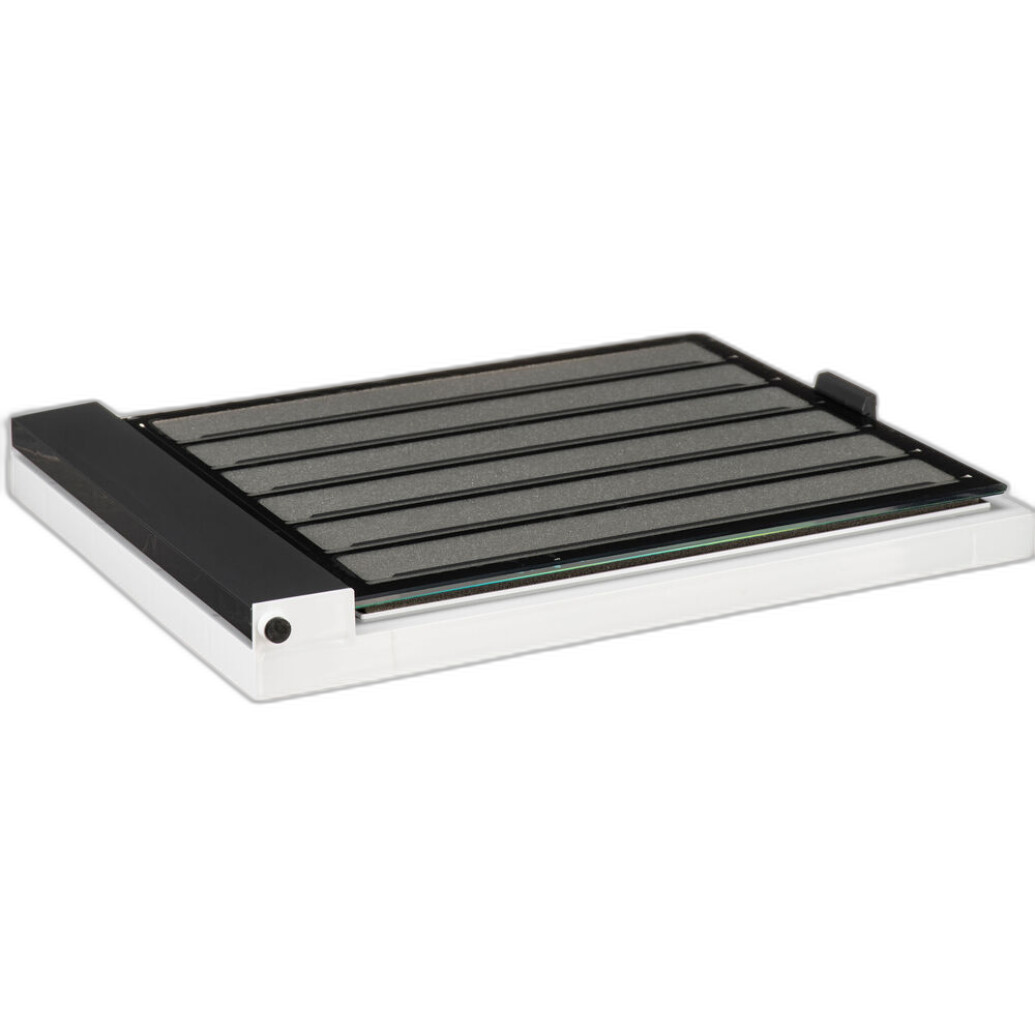
Not every contest workflow is fully digital. For film photographers, the Paterson Proof Printer 35mm 8x10 is a practical addition to the selection stage. Before scanning and final post-processing, proofing negatives can help you identify the strongest frames, compare exposure and composition, and narrow down your contest candidates more efficiently.
That means less time scanning weak images and more time refining the shots with real submission potential. If your contest entries begin on 35mm film, proofing is an important part of a disciplined workflow.
Why it matters:
- Useful for evaluating film frames before scanning
- Helps speed up image selection
- Supports a more deliberate contest-editing process
- Great fit for analog photographers entering juried competitions
Canon EOS R8 Content Creator Kit
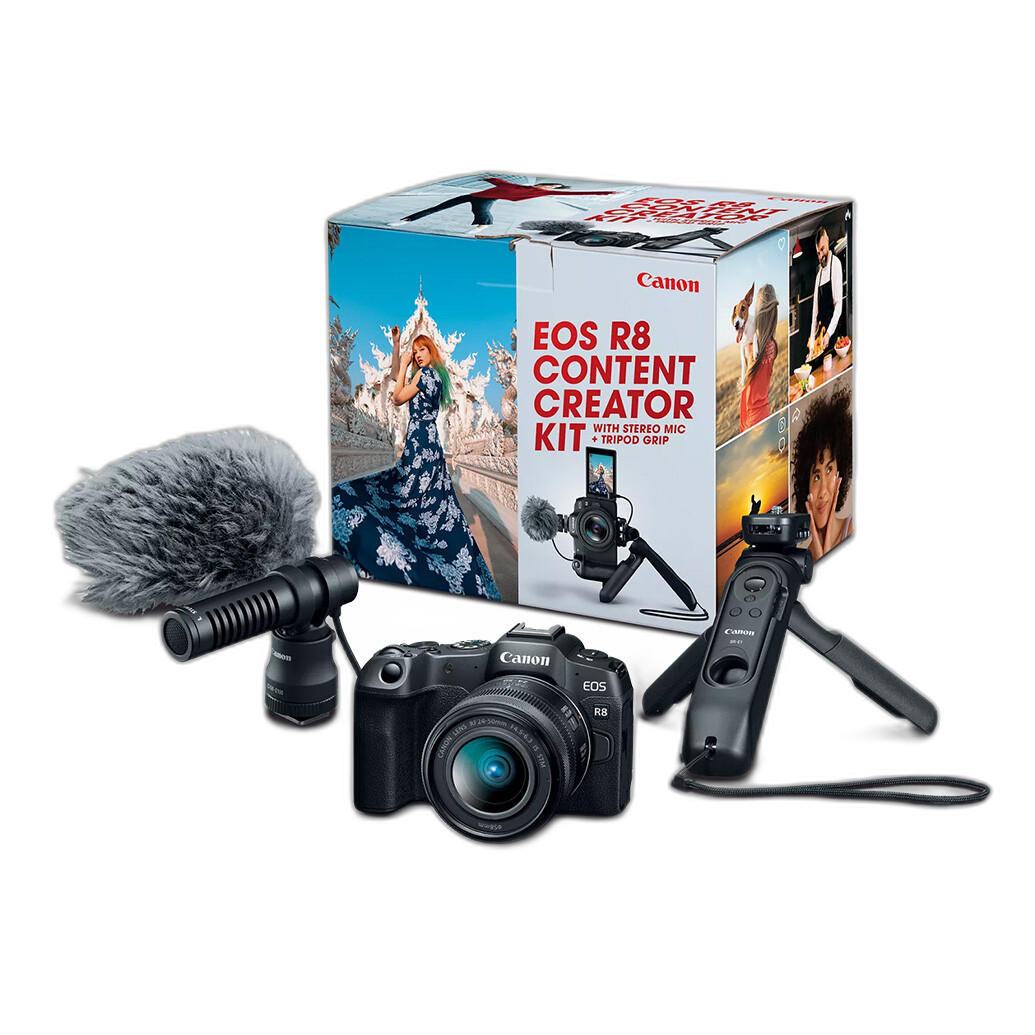
While this guide is centered on post-processing, capture quality still influences how flexible your files are in editing. The Canon EOS R8 Content Creator Kit is a compelling option for photographers and creators who need strong source files for editing, social categories, hybrid contests, or multimedia submissions.
If you are building a complete contest pipeline from capture through export, a modern mirrorless kit like this can help generate files with the latitude and quality needed for serious post-processing. It is especially attractive for creators who submit both stills and video clips, or who want one system for assignments, personal work, and competition entries.
Best for:
- Creators building a full capture-to-edit workflow
- Hybrid shooters entering photo and video competitions
- Photographers wanting flexible files for detailed post-processing
Quick Comparison
| Product | Best Use in Workflow | Ideal User | Main Advantage |
|---|---|---|---|
| Lexar Professional Workflow Dock Station - 6-Bays | Centralized ingest, transfer, and workflow organization | High-volume editors and contest regulars | Streamlines a repeatable post-processing setup |
| Lexar Professional Workflow Portable SSD 4TB | Fast active editing storage with larger capacity | Photographers handling large RAW libraries | More room for multi-project contest work |
| Lexar Professional Workflow Portable SSD 2TB | Portable editing and organized project storage | Mobile shooters and budget-conscious users | Strong balance of speed and capacity |
| Paterson Proof Printer 35mm 8x10 | Film proofing before scans and edits | Film photographers entering contests | Improves frame selection efficiency |
| Canon EOS R8 Content Creator Kit | Capture stage feeding your editing workflow | Hybrid creators and modern contest shooters | Strong source files for flexible post-processing |
How to Build a Better Contest Workflow
If you want a practical system, here is a simple approach:
- Import immediately to a fast drive or dock-based setup.
- Create a backup copy before rating or editing.
- Cull aggressively so only your strongest files move forward.
- Edit non-destructively and keep alternate versions if the contest allows multiple entries.
- Export carefully using the contest's required dimensions, color space, compression, and naming format.
- Archive your finals so you can easily reuse or reference them later.
For lighter workflows, the Lexar 2TB Portable SSD may be all you need. For heavier shooting schedules or more advanced organization, pairing the Lexar 4TB Portable SSD with the Lexar Workflow Dock Station creates a much more robust system.
Final Thoughts
The best post-processing workflow for contest submissions is one that is fast, organized, and reliable under deadline pressure. For most photographers, storage is the smartest place to improve that process. The Lexar Professional Workflow Dock Station - 6-Bays is our top recommendation for building a dependable contest-editing hub, while the Lexar Professional Workflow Portable SSD 4TB and 2TB models are excellent choices for active editing and portable file management. Film shooters should also take a close look at the Paterson Proof Printer 35mm 8x10 for a smarter proofing stage.
If you are ready to upgrade your contest-submission workflow, Unique Photo is a great place to find the storage, workflow tools, and imaging gear to keep your files protected and your final entries looking their best.