When you enter a photo contest, great post-processing can strengthen an already strong image—but over-editing can quickly work against you. Many competitions have clear rules about retouching, compositing, AI use, color manipulation, and file preparation. Understanding the post-processing dos and don’ts for contest submissions can help you avoid disqualification and present your work at its best. At Unique Photo, we often talk with photographers who spend hours perfecting an image, only to realize later that the contest guidelines required a more restrained edit or a different file format.
The key is simple: edit with intention, respect the rules, and preserve the integrity of the photograph. Below, we’ll break down what to do, what to avoid, and how to prepare contest-ready files with confidence.
Why Contest Photo Editing Rules Matter
Every contest defines acceptable editing differently. A wildlife competition may allow basic tonal correction but ban object removal. A portrait contest may accept skin cleanup but prohibit heavy compositing. A fine art competition may welcome advanced manipulation as long as it’s disclosed. That’s why one of the biggest mistakes photographers make is assuming all contests evaluate post-processing the same way.
Before touching sliders, read the rules carefully. Look for language around:
- Basic global adjustments
- Local dodging and burning
- Cloning or content-aware removal
- Composite imagery
- HDR blending
- AI-generated or AI-assisted edits
- File type, color space, and export dimensions
- RAW file requests for verification
Unique Photo recommends keeping a copy of the original RAW file and maintaining a clean edit history whenever possible. If judges ask for proof of authenticity, being organized can save your entry.
Do: Start With the Strongest Possible Original File
The best contest submissions begin long before post-production. Clean exposure, sharp focus, strong timing, and thoughtful composition reduce the need for aggressive corrections later. Subtle editing usually looks more credible and polished than a rescue job.
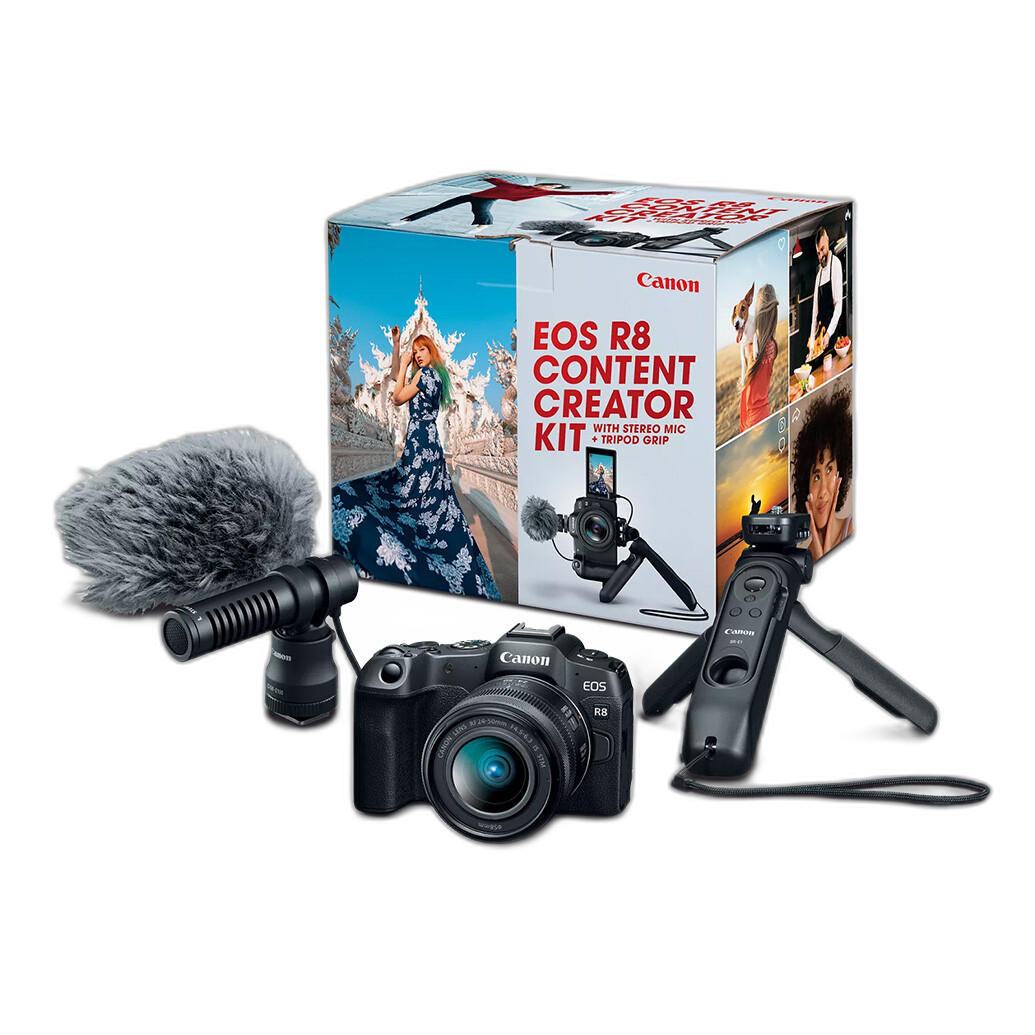
For photographers building a contest workflow, reliable gear matters. A modern mirrorless option like the Canon EOS R8 Content Creator Kit, available at Unique Photo, can provide strong image quality, dependable autofocus, and flexible files that hold up well in editing. Better source material gives you more room to refine your image without introducing artifacts, banding, or unnatural color shifts.
When possible, aim to:
- Expose carefully to preserve highlights and shadows
- Use stable support or proper shutter speeds for sharpness
- Capture in RAW for maximum editing latitude
- Pay attention to distracting background elements before pressing the shutter
Don’t: Assume Heavy Editing Improves a Contest Image
One of the most common post-processing mistakes in contest photography is pushing every adjustment too far. Oversaturated color, excessive clarity, harsh sharpening, crunchy HDR effects, and aggressive skin smoothing can make an image feel artificial. Judges often spot these issues immediately.
If your editing is the first thing viewers notice, that may be a sign to pull back. In many genres, judges respond better to images that feel intentional and believable rather than overly processed. Even in creative categories, technical control usually matters more than dramatic slider use.
Avoid:
- Overdone saturation that clips colors or shifts skin tones unnaturally
- Excessive noise reduction that removes fine detail
- Too much sharpening that creates halos
- Extreme contrast that blocks up shadows or blows highlights
- Heavy vignettes that look obvious and distracting
Do: Use Global Adjustments Thoughtfully
Global adjustments are usually the safest and most accepted editing tools for contest submissions. These include exposure correction, white balance refinement, contrast, highlight recovery, shadow balancing, and mild color grading. The goal is to support the original capture, not transform it into something unrecognizable.
As you edit, ask yourself whether each change improves clarity and mood without compromising realism. A well-balanced image with natural tonality often performs better than one with dramatic but distracting processing.
Helpful best practices include:
- Correct white balance so colors look intentional and accurate
- Adjust contrast gradually rather than relying on extreme blacks and whites
- Keep texture and detail intact in key subject areas
- Zoom in to check artifacts, then zoom out to evaluate overall impact
Don’t: Break the Rules on Object Removal or Compositing
This is one of the biggest contest disqualifiers. Many competitions specifically prohibit removing objects, adding elements, replacing skies, or combining multiple frames unless the category explicitly allows it. Even subtle cleanup—like removing a branch, sign, or background distraction—can violate the rules in documentary, wildlife, travel, or photojournalism contests.
If the guidelines say “basic editing only,” assume compositing and content-aware removal are off-limits unless the contest states otherwise. In categories that permit creative editing, disclose your process honestly if requested.
Do not assume that because an edit looks clean, it will go unnoticed. Judges may inspect files closely, and some contests request original RAW captures.
Do: Retouch Portraits With Restraint
Portrait and fashion contests often allow some level of retouching, but subtlety is essential. Natural skin texture, believable color, and realistic facial structure matter. Over-retouched portraits can lose emotional connection and visual credibility.
A good approach is to reduce temporary distractions while preserving the person’s actual appearance. Think cleanup, not reconstruction. Keep an eye on:
- Skin texture retention
- Natural eye brightness
- Realistic teeth color
- Avoiding warped proportions from liquify tools
- Maintaining hair detail instead of blurring edges
If your contest values authenticity, minimal portrait retouching is usually the smarter choice.
Do: Solve More Problems In-Camera Before Editing
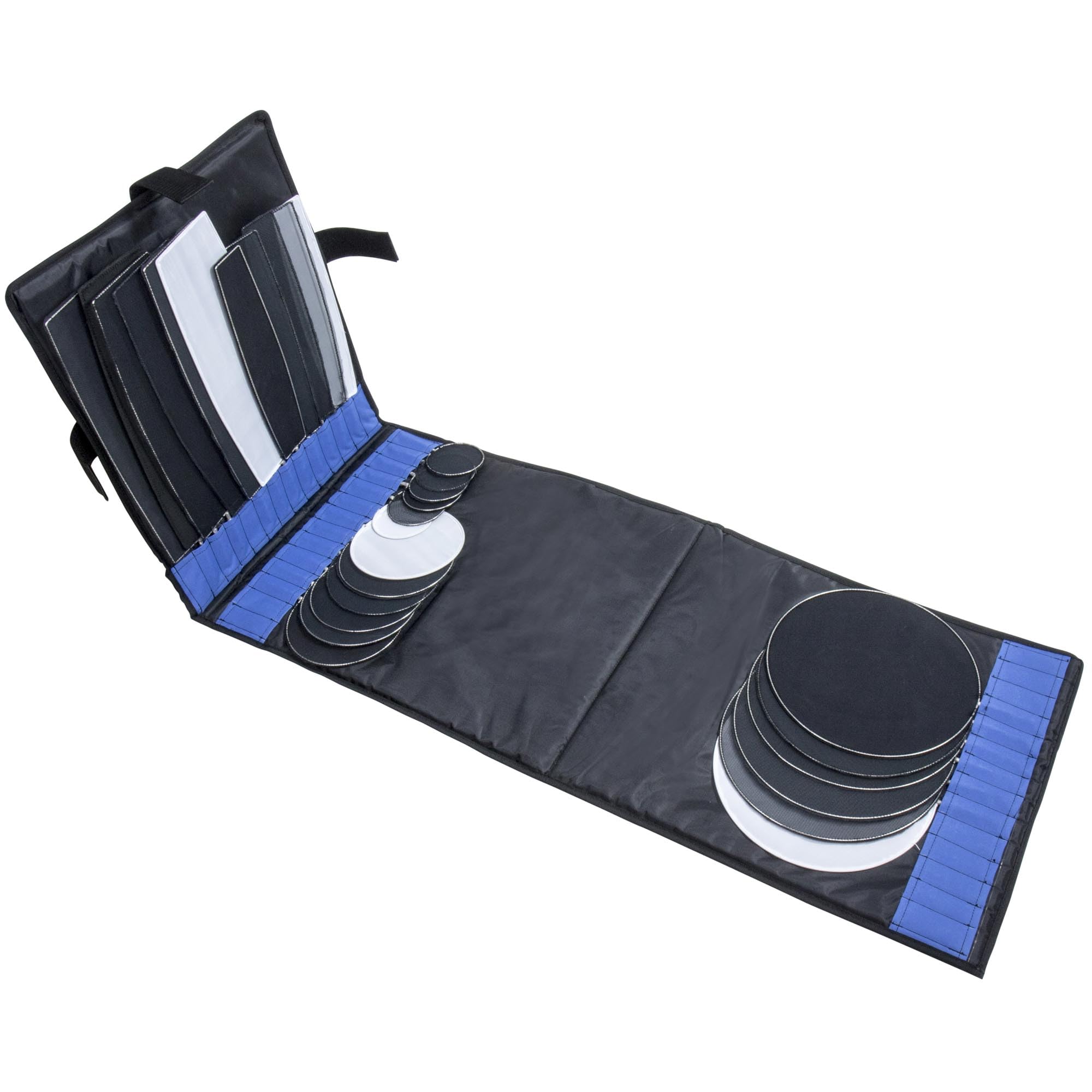
One smart way to avoid problematic post-processing is to improve control during the shoot. Lighting accessories, modifiers, and grip tools can reduce your need for aggressive corrections later. For example, products like the Kupo Dot and Finger Kit with Carrying Bag can help position flags, reflectors, or small accessories more precisely on set. Better lighting and cleaner captures often lead to simpler, contest-safe edits.
At Unique Photo, many photographers shop not just for cameras and lenses, but also for the small support tools that improve image quality before the file ever reaches editing software. That matters in contests, where authenticity and technical craftsmanship are closely judged.
Don’t: Ignore Noise, Artifacts, and Export Problems
Even an excellent image can lose impact if the final file is poorly prepared. Contest judges may see your work on calibrated displays, large screens, or in print. Compression artifacts, poor resizing, jagged edges, color banding, and excessive noise can all hurt presentation.
Common file-prep mistakes include:
- Submitting the wrong dimensions
- Ignoring the requested color space
- Using JPEG compression that is too aggressive
- Applying output sharpening too heavily
- Leaving sensor dust spots visible
Always export a final version specifically for the contest. Don’t just upload the same file you posted to social media. Social platforms often encourage punchier edits and different crop ratios that don’t translate well to formal judging.
Do: Keep Your Original RAW Files and Edit Versions Organized
Many serious competitions reserve the right to request the original RAW file, sidecar file, layered edit, or a sequence of source images. If you can’t provide them, your image may be rejected—even if your edit was technically within the rules.
Create a simple folder structure for each contest entry:
- Original RAW files
- Working edit files
- Final high-resolution export
- Web-sized submission version if required
- Screenshot or PDF of the contest rules
This kind of preparation makes it easier to respond quickly if organizers contact you for verification.
Do: Understand Genre-Specific Contest Editing Standards
Different genres carry different expectations. If you’re wondering how much editing is allowed in photo contests, the answer depends heavily on category.
Wildlife and nature contests: Usually the strictest. Basic tonal edits may be acceptable, but adding, removing, or relocating elements is often banned.
Photojournalism and documentary contests: Authenticity is critical. Even small content changes can lead to disqualification.
Portrait contests: Moderate retouching may be allowed, but natural results are preferred.
Fine art and conceptual contests: More manipulation may be acceptable or encouraged, though disclosure may still be required.
Commercial or advertising-style contests: Retouching standards can be broader, but polish and technique are scrutinized closely.
Match your editing style to the category rather than applying the same workflow to every submission.
Don’t: Let Cropping and Straightening Damage the Image
Crop and alignment adjustments are normal, but they should strengthen composition without degrading file quality or violating rules. Excessive cropping can reduce resolution, amplify noise, and make an image look weak in judging. If the contest has minimum pixel dimensions, heavy cropping may also make the file ineligible.
Keep horizons straight, vertical lines controlled when appropriate, and important subject details intact. If you find yourself cropping dramatically to rescue composition, it may be better to submit a different frame.
Do: Use Lens and Capture Tools to Minimize Editing Later
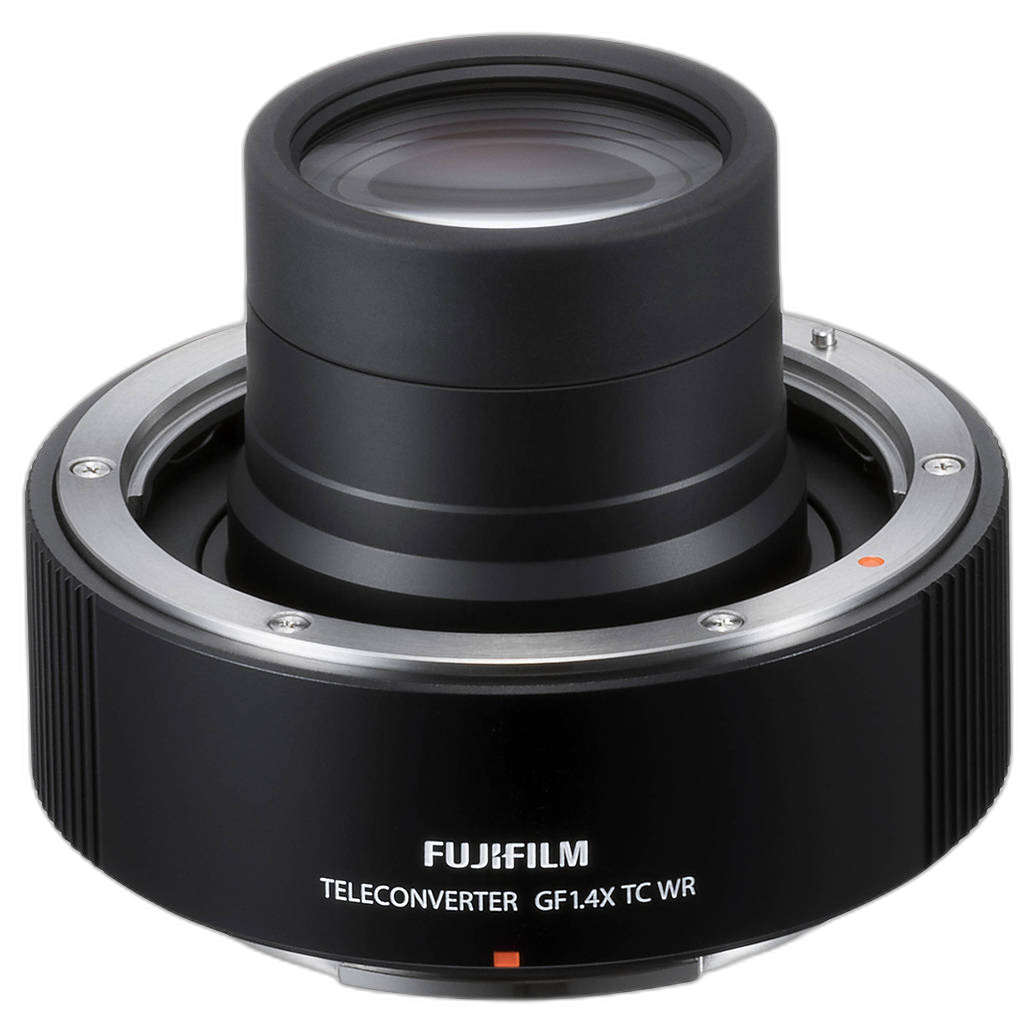
Contest-ready files benefit from strong optical quality and deliberate capture choices. Accessories like the Fujifilm GF 1.4X TC WR Teleconverter for G-Mount Lenses, available through Unique Photo, can help extend reach in the field when used in the right setup, potentially reducing the need for extreme crops. The less you rely on dramatic post-capture fixes, the cleaner and more credible your final submission is likely to be.
Best Checklist for Contest Submission Editing
Before uploading your image, run through this quick checklist:
- Did you read the contest rules carefully?
- Is your editing consistent with the category?
- Did you avoid prohibited object removal or compositing?
- Are colors, contrast, and sharpening under control?
- Does the file meet export specs for size, type, and color space?
- Do you have the RAW file saved and accessible?
- Have you reviewed the image at both full-screen and 100% zoom?
- Would the image still feel strong if the editing were less noticeable?
Final Thoughts on Post-Processing Dos and Don’ts for Contest Submissions
The best contest post-processing supports your image without overpowering it. Strong edits refine exposure, color, and impact while staying true to the rules and the intent of the photograph. Over-editing, prohibited manipulation, and poor file prep can undermine even a great capture.
If you’re preparing images for competition, Unique Photo is a great resource for both capture gear and workflow inspiration. From cameras and lenses to lighting accessories and educational support, having the right tools can make it easier to create files that need less correction and hold up better under judging.
For readers exploring next steps, consider adding internal links to related Unique Photo content such as mirrorless cameras for contest photography, lighting accessories for better in-camera results, lens accessories for sharper captures, and educational workshops or classes that help refine editing technique and submission strategy.