Matte Box FAQ: Building a Flexible Tilta Mirage Pro Setup
A matte box can do far more than make a camera rig look cinematic. For many filmmakers, it is the key to better flare control, faster filter changes, and a cleaner on-set workflow when shooting in changing light.
If you are deciding how to configure a Tilta Mirage Pro system, this FAQ breaks down the most common setup questions and highlights practical accessory choices available at Unique Photo.
What does a matte box actually improve in real-world shooting?
A matte box helps manage light before it reaches the front element of your lens. In practical use, that means better contrast, less unwanted flare, and more control when shooting outdoors, under stage lighting, or around reflective surfaces. It also creates a more professional filter workflow than stacking screw-in filters, especially if you switch lenses or need to work quickly.
Beyond image quality, a matte box can make your rig more production-friendly. Adding flags lets you shape and block spill light with more precision, while filter trays and rod support can improve consistency across a multi-shot scene or a long interview day.
Do I need flags on my matte box, or can I keep the setup minimal?
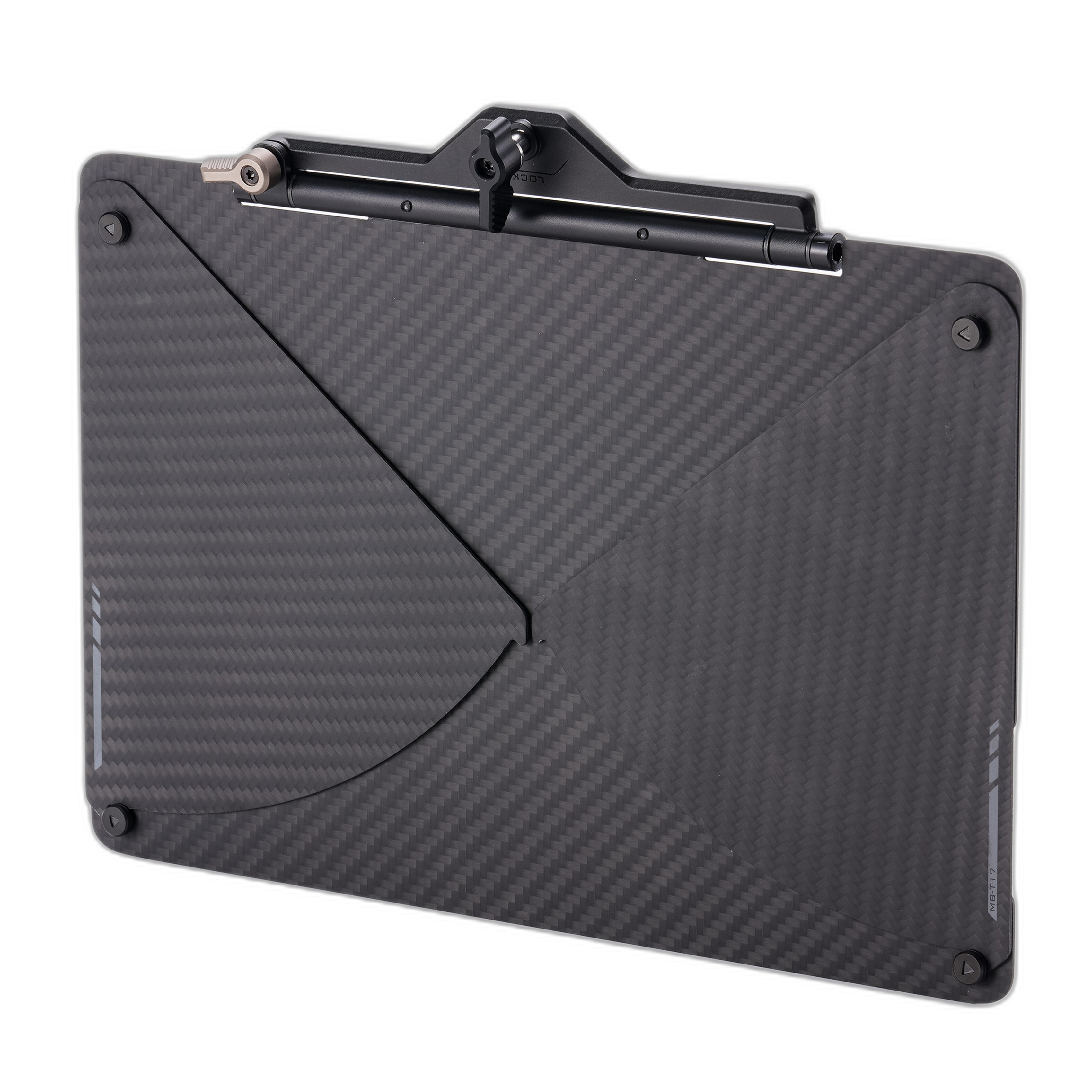
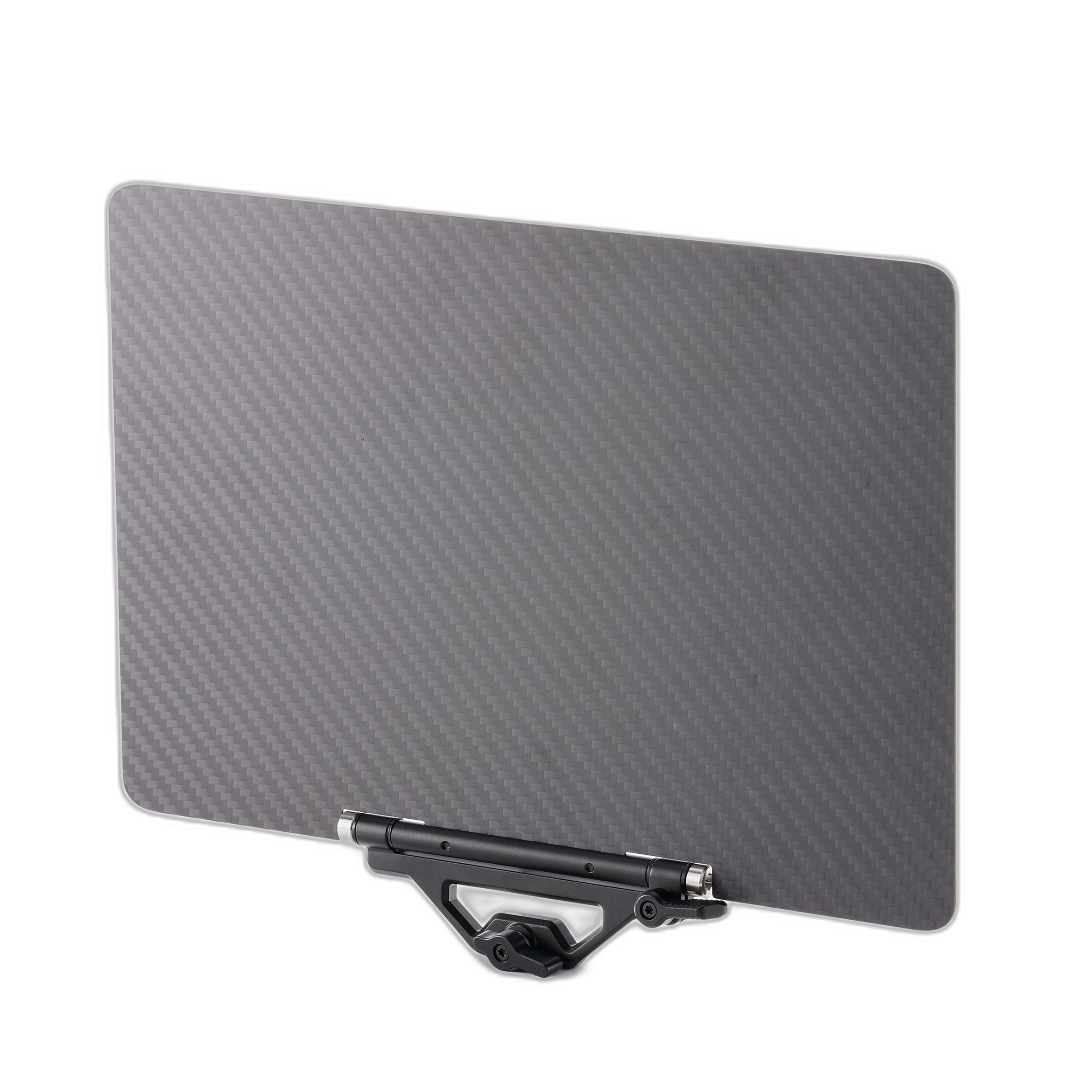
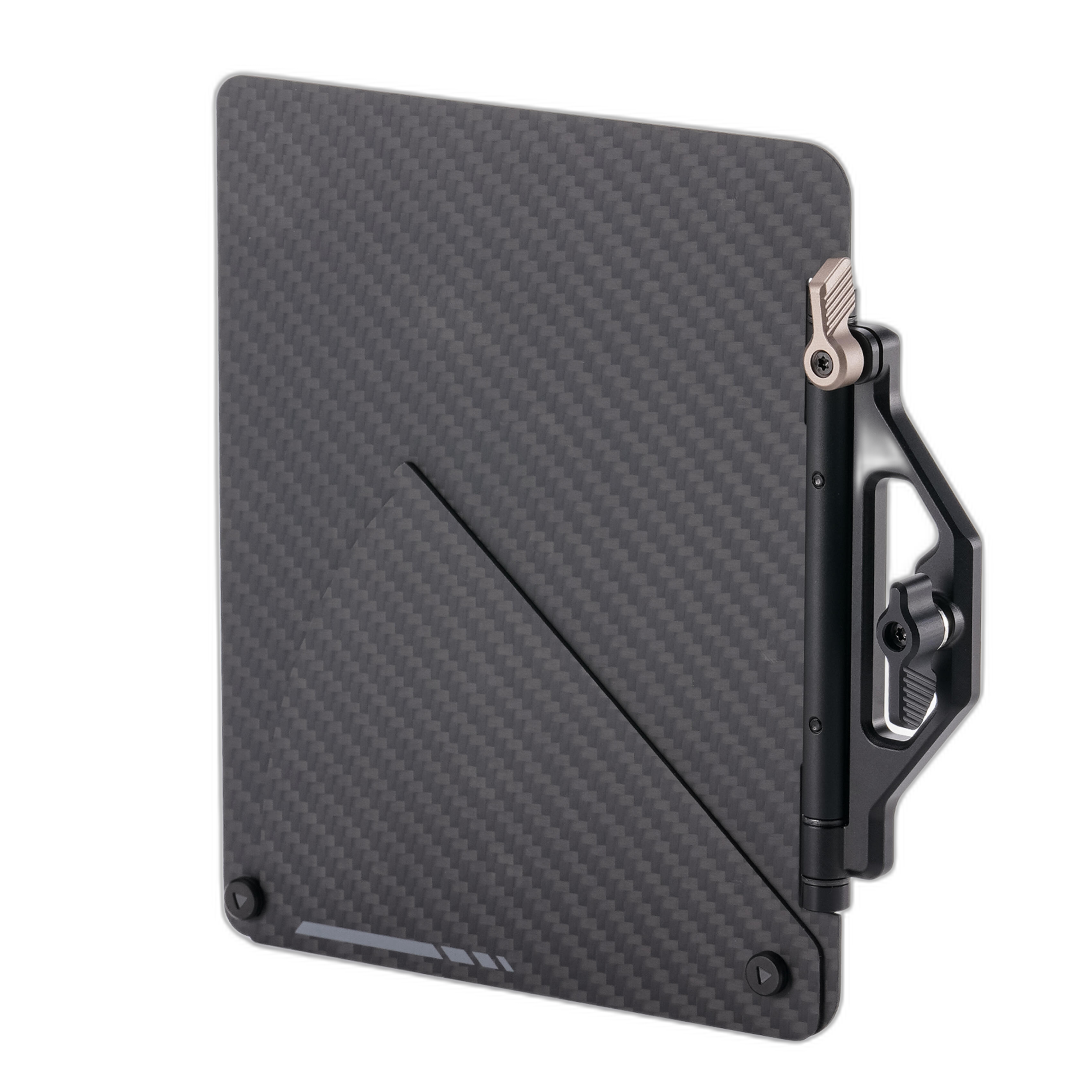
That depends on your shooting style. If you mostly work in controlled interiors or want the lightest possible build, a minimal matte box setup may be enough. But for exterior work, car shots, event coverage, or any scene with strong overhead and side light, flags are extremely useful.
The Tilta Top Flag for Mirage Pro Matte Box is often the first accessory filmmakers add because overhead light is one of the most common causes of washed-out contrast. For lower-angle reflections or bounce from pavement and tables, the Tilta Bottom Flag for Mirage Pro Matte Box can help. If your issue is directional side flare, the Tilta Right-Side Flag for Mirage Pro Matte Box adds another layer of control without overcomplicating the rig.
When is a variable ND in a matte box better than a screw-in ND filter?
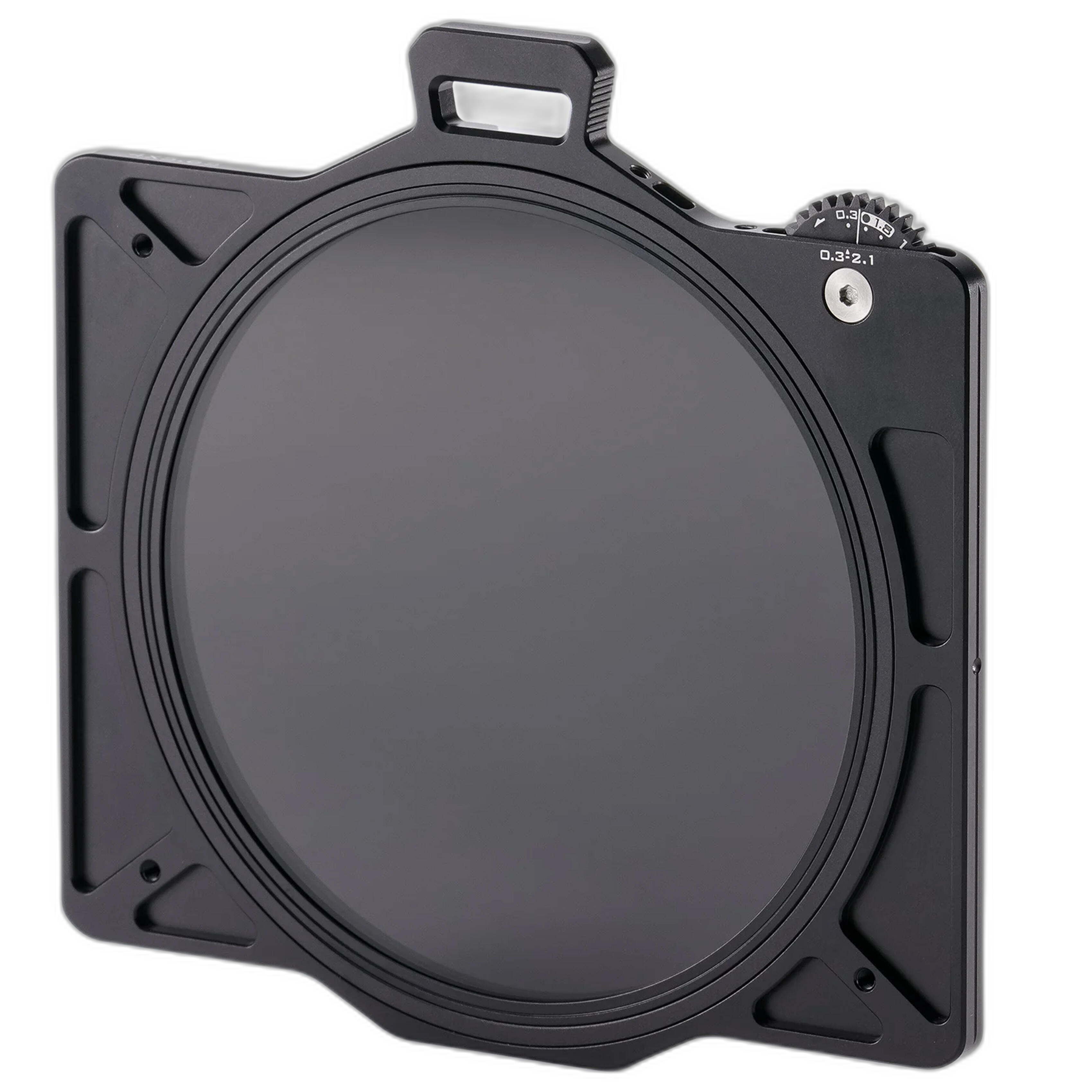
A variable ND designed for a matte box can be a major upgrade when you need fast exposure changes. Instead of threading filters on and off each time conditions change, you can adjust density more efficiently while keeping your overall setup streamlined. This is especially helpful for documentary, run-and-gun, gimbal, and outdoor commercial work where light changes constantly.
The Tilta 114mm Variable ND Filter for Mirage Pro Matte Box is a strong option for shooters who want quick exposure control built into the Mirage Pro ecosystem. It is particularly appealing if you regularly switch focal lengths or lenses and want to avoid carrying multiple threaded ND sizes. A matte-box-based ND solution can also reduce the hassle of step-up rings and repeated filter threading.
Should I mount my matte box to rails or keep it clamp-on?
Both approaches can work, but rails are often the better choice once your rig becomes heavier or more accessory-driven. A clamp-on matte box keeps things compact and can be ideal for lightweight mirrorless builds. However, if you are using larger cinema lenses, adding multiple filters, or building out a shoulder or tripod rig, rail support helps reduce strain on the lens and improves overall stability.
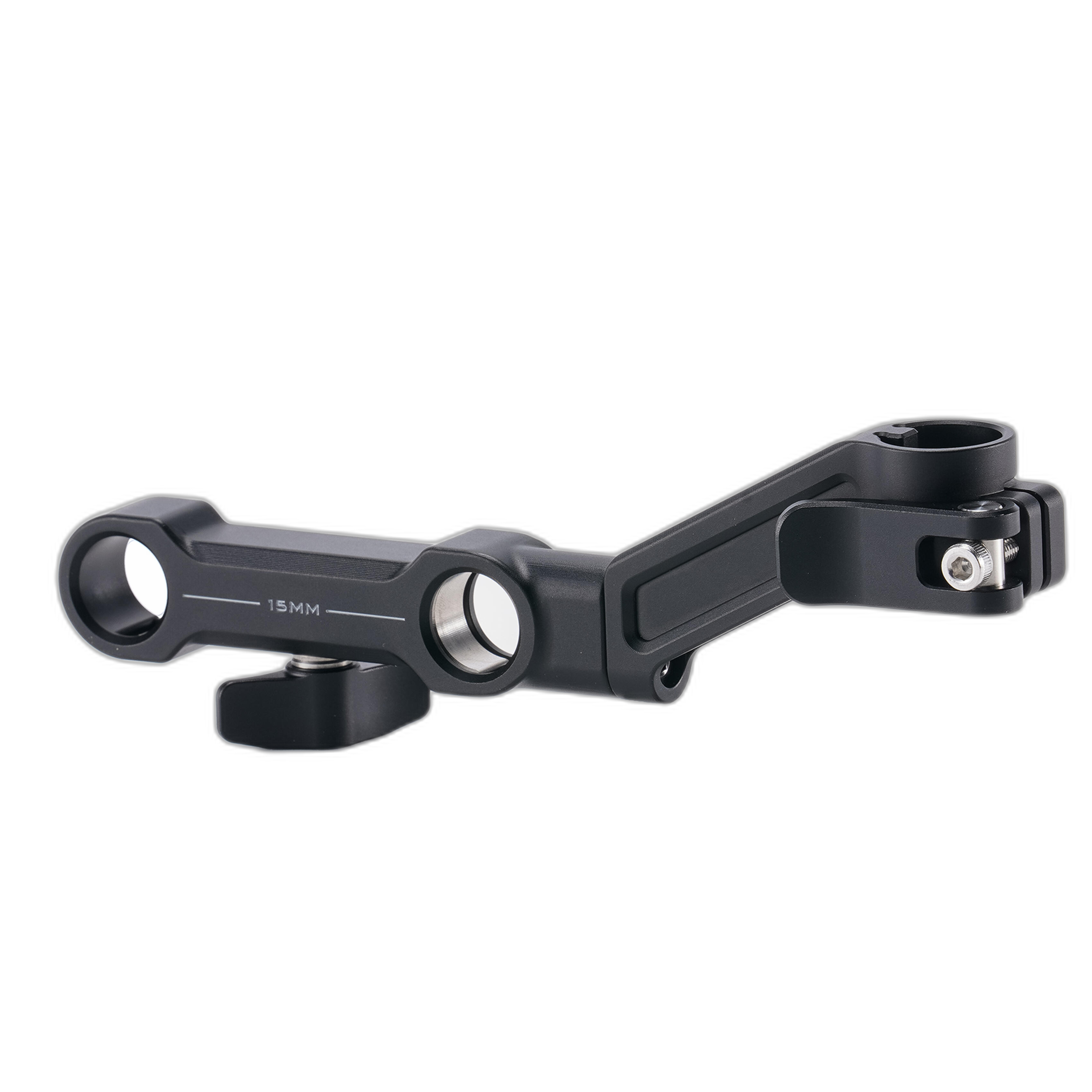
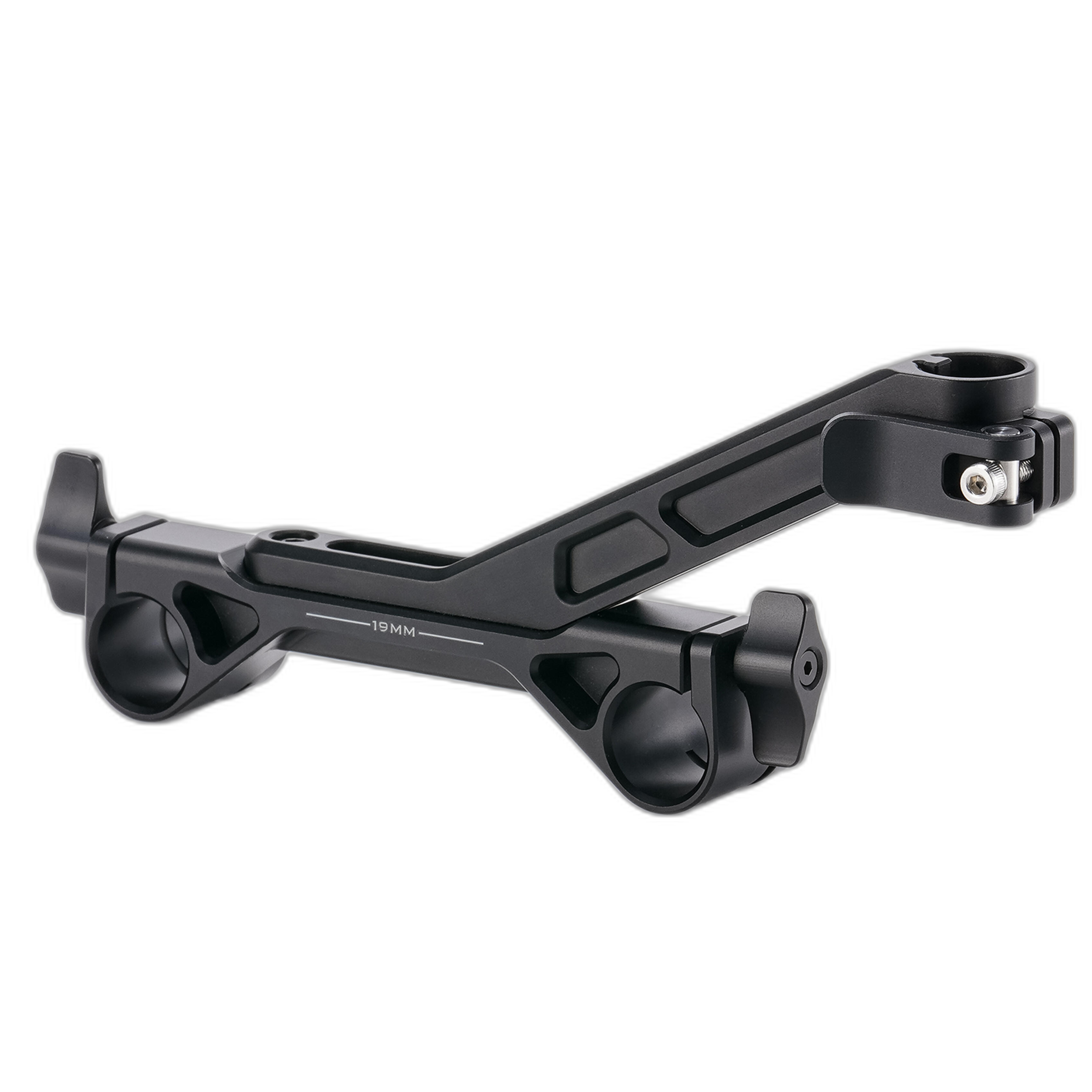
Tilta offers both 15mm and 19mm rod adapters for the Mirage Pro system. The Tilta 15mm Rod Adapter for Mirage Pro Matte Box is a natural fit for many compact cinema and hybrid video rigs, since 15mm rod standards are common on smaller builds. The Tilta 19mm Rod Adapter for Mirage Pro Matte Box makes more sense for higher-end studio or production configurations where 19mm support is already part of the rig.
How do I know if I need a filter tray in addition to a variable ND?
A variable ND solves one important problem: controlling exposure while maintaining your preferred shutter speed and aperture. But many productions need more than just ND. You may want to combine diffusion, creative looks, or specialty circular filters as part of your workflow.
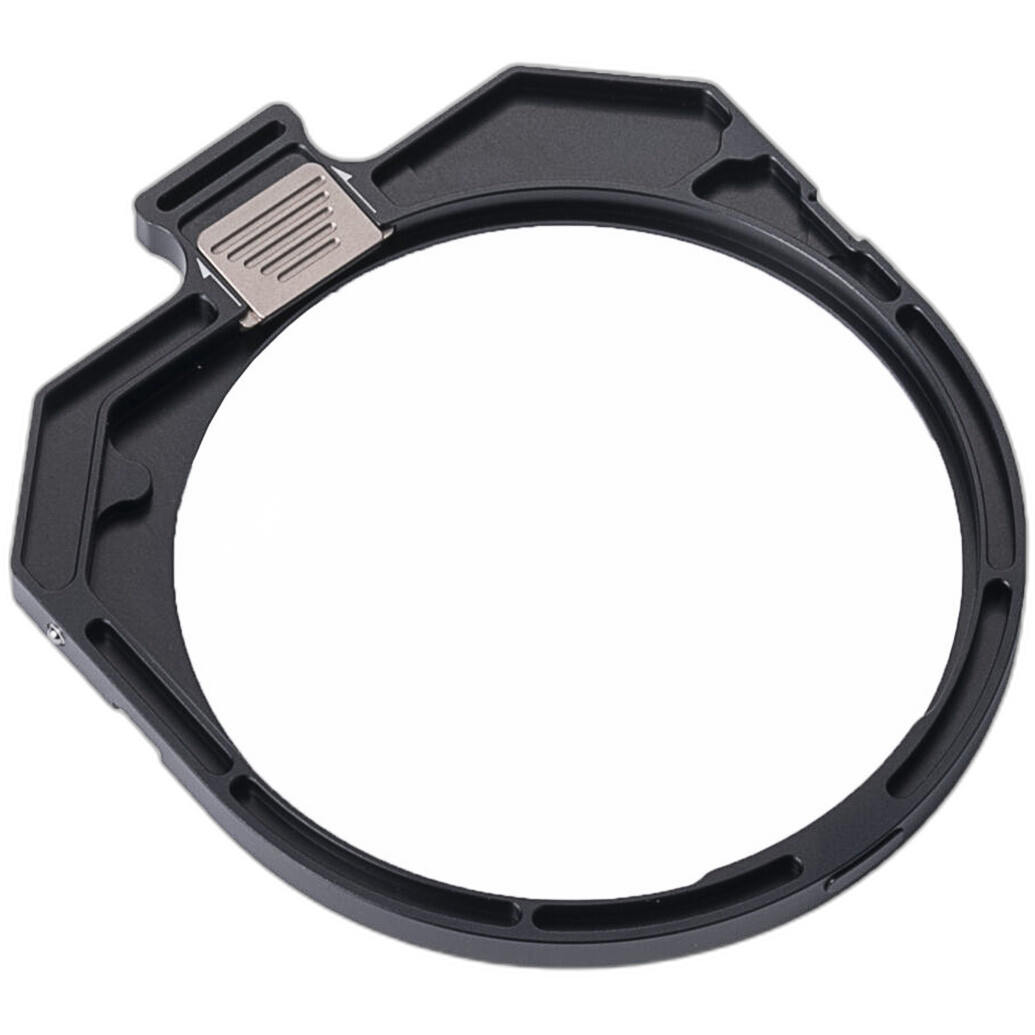
The Tilta Dual Circular Filter Tray for Mirage Matte Box is useful if you want more flexibility inside the system. It allows you to integrate additional circular filters without abandoning the speed and convenience of the matte box format. For shooters who alternate between clean commercial work and more stylized image-making, a tray-based setup can make the rig more adaptable over time.
Is a rubber hood worth adding to a matte box kit?
For some operators, absolutely. A rubber hood can be useful when you want an added layer of stray light control while keeping the front of the setup more forgiving in tight spaces. It can also help when shooting close to glass, practical fixtures, or reflective surfaces where controlling edge flare becomes tricky.
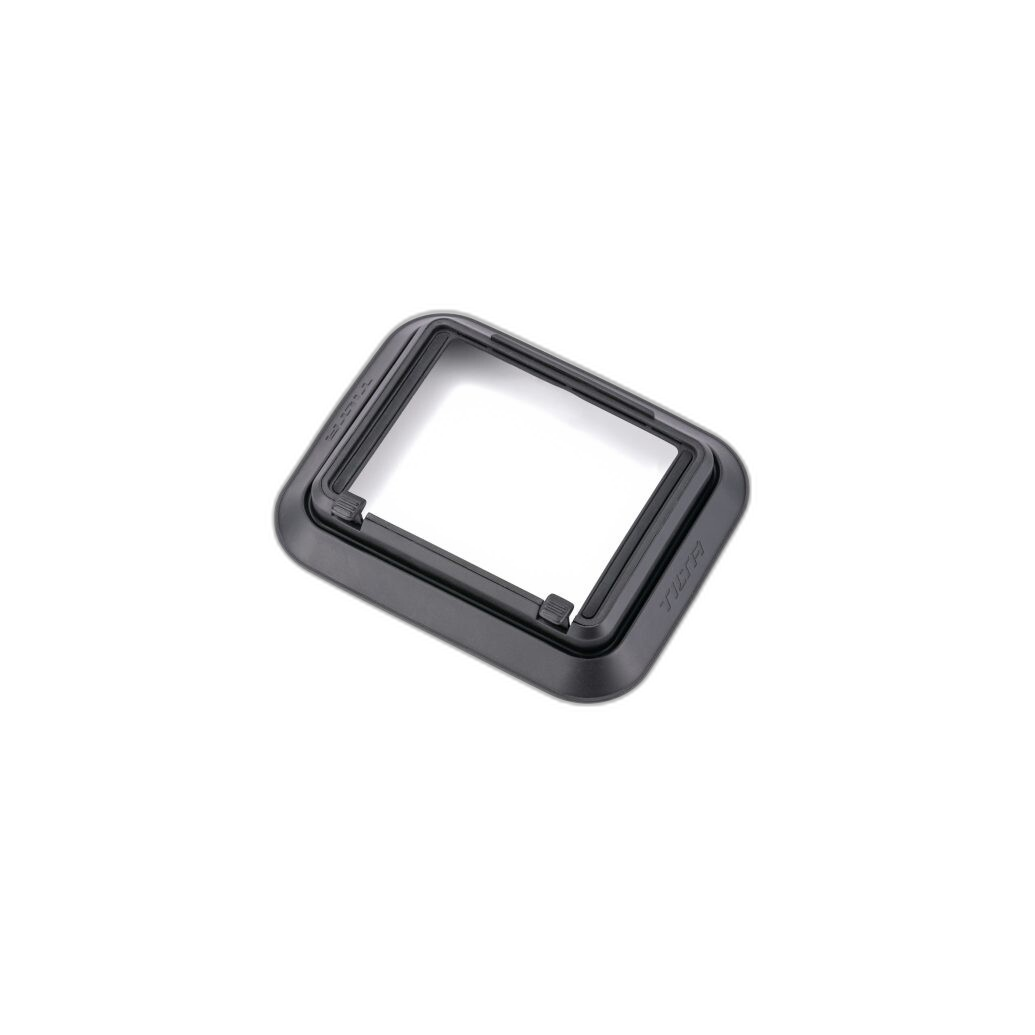
The Tilta Rubber Hood for Mirage Matte Box is worth considering if you often work handheld, in vehicles, or in crowded locations where your matte box may need to get close to the subject or environment. It can be a smart add-on for documentary and event shooters who need flexibility more than a fully flagged studio-style build.
What is the best starter configuration for a compact video rig?
If you are building a lightweight system for mirrorless video, start with the accessories that solve the most common problems first. In most cases, that means a variable ND for exposure control and a top flag for flare reduction. That combination covers a large percentage of outdoor and mixed-light situations while keeping the rig manageable.
If you later need more support for larger lenses or more demanding shooting conditions, adding a 15mm rod adapter is a logical next step. This phased approach helps you avoid overspending on accessories you may not need immediately, while still building toward a more complete cinema-style setup.
What is the best matte box configuration for larger cinema builds?
For more advanced rigs, prioritize stability, repeatability, and broader light control. A rail-mounted matte box setup is usually the best foundation, especially if your camera package includes heavier lenses, focus motors, or multiple filter stages. In that environment, flags become more important because they allow finer tuning of contrast from shot to shot.
A strong cinema-oriented Mirage Pro setup might include rod support, a variable ND, and multiple flags depending on the location. If your production already uses 19mm studio rods, the Tilta 19mm Rod Adapter for Mirage Pro Matte Box helps integrate the matte box into that larger system cleanly. Add the dual circular filter tray if your look requires additional filtration beyond ND.
How do I choose the right Mirage Pro accessories without overbuying?
The easiest way is to match accessories to the problems you run into most often. If your footage loses contrast outdoors, start with flags. If exposure shifts slow you down, prioritize the variable ND. If your lens setup feels front-heavy or unsupported, move to rails with the appropriate rod adapter. If you want a more versatile filter workflow, add the dual circular filter tray.
In other words, build around function rather than buying every accessory at once. The advantage of the Tilta Mirage Pro ecosystem is that you can start small and expand as your production needs evolve.
A well-configured matte box can make your rig faster, cleaner, and more dependable in the field. If you are ready to build a Tilta Mirage Pro setup that fits your shooting style, explore these accessories at Unique Photo and choose the combination that gives you the right balance of light control, filtration, and support.