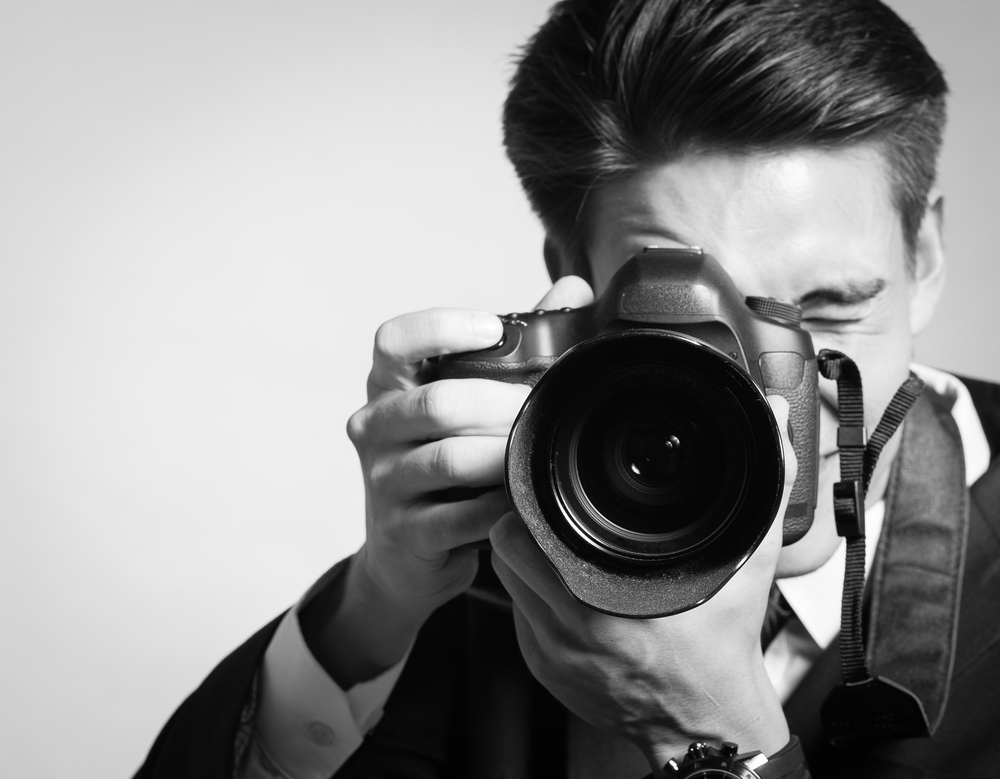
So many people own a DSLR camera, but does everyone know what all a DSLR can do? A digital camera is capable of doing more things than what most people are aware of.

- If you struggle with tilted horizons in your photos, use the in-camera leveling guide to achieve a level horizon. You can find the indicator in a digital camera’s viewfinder in order to compose and level at the same time. Some digital cameras even have a level for the pitch axis—no more toppling perspectives.
- Use in-camera processing to go from RAW to JPEG, and eliminate the use of image-editing software for file format conversion. Many modern digital cameras by Nikon, Pentax, Canon, and Olympus allow conversion and editing options right in the camera. Basic edit options such as cropping, saturation, contrast, white balance, shadow and highlight adjustment, and more can be done in the camera itself.
- A tripod can only help you so much to reduce camera shake. The mirror slap tends to cause vibrations, which is why you should lock the mirror up when shooting at long exposures. Also, firing with a self-timer or remote helps in avoiding shake caused due to tripping of the shutter. However, you can control both types of shakes with combined mirror lockup and self-timer option that can be found in the drive-mode or self-timer menu on most digital cameras.
- Use tethered shooting to view your images remotely. This option is no longer limited to high-end digital cameras. All DSLRs with a video-out terminal can be used with a TV or computer for playback of images. This is a blessing when you are shooting in a studio or on a table, as you can arrange a screen to view every detail right then.
- Use dust mapping to zap dust. Even after using a blower to clean the glass plate, you get dust spots in your images at times. A lot of cameras can map dust spots so you can eliminate them from your images in software.
Also Read: Does canon have a 75MP sensor up their sleeves?

Courtesy of Graphic measures
- Use lens correction to perfect your optics. Even the top-of-the-class optics tend to produce light falloff and distortions. Many DSLR cameras today come with built-in fixes so you can correct distortion. Some digital cameras also have an option to correct chromatic aberration, which is generally available under the RAW conversion menu
- Toss your notebook away and use voice memos to take notes. By using voice memos, you can record a sound slip and embed it into images. However, this facility is only available in high-end DSLRs at the moment, but is expected to reach mid-range digital cameras in the future as well
- Use interval timer for time-lapse sequences. You will find this option in more compact digital cameras than DSLRs. To make a DSLR shoot automatically at intervals, you might require a separate controller. However, an increasing number of DSLRs feature intervalometers these days, and making time-lapse videos has become much easier.
- A lot of DSLRs feature flash-exposure lock. You can preset flash exposure for a subject placed at your frame’s edge, and recompose using the lock on your digital camera.
- Digital camera filters are fun! Add a miniature or fish eye effect to a landscape, tone down harsh light with pastel effects, or tackle challenged complexions with soft focus, the possibilities are endless. You can use RAW+JPEG to shoot, so you have JPEGs with the applied effects, and RAWs without the effects.
You will be able to exploit your camera better following these guidelines. If you think this article was helpful and engaging, do share it with your friends.
Also Read: Nikon's full frame DF DSLR fuses classic design with modern tech