Introduction: A Powerful New Tool, But Not a Magic Fix
Adobe Lightroom’s AI Denoise has quickly become one of the most talked-about updates for photographers who regularly work in low light, high ISO, or fast-turnaround shooting environments. Whether you photograph events, weddings, concerts, wildlife, or travel, noise reduction is often the difference between a usable image and one that stays buried in the catalog. The big question is simple: is Lightroom AI Denoise actually worth using in real-world workflows?
After looking at how it performs in practical editing situations, the short answer is yes—with some important caveats. Lightroom AI Denoise is one of the best native noise-reduction tools Adobe has offered, and for RAW shooters in particular, it can produce impressively clean files while preserving more detail than older luminance noise sliders typically managed. But it is not always necessary, and it is not the best choice for every file, every computer, or every deadline.
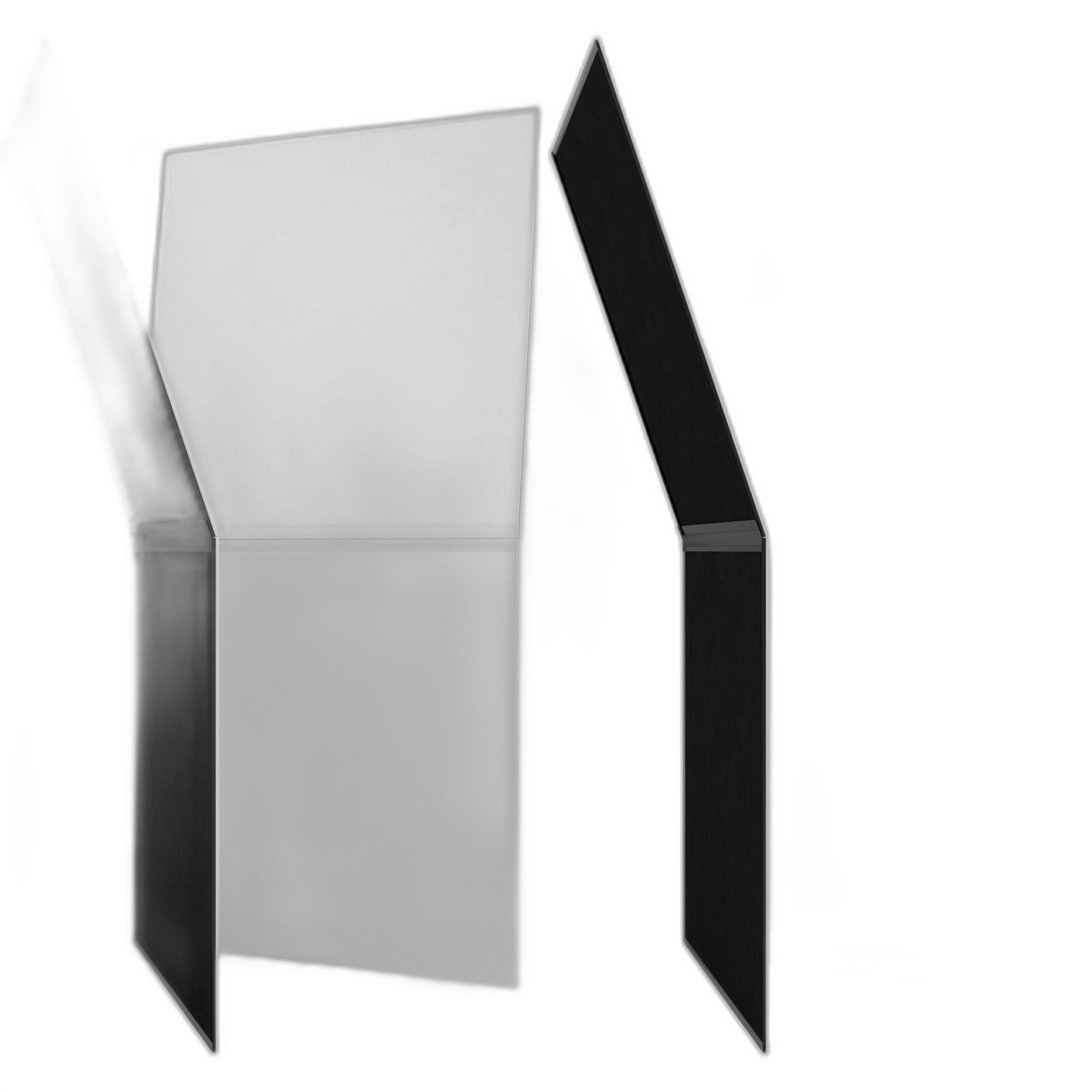
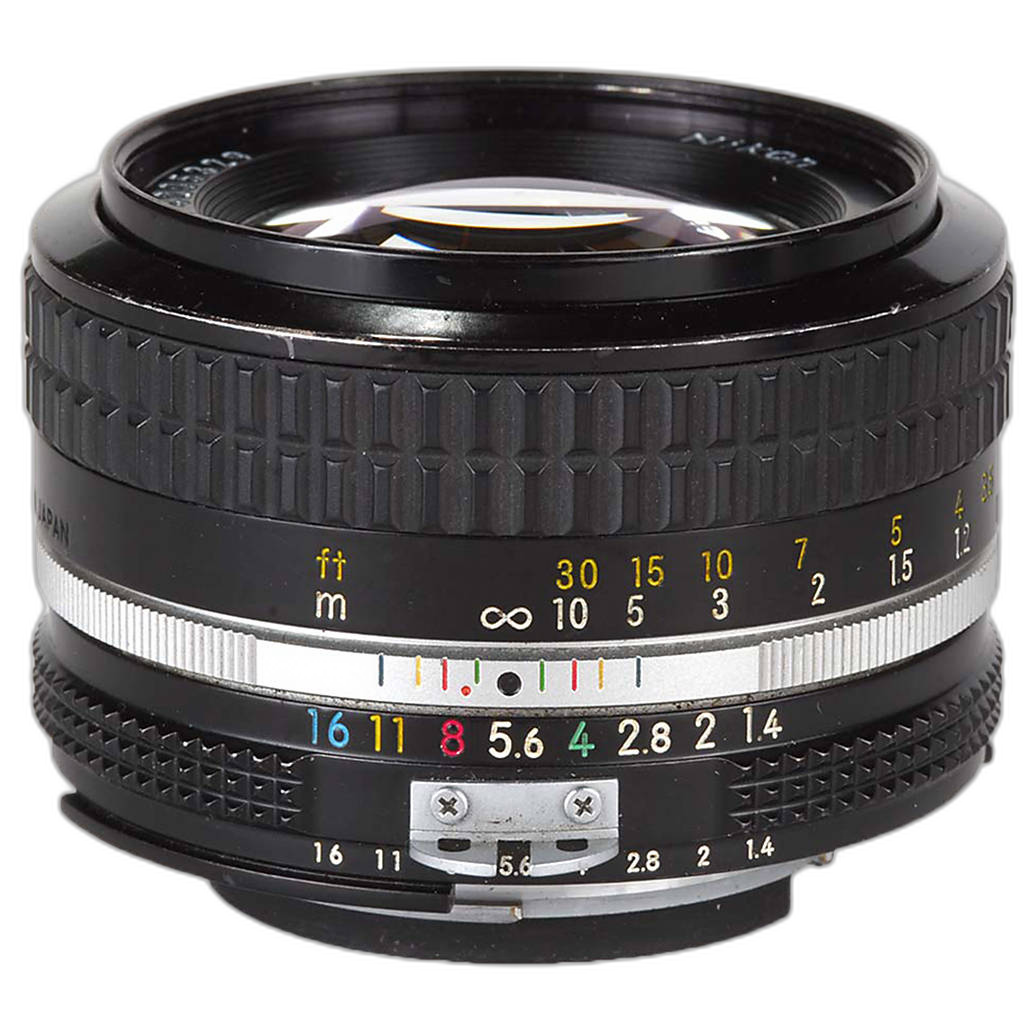
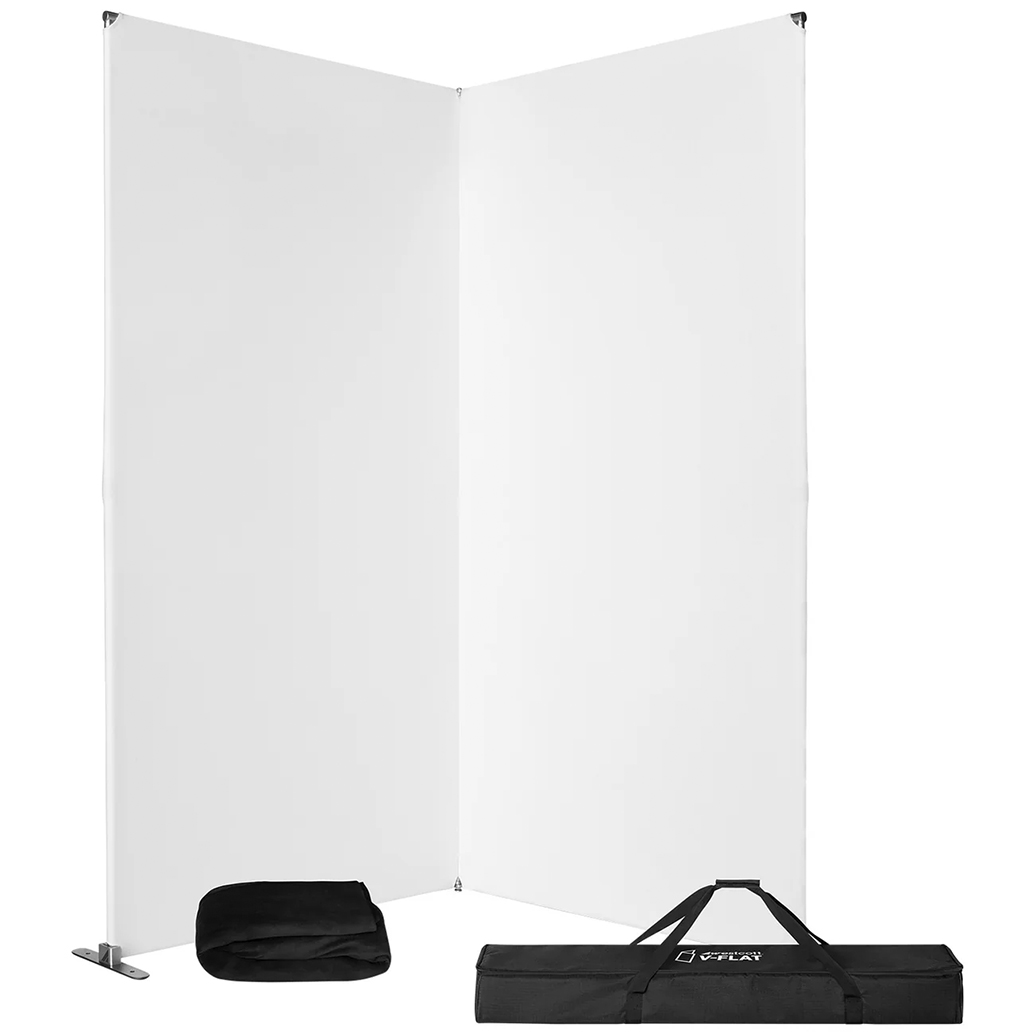
For photographers building a low-light workflow, it is worth thinking about noise reduction as part of the full capture-to-edit chain. Good light control and strong optics still matter. Tools like the V-FLAT WORLD Foldable V-Flat 2.0 2-Pack Bundle can help create cleaner source files in studio or portrait work by improving light shaping and contrast at capture, while lenses such as the Used Nikon 50mm f/1.4 AI - Good remain reminders that fast glass can reduce the need to push ISO in the first place. You can find gear like this at Unique Photo.
How Lightroom AI Denoise Performs in Real-World Use
In real images, Lightroom AI Denoise works best on RAW files with visible chroma noise, rough shadow grain, and high-ISO contamination that would normally require a compromise between smoothness and detail. Compared to traditional noise reduction, the AI version generally does a better job preserving edges, skin texture, fabric detail, and fine transitions. It can make ISO 3200, 6400, and even higher ISO files look far more polished without the plasticky appearance that older tools sometimes introduced.
The most noticeable improvements tend to appear in shadow-heavy images, underexposed files that need recovery, and photographs made in difficult light. Event shooters and available-light portrait photographers are likely to see the greatest benefit. In cleaner files shot at low ISO, however, the difference may be subtle enough that standard Lightroom adjustments remain sufficient.
One practical point is that AI Denoise creates a new DNG file, which means added storage use and extra processing time. On modern systems this may be acceptable, but high-volume shooters should factor that into their workflow planning.
Detail Retention Is Better Than Many Expected
The strongest argument in favor of Lightroom AI Denoise is its balance of cleanup and detail retention. Hair, eyelashes, textured clothing, foliage, and architectural detail generally survive better than they do with aggressive manual noise reduction. For photographers delivering client work, that matters. A file that looks clean at first glance but falls apart on closer inspection is not really improved. Lightroom’s AI approach often avoids that trap.
It Works Best When the Original File Is Still Strong
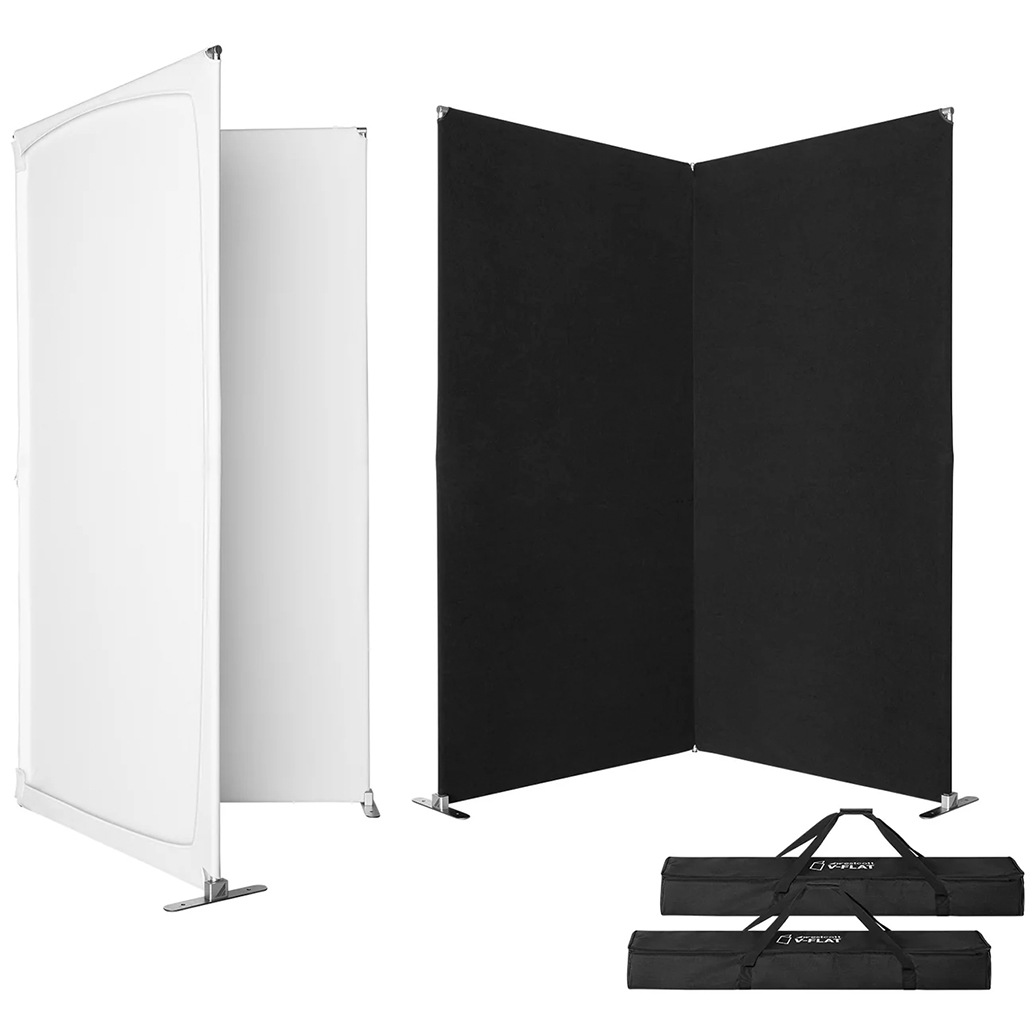
AI Denoise is impressive, but it cannot fully rescue badly blurred, heavily misfocused, or severely underexposed images. If the capture is weak, the result may be cleaner but not necessarily better. This is why solid shooting technique, good lighting, and lens choice still matter. A controlled setup using tools like the Westcott V-Flat 2-Pack with White and Black Fabric can help reduce shadow noise by improving fill and overall exposure quality at capture.
Where Lightroom AI Denoise Makes the Biggest Difference
Weddings and Events
This is arguably where the feature shines most. Reception halls, dark churches, dance floors, and mixed lighting often force photographers into higher ISO ranges. AI Denoise can clean up those files while keeping faces and clothing detail more intact than older Lightroom noise reduction methods.
Wildlife and Sports
Fast shutter speeds often mean elevated ISO, especially at dawn, dusk, or indoors. In these use cases, AI Denoise can be the difference between a keeper and a discard. It is especially helpful on images with detailed fur, feathers, or uniforms where standard smoothing would normally cost too much texture.
Travel and Street Photography
Night scenes, interiors, and handheld available-light frames benefit noticeably. If you are using older manual-focus lenses or compact travel setups, a strong denoise tool can extend what your files can tolerate in difficult light.
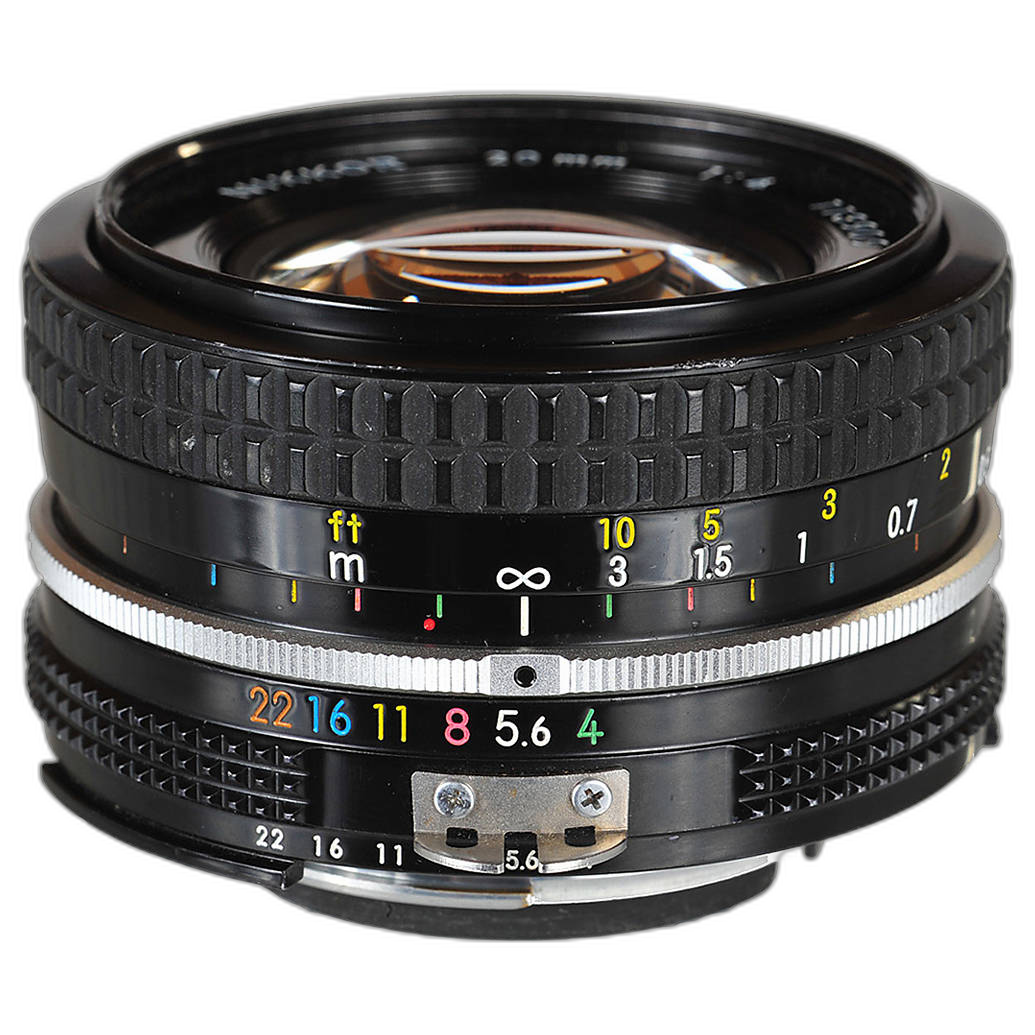
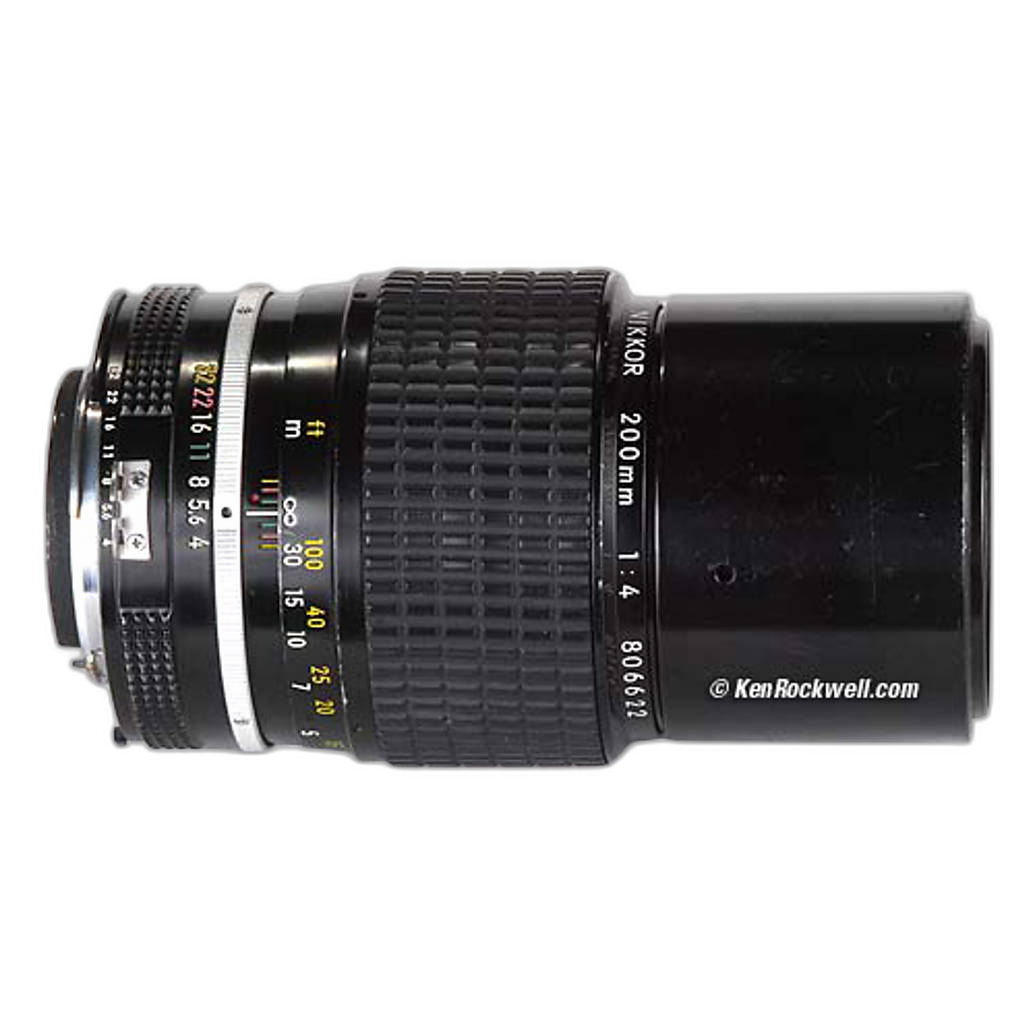
The Used Nikon 20mm f/4 Ai - Good and Used Nikon 200mm f/4 Ai - Good are good examples of lenses that represent very different shooting conditions. A wider lens may let you handhold more easily, while a longer lens often demands more shutter speed and can push ISO upward. AI Denoise becomes more valuable as those capture demands increase.
Workflow Recommendations: When to Use It and When to Skip It
Use It Selectively, Not Automatically
The best workflow recommendation is simple: do not apply AI Denoise to every image by default. Instead, reserve it for files that genuinely need it. High-ISO portraits, underexposed event images, and shadow-heavy frames are prime candidates. Low-ISO daylight files usually are not.
This selective approach saves time, storage, and processing power while keeping your catalog manageable. It also prevents over-processing images that already look natural.
Apply It Early in the Editing Process
Because Lightroom AI Denoise creates a new DNG and is fundamentally rebuilding the RAW interpretation, it makes sense to use it early in postproduction. In most cases, run AI Denoise before making extensive local adjustments, sharpening decisions, or export variations. That creates a cleaner base file for the rest of your edit.
Do Not Confuse Denoise With Sharpening
A cleaner image can sometimes appear softer at first because noise itself can mimic detail. After using AI Denoise, revisit sharpening carefully. Avoid cranking sharpening too hard just to bring back bite, or you may reintroduce harshness that defeats the benefit of the denoise pass.
Build Better Files at Capture
The smartest workflow improvement is still getting cleaner images in-camera whenever possible. Light modifiers, reflectors, and exposure control reduce dependence on software fixes. The Westcott V-Flat with White and Black Fabric and V-FLAT WORLD Foldable V-Flat 2.0 2-Pack Bundle are practical tools for portrait, product, and studio shooters who want to control shadows and improve file quality before editing even begins.
Pros and Cons
Pros
- Excellent noise reduction on RAW files, especially at high ISO
- Preserves fine detail better than older Lightroom noise reduction methods
- Particularly effective for event, wedding, wildlife, and low-light photography
- Creates cleaner starting files for further editing
- Built directly into Lightroom workflow, no extra app required
Cons
- Processing can be slow on older computers
- Creates extra DNG files, increasing storage needs
- Not necessary for every image
- Cannot truly rescue badly captured files
- Some users may still prefer specialized third-party tools for batch-heavy workflows
Final Verdict
Yes, Lightroom AI Denoise is worth it for many photographers, especially if you regularly shoot RAW in challenging light. It delivers genuinely useful real-world improvements, often cleaning up noisy files while preserving more natural detail than earlier Adobe tools. It is not a miracle feature, and it should not replace good exposure technique, fast lenses, or thoughtful lighting, but it absolutely earns a place in a modern editing workflow.
The best recommendation is to treat Lightroom AI Denoise as a targeted enhancement, not an automatic default. Use it on the files that need it most, apply it early, and pair it with good capture habits. If you want to improve image quality before post even begins, consider adding lighting control tools or capable lenses from Unique Photo, where products like V-flats and used Nikon lenses can help you create stronger files from the start.
For photographers who want cleaner low-light images without leaving the Adobe ecosystem, Lightroom AI Denoise is one of the most worthwhile recent upgrades.