Fast News Photo Workflow: Edit, Caption, and Transmit Under Deadline
When you’re covering breaking news, turnaround time is everything. At Unique Photo, our team works with photojournalists every day to dial in reliable, repeatable workflows that move images from camera, to edit, to desk—fast—without sacrificing quality. Use this FAQ to streamline your field process and ship on deadline with confidence.
What’s the fastest way to ingest and cull photos in the field?
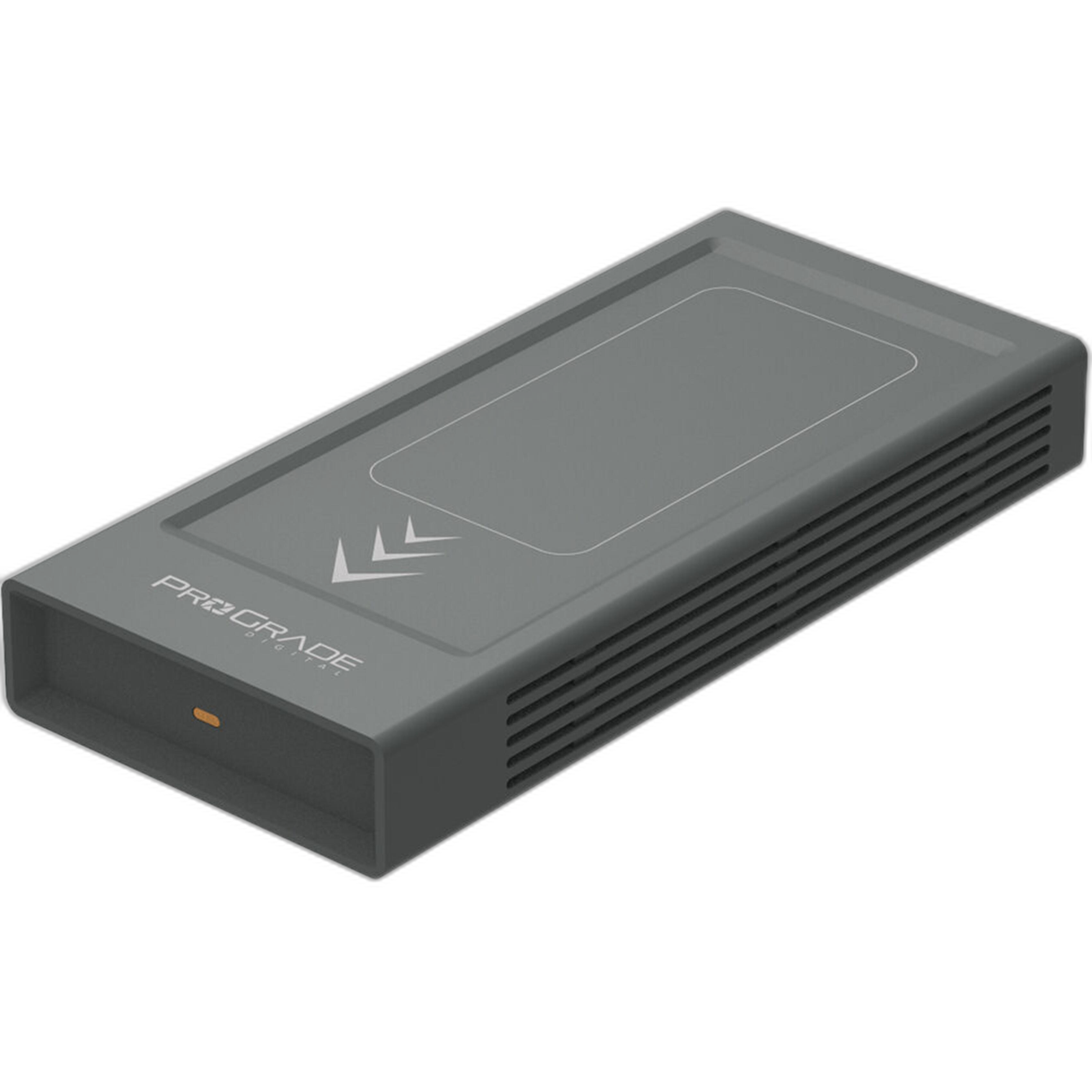
Start with a high-speed card reader and software built for speed. Tools like Photo Mechanic are optimized for near-instant previewing and tagging; set up Ingest to automatically rename files, apply a metadata preset, and create a second copy to an external SSD in one pass. A dual-slot reader (such as the Lexar Professional Workflow Dual-Slot SD UHS-II Reader) lets you pull from two cards at once. For your backup target, use a fast, rugged SSD so you’re not bottlenecked on copy speed. We recommend a workflow drive like the ProGrade Digital PG10 v2 8TB for high-capacity, bus-powered reliability in the field.
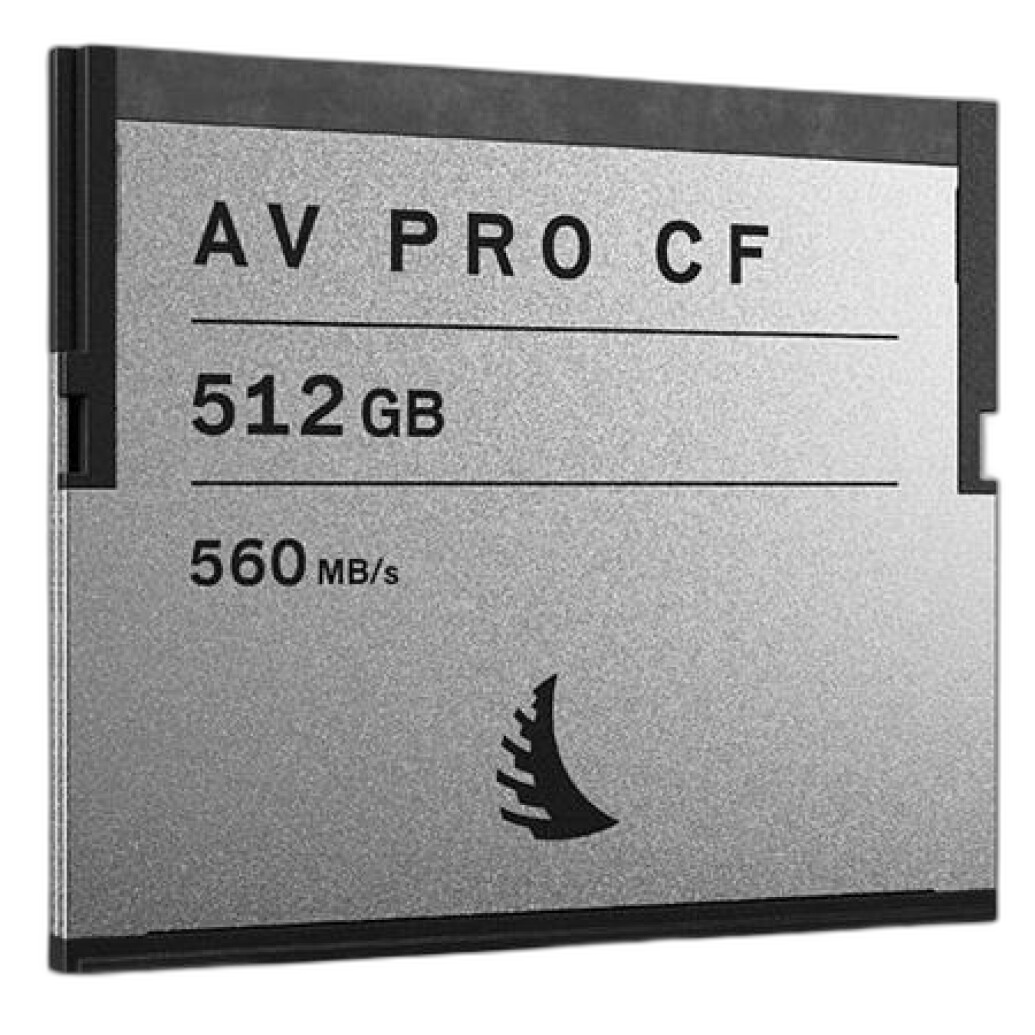
If you’re shooting on CFast bodies, high-performance cards help reduce buffer lockups and speed transfers later. The Angelbird 512GB AV Pro CF CFast 2.0 card is a solid choice for sustained write and ingest speed.
Should I shoot RAW, JPEG, or RAW+JPEG on deadline?
For breaking news, most teams favor RAW+JPEG or high-quality JPEGs, depending on desk expectations. JPEGs transmit quickly and look consistent if you’ve tuned in-camera profiles and white balance. RAW+JPEG gives you the speed of JPEG for immediate delivery and RAW insurance for later updates. Keep in-camera sharpening, contrast, and noise reduction conservative to avoid overcooked files; you can fine-tune quickly in your editor if needed.
How do I add captions and keywords quickly without mistakes?
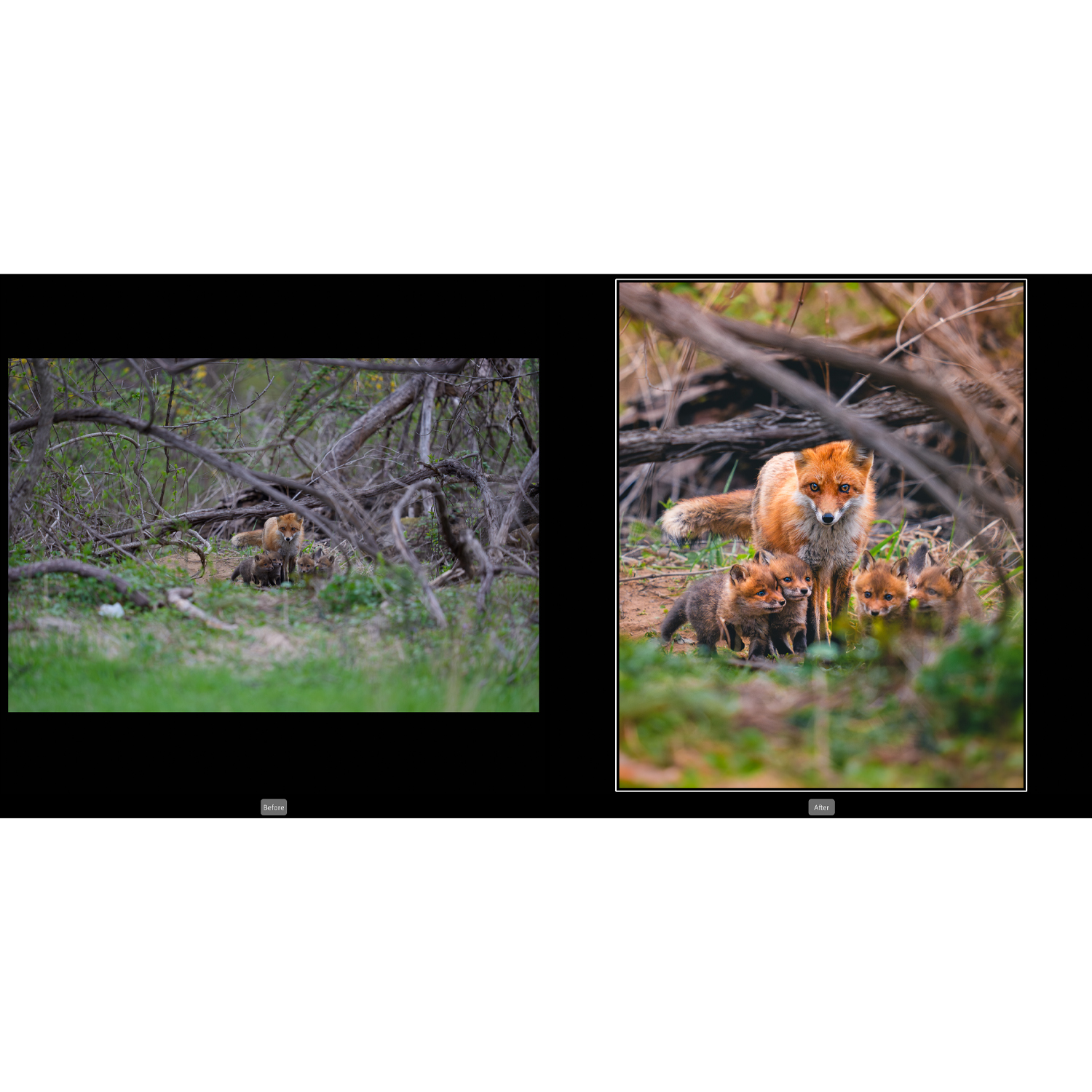
Build IPTC metadata templates before you leave. In Photo Mechanic or Lightroom Classic, create presets that include your byline, contact, copyright, and a skeleton caption. On site, use “stationery pads” or metadata presets to inject location, event, and names in seconds. Code replacements are a huge time saver for player names and teams at sports events. If you’re refining your Lightroom speed-editing and metadata game, our NJCS: Lightroom Photo Editing for Nature and Wildlife course covers fast culling, batch adjustments, and metadata workflows that translate directly to deadline work.

What’s a reliable way to transmit from the field under pressure?
Prioritize the most stable pipeline available. If you have access, plug into wired Ethernet at the venue. Otherwise, use a dedicated 5G/LTE hotspot configured with 5 GHz Wi‑Fi and disable auto sleep on your laptop. Keep credentials for your newsroom’s SFTP/FTP server saved in your transfer app and enable “verify after upload.” If bandwidth is tight, resize JPEG exports to around 2500–3500 px on the long edge to speed delivery without losing print/web utility. Stage outgoing files on a fast SSD like the ProGrade Digital PG10 v2 to avoid disk bottlenecks while your queue is running.
How do I prevent failed or incomplete transfers?
Use transfer software that supports retries and post-upload verification, and keep your system awake while transmitting. Queue in batches (e.g., 10–20 images) to keep control if connectivity dips. Always have a fallback: tether to your phone if the hotspot flakes, or pivot to a cloud handoff (with expiring links) if the newsroom’s FTP is unreachable. Power discipline matters—carry a high-capacity battery bank for your hotspot and ensure your laptop charger is accessible in the media room.
What gear helps keep cards safe and organized mid-assignment?
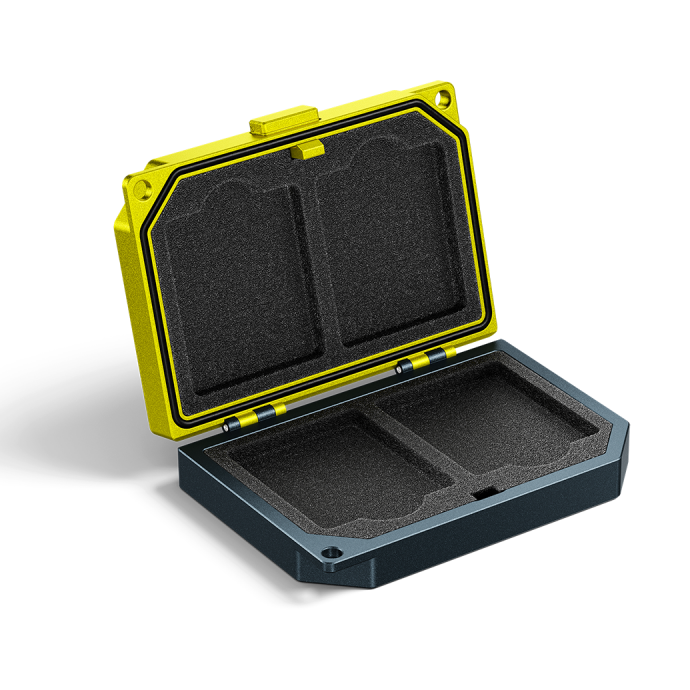
Adopt a strict card flow: full cards face label-down, empties label-up, and never format until you’ve verified two copies at base. A tough case prevents loss and damage—if you’re running CFast, the Angelbird Media Tank for CFast Cards provides secure, dust-resistant protection with clear organization so you can see status at a glance.
For long events or multi-body coverage, a comfortable carry solution reduces fumbles and drops. A dual camera strap such as the Hold Fast Money Maker helps you swap bodies quickly while keeping both hands free for note taking and metadata work.
How can I maintain image quality while moving fast?
Consistency is key. Use auto ISO with a sensible minimum shutter and max ISO limit, and meter for highlights if your camera offers it. In your editor, stick to fast, repeatable global adjustments: white balance, exposure, contrast, and a touch of clarity. Apply lens profiles and a moderate export sharpening preset (e.g., standard for screen). Keep JPEG quality around 80–90 and export in sRGB unless your desk requests otherwise. If you want to refine your speed-editing eye, our Photoshop and post-production classes focus on efficient, high-impact adjustments that respect editorial standards.


What’s a smart backup strategy during the event and after?
Follow a two-copy minimum rule in the field: during ingest, write to your laptop and simultaneously to a dedicated external SSD. Keep original cards unformatted until the desk confirms receipt. After the assignment, consolidate to a primary drive and clone to a second drive back at your base. The ProGrade Digital PG10 v2 8TB is an excellent hub for on-the-go backup thanks to high sustained throughput and ample capacity for multi-day events.
Do faster cards really make a difference to workflow speed?
Yes—faster media helps twice: in-camera (fewer buffer stalls) and at ingest (shorter copy times). If your camera uses CFast 2.0, the Angelbird 512GB AV Pro CF provides sustained speeds that keep pace with burst shooting and rapid offloads. Pair fast cards with a high-speed reader—such as a UHS‑II SD reader or your camera system’s recommended CFast reader—to avoid negating the card’s advantage.
Need help tailoring this to your beat? Visit Unique Photo in Fairfield, NJ or shop online at uniquephoto.com. Our experts can help you assemble a fast, reliable kit—from media and readers to SSDs and education—that keeps you ahead of deadline.