Fast News Photo Delivery: On‑Location Editing, Compression, Metadata & Transfer FAQ
When minutes matter, a streamlined workflow can be the difference between getting published and getting passed over. As New Jersey’s pro photo resource, Unique Photo helps photojournalists build reliable, repeatable systems for fast culling, clean edits, airtight metadata, and bulletproof transmission from the field.
Use this FAQ to tighten your process—then refine it with gear and training that keep you ahead of deadline.
What on-location hardware setup is fastest for edits and delivery?
Speed starts with ingest and I/O. Pair a lightweight laptop with a modern CPU/GPU and NVMe SSD (16–32 GB RAM) with a high-speed card reader. A dual-slot, UHS-II capable reader like the Lexar Professional Workflow Dual-Slot SD UHS-II Reader (SKU: LRD1116) lets you offload multiple cards simultaneously—huge for tight turnarounds. Add a compact USB-C hub, a fast external SSD (USB 3.2 Gen 2 or Thunderbolt), and keep a dedicated tethering cable in your bag for direct camera-to-laptop transfers when needed.
Power is part of speed: carry a high-wattage USB-C PD battery, spare camera batteries, and a compact power strip. If your camera supports it, enable in-camera FTP and wire JPEGs directly to a server or your phone hotspot while you continue shooting.
Which software workflow delivers the quickest cull and edit without sacrificing quality?
Most working pros split the job: ultra-fast culling and captioning in a browser-style app, then lightweight edits in a RAW editor. Photo Mechanic (for ingest, ratings, code replacements, and IPTC) plus Adobe Lightroom Classic or Capture One (for color, exposure, crop, and export presets) is a proven combo. Keep a “breaking news” preset ready: contrast/clarity minimal, white balance neutral, lens corrections on, and a light capture sharpen. Apply on import so exports are one click away.
Pro tip: For immediate wires, shoot RAW+JPEG and send color-corrected JPEGs fast; keep the RAWs for later refinement or features.
How should I compress images for wire services without visible quality loss?
Editors care about clarity, color accuracy, and small file sizes. A reliable export recipe: sRGB, JPEG quality 85–92, long edge 2500–3500 px (often 3000 px is ideal), output sharpening set to Standard for Screen, and embed ICC profile. Target 1.5–4 MB per image, depending on your outlet’s specs. Avoid over-sharpening and heavy noise reduction that can smear detail. If your desk requests lossless files, provide high-quality JPEGs or 8-bit TIFFs via a faster link and maintain a compressed preview set for quick browsing.
How do I handle IPTC metadata and captions on the fly?
Build an IPTC template before the assignment: your byline, copyright, city, state, event slug, and publication. In Photo Mechanic, use Code Replacements for team names, player numbers, and recurring phrases. Sync camera clocks to the second to keep multi-body timelines consistent. If you’re solo, dictate captions to your phone’s notes app or directly into your laptop and paste into the IPTC Caption field. Always fill Headline, Caption, Photographer, Copyright, City, State/Province, Country, and Keywords to meet editorial standards.
What’s the most reliable way to transmit files when Wi‑Fi is unreliable?
Build a prioritized ladder and move up or down based on conditions:
- Hardwire first: Many venues have press-room Ethernet—faster and more stable than public Wi‑Fi.
- 5G/4G tether: Use a dual-SIM phone or dedicated hotspot and place it high/clear of crowds. Lock your laptop to the 5 GHz band when possible.
- Camera-to-FTP: If your camera supports FTP/Wi‑Fi, push selects directly to an SFTP server or cloud watch folder via your phone’s hotspot while you keep shooting.
- Automate: A desktop watched-folder (Lightroom or a small script) can auto-export and upload to SFTP/Dropbox/PhotoShelter as soon as you tag a pick.
- Fallback: If bandwidth is collapsing, send a 2000–2500 px 1–2 MB JPEG first, then follow with larger files or RAWs once the pipe clears.
How should I organize folders and file names for speed and consistency?
Use a predictable hierarchy that your desk recognizes. Example: YYYY/YYYY-MM/YYYY-MM-DD_Outlet_Event/ with subfolders for INCOMING, SELECTS, EXPORT, and SENT. File naming that encodes date, slug, and sequence keeps things searchable: 2026-05-22_njprimary_turner_001.jpg. Apply the naming convention on export to avoid touching filenames twice.
How do I protect power, storage, and data under deadline pressure?
Write to two cards in-camera (RAW+RAW or RAW+JPEG). Ingest to your laptop and immediately mirror to an external SSD. Use software that verifies copies (checksum) and set autosave every minute in your editor. Keep batteries and cards in separate pockets so a single loss doesn’t take you out of the game. If it’s raining, a small dry bag for the laptop and SSDs is cheap insurance.
Do editors still want prints? How do I produce on-demand prints that impress?
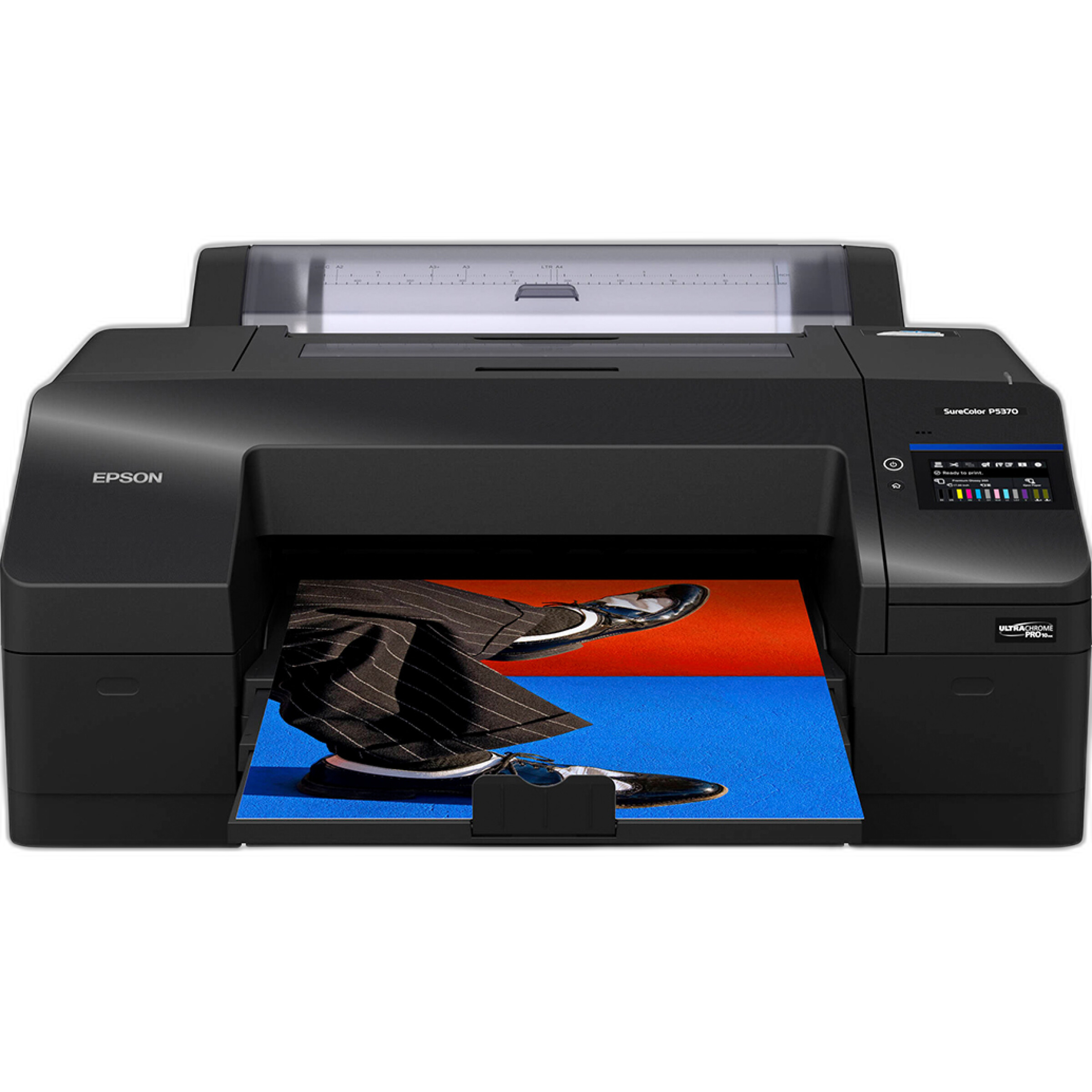
While most news desks are digital-first, a clean, color-accurate print can elevate pitches for features, portraits, or events. For in-house proofing and gallery-quality deliverables, the Epson SureColor P5370 17-Inch Professional Photographic Printer offers outstanding color fidelity and longevity for editorial and portfolio work.
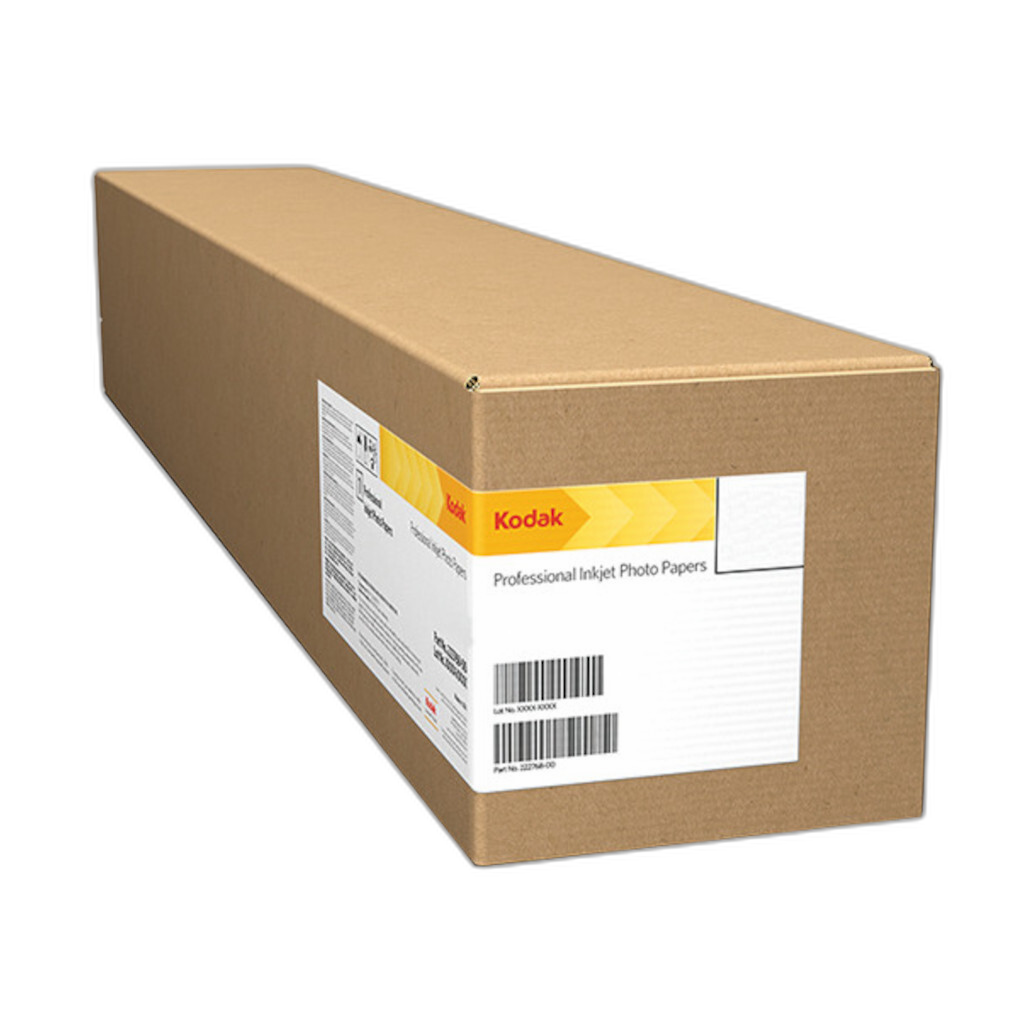
For striking, high-impact pieces, Kodak Professional Metallic Photo Inkjet Paper (44 in. roll) delivers a distinctive sheen that makes images pop in presentations and exhibitions.
How can I practice and refine a fast-turnaround workflow before a big assignment?
Rehearsal builds speed. Set up timed drills: ingest 100 images, caption five, export, and transmit—all under 10 minutes. Then, take your workflow into the field. Unique University programs are a great way to pressure-test your process in real-world conditions, with instructors offering feedback on workflow, not just composition.
Explore a field class like Macro and Landscape Photography at Duke Farms with Michael Downey to practice rapid culling and metadata in changing light.
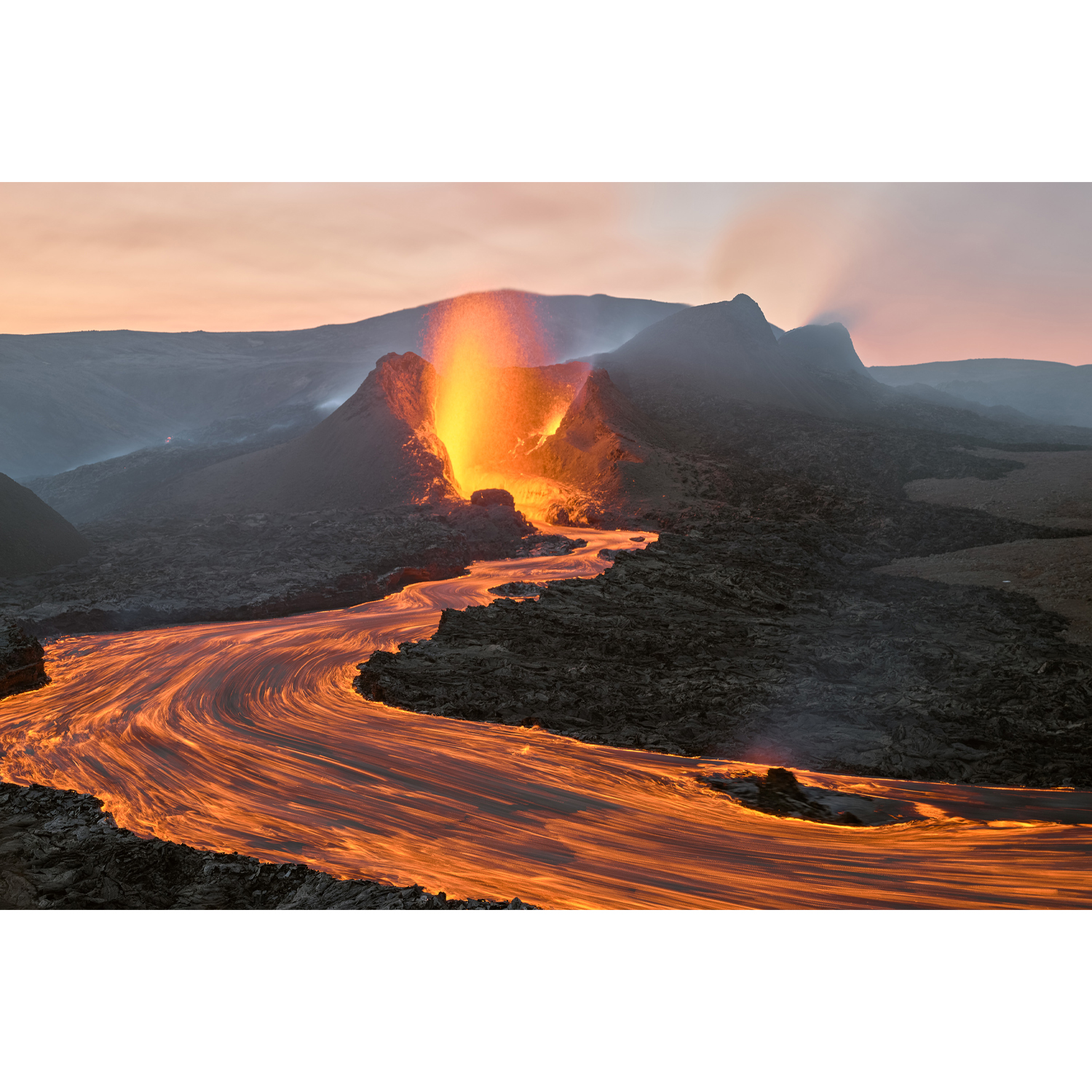
Get inspired by storytelling and logistics at EXPO: Stories from the Road - Photography Across Worlds w. Matthew Borowick—perfect for understanding how pros move images from anywhere, fast.
Low-light challenges force efficient camera settings and cleaner edits. Try Photograph Fluorescent Zinc Ore at Sterling Hill Mine to refine high-ISO workflow and rapid noise-management presets.

Any tips for face-to-face editor meetings and leave-behinds?
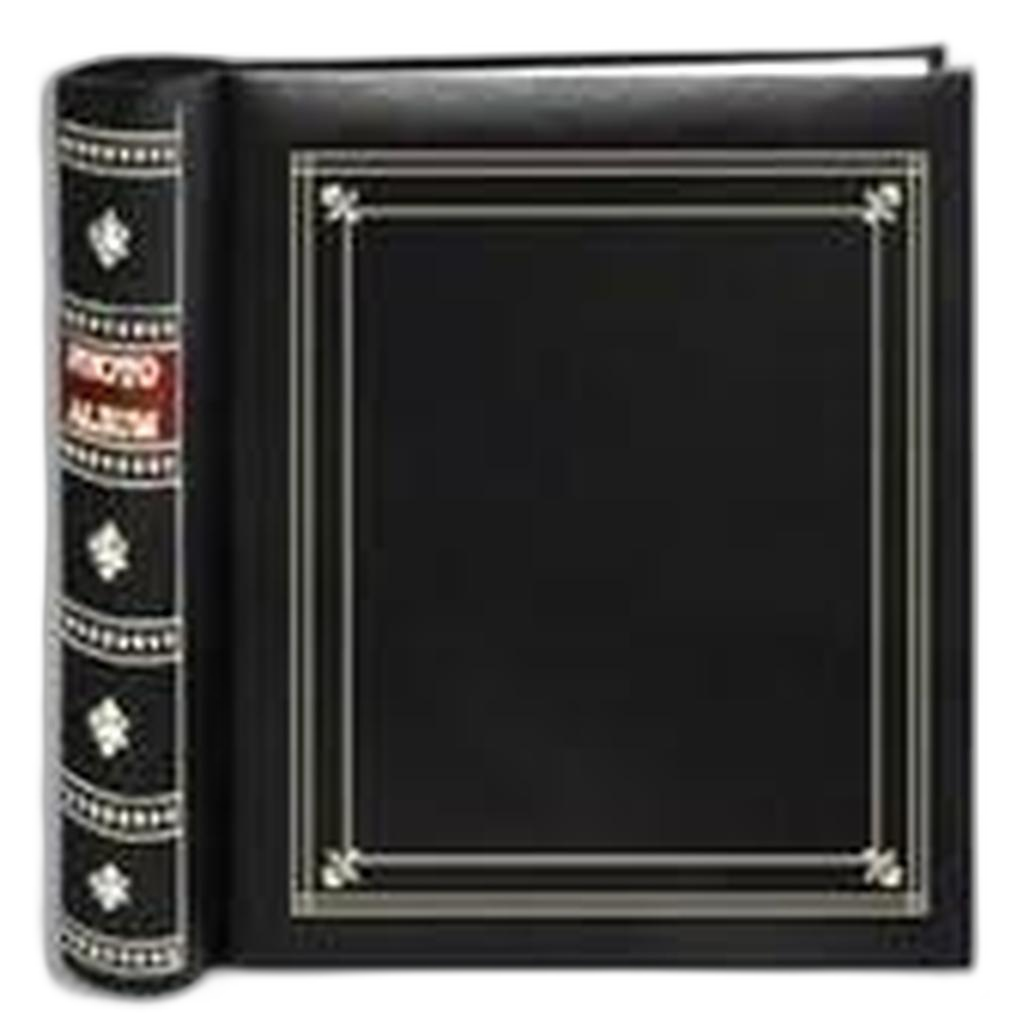
Carry a tight 4x6 print edit for quick flips. A compact, clean album keeps it organized and professional—no loose prints getting bent in a bag. The Pioneer 4 x 6 In. Bi-Directional Memo Photo Album (200 Photos) is a simple, durable option for portable portfolios and quick swaps between assignments.
What single upgrade will most improve my turnaround time?
After sound workflow habits, faster ingest usually gives the biggest gain. A pro-grade, dual-slot UHS-II reader like the Lexar Professional Workflow Dual-Slot SD UHS-II Reader (SKU: LRD1116) often cuts card-offload time by half or more compared to single-slot or older readers, letting you caption and transmit while others are still copying.
Ready to shave minutes off your deadline? Shop pro workflow essentials and join our Unique University classes to rehearse your process with experts. Visit Unique Photo online or in-store for personalized recommendations tailored to your beat and budget.