Ethics and Editing: How Much Post-Processing Is Allowed in Photo Competitions?
Photo competition rules can vary dramatically, but the core question is always the same: where does acceptable editing end and manipulation begin? For photographers entering landscape, wildlife, nature, commercial, or open-category contests, understanding that line is essential. To explore the topic in a practical way, we’re comparing three editing-focused classes from Unique Photo that reflect different philosophies and workflows: Editing and Enhancing Landscape and Nature Photography with Photoshop, NJCS: Lightroom Photo Editing for Nature and Wildlife with Bobby Stormer, and Product Photography and Post Production Editing with Blake Taylor. Together, they help illustrate the difference between competition-safe refinement, genre-specific standards, and heavier retouching techniques that may be restricted or disallowed depending on the contest.


In general, most competitions allow global adjustments such as exposure correction, white balance, contrast, sharpening, noise reduction, and modest cropping. More restrictive categories, especially journalism, wildlife, and nature, often prohibit adding or removing elements, compositing, excessive sky replacement, and aggressive local edits that materially alter the scene. By contrast, commercial and creative categories may welcome advanced retouching. That makes it useful to compare educational options that align with different editing expectations.
Side-by-Side Comparison
| Course | Best For | Software Focus | Editing Philosophy | Competition Relevance |
|---|---|---|---|---|
| Editing and Enhancing Landscape and Nature Photography with Photoshop | Landscape and nature photographers | Photoshop | Selective enhancement and polished output | Best for understanding where tasteful enhancement can still fit open or less restrictive landscape categories |
| NJCS: Lightroom Photo Editing for Nature and Wildlife with Bobby Stormer | Nature and wildlife photographers | Lightroom | Workflow-oriented, realistic adjustments | Best fit for competitions with stricter authenticity standards |
| Product Photography and Post Production Editing with Blake Taylor | Commercial and studio photographers | Post-production editing workflow | Controlled retouching and image refinement | Useful for creative/commercial contests, but many techniques may exceed documentary competition limits |
What Competitions Usually Allow
If you read enough rulebooks, a pattern emerges. Most contests permit edits that improve presentation without changing content. Typical allowed edits include tonal correction, color balance, lens correction, dust spot removal, moderate dodging and burning, and cropping. These adjustments preserve the truth of the captured scene while helping the image match what the photographer saw.
The gray area starts with local manipulation. If selective edits create a dramatically different mood, erase distractions, move visual emphasis unnaturally, or combine multiple exposures in ways the rules don’t permit, an image may be disqualified. For that reason, workflow matters just as much as software choice.
Best Match for Conservative Rule Sets: Lightroom for Nature and Wildlife
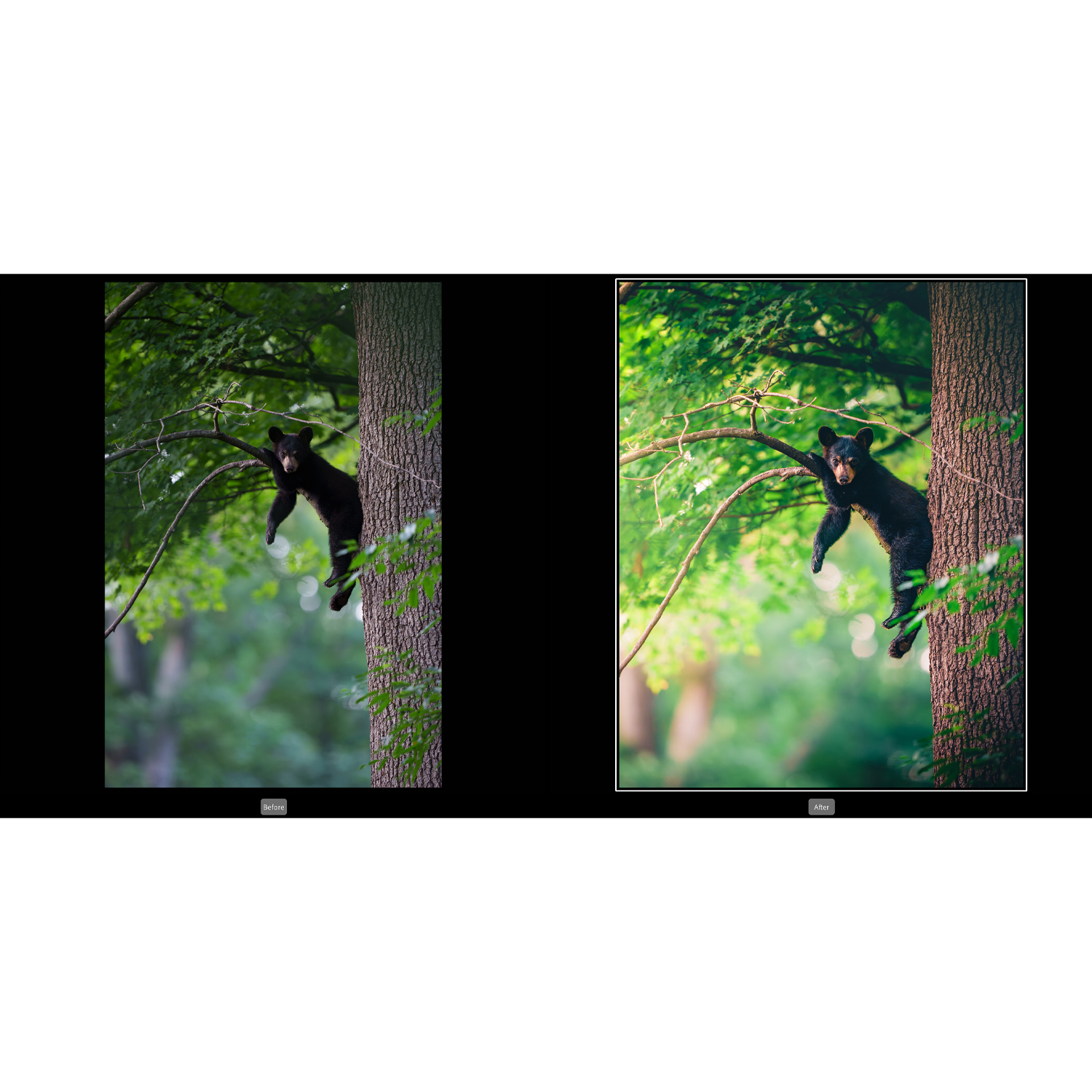
NJCS: Lightroom Photo Editing for Nature and Wildlife with Bobby Stormer is the most naturally aligned with stricter contest ethics. Lightroom-centered workflows typically emphasize non-destructive adjustments, catalog-based consistency, and realistic tonal/color control rather than pixel-level reconstruction. For wildlife and nature competitions, that’s often exactly what entrants need.
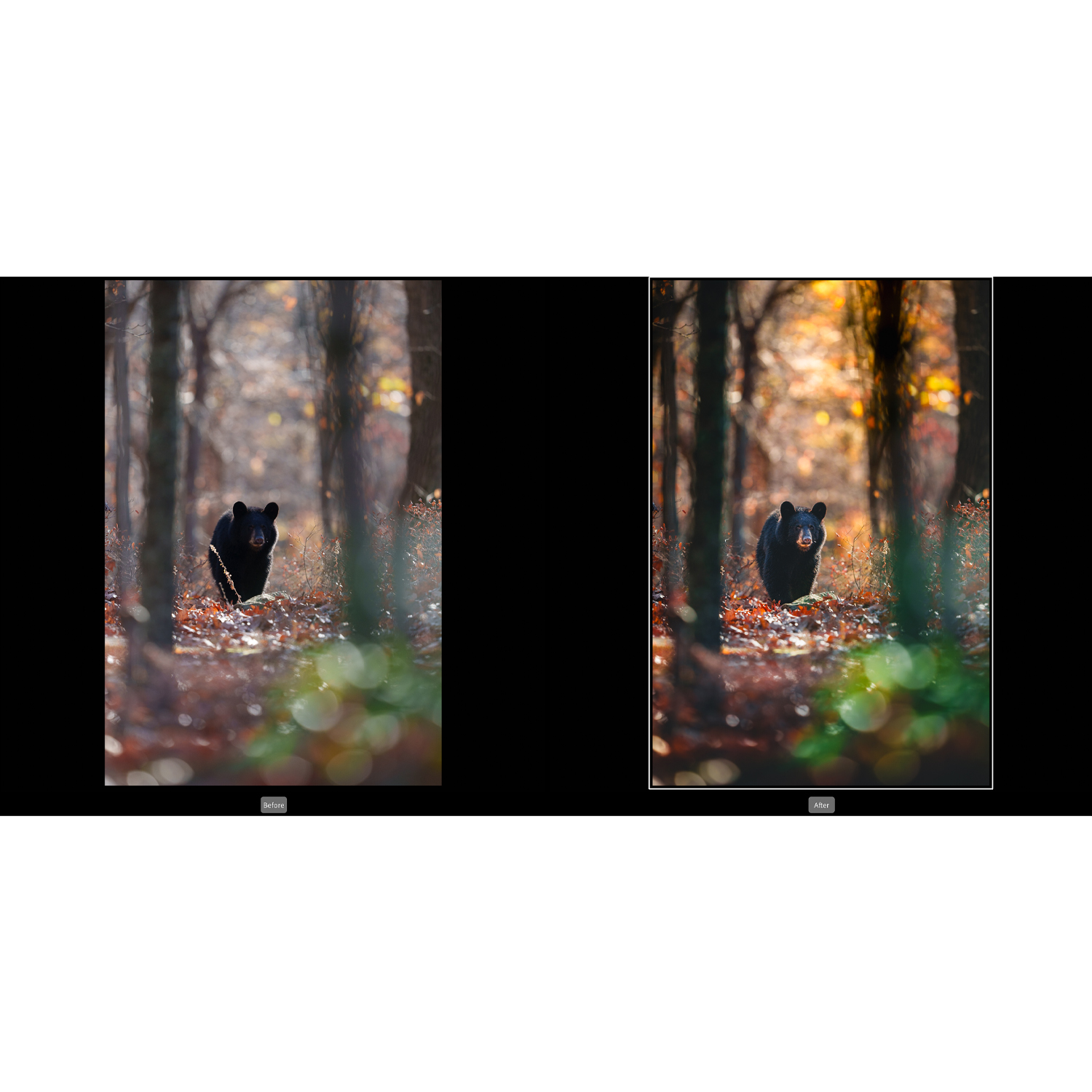
Why does that matter? Wildlife and nature categories often have some of the toughest standards in photography competitions. Organizers may permit cropping and basic tonal correction, but they frequently ban adding or removing content, relocating subjects, replacing backgrounds, or blending scenes deceptively. A Lightroom-first approach supports a cleaner ethical workflow because it encourages correction over alteration.
This class is the strongest conceptual comparison point for photographers asking, “How much editing is too much?” If your goal is to stay within the spirit of documentary credibility while still making your images look finished, this is the safest model of the three.
Best for the Middle Ground: Photoshop for Landscape and Nature
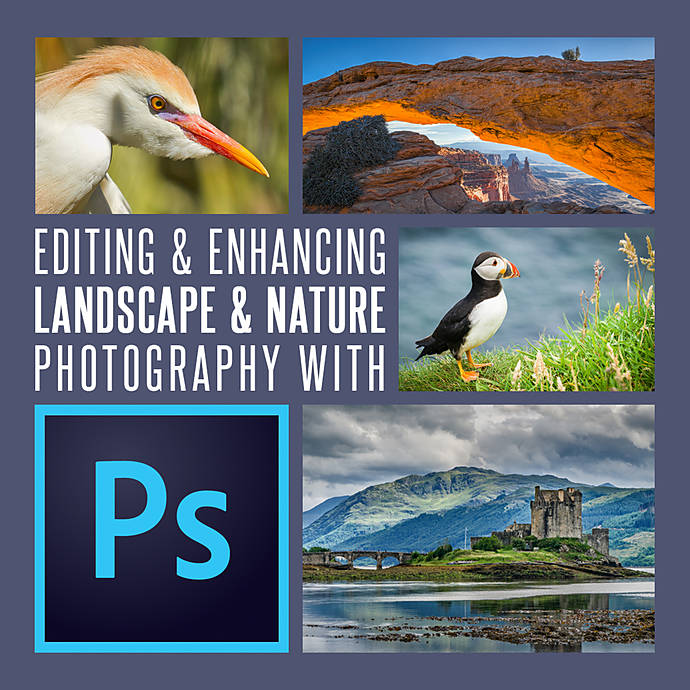
Editing and Enhancing Landscape and Nature Photography with Photoshop sits in the middle of the ethics spectrum. Landscape competitions are often more flexible than wildlife or photojournalism contests, but they still vary widely. Some allow exposure blending, focus stacking, or significant local adjustments; others want a more natural final result.
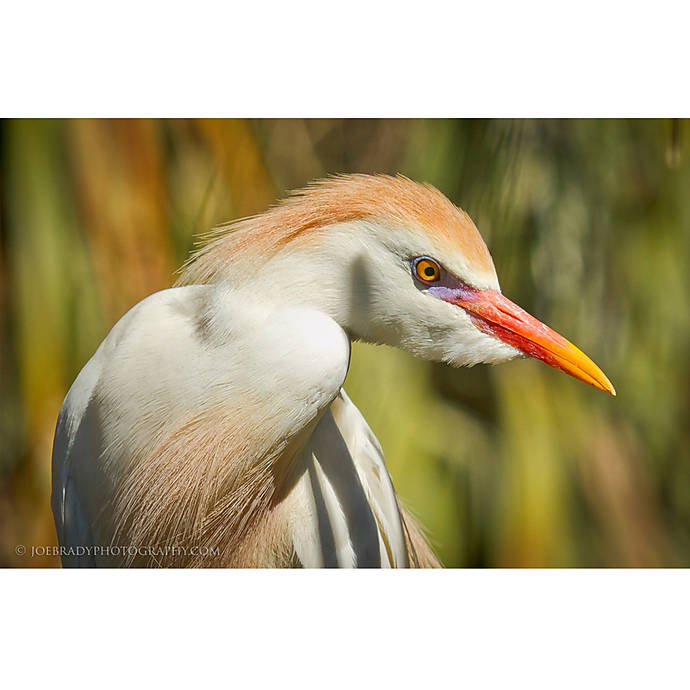
Photoshop gives photographers tremendous control, which is both its strength and its ethical risk in competition settings. Dodging and burning, luminosity masking, cleanup work, and selective contrast shaping can help a landscape image look more like the photographer’s memory of the scene. But those same tools can also push an image beyond what many competitions consider truthful representation.
This course makes the most sense for photographers entering open, fine art, or less restrictive landscape contests where advanced enhancement is allowed, provided the rules do not prohibit compositing or content-aware cleanup. It’s also helpful for photographers who want to learn where polished editing becomes manipulation, especially when contest terms use phrases like “faithful to the original capture.”
Best for Commercial or Creative Categories: Product Photography and Post Production Editing
Product Photography and Post Production Editing with Blake Taylor represents the most retouching-friendly mindset in this comparison. Commercial product photography often expects precision cleanup, surface correction, background refinement, color consistency, and other detailed post-production methods. In advertising or studio work, those edits are standard practice.
That makes this class extremely useful for understanding a crucial ethical distinction: acceptable editing depends on category. The same retouching approach that is perfectly appropriate in a product, fashion, beauty, or commercial competition could easily violate the rules of a nature, travel, or documentary contest.
For entrants in creative competitions, this course can be highly relevant. For entrants in authenticity-driven contests, it is more of a reminder that not every professional editing technique belongs in every submission.
Software Choice and Ethics
It’s tempting to think one program is ethical and another is not, but that’s not really the issue. Lightroom, Photoshop, and other tools are neutral. Ethics come from intent, disclosure, and compliance with rules. Still, the workflow a tool encourages can influence your decisions.
- Lightroom often supports competition-friendly editing because it centers on global and moderate local corrections.
- Photoshop offers deeper control, which is useful for both legitimate refinement and prohibited manipulation.
- Commercial post-production workflows are ideal in categories where retouching is expected, but risky in truth-based competitions.
How to Judge Whether Your Edit Is Allowed
Before entering a competition, ask these practical questions:
- Did I change the content of the scene, or only improve its presentation?
- Would I be comfortable providing the original file if requested?
- Do the rules allow composites, sky replacement, focus stacking, or object removal?
- Is the category documentary, nature, wildlife, commercial, or open creative?
- Does the final image still represent what was actually photographed?
If the answer to those questions becomes uncomfortable, your edit may be outside the permitted range.
Our Pick
Our Pick: NJCS: Lightroom Photo Editing for Nature and Wildlife with Bobby Stormer
For the specific question of how much post-processing is allowed in photo competitions, this is the clearest recommendation. It best reflects the kind of disciplined, realistic editing approach that helps photographers remain competitive without drifting into disqualification territory. It’s especially well suited for entrants in nature, wildlife, and authenticity-focused categories, where subtlety and rule compliance matter most.
Photographers who mainly enter landscape or open creative contests may prefer the Photoshop class, while commercial shooters will get more category-specific value from the product retouching course. But for ethical competition editing overall, the Lightroom-focused option is the most broadly useful place to start.
Conclusion
Post-processing is not the enemy of photographic ethics; undisclosed or rule-breaking manipulation is. The real standard is whether your editing honors the competition’s intent and category guidelines. If you want to sharpen your judgment as well as your technique, these Unique Photo classes offer different perspectives on what editing can and should do. Whether you lean toward realistic Lightroom adjustments, advanced Photoshop enhancement, or commercial-grade retouching, Unique Photo is a great place to build a smarter workflow before your next contest entry.