Who this guide is for
If you shoot photos and feel your editing time creeping longer than it should, this guide is for you. Whether you’re new to post-production or ready to refine a pro-level workflow, we’ll cover the right software for your style, practical tips to speed up import-to-delivery, and education and gear from Unique Photo to help you master it faster.
What to look for in editing software
- RAW processing quality: Look for natural color, strong noise reduction, and camera/lens profiles.
- Cataloging vs. sessions: Catalog-based apps (e.g., Lightroom Classic) excel at long-term organization; session-based (e.g., Capture One) are great for client jobs and quick sets.
- Local adjustments & AI masking: Speed matters. Good AI subject/sky/object selection can cut hours.
- Layering & compositing: Essential for advanced retouching, product work, and composites (Photoshop, Affinity Photo).
- Speed & stability: GPU acceleration, fast previews, and smart cache settings help on big shoots.
- Ecosystem & plugins: Consider tethering support, round-tripping to external editors, and plugin availability (noise reduction, HDR, effects).
- Pricing: Subscription vs. perpetual license—and what’s included in each.
Best editing software for photographers
Adobe Lightroom Classic
Best for volume editing, cataloging, and consistent color across large shoots. Powerful AI masking, batch syncing, and printing/web modules make it a complete hub. Pair with Photoshop for pixel-level edits.
Adobe Photoshop
The industry standard for retouching, compositing, and precise control with layers, masks, and advanced tools like Generative Fill. Ideal companion to a RAW editor such as Lightroom or Capture One.
Capture One Pro
Top choice for tethered capture, color grading, and session-based workflows. Excellent color editor and fast culling with advanced masking tools. Favored in studio/product and fashion work.
Affinity Photo 2
Perpetual-license alternative with robust layers, masks, and retouching—great for photographers who want Photoshop-style control without a subscription.
DxO PhotoLab
Outstanding optical corrections and DeepPRIME XD noise reduction for high-ISO files. Clean interface for RAW development and local adjustments.
ON1 Photo RAW
All-in-one editor with cataloging, layers, and AI tools for effects and masking. Good single-app solution for hobbyists and solo shooters.
DaVinci Resolve (for hybrid creators)
If you shoot photo and video, Resolve delivers elite color grading and solid stills tools via round-trips or frame grabs—excellent for consistent color across media.
Side-by-side comparison
| Software | Cataloging | Layers | AI Masking | Tethering | Noise Reduction | Pricing |
|---|---|---|---|---|---|---|
| Lightroom Classic | Yes (Catalog) | Limited (via masks) | Strong (Subject/Sky/Object) | Good | Good (Enhanced NR) | Subscription (Adobe Photography Plan) |
| Photoshop | No | Full Layers | Strong (Select Subject, Generative) | No | Plugins/Camera Raw | Subscription (Adobe Photography Plan) |
| Capture One Pro | Yes (Catalog & Sessions) | Adjustment Layers | Strong | Excellent | Good (plus plugins) | Subscription or Perpetual |
| Affinity Photo 2 | No | Full Layers | Good | No | Plugins/Third-party | Perpetual |
| DxO PhotoLab | Yes (Project-based) | Local adjustments | Good | No | Excellent (DeepPRIME XD) | Perpetual |
| ON1 Photo RAW | Yes | Layers | Good | Basic | Very Good | Subscription or Perpetual |
Recommended education and workflow gear
NJCS: Lightroom Photo Editing for Nature and Wildlife with Bobby Stormer
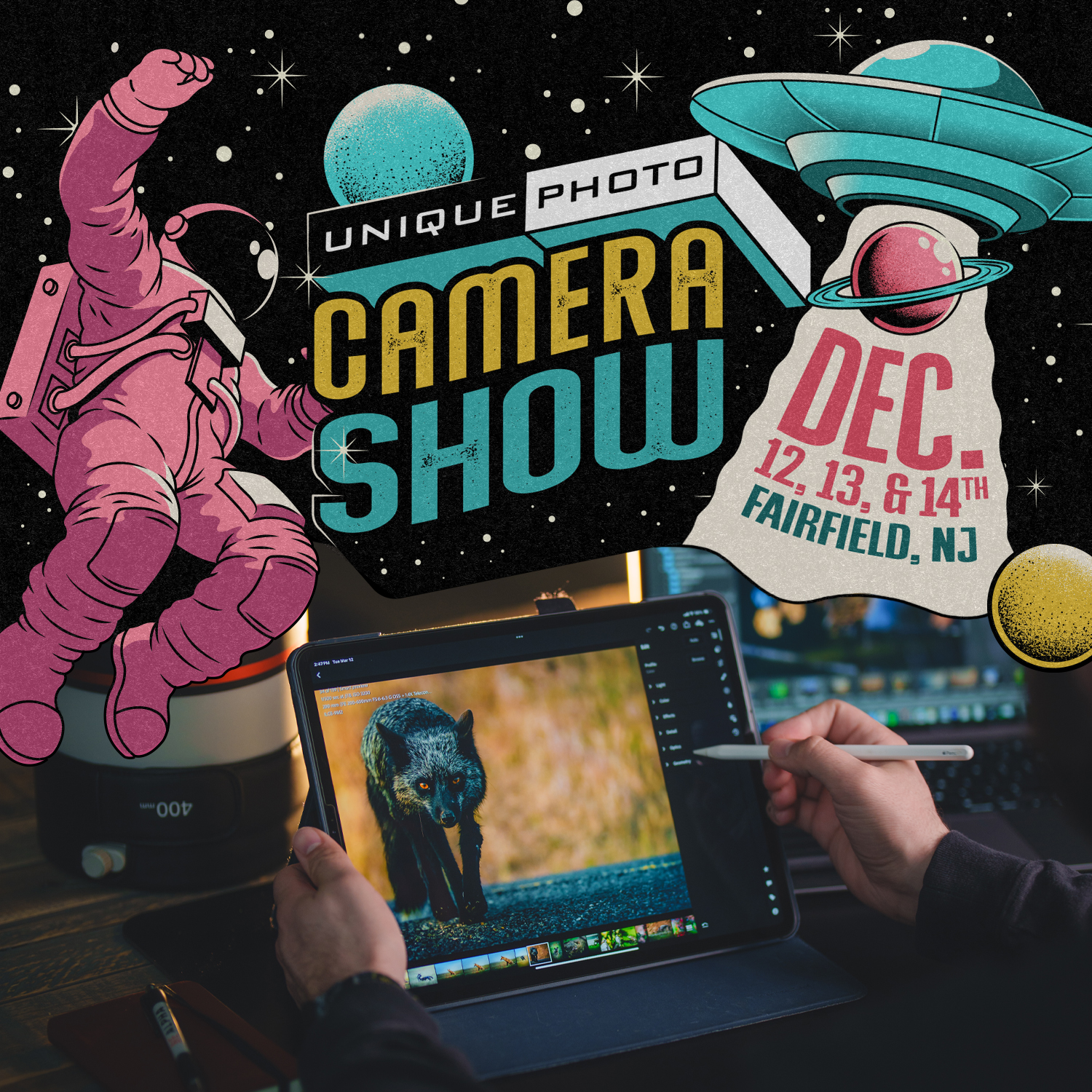
Learn a practical Lightroom approach tailored to challenging nature and wildlife files: culling, color, noise reduction, and AI masking for fast, consistent results. Ideal first step if Lightroom Classic is your main editor.
Editing and Enhancing Landscape and Nature Photography with Photoshop
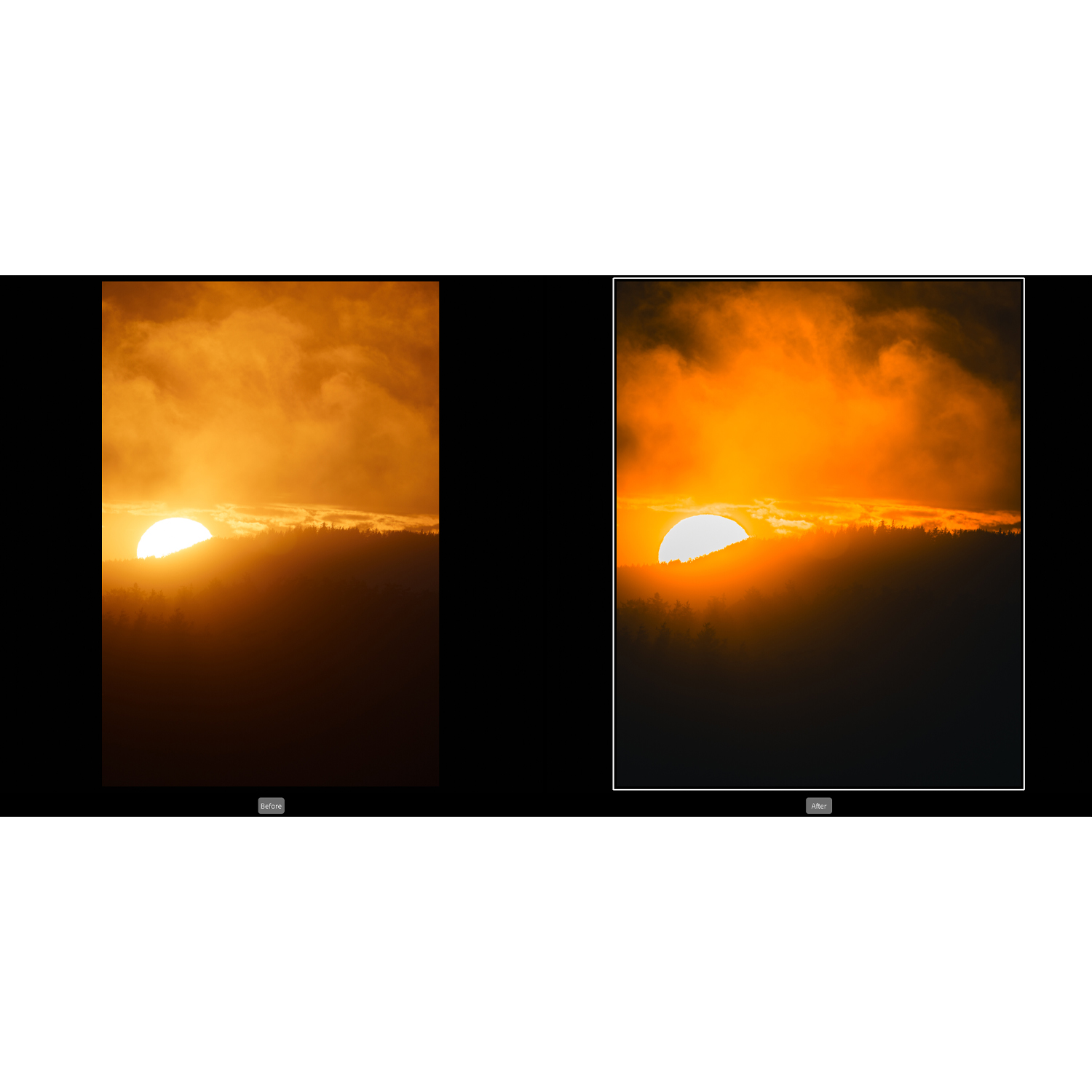
Refine your landscapes with advanced Photoshop techniques—luminosity-style selections, local contrast, and blending cleanly with your RAW base for gallery-ready images.
Product Photography and Post Production Editing with Blake Taylor

If you shoot products or e‑commerce, this class connects studio lighting choices to an efficient retouching pipeline in Lightroom/Capture One and Photoshop, ensuring color-accurate, high-volume deliverables.
NJCS: Portfolio Reviews with Bess Adler (Fujifilm)

Targeted feedback accelerates your learning curve. A portfolio review surfaces recurring editing issues (tone, color, skin retouching) and helps you tailor software settings and presets for your style.
Lexar Professional Workflow Dual-Slot SD UHS-II Reader
A fast reader is a workflow multiplier. Dual UHS‑II slots let you offload two SD cards simultaneously, speeding import into Lightroom or Capture One and freeing you to start culling sooner.
Import-to-delivery: a fast, reliable workflow
- Ingest smart: Use a fast reader; back up to two locations immediately. Apply basic metadata and file renaming on import.
- Cull quickly: Use embedded previews or smart previews; flag and reject in a single pass. Consider separate culling apps if needed, then sync with your catalog.
- Set a base look: Build camera-specific import presets (profile, white balance, noise reduction). Use AI masking to auto-balance sky/subject.
- Batch before pixel-push: Sync settings across similar images; only send selects to Photoshop for detailed retouching.
- Use layers strategically: In Photoshop/Affinity, keep a clean layer stack with labeled adjustment layers and non-destructive smart objects.
- Export presets: Create client/delivery presets (sRGB JPEGs for web, Adobe RGB/TIFF for print) with consistent sharpening and watermarking.
- Archive & verify: Write XMPs or keep catalog backups, verify backups, and maintain a simple folder schema for future retrieval.
FAQs
Q: Lightroom or Capture One? Lightroom is the all-rounder for catalogs and batch work; Capture One shines in tethering and nuanced color control. Many studios use both.
Q: Do I still need Photoshop? For advanced retouching, composites, or complex masking—yes. For basic RAW edits, a modern RAW editor can be enough.
Q: Subscription or perpetual? Subscriptions ensure frequent updates and broad ecosystem support; perpetual licenses lower long-term cost if your features are stable.
Conclusion
For most photographers, the winning combo is Lightroom Classic for organization and bulk edits, plus Photoshop for pixel-perfect finishing. Capture One is a stellar alternative, especially for tethered studio work. To shorten your learning curve, book a Lightroom or Photoshop class at Unique Photo and consider a fast card reader to accelerate imports. Visit Unique Photo to find expert-led classes, events, and workflow gear that make editing faster—and your results better.