Editing Workflow Tips: RAW Processing Recommendations Compared
When photographers and hybrid creators talk about improving RAW processing, the conversation usually starts with software. But in real-world editing, your workflow is shaped just as much by the hardware that helps you capture, offload, review, and move large files efficiently. For this comparison, we’re looking at two sides of a RAW-focused workflow: Atomos monitor-recorders for robust RAW video capture and on-set monitoring, and Lexar workflow storage solutions for fast file management once the shoot is over.
If your goal is a smoother path from acquisition to edit, these products solve different parts of the same problem. The Atomos options are best for creators working with external RAW recording and HDR monitoring, while the Lexar products are aimed at keeping media transfers and storage organized during post. Below, we compare the key options and explain which type of user each one suits best.
Side-by-Side Specs Comparison
| Product | Type | Screen Size / Capacity | RAW Workflow Role | Best For |
|---|---|---|---|---|
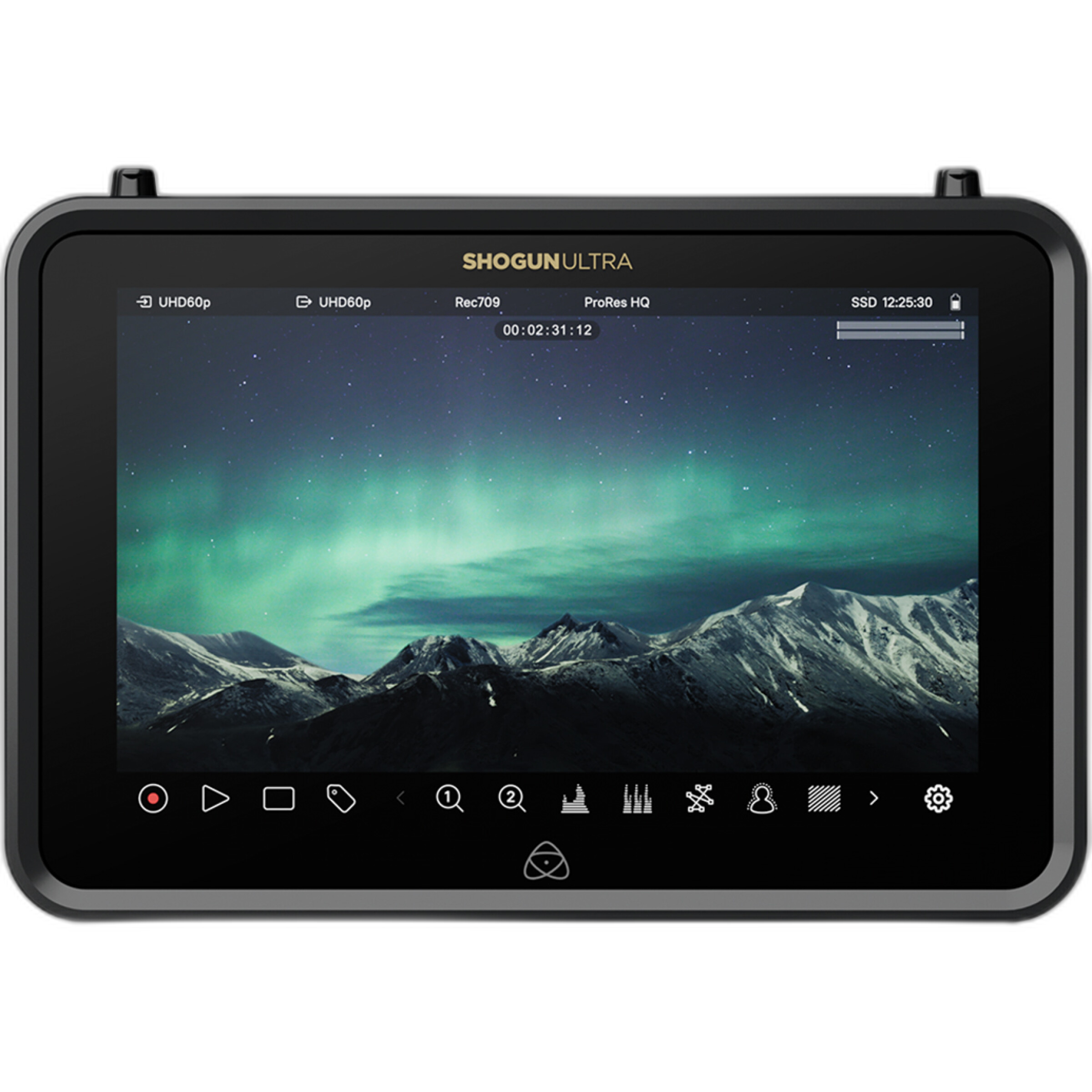
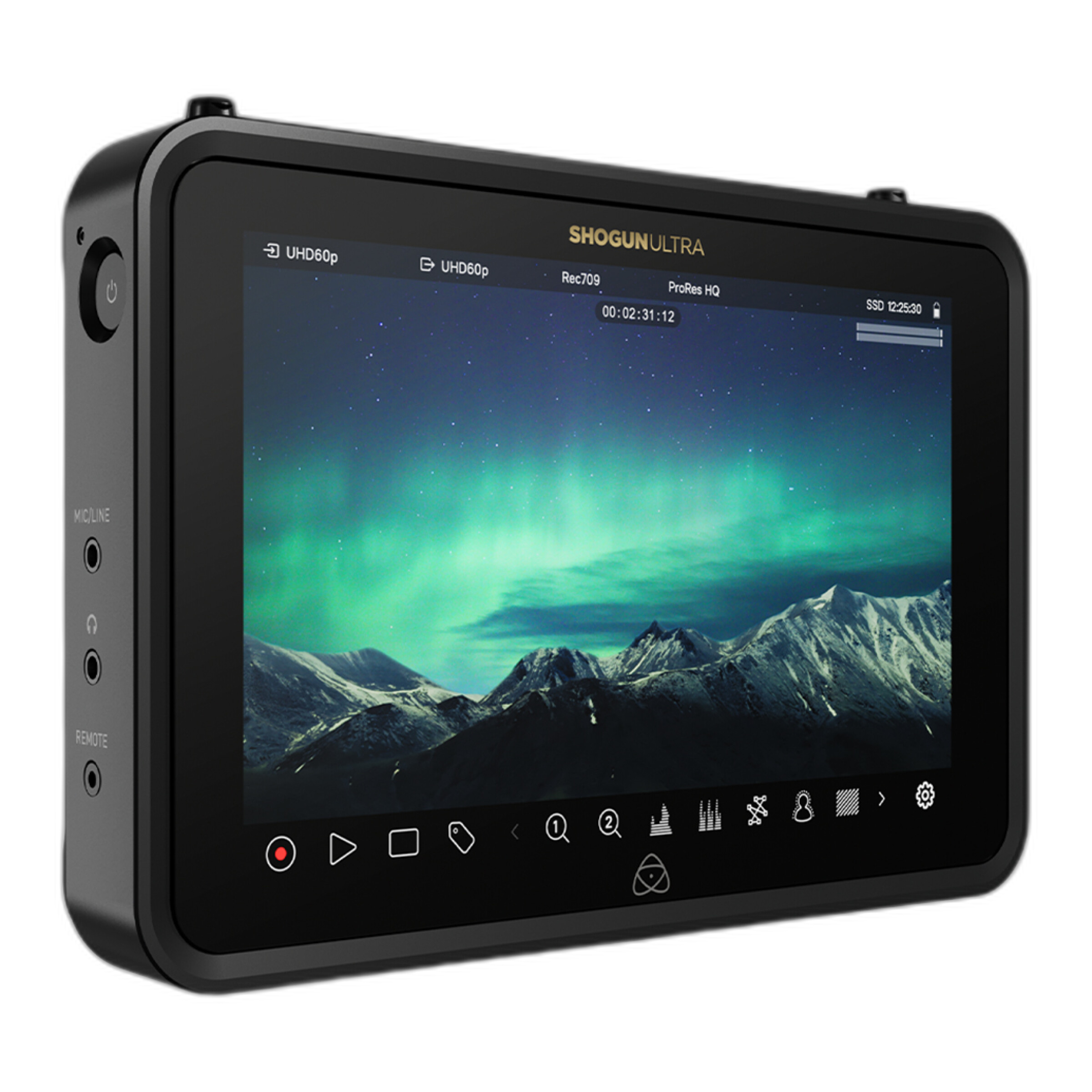
| Atomos Shogun Ultra 7 inch 8K RAW HDR Monitor/Recorder | Monitor/Recorder | 7-inch | 8K RAW capture and HDR monitoring | High-end video production and demanding RAW workflows |
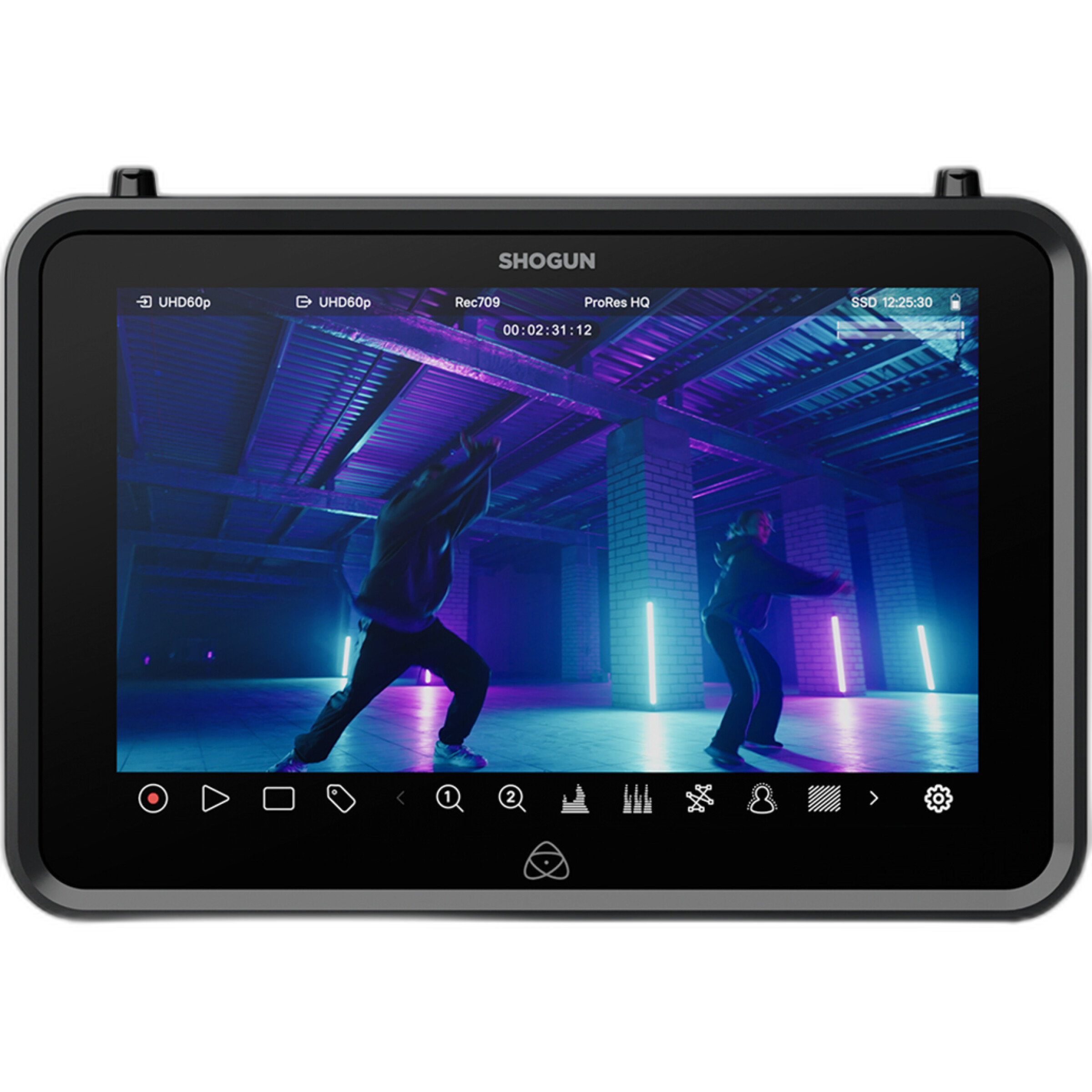
| Atomos Shogun 7 inch 6K RAW HDR Monitor/Recorder | Monitor/Recorder | 7-inch | 6K RAW capture and HDR monitoring | Creators who want a larger on-camera monitoring experience |
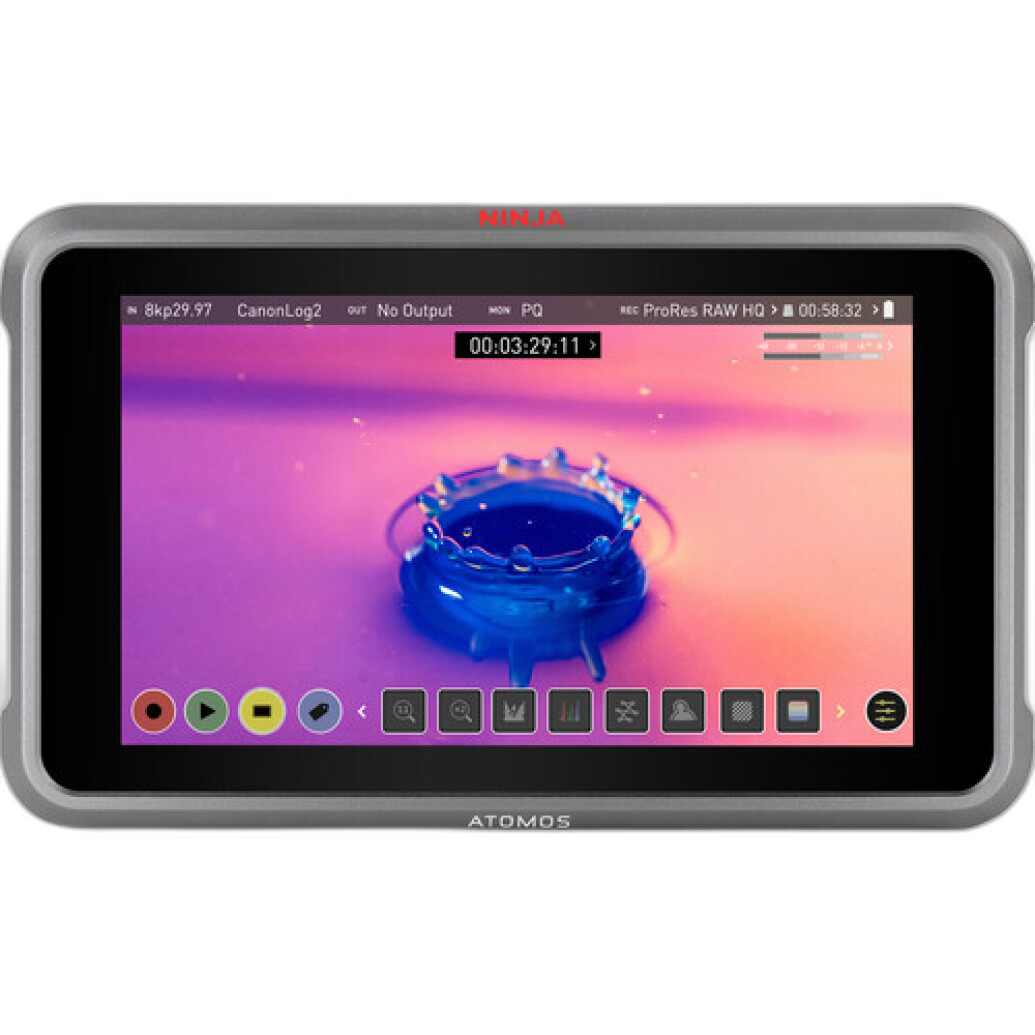
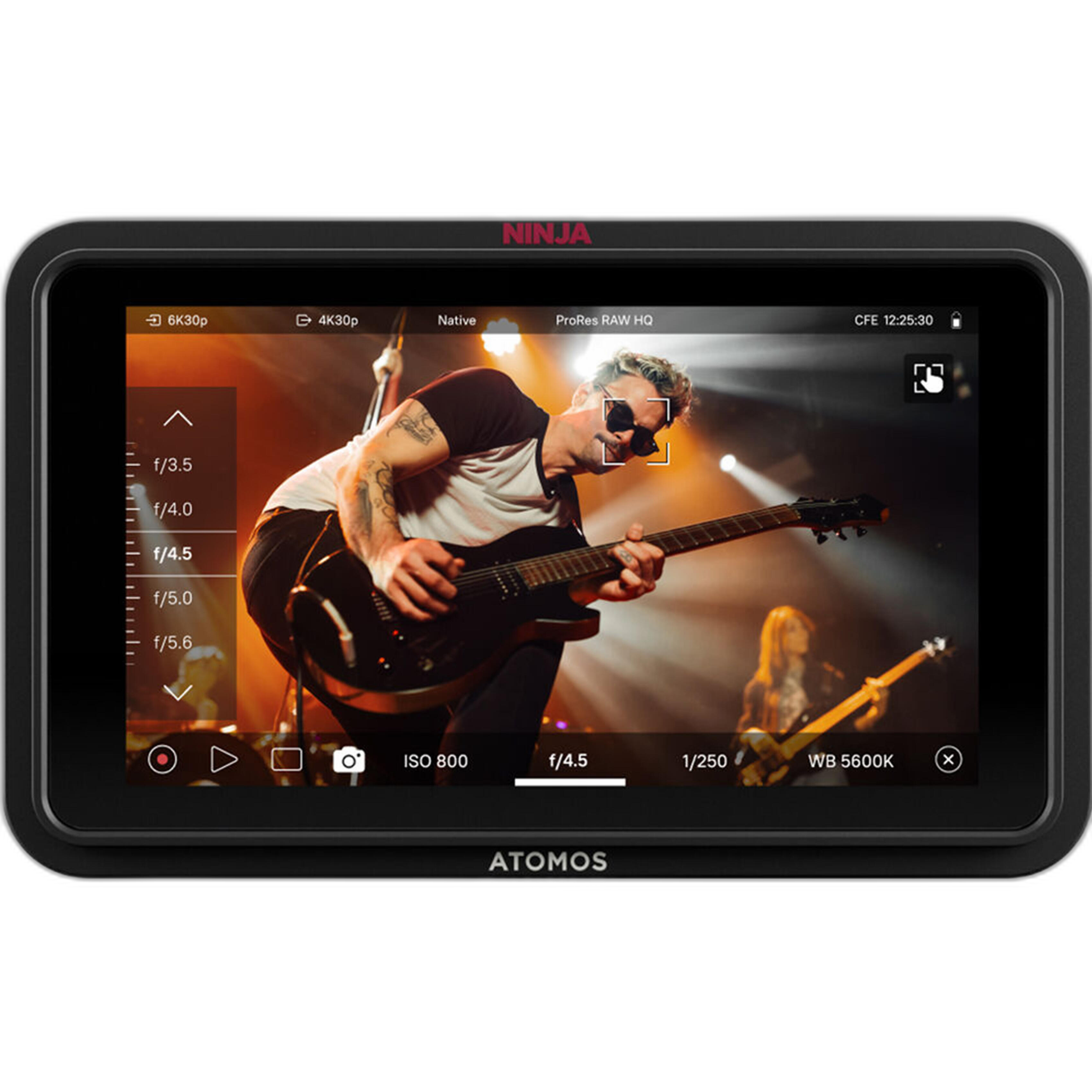
| Atomos Ninja RAW 5.2in Monitor and Recorder | Monitor/Recorder | 5.2-inch | Compact RAW recording and monitoring | Run-and-gun creators and smaller camera rigs |
| Atomos Ninja V+ 5.2 8K HDMI H.265 Raw Recording Monitor | Monitor/Recorder | 5.2-inch | 8K HDMI RAW and H.265 recording | Users wanting compact size with advanced recording options |
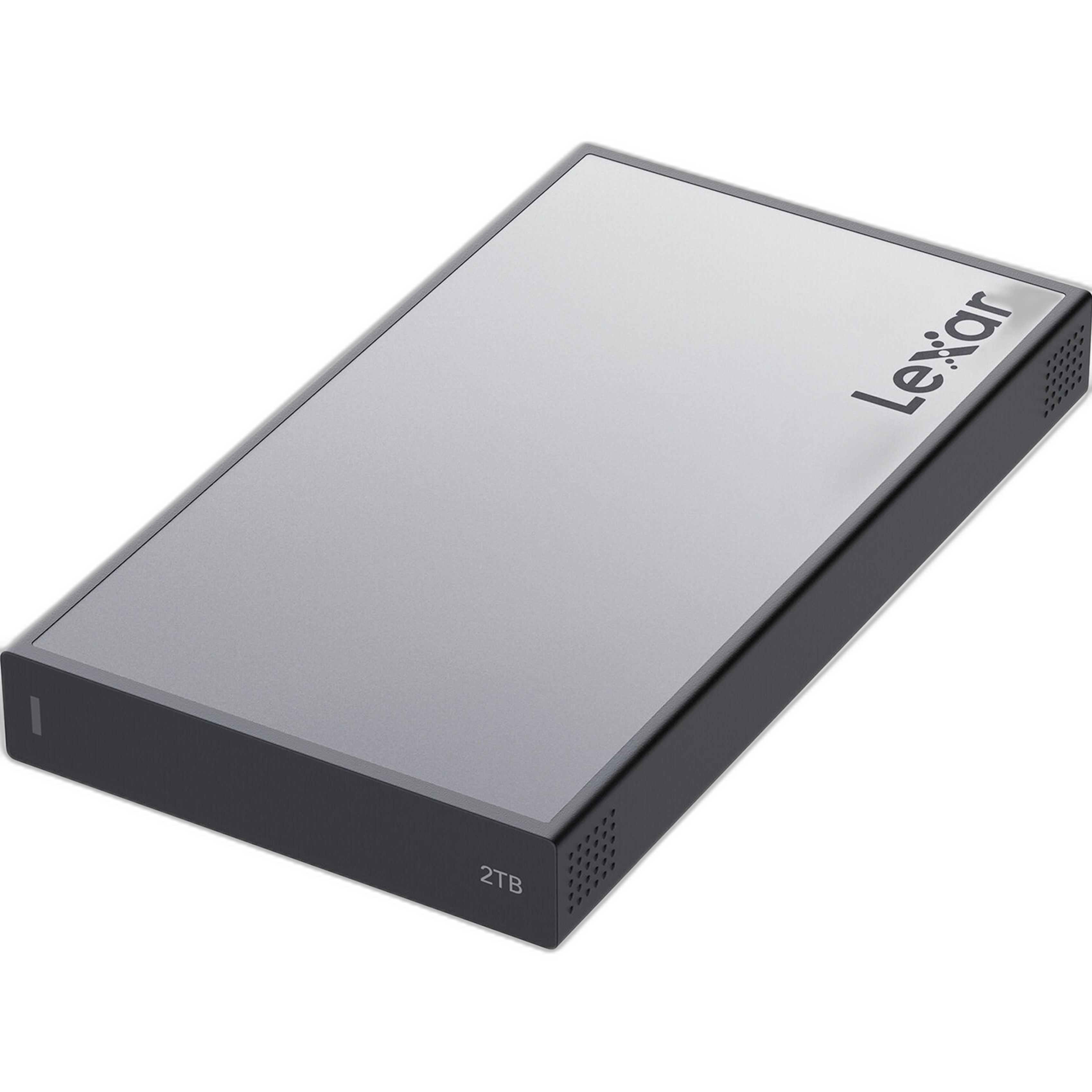
| Lexar Professional Workflow Portable SSD 4TB | Portable SSD | 4TB | Fast offload and active project storage | Large RAW projects and multi-day shoots |
| Lexar Professional Workflow Portable SSD 2TB | Portable SSD | 2TB | Fast offload and portable editing storage | Mobile editors and smaller project loads |
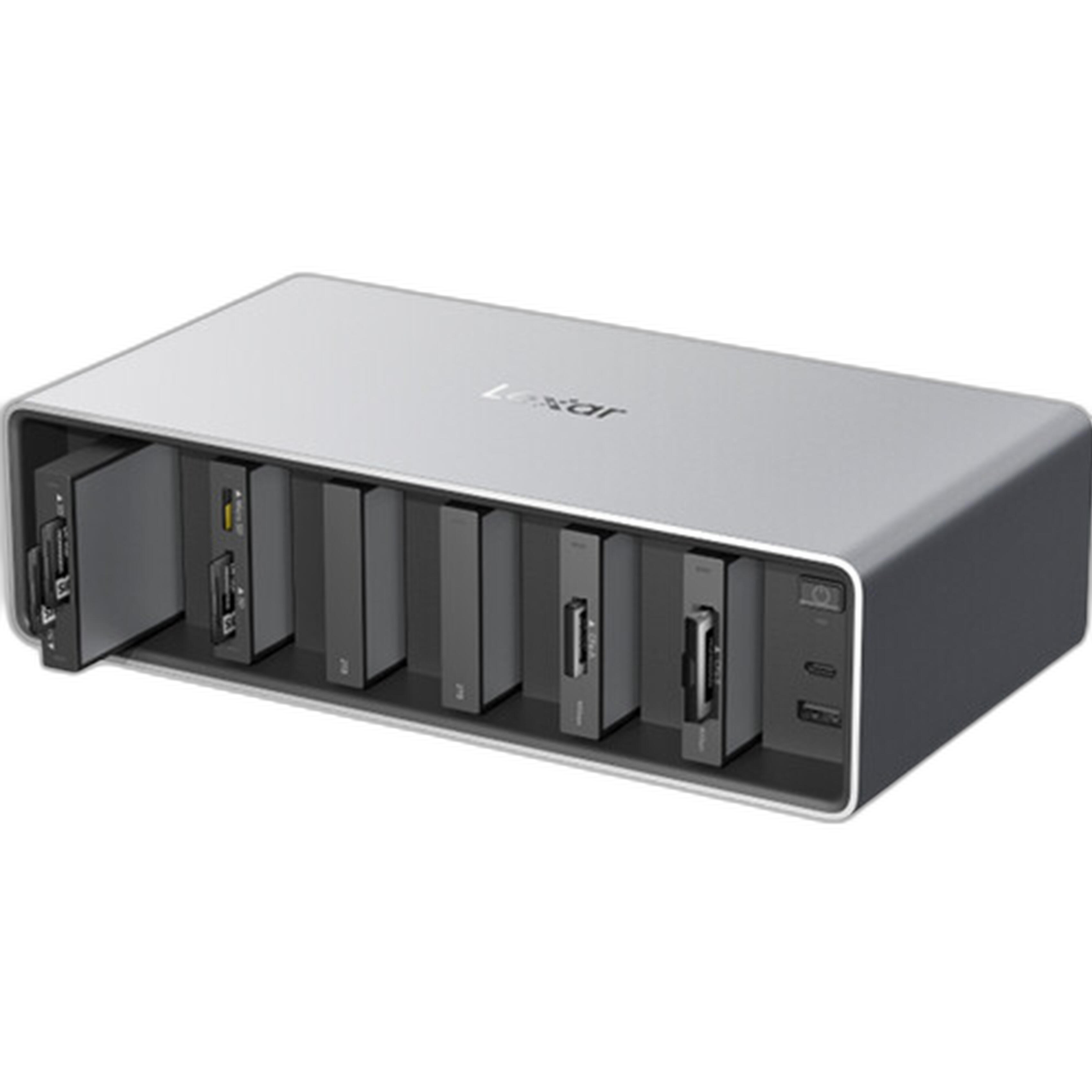
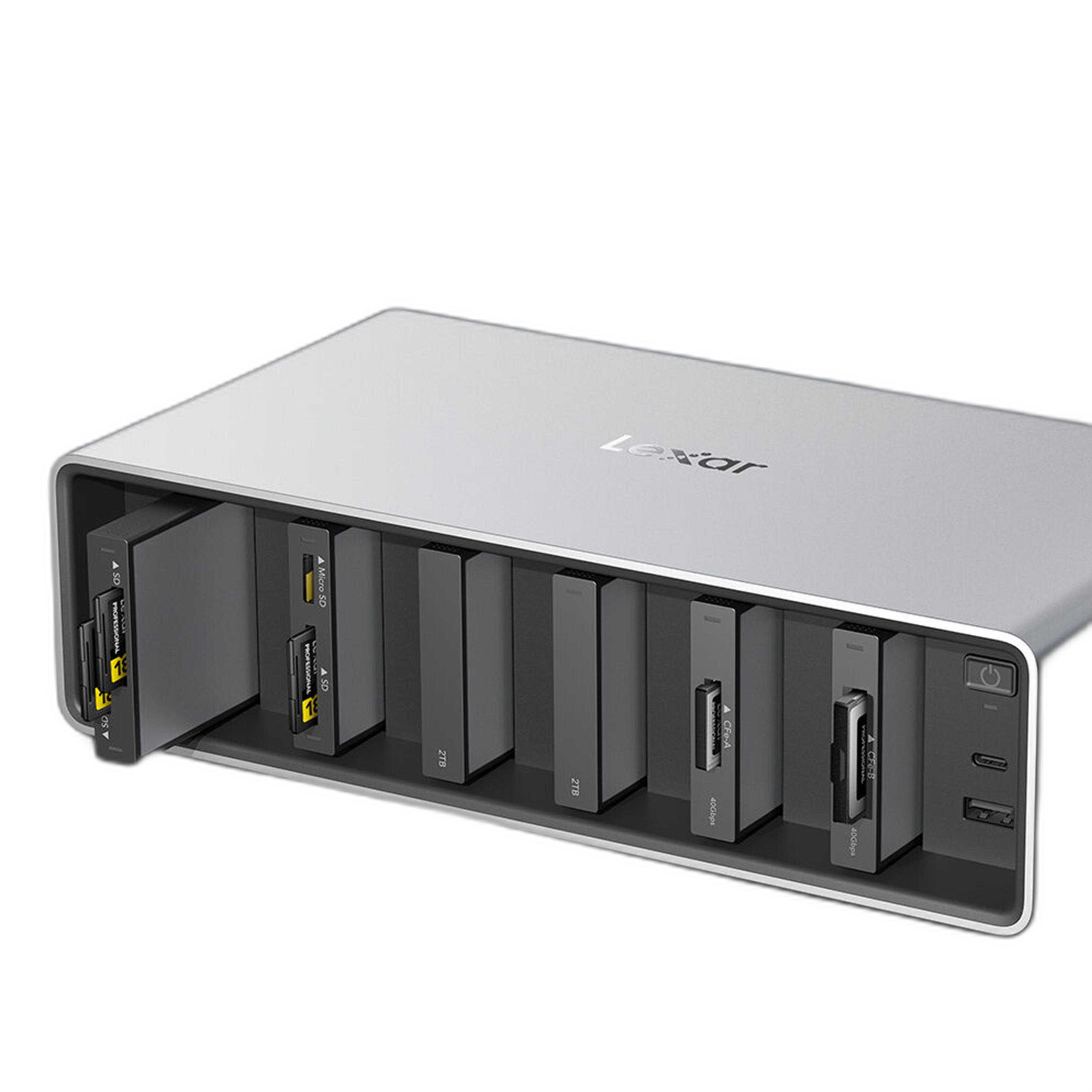
| Lexar Professional Workflow Dock Station - 6-Bays | Dock Station | 6-bay | Centralized workflow hub for media management | Studios and creators handling multiple media devices |
What Matters Most for RAW Processing Workflows
RAW processing puts pressure on every stage of production. First, you need reliable acquisition hardware that can preserve quality and provide a clear view of exposure and color on set. Then you need enough transfer speed and storage organization to keep editing from slowing down once files hit your workstation.
That means your ideal setup may not be a single product. It may be a combination: an Atomos recorder in the field and a Lexar storage solution in post.
Best Atomos Options for RAW Capture
The Atomos Shogun Ultra 7 inch 8K RAW HDR Monitor/Recorder stands out as the most advanced option here for creators who want a serious capture and monitoring tool. A 7-inch display is easier to evaluate than a smaller on-camera monitor, especially when checking focus, exposure, and HDR delivery considerations. If your workflow involves high-resolution RAW recording and more demanding productions, this is the strongest fit in the group.
The Atomos Shogun 7 inch 6K RAW HDR Monitor/Recorder is also compelling for editors who want the bigger 7-inch form factor but do not necessarily need the top-end 8K-oriented positioning of the Ultra. It still supports a RAW-centric production style and gives you the viewing comfort of a larger display for on-set decision-making.
On the more compact side, the Atomos Ninja RAW 5.2in Monitor and Recorder is appealing for filmmakers who build lightweight rigs or need a monitor-recorder that stays portable. Smaller monitors can be less comfortable for prolonged critical review, but they are often ideal for handheld, gimbal, and travel use.
The Atomos Ninja V+ 5.2 8K HDMI H.265 Raw Recording Monitor adds another attractive compact option, especially for users interested in a smaller body while still aiming at high-end recording capabilities. If your workflow balances portability with advanced recording needs, this model makes a lot of sense.
Best Lexar Options for Post-Production and File Movement
Once you start working with RAW footage or large still-image exports, transfer speed and storage capacity become just as important as your capture format. The Lexar Professional Workflow Portable SSD 4TB is the best match here for editors dealing with heavy project loads. A 4TB portable SSD gives you more breathing room for active projects, backup copies in the field, or keeping multiple shoots accessible without constant juggling.
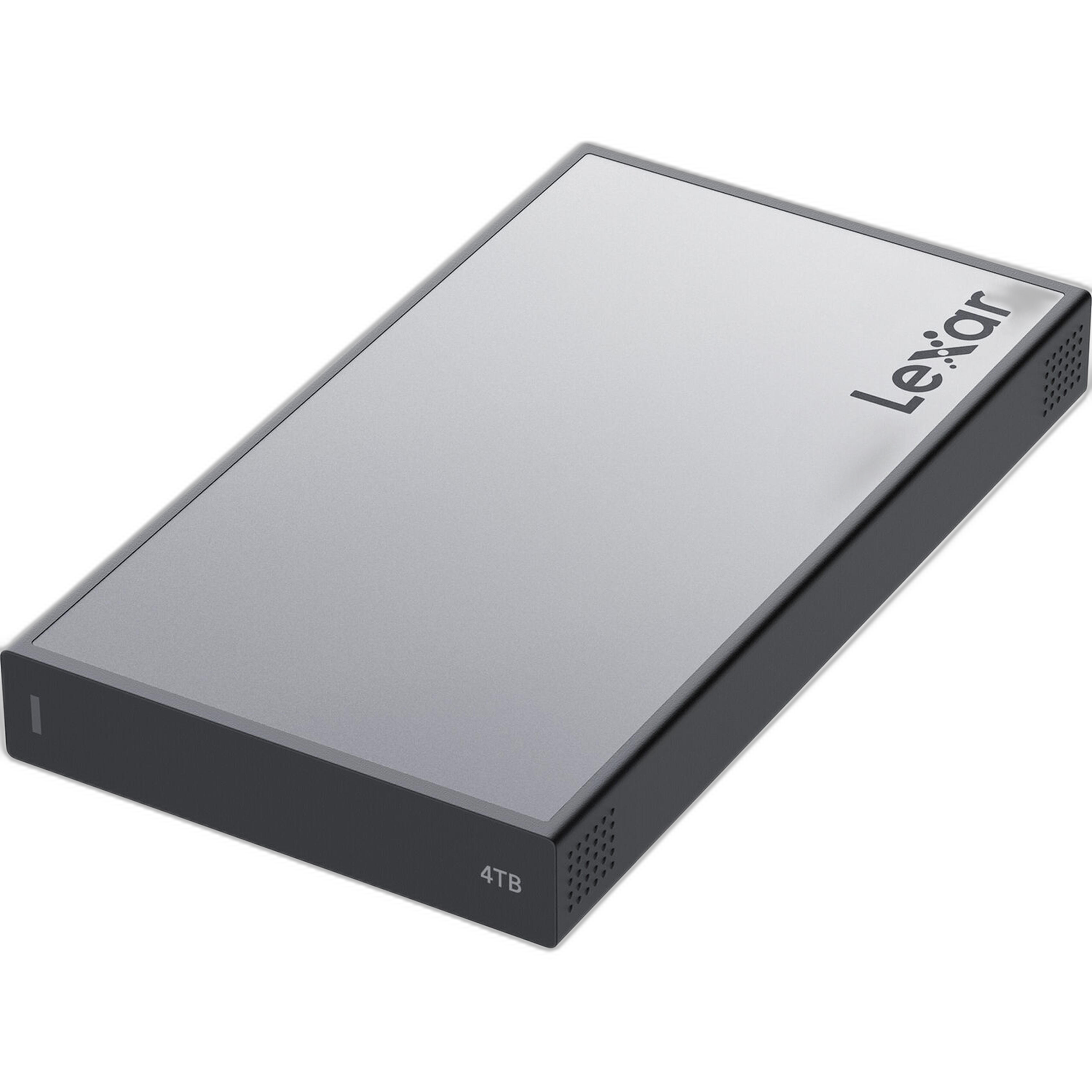
The Lexar Professional Workflow Portable SSD 2TB is better suited for lighter editing kits, travel workflows, and creators who want speed in a smaller-capacity package. If you mostly shoot short-form projects, social video, or smaller RAW sessions, 2TB may be the more economical sweet spot.
The Lexar Professional Workflow Dock Station - 6-Bays is the infrastructure pick. Rather than just adding storage, it helps organize the whole ingest process. For editors or studios handling multiple card types, drives, and accessories, a dock station can reduce clutter and streamline the handoff from shoot to edit station.
Portability vs. Monitoring Comfort
If your RAW workflow begins in the field, one of the first decisions is whether you prioritize a larger screen or a more compact rig. The 7-inch Atomos Shogun models are easier for prolonged monitoring and collaborative on-set viewing. They are better for controlled productions where image evaluation is critical. The 5.2-inch Ninja models, by contrast, are more practical when size and weight affect how you shoot.
For post-production portability, the same idea applies. The Lexar portable SSDs are excellent for editors moving between location, studio, and client spaces. The dock station is less about travel and more about building a stable, efficient home base.
Which Setup Makes the Most Sense?
For many creators, the best recommendation is to pair categories rather than choose one product in isolation:
- High-end video creators: Atomos Shogun Ultra + Lexar Workflow Portable SSD 4TB
- Compact hybrid shooters: Atomos Ninja V+ or Ninja RAW + Lexar Workflow Portable SSD 2TB
- Studio-based editors and teams: Atomos recorder of choice + Lexar Workflow Dock Station
Our Pick
Best overall for demanding RAW workflows: Atomos Shogun Ultra 7 inch 8K RAW HDR Monitor/Recorder
If we had to choose one standout product for creators focused on RAW-heavy capture and editing, the Shogun Ultra is the strongest recommendation. It offers the most ambitious positioning in this group, combines a large 7-inch viewing experience with 8K RAW capability, and makes the most sense for serious users who want to future-proof their acquisition workflow.
Best companion for post-production: Lexar Professional Workflow Portable SSD 4TB
If your bottleneck is file movement and active-project storage, the 4TB Lexar portable SSD is the practical add-on that will likely make the biggest day-to-day difference in editing efficiency.
Conclusion
Better RAW processing is not just about what happens in your editing software. It starts with how you capture footage, how confidently you monitor it, and how efficiently you move and store your files afterward. The Atomos Shogun and Ninja models are excellent tools for improving the front end of a RAW workflow, while the Lexar Workflow SSDs and Dock Station help keep post-production fast and organized.
If you’re building a more reliable editing pipeline, Unique Photo offers strong options for both capture and post, whether you need an advanced Atomos monitor-recorder, a high-capacity Lexar SSD, or a workflow dock to bring everything together.