If you're just getting started with photo editing, one of the biggest questions is simple: should beginners use Lightroom or Capture One? Both platforms are powerful, professional-grade tools, but they approach organization, color, tethering, and overall workflow a little differently. At Unique Photo, we regularly help new photographers choose software that matches their shooting style, skill level, and long-term goals.
In this guide, we'll break down Lightroom vs. Capture One for beginners, explain which workflow makes the most sense for different types of photographers, and share a few practical tools and learning resources that can make the editing process easier from day one.
Lightroom vs. Capture One for Beginners: What's the Main Difference?
At a high level, Adobe Lightroom is often seen as the more approachable choice for beginners because it combines photo organization, editing, presets, syncing, and export tools in a workflow that feels streamlined and familiar. Capture One, on the other hand, is widely respected for its advanced color tools, excellent tethering performance, and deeper session-based workflow options.
For a beginner, the best choice usually comes down to how you plan to work:
- Choose Lightroom if you want an easier learning curve, broad tutorial support, strong cataloging, and a common workflow used by hobbyists and professionals alike.
- Choose Capture One if you care deeply about color control, studio shooting, tethered capture, and highly customizable workspaces.
Unique Photo often recommends Lightroom for general-purpose beginners and Capture One for photographers who already know they want to grow into studio, portrait, fashion, or product photography workflows.
Is Lightroom Easier for Beginners?
For many users, yes. Lightroom is often easier to learn because its interface is more familiar and its editing flow is straightforward: import, cull, adjust, export. The Library and Develop modules in Lightroom Classic are designed to help new users understand where each part of the workflow happens.
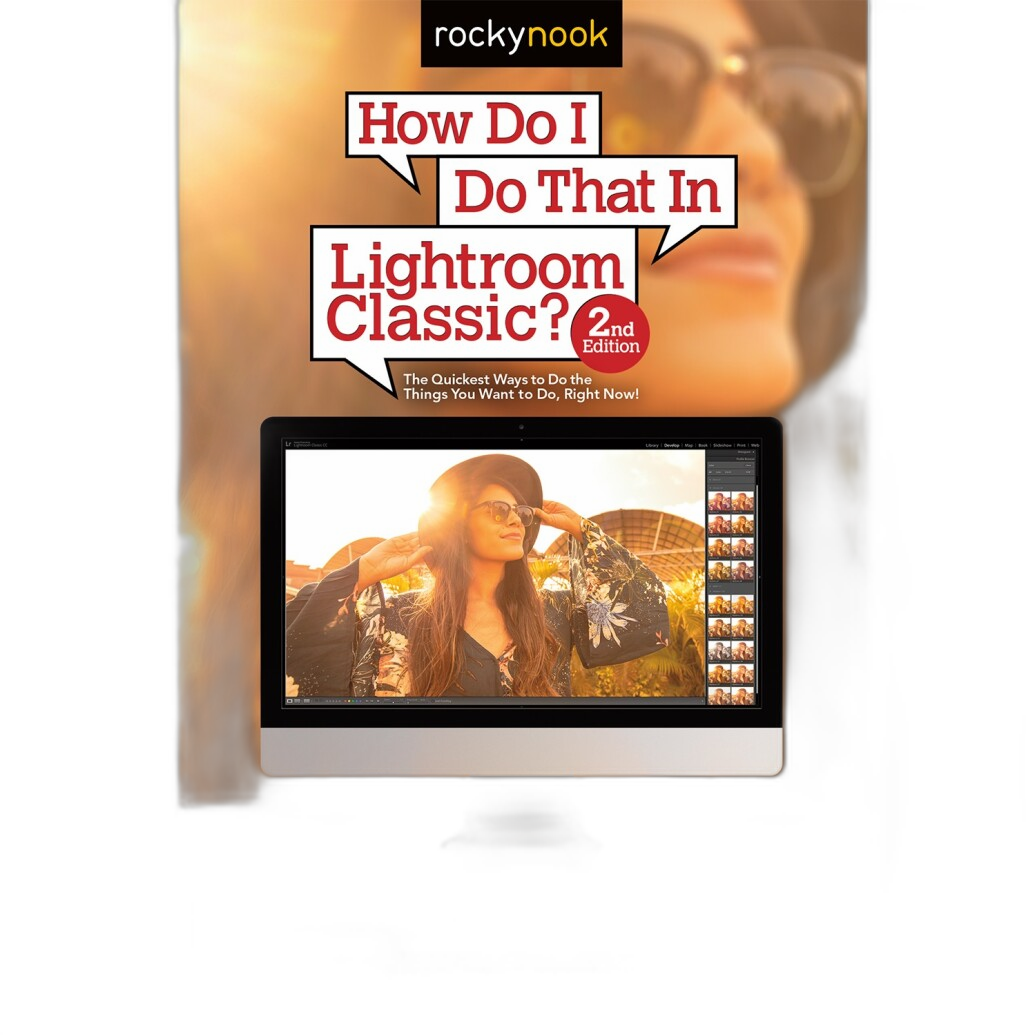
Lightroom also has a huge educational ecosystem. There are countless tutorials, preset packs, classes, and books available, which makes troubleshooting much easier when you're learning. If you're starting from scratch and want a solid foundation, a book like How Do I Do That In Lightroom Classic 2nd Ed by Scott Kelby can help simplify the early learning stages.
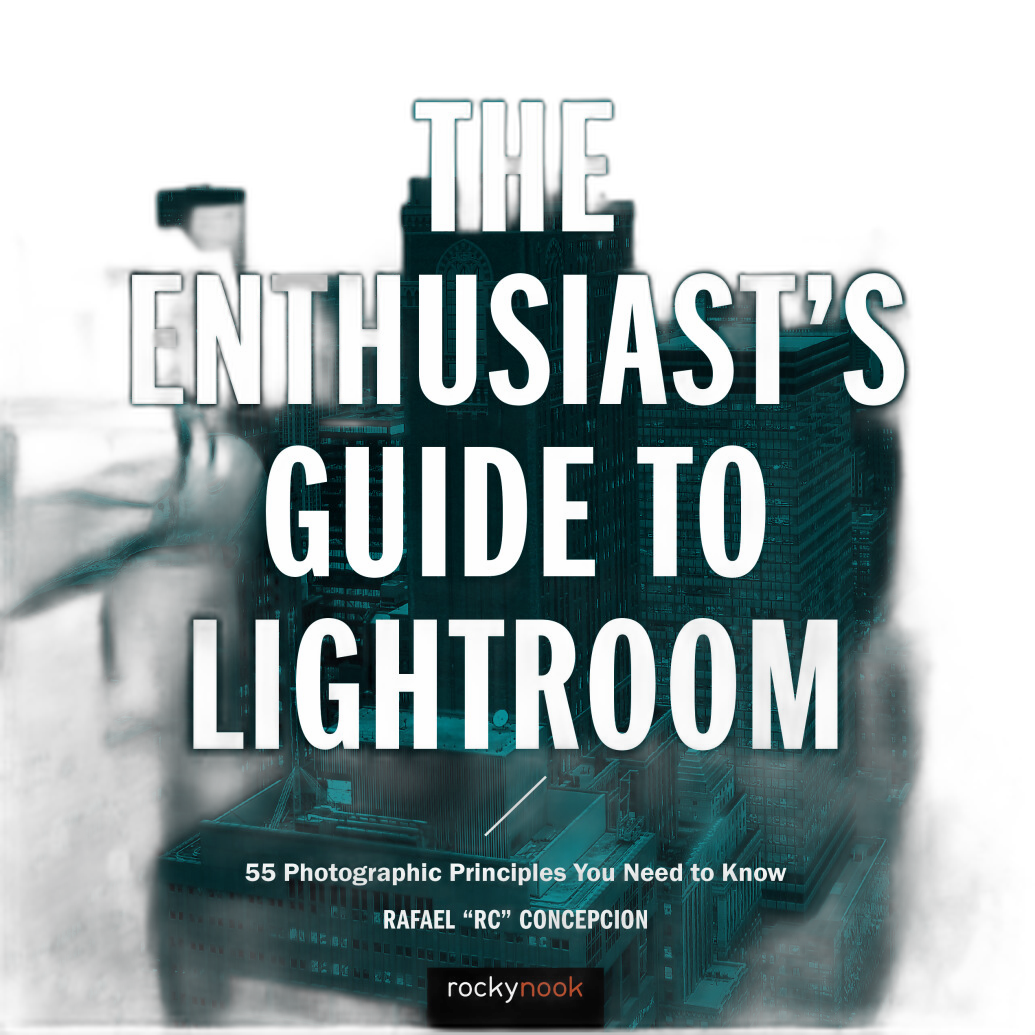
Another strong option for new editors is The Enthusiasts Guide to Lightroom by Rafael Concepcion, which is ideal for understanding not just the software, but the bigger picture of how to build a practical editing routine.
Is Capture One Better Than Lightroom for Photo Editing?
Not universally better, but better for some users. Capture One is especially strong when it comes to:
- Color editing and color grading
- Tethered shooting workflows
- Layer-based local adjustments
- Customizable workspace layouts
- Session workflows for studio and client projects
Beginners who are serious about commercial work may actually prefer Capture One if they don't mind a slightly steeper learning curve. Its tools can feel more technical at first, but they offer impressive control once you understand them.
If you're leaning in that direction, educational resources can make a major difference. Unique Photo carries books like Capture One Pro 10 by Sascha Erni and Capture One Pro 9 by Sascha Erni, both of which can still be helpful for understanding the software's core editing concepts and workflow philosophy.
Lightroom Workflow for Beginners
A beginner-friendly Lightroom workflow usually looks like this:
- Import your images into a catalog with organized folders and file naming.
- Cull your photos using flags, stars, or color labels.
- Apply global adjustments like exposure, white balance, contrast, and lens corrections.
- Make local edits using masks, gradients, and spot healing.
- Sync edits across similar images from the same shoot.
- Export for web, print, or client delivery.
This workflow is one reason Lightroom remains such a popular recommendation for beginners. It's efficient, scalable, and works well for travel, family, portrait, event, and landscape photography.
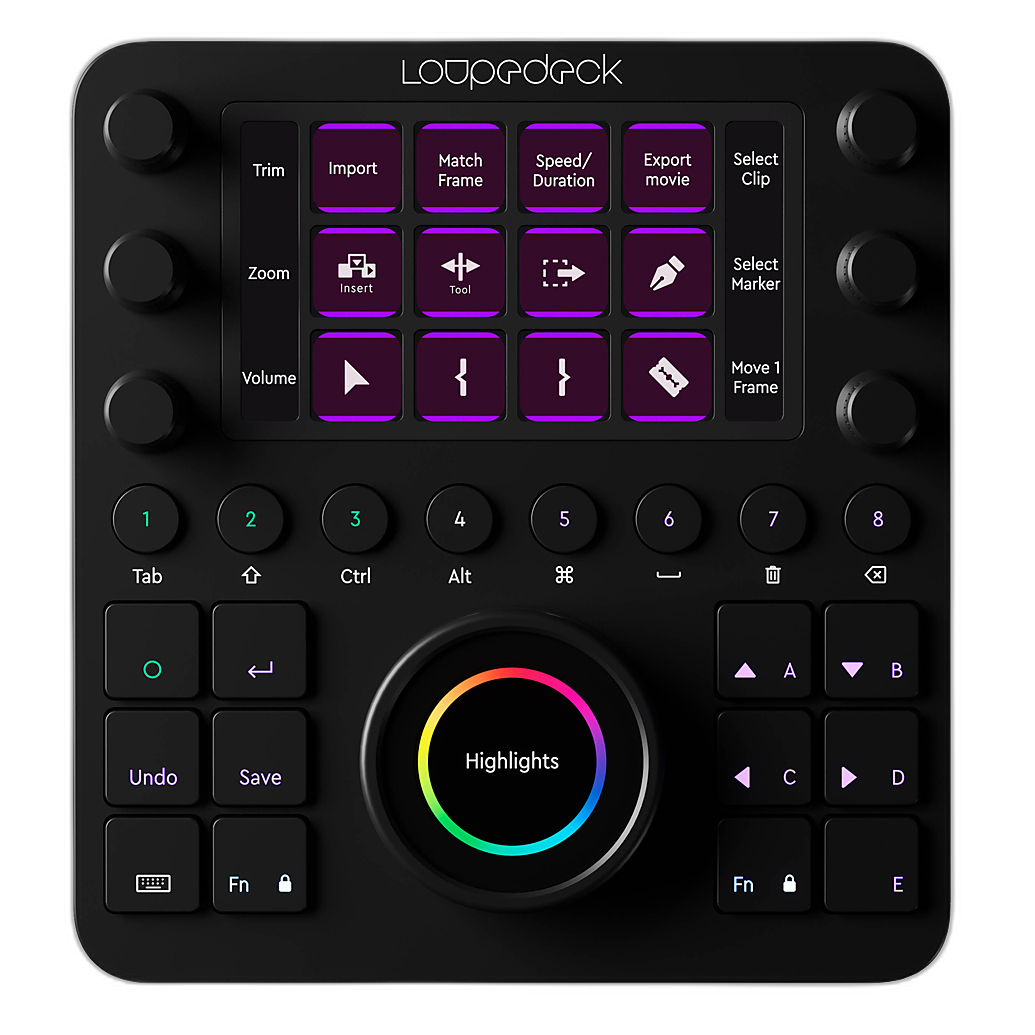
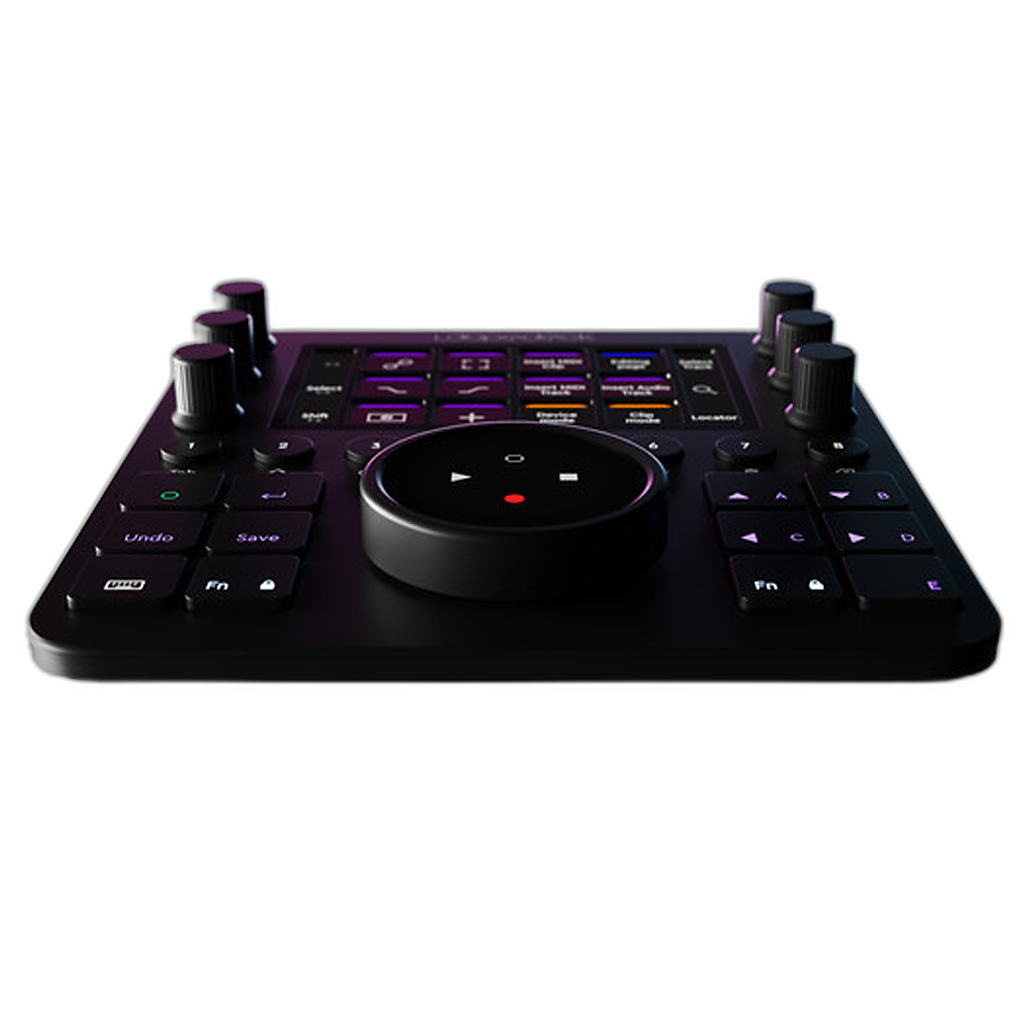
For those learning on a laptop or desktop setup, adding tactile controls can speed things up. The Loupedeck Creative Tool is a helpful accessory for photographers who want faster hands-on editing and customizable controls for repetitive tasks.
Capture One Workflow for Beginners
A Capture One workflow can be just as effective for beginners, but it helps to understand whether you want to use catalogs or sessions. Sessions are particularly popular with studio and commercial shooters because they keep capture, selects, output, and trash folders neatly contained within a project.
A simple beginner Capture One workflow looks like this:
- Import into a catalog or create a session.
- Rate and sort images using tags and filters.
- Adjust exposure and white balance.
- Refine color with advanced color editor tools.
- Use layers for local retouching and selective corrections.
- Export recipes for multiple file types and delivery needs.
Capture One can feel more deliberate and studio-oriented. If that sounds like your direction, it may be the better long-term investment in your workflow knowledge.
Lightroom vs. Capture One for RAW Editing
Both Lightroom and Capture One are strong RAW editors, but users often compare them in a few key areas:
- Color rendering: Capture One is often praised for color depth and skin tone control.
- Highlights and shadows: Lightroom is very capable and easy to use for balanced tonal recovery.
- Sharpening and detail: Capture One has a reputation for excellent detail rendering.
- AI and ecosystem tools: Lightroom benefits from Adobe's broader creative ecosystem.
For most beginners, either platform will produce excellent image quality. The more important question is which workflow helps you edit consistently and confidently. Unique Photo encourages new photographers to focus less on winning software debates and more on building a repeatable process.
Which Editing Software Is Better for Portraits, Events, and Travel?
If you're shooting portraits, both are solid choices. Capture One may appeal more to photographers who want refined skin tone tools and studio precision. Lightroom is often better for portrait beginners who need speed, presets, and easy batch editing.
If you're shooting events or weddings, Lightroom's cataloging and batch workflow can be very appealing for managing large image counts.
If you're shooting travel, family, or everyday photography, Lightroom is often the simplest starting point because it handles organization and editing in one familiar system.
If you plan to move into commercial, fashion, product, or tethered studio photography, Capture One may be the better fit over time.
Beginner Editing Workflow Tips No Matter Which Software You Choose
Whether you choose Lightroom or Capture One, a good beginner workflow should stay simple and repeatable. Here are a few recommendations:
- Create a folder structure by year, month, and project name.
- Back up your files before you start editing.
- Cull before editing so you don't waste time on weak images.
- Master basic adjustments first: exposure, white balance, contrast, crop, and straightening.
- Use presets or styles carefully as a starting point, not a shortcut for every image.
- Export with purpose based on social media, print, portfolio, or client needs.
Beginners can also benefit from educational books rather than relying only on random online tips. Unique Photo offers several photo editing guides that help turn scattered knowledge into a real workflow.
Recommended Learning Resources and Workflow Accessories
If you're still deciding or want to learn faster, these resources can help support your editing journey:
- How Do I Do That In Lightroom Classic 2nd Ed by Scott Kelby for approachable Lightroom instruction
- The Enthusiasts Guide to Lightroom by Rafael Concepcion for workflow-focused Lightroom learning
- Capture One Pro 10 by Sascha Erni for understanding Capture One's capabilities
- Capture One Pro 9 by Sascha Erni for foundational Capture One concepts
- Loupedeck Creative Tool for faster editing with tactile controls and custom shortcuts
Final Verdict: Should Beginners Start with Lightroom or Capture One?
For most beginners, Lightroom is the easier starting point. It offers a gentler learning curve, powerful organization tools, broad support, and an efficient workflow for a wide range of photography styles.
Capture One is an excellent choice for beginners who already know they want a more color-focused, studio-friendly, and customizable editing environment. It may take longer to learn, but it can be incredibly rewarding for the right type of photographer.
At Unique Photo, the best recommendation is always the one that matches how you shoot and how you want to grow. If you're unsure, start by thinking about your subject matter, how many images you edit at once, whether you need tethering, and how comfortable you are learning new software.
As you build your workflow, consider exploring more educational resources and accessories from Unique Photo to make the process smoother. Good internal linking opportunities for this article include guides on photo editing accessories, beginner photography books, monitor calibration for photographers, and how to organize your photo library.