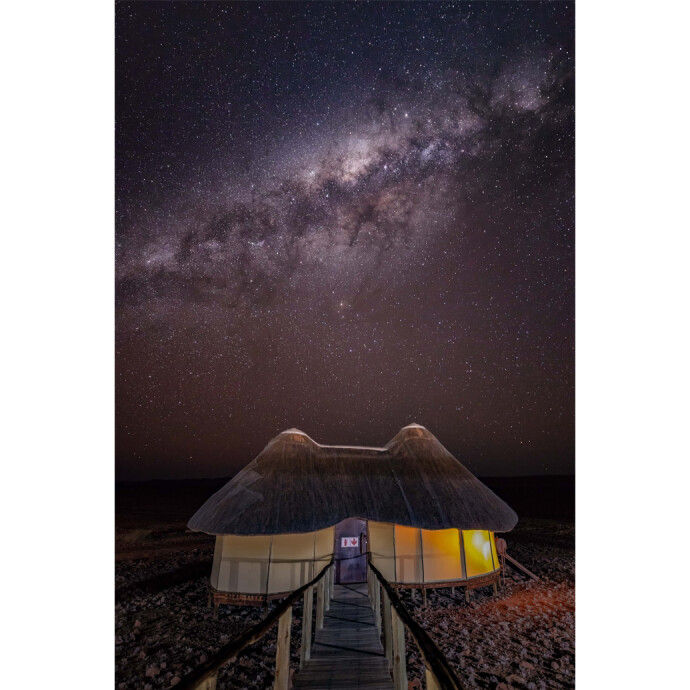
Introduction: Turning Good Nature Photos into Award-Winning Entries
Local camera clubs and national organizations judge more than just a pretty scene—they reward technical excellence, intentional storytelling, and prints or files that look refined, clean, and immersive. If you’re serious about placing higher in competitions, post-production is where many winning entries pull ahead. That’s why Editing and Enhancing Landscape and Nature Photography with Photoshop (SKU: UUU237) from Unique University stands out: it focuses squarely on the finishing skills that judges notice first.

Positioned for landscape and nature shooters who want to elevate impact without straying from natural-looking results, this class emphasizes tasteful, competition-appropriate refinement in Photoshop—so your work reads as intentional, clean, and print-ready.
Who It’s For
If you’re submitting to local club salons, regional exhibitions, or national competitions and you keep hearing feedback like “needs more contrast control,” “distracting highlights,” or “lacks pop,” this course is designed for you. It’s especially valuable for photographers who already capture solid files in the field but want a confident, repeatable finishing workflow that holds up under a judge’s loupe.
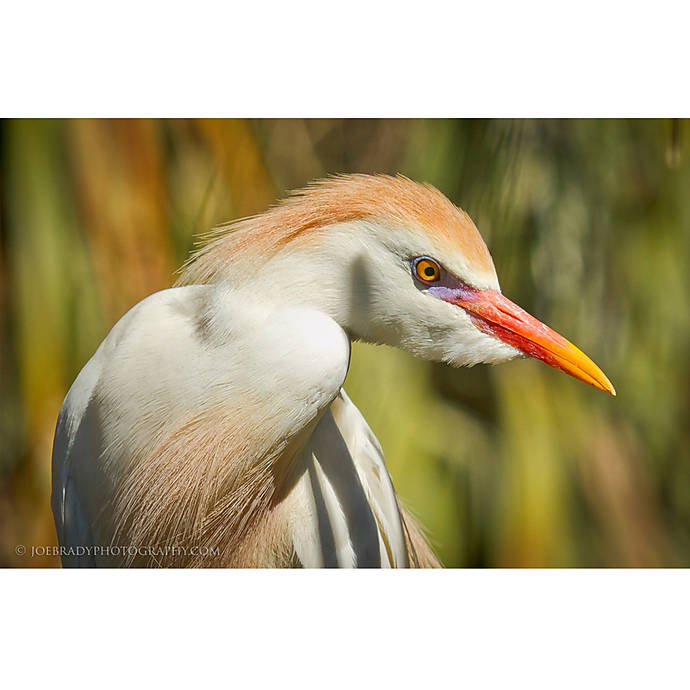
Key Features that Boost Your Competition Success
Judging-Aware, Natural-Looking Finishes
Winning images rarely scream “heavy editing.” This class centers on subtle, professional polish—tones that sit beautifully, color that feels honest, and local adjustments that guide the eye without calling attention to themselves. Expect a focus on refinement, not gimmicks.
Global-to-Local Control
Great competition work balances overall tonality with precise local emphasis. The instruction emphasizes moving from foundational global adjustments to thoughtful local work—selective contrast, micro-contrast, and glow control—so your subject reads clearly and distractions recede.
Color Consistency and Realism
Judges favor believable color. You’ll practice techniques that help you tame casts, unify palettes, and use color to support mood. The result: images that feel rich yet realistic, with colors that reproduce reliably on both screen and print.
Clean-Up and Distraction Management
Sensor spots, edge clutter, and tiny speculars are small but costly in competition. The course focuses on ethical clean-up—removing dust, taming hotspots, and minimizing minor distractions—common allowances in most landscape and nature categories.
Detail, Noise, and Output Sharpness
Expect practical guidance on noise management and selective sharpening approaches that preserve texture in rocks, foliage, and water, while keeping skies and bokeh clean. Your files will look crisp without halos or crunchy artifacts that judges instantly notice.
Submission-Ready Prep
You’ll come away confident prepping files for both digital and print rounds—paying attention to aspect ratio, sizing, color space, and tasteful presentation choices that honor competition rules and maximize perceived quality.
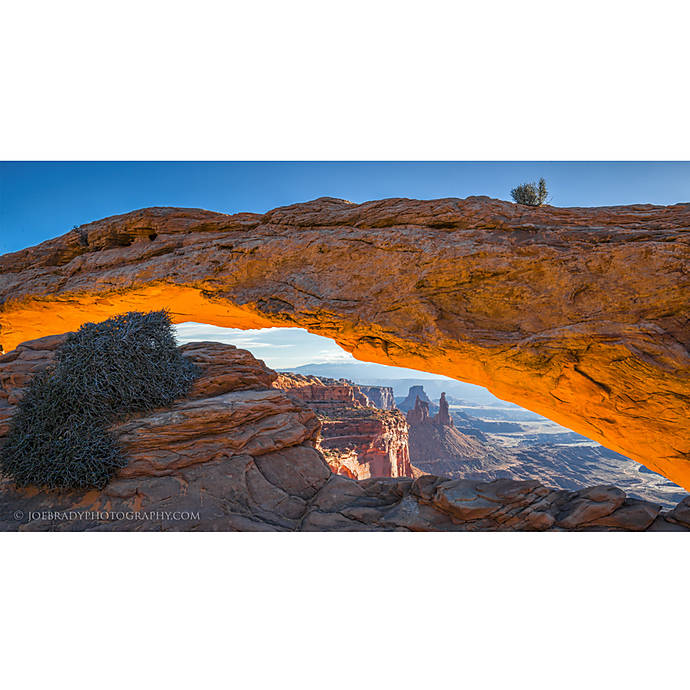
Competition-Focused Tips You’ll Apply
- Edit to your category: nature categories typically allow tonal/color changes, cropping, and distraction cleanup, but not adding/removing significant elements. Always re-check each competition’s rules.
- Guide the eye: subtle dodging/burning and local contrast are your best friends for emphasizing a subject within a busy scene.
- Control the edges: judges scan perimeters for bright leaks or clutter; clean edges elevate perceived professionalism.
- Keep skies natural: avoid banding and over-saturated gradients; blend noise reduction and sharpening selectively.
- Proof for prints: soft proof and adjust for paper gamut; a print-first mindset often pays off even in digital rounds.
- Build a repeatable workflow: consistency across a series can matter as much as any single image.
Pros and Cons
- Pros
- - Competition-oriented finishing that stays natural and judge-friendly
- - Strong emphasis on detail, tone, and color discipline
- - Clear, repeatable workflow that scales from single images to series
- - Ideal complement to a fieldcraft-first shooting style
- Cons
- - Photoshop-centric; not a deep dive on field technique or camera settings
- - Best for landscape/nature work; less applicable to street or conceptual composites
- - Not a substitute for reading specific competition rules
Verdict
Editing and Enhancing Landscape and Nature Photography with Photoshop is a targeted, high-value class if your goal is to place higher in photo competitions. It won’t replace strong fieldcraft or great light, but it will help your images reach their full potential—with cleaner edges, truer color, and a more intentional visual flow that judges reward. For landscape and nature competitors who want results that look refined rather than overcooked, this is an easy recommendation.
Recommendation
Buy if: you’re submitting to local or national competitions and want a professional, repeatable finishing process that preserves realism while maximizing impact. Skip if: you’re seeking a capture-only course or a genre outside landscape/nature.
Available now at Unique Photo. Look up SKU UUU237 or ask a Unique Photo expert to help you schedule the next session and get competition-ready.