Fast, accurate delivery can be the difference between making deadline and missing the front page. Whether you're covering a festival, a press conference, or a fast-moving sports assignment, the winning approach blends preparation, tight workflow, and clear communication. Use these practical tips to speed up your turnaround without sacrificing quality.
Prep Before You Shoot
1. Align expectations with your editor
Before you pack your kit, confirm the nuts and bolts: deadlines, preferred file types (often sRGB JPEGs), resolution/long-edge size, naming conventions, transmission method (FTP, cloud, or DAM), and caption style. A written brief keeps your workflow focused when the action starts.
2. Preload metadata and sync camera clocks
Build a metadata template that includes your byline, copyright, contact info, and the standard caption structure your editor expects. Sync every camera body to the same time down to the second; when the clocks match, multi-camera edits and story sequencing go friction-free.
3. Standardize naming and folders
Create a repeatable structure you can reuse on every job (e.g., YYYYMMDD_Event/01_RAW, 02_JPEGS, 03_SELECTS, 04_DELIVERED). Use an export preset that names files predictably (e.g., YYYYMMDD_Client_Sequence.jpg). This cuts confusion for both you and your editor on a deadline.

If festival and event assignments are your bread and butter, consider sharpening your field workflow with Unique University’s “How to Capture Great Festival and Event Photos with David Wells.” Practical field strategies translate directly into faster, smarter deliveries when the schedule is tight.
On Assignment: Capture, Cull, and Send
4. Shoot RAW+JPEG and leverage dual slots
Set Slot 1 to RAW for quality and Slot 2 to small/medium JPEG for speed. You can transmit JPEGs immediately and keep the RAWs for deep edits later. Dual slots also give you instant redundancy if a card fails.
5. Ingest fast and caption as you cull
Use a fast card reader and tag winners on import. Apply your metadata template, then write concise, factual captions while details are fresh. Prioritize the first 3–5 frames that tell the story; edits can’t run until they have accurate captions.
6. Export in waves and transmit continuously
Don’t wait for the full gallery—deliver in batches. Export your top selects first using an sRGB JPEG preset (often 2800–3500 px long edge, quality 80–90 unless otherwise specified) and send immediately. Deliver additional waves as they’re ready so editors can build layouts as the story evolves.
Want to streamline batch processing and sharpening for deadline work? Unique University’s online Photoshop Mentoring can help you refine presets, actions, and export routines that shave valuable minutes off every delivery.
7. Build a mobile transmit and power kit
Keep a compact kit with a hotspot, high-speed card reader, short USB-C/Lightning cables, spare batteries, and a portable SSD. Label cables and keep a spare set. A reliable mobile kit ensures you can push images from anywhere—press risers, sidelines, or mixed-connectivity venues.
After You Hit Send: Verify, Archive, and Present
8. Confirm receipt and keep a delivery log
Follow your editor’s protocol for confirmation—email, chat, or a DAM notification. Track what you sent, when you sent it, and the filenames delivered. A simple log avoids re-sends and speeds follow-up edits.
9. Back up twice and separate your copies
Back up RAWs and delivered JPEGs to two locations before you leave the venue. Keep one drive on your person and another in your bag. Use consistent foldering so future retrieval of finals and captions is painless.
10. Curate a post-deadline highlights set
Once the rush is over, a tight highlights set helps you debrief with editors, pitch future stories, and maintain a physical archive for meetings and portfolio drops. A clean, presentable album turns your best frames into a tangible story.
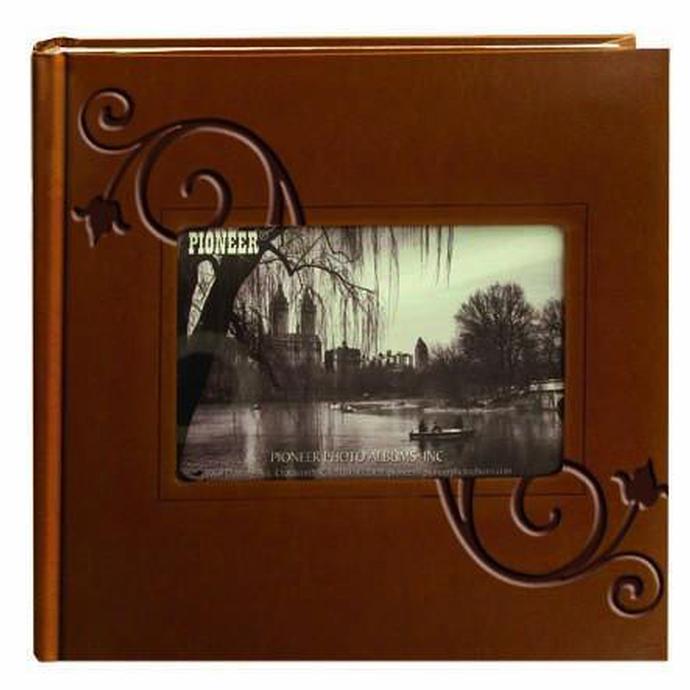
The Pioneer 4 x 6 in. Embossed Leather Frame Photo Album (200 Photos) offers an elegant way to present a post-event edit to stakeholders or keep a long-term clip file that travels well to in-person reviews.
The bi-directional design and memo areas on the Pioneer 4 x 6 in. Bi-Directional Memo Photo Album (200 Photos) make it easy to pair prints with captions or cutlines for fast reference during editorial meetings.
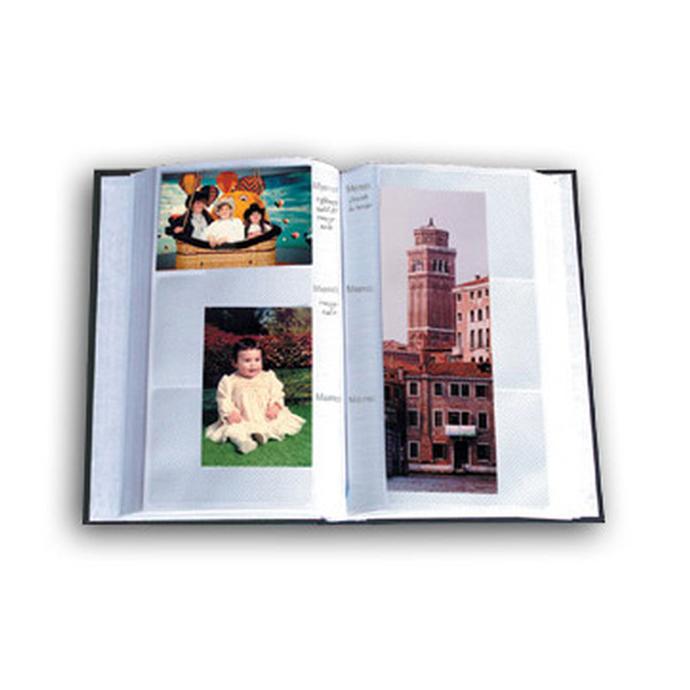
Need room to grow a season-long or multi-day assignment? Pioneer Album Refill Pages for BP-200 extend your archive without reworking your system.
Wrap-Up
Speed comes from systems: prep solid metadata, capture with delivery in mind, export in waves, and verify receipt. Then archive smartly so you can move even faster next time. If you want to refine your field and post workflows, explore classes and resources at Unique Photo—and consider physical albums to keep a sharp, tangible record of your best work.