Best Post-Processing Tips for Contest Entries
Strong contest entries are rarely made in-camera alone. The final image often depends on thoughtful post-processing, careful presentation, and a clear understanding of what judges respond to. For photographers looking to improve their contest submissions, the best approach is usually a combination of education, inspiration, and a reliable workflow for reviewing and presenting finished work.
In this comparison, we’re looking at several Unique Photo offerings and related workflow products that support different parts of that process: learning advanced editing techniques, studying winning contest imagery, handling film processing, and presenting final photographs in physical form.
Side-by-Side Comparison
| Product | Type | Best For | Key Strength | Limitation |
|---|---|---|---|---|
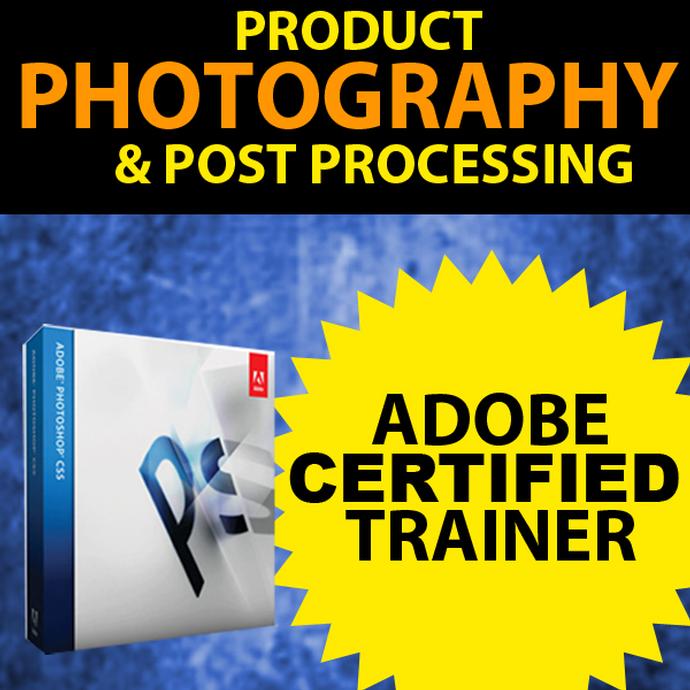
| Product Photography and Post Production Editing with Blake Taylor | Class | Photographers who want actionable editing guidance | Direct instruction on post-production techniques | Educational resource rather than a physical workflow tool |
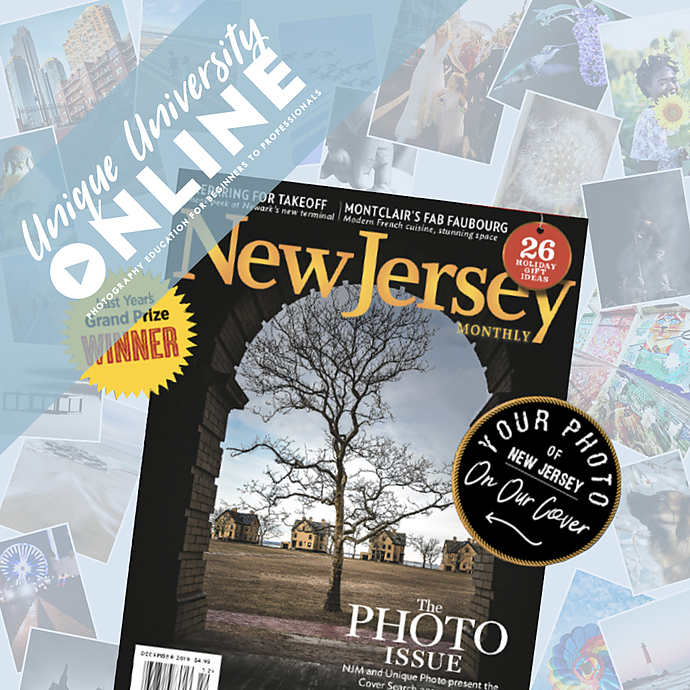
| UUOnline (Free): NJ Monthly 2020 Cover Search Contest Winners Reveal | Online event / inspiration | Understanding what successful contest work looks like | Insight into winning images and judging appeal | Less hands-on than a technical editing class |
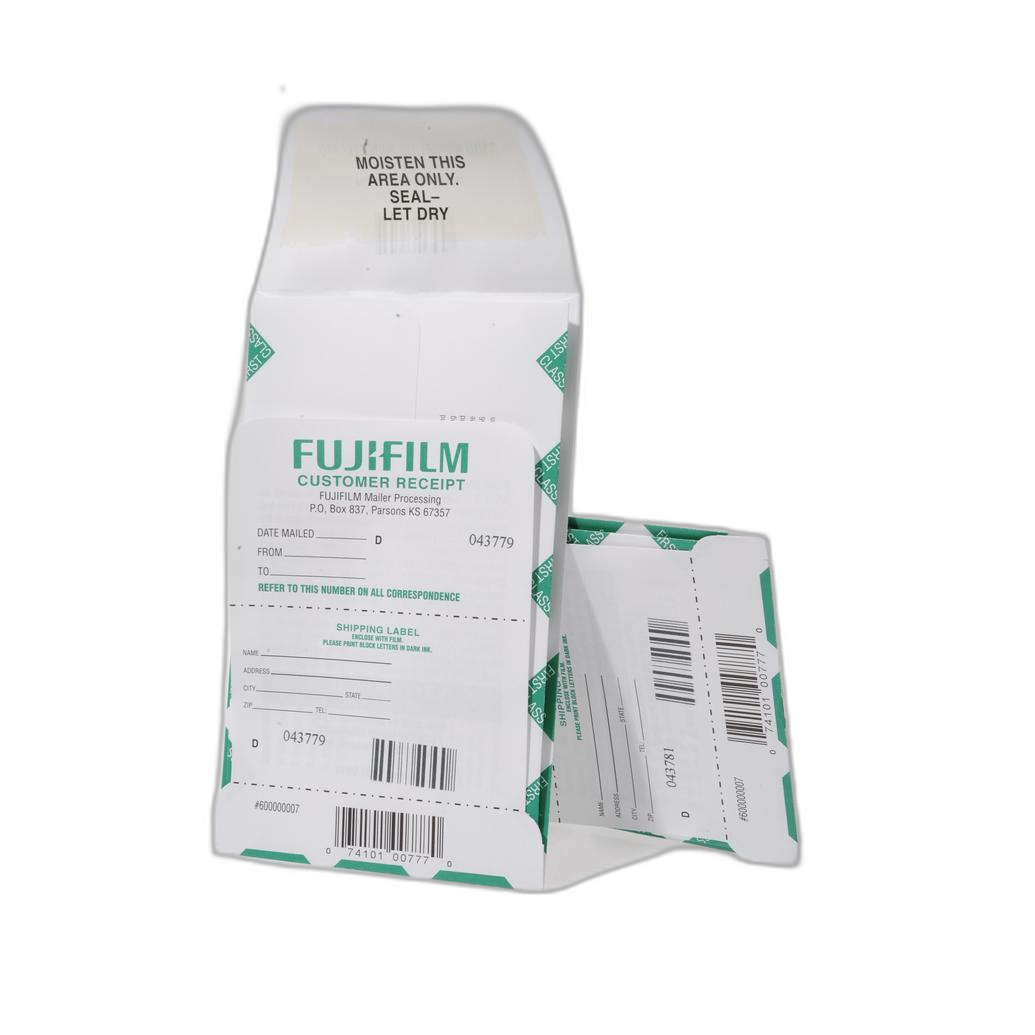
| Fujifilm Pre-Paid Processing Mailer 36 Exp(or 120) E-6/FujiChrome/Ektachrome | Film processing mailer | Slide film shooters entering contests | Convenient lab workflow for E-6 transparency film | Only relevant for film-based contest workflows |
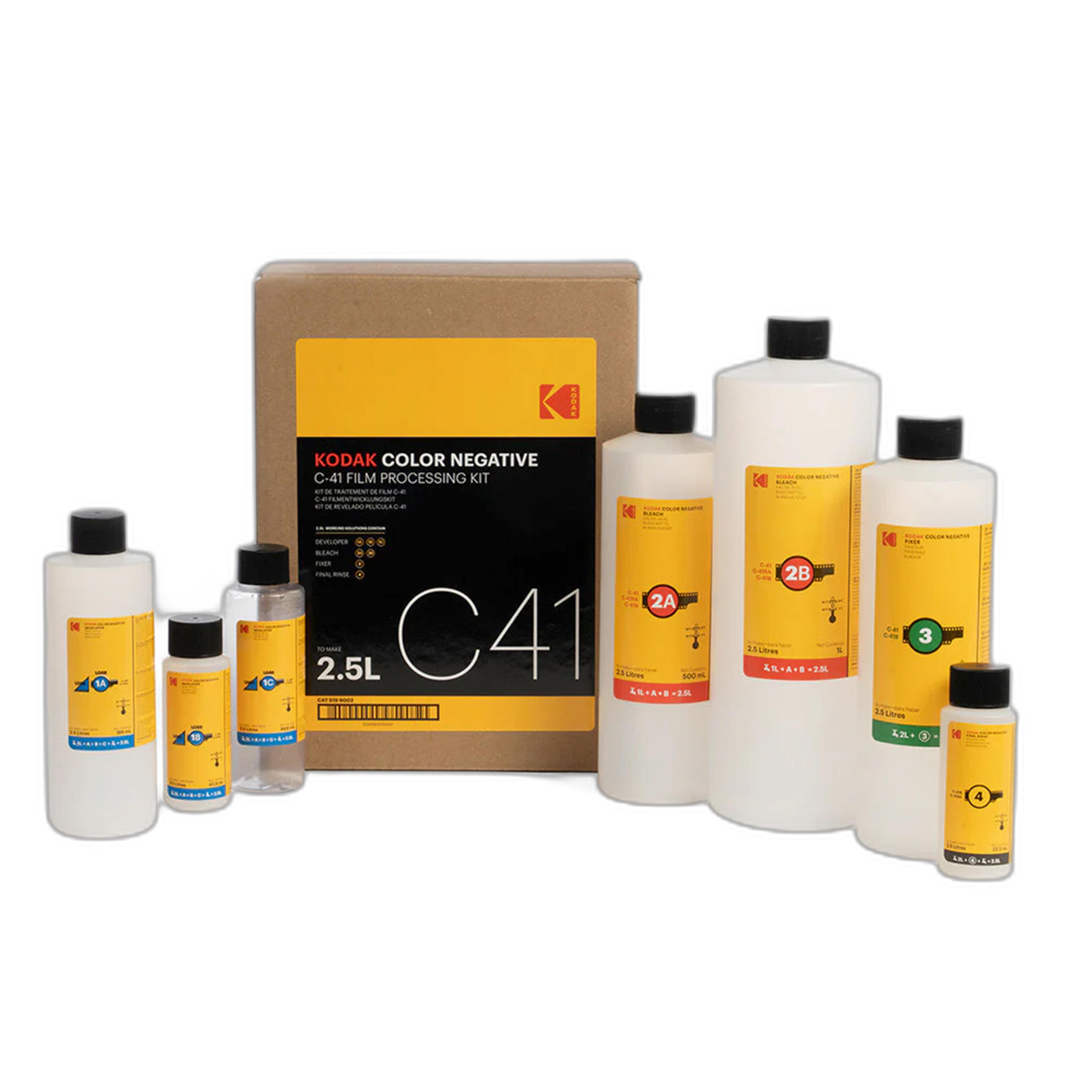
| Kodak Color Negative C-41 Film Processing Kit - 2.5 Liters | Processing kit | Photographers developing color negative film at home | Hands-on control over negatives before scanning and editing | Requires time, chemistry handling, and process consistency |
| Pioneer Photo Albums Slim Line Post-Style Pocket Album (4x6 Photos Black) | Album | Organizing proofs and printed selects | Simple review and archiving of contest candidates | Not a post-processing solution by itself |
What Matters Most in Contest Post-Processing?
When editing for contests, the goal is not to make an image look heavily processed. Instead, the aim is to refine the photograph so its subject, mood, and technical quality are clear and compelling. The best post-processing tips usually come down to a few essentials:
- Keep color believable unless the contest category clearly supports stylization.
- Control contrast so highlights and shadows retain important detail.
- Crop with intention to strengthen composition.
- Sharpen selectively, especially for print or web submission requirements.
- Remove distractions, but avoid over-retouching that makes the image feel artificial.
- Always export to the contest’s exact size, color space, and file format rules.
The products compared here each support one or more of those steps.
Best for Learning Editing Technique
Product Photography and Post Production Editing with Blake Taylor is the most directly relevant option in this comparison if your goal is to improve contest-ready post-processing. A focused class can help photographers understand not just which sliders to move, but why certain corrections strengthen a final image.
For contest entries, that matters because judges often respond to polish that feels invisible. Clean tonal control, thoughtful retouching, and consistency in style can separate a finalist from an almost-there image. A dedicated post-production class is especially valuable for photographers who know their work has potential but feel their final edits are not yet as strong as the capture itself.
If you want the most practical improvement to your contest editing workflow, this is the strongest fit.
Best for Understanding What Wins
UUOnline (Free): NJ Monthly 2020 Cover Search Contest Winners Reveal fills a different but equally important role. Studying winning images is one of the smartest ways to improve your own contest entries. It helps photographers see patterns in image selection, finishing style, subject impact, and overall presentation.
Even if this resource is not a technical editing course, it can sharpen your judgment during post-processing. For example, seeing which images stand out in a competitive setting can help you avoid over-editing, choose stronger crops, or identify when a simpler treatment actually makes the image more powerful.
For photographers entering contests regularly, inspiration and visual benchmarking are extremely useful companions to technical skill-building.
Best for Film Shooters Entering Contests
If your contest workflow begins with film, post-processing starts long before Lightroom or Photoshop. Development quality affects color, contrast, grain, and scan potential.
Fujifilm Pre-Paid Processing Mailer 36 Exp(or 120) E-6/FujiChrome/Ektachrome is the better choice for slide film photographers who want a convenient route to properly processed transparency film. Since E-6 film is often chosen for its punchy color and crisp rendering, consistency in processing is critical before digital editing even begins.
Kodak Color Negative C-41 Film Processing Kit - 2.5 Liters, on the other hand, is better suited to photographers who want direct control over their negative workflow at home. If you scan your own film for contest submission, the quality of development can have a major impact on how much correction is needed later. Better negatives usually mean cleaner color correction and more flexible tonal editing.
Between the two, the Fujifilm mailer is more convenient, while the Kodak kit offers more hands-on control.
Best for Reviewing and Presenting Final Picks
Not every contest workflow tool is software-related. Physical review can still be useful, especially when narrowing down multiple candidate images. The Pioneer Photo Albums Slim Line Post-Style Pocket Album (4x6 Photos Black) is a simple organizational tool for storing proofs or small prints of shortlisted entries.
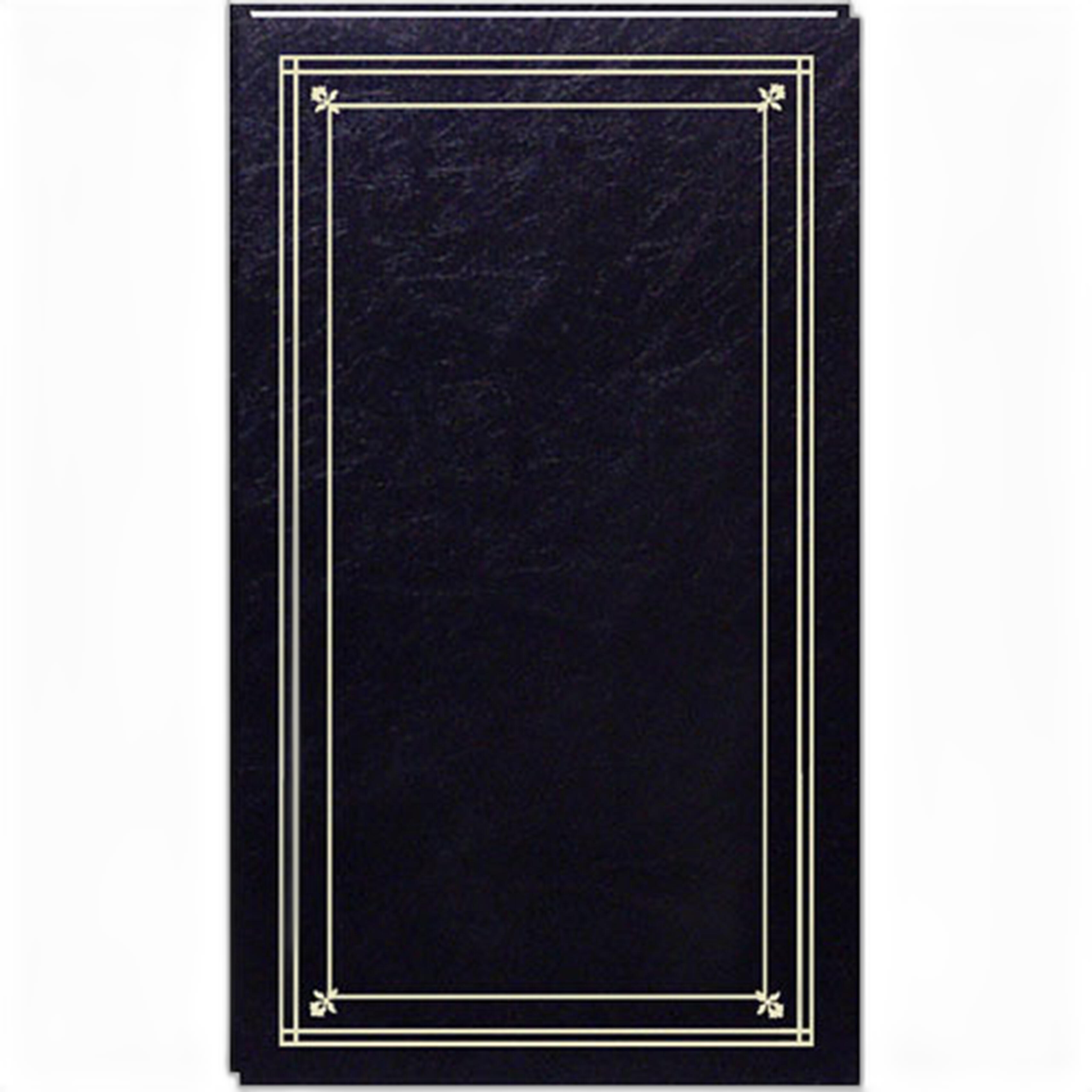
While it is not an editing product, it can support one of the most overlooked post-processing tips for contest entries: step away from the screen and evaluate your images with fresh eyes. Looking at printed versions can reveal whether an image still feels strong without zooming, toggling layers, or getting distracted by technical minutiae.
Our Pick
Our Pick: Product Photography and Post Production Editing with Blake Taylor
For most photographers searching for the best post-processing tips for contest entries, this is the clearest recommendation. It directly addresses the stage that has the greatest impact on final submission quality: editing and finishing. While inspiration from winners and reliable film processing are both valuable, a focused post-production class offers the most practical return for photographers who want stronger, more competitive images.
If your biggest need is to understand what makes an image stand out to judges, pair it with the NJ Monthly winners reveal resource for an even more complete contest-prep strategy.
Final Thoughts
The best contest entries come from a complete workflow: capture well, edit with restraint and purpose, study what wins, and present your strongest work confidently. Whether you need hands-on post-production education, insight from real contest winners, or film-processing support before scanning and editing, these tools each serve a different part of that journey.
For photographers building a stronger contest workflow, Unique Photo offers useful classes, online learning opportunities, and photographic tools to help refine both your images and your process.