Best Photo Editing Software FAQ: How to Choose the Right Workflow
Choosing photo editing software can feel overwhelming, especially when every photographer seems to have a different workflow, file format preference, and output goal. At Unique Photo, we recommend starting with how you shoot, how much you edit, and where your images end up—online, in print, in a portfolio, or preserved in an album.
Below, we answer some of the most common questions photographers ask when comparing editing platforms, organizing their workflow, and building a complete system from capture to print.
What should I look for first when comparing photo editing software?
The best place to start is with your actual needs rather than a feature checklist. If you mostly process large RAW files, look for strong cataloging, non-destructive editing, lens corrections, color management, and reliable export options. If your work leans toward retouching, compositing, or graphic design, layer-based editing and masking tools become much more important.
Many photographers benefit from using more than one application: one for importing and organizing, another for detailed retouching, and a final step for printing or delivery. A good workflow should help you move efficiently from culling to edits to output without creating duplicate files or unnecessary complexity.
Is one editing program enough for most photographers?
For many photographers, yes—but not for all. A single all-purpose editor may be ideal if you want straightforward RAW adjustments, basic local corrections, and batch exports. However, advanced users often combine software tools to get the best balance of speed, precision, and output quality.
For example, landscape, portrait, and event photographers may prefer a streamlined editor for high-volume processing, then switch to a pixel-level editor when they need skin cleanup, object removal, or more advanced masking. The key is choosing software that matches your pace and avoids slowing down your workflow.
How important are cataloging and file organization features?
They are extremely important—often more important than photographers realize at first. Even excellent editing tools become frustrating if you cannot quickly find images, sort projects, apply metadata, and create a consistent archive. If you shoot regularly, your software should support keywording, ratings, color labels, collections, and dependable folder management.
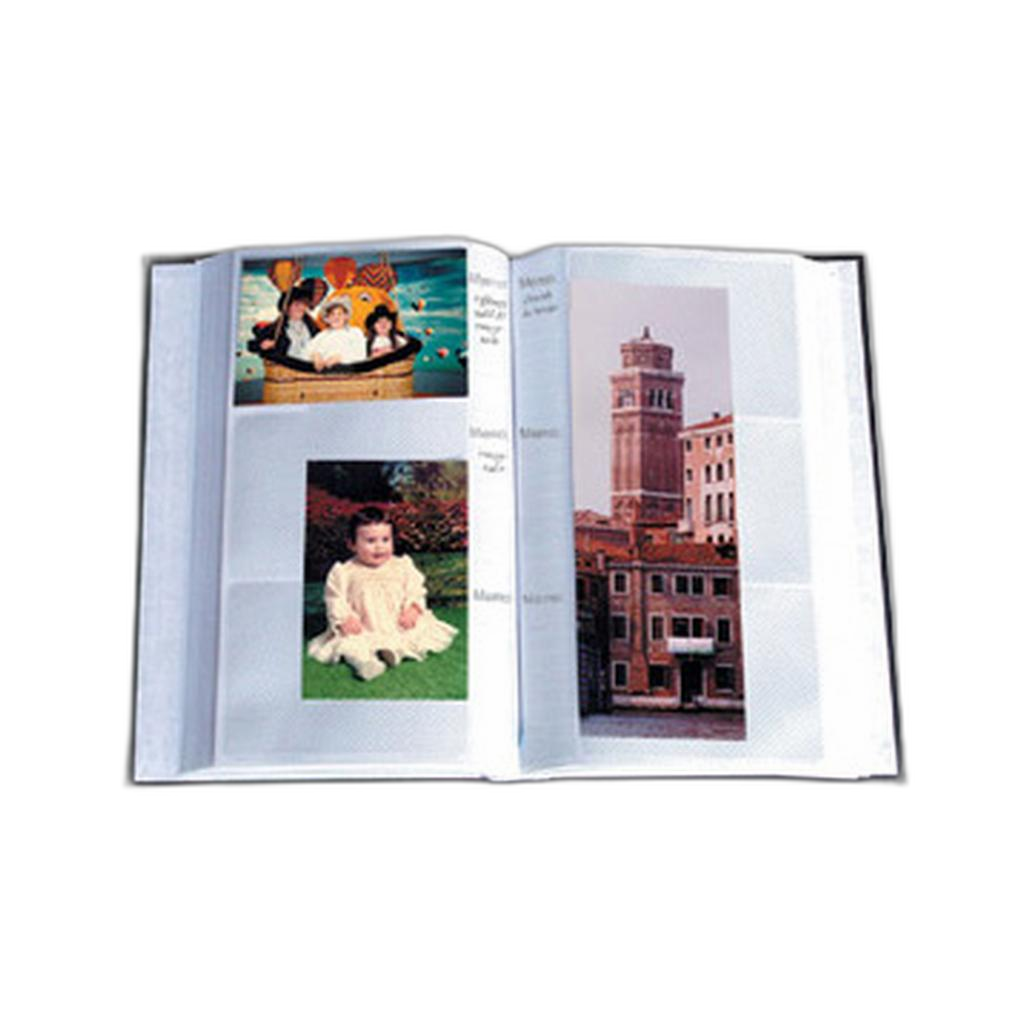
Good organization also makes your finished work easier to preserve offline. Once you have edited and printed your favorite images, physical storage remains valuable for both clients and personal work. A traditional album can be a simple and reliable way to keep selected 4x6 prints accessible for years.

The Pioneer 4 x 6 In. Bi-Directional Memo Photo Album is a practical option for photographers who want to turn digital edits into a tangible archive. If you expand your collection over time, refill pages can help maintain a longer-term print organization system.
What features matter most for RAW photo editing?
When editing RAW files, prioritize image quality controls and flexibility. Strong highlight and shadow recovery, natural color rendering, noise reduction, sharpening, lens profile support, and precise white balance tools are essential. Local adjustments such as gradients, brushes, and masks are also key if you want to selectively shape light and color without moving into advanced compositing software.
If you photograph landscapes, macro subjects, travel, or nature, you may especially benefit from software that handles fine detail and subtle tonal transitions well. Developing those editing skills often goes hand in hand with improving your capture technique in the field.

At Unique Photo, educational experiences like Macro and Landscape Photography at Duke Farms can help photographers capture stronger files from the start, making the editing process more efficient and more rewarding.
How do I choose between speed and advanced editing power?
This depends on the type and volume of work you produce. If you edit hundreds or thousands of images per job, speed matters enormously. Fast previews, responsive culling, quick presets, and efficient syncing across batches can save hours. On the other hand, if you work on a smaller number of hero images, advanced masking, local color control, layers, and retouching tools may be worth a slower process.
A useful rule of thumb is this: event and sports photographers often benefit from speed-first workflows, while commercial, portrait, and fine art photographers may prefer maximum control. The right choice is the one that helps you finish consistently without sacrificing the quality your work requires.
Does editing software matter if I mainly want to print my photos?
Absolutely. Printing places high demands on color accuracy, tonal control, sharpening, and file preparation. Software with dependable soft-proofing, printer profile support, and export settings can make a significant difference in the final print. What looks great on a backlit monitor may need adjustment before it translates properly to paper.
If printing is central to your workflow, think of editing software as part of a broader print pipeline. Pairing a strong editing workflow with a dedicated photographic printer and quality media gives you much more control over your final result.
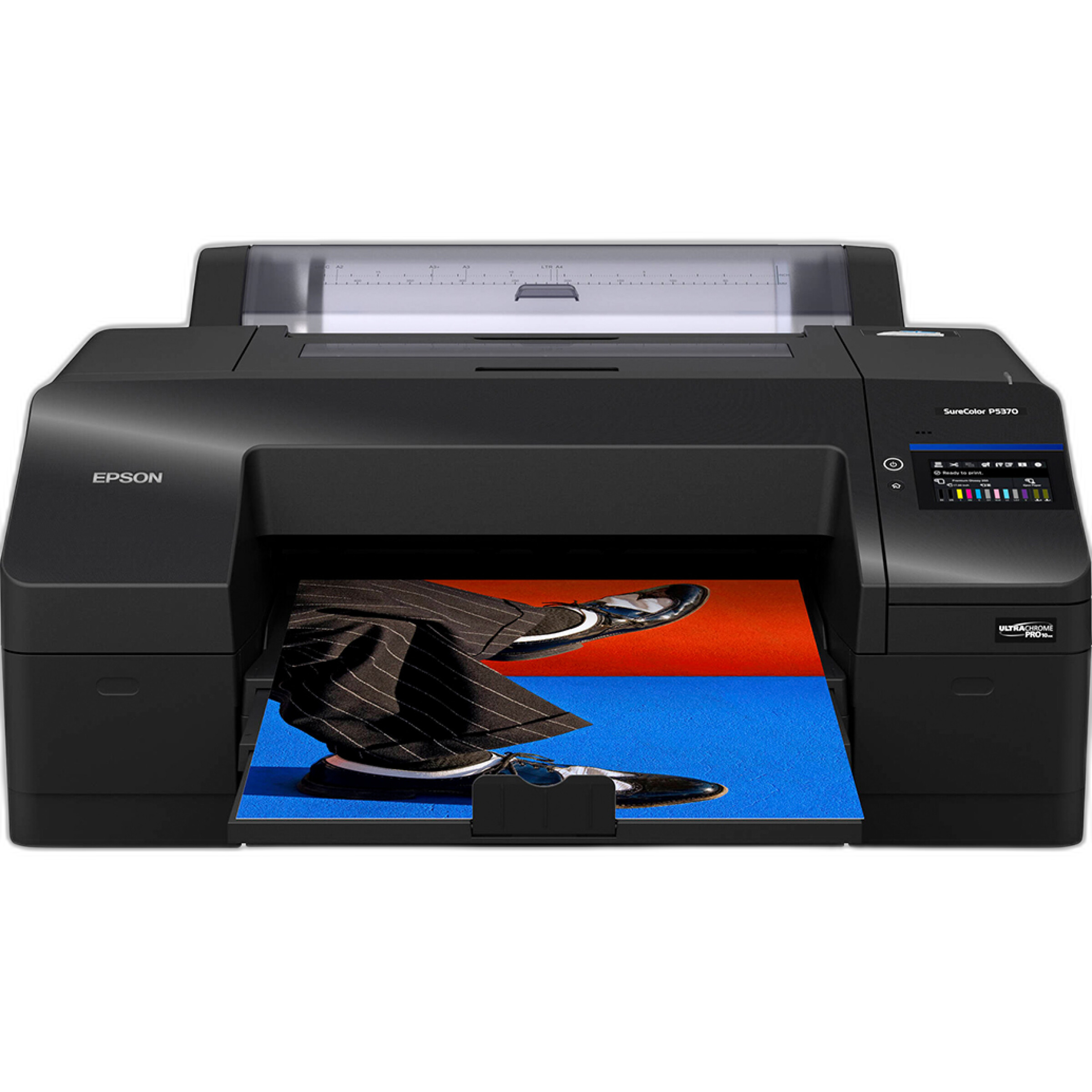
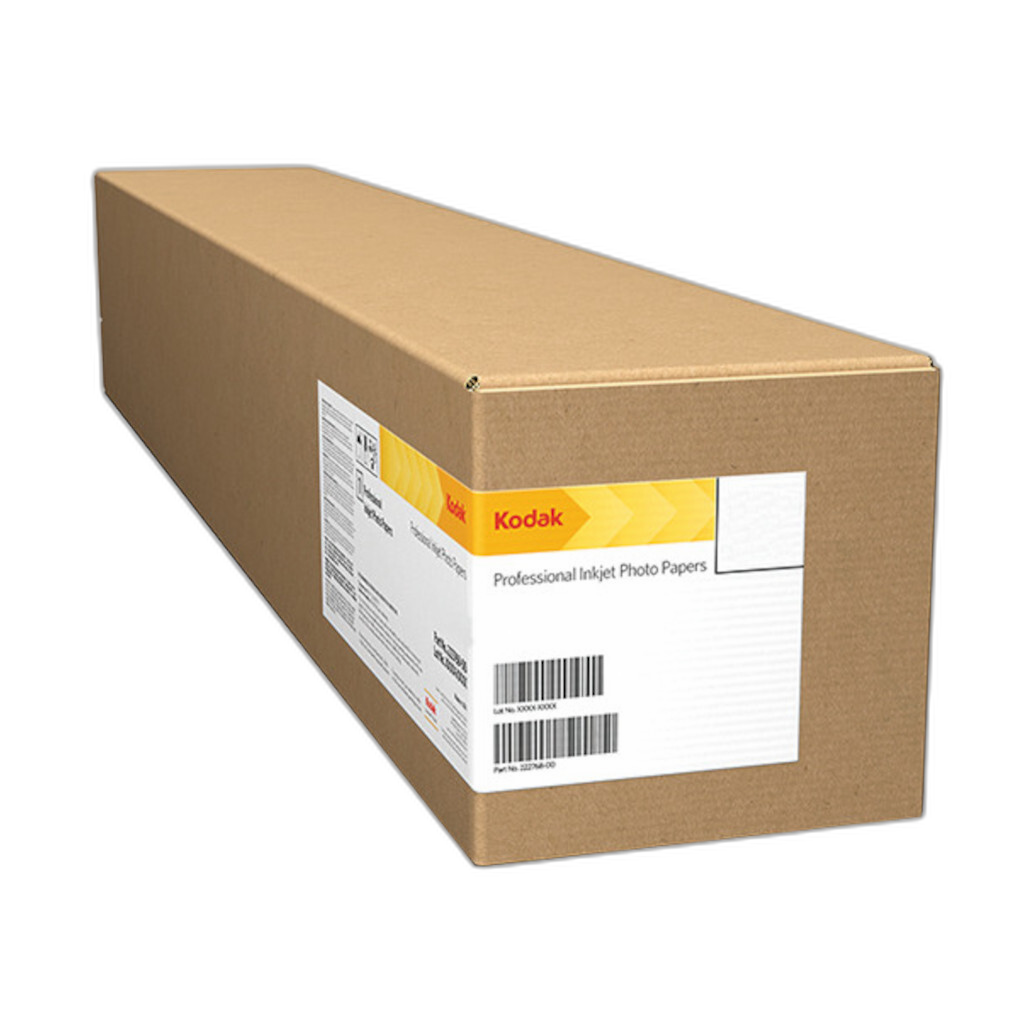
The Epson SureColor P5370 17-Inch Professional Photographic Printer is an excellent choice for photographers ready to produce exhibition-quality prints at home or in the studio. For images that benefit from extra visual punch and sheen, the Kodak Professional Metallic Photo Inkjet Paper 44 x 100 Roll is a standout option for dramatic presentation.
What is the best editing workflow for photographers who want to share and preserve their work?
A strong workflow usually follows a simple sequence: import and back up your files, cull aggressively, make global adjustments, apply local refinements, export for web or client delivery, and then produce prints of your best work. From there, preservation matters just as much as editing. Printed photos can be displayed, stored in albums, or included in portfolios and presentations.
For photographers who value long-term access to their favorite images, combining digital archives with physical albums is still one of the smartest approaches. Albums make it easy to revisit personal projects, family photographs, and edited selections without relying on drives or cloud subscriptions alone.
Can workshops and photo experiences improve my editing decisions?
Yes—better shooting often leads to better editing. When you understand light, subject contrast, exposure choices, and color relationships in the field, you spend less time fixing problems later. Workshops and guided shooting experiences can sharpen your eye and help you recognize what your software should be doing for you versus what should be solved in-camera.
Photographers interested in unusual lighting or highly saturated scenes can benefit from specialty outings that challenge both capture and post-processing technique.

Unique Photo experiences like Photograph Fluorescent Zinc Ore at Sterling Hill Mine offer opportunities to work with difficult lighting and color-rich subjects—great preparation for learning how different editing tools handle extreme tones.
Creative talks and presentations can also influence how you edit by helping you think more clearly about story, consistency, and presentation.
How do I know when it is time to change editing software?
If your current software feels slow, lacks key tools, struggles with your camera files, or creates friction in your workflow, it may be time to reassess. Other signs include poor print preparation, limited asset management, unreliable masking, or difficulty maintaining a consistent look across projects.
Before switching, identify exactly what is not working. Sometimes a new plugin, better monitor calibration, or a cleaner folder structure solves the problem. But if the software no longer supports the way you shoot and deliver work, moving to a better fit can save both time and frustration.
The best editing software is the one that supports your style, your volume, and your final output—whether that means social sharing, client galleries, fine art printing, or a carefully organized physical archive. At Unique Photo, we are here to help you build the full workflow with educational events, printing tools, archival products, and inspiration for every stage of your photography journey.