Why lens choice matters when news breaks
Breaking news doesn’t wait for perfect light or perfect access. Your lens needs to find focus fast, hold exposure in mixed conditions, and give you the reach to tell the story from wherever you’re allowed to stand. Below are practical, field-tested tips for choosing and using lenses that keep up—whether you’re filing stills, rolling video, or doing both.
Field-proven tips for sharper, faster news
1. Build a two-zoom core for 90% of assignments
A 24–70mm f/2.8 paired with a 70–200mm f/2.8 is the classic news kit for a reason: immediate framing options from tight pressers to distant arrivals, with consistent f/2.8 speed for low light and subject isolation. If you’re in the Canon ecosystem and weighing which versions fit your budget and body, Unique Photo’s "Canon Lenses: Finding the Right Lens for You" is a great starting point to map your options and trade-offs.
2. Add a dedicated wide for shoulder-to-shoulder moments
In scrums, hallways, and crowded sidewalks, a 16–35mm f/2.8 (or a fast 20–24mm prime) lets you work inches from the action while keeping context in frame. Favor lenses with fast, quiet AF and strong flare control for backlit doorways and police lights.
3. For video hits, cine zooms that keep rolling
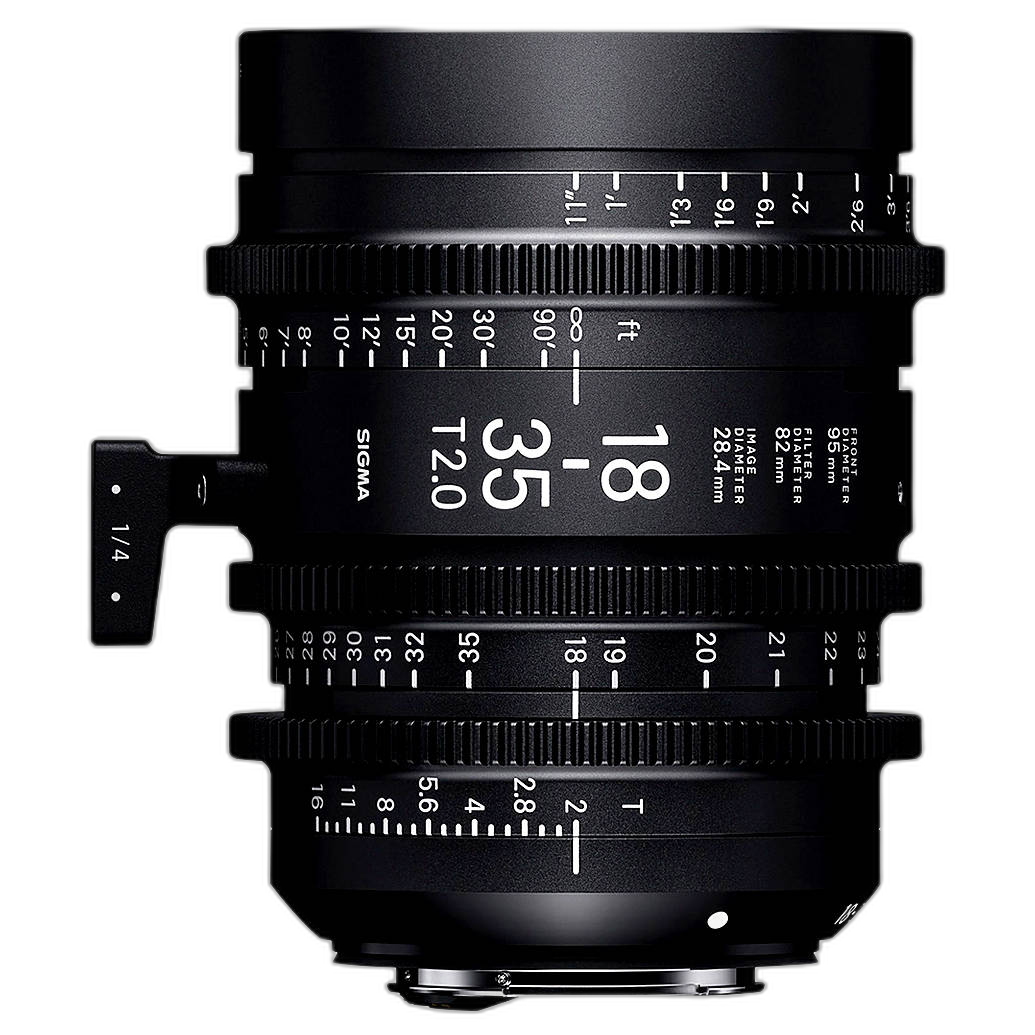
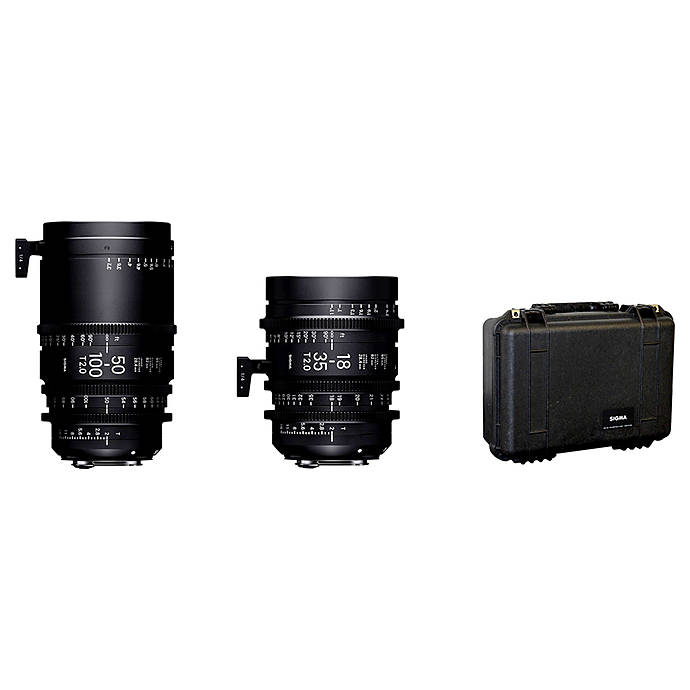
If you’re producing video packages or live hits, cine glass brings repeatable focus pulls, consistent T-stops, and minimal breathing. The Sigma 18–35mm T2 and 50–100mm T2 (Canon EF) two-lens set covers wide to tight with matched color and mechanics, ideal for ENG rigs and run-and-gun documentaries. Their T2 speed holds exposure indoors and in dusk standups while the geared rings play perfectly with follow-focus systems.
4. Prioritize fast apertures for low light and subject isolation
City hall basements and rainy nights demand f/2.8 or faster. Fast zooms keep pace across focal lengths; a compact 35mm or 50mm f/1.8 makes a lightweight backup for available-light portraits and quiet court moments.
5. Lock in autofocus reliability with lens firmware
When you’re filing under deadline, a missed AF micro-update can cost a frame. Keep lens and mount firmware current—especially third-party lenses on new bodies. If you run Samyang RF glass, a tool like the Used Samyang Lens Station for Canon RF Mount Lenses helps you apply updates and fine-tune settings between assignments.
6. Adapt EF glass to Sony E without drama
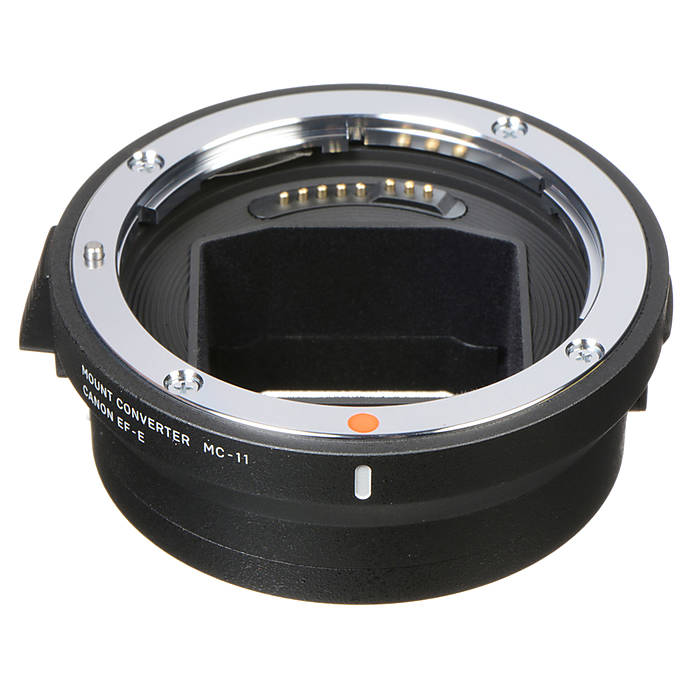
Many newsrooms mix camera systems. If you’re carrying Canon EF lenses on Sony bodies, a dependable adapter maintains AF and metadata. The Used Sigma MC-11 Mount Adapter (Canon EF to Sony E) is a proven bridge for many EF lenses, letting you keep a familiar two-zoom workflow while leveraging Sony AF features. Always test your critical lenses and update the adapter’s firmware before a big day.
7. Keep a hood on—always
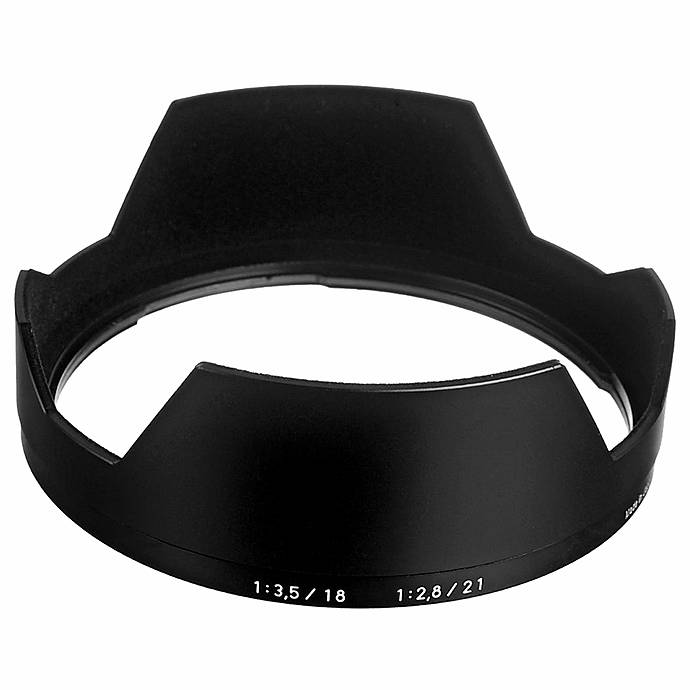
A lens hood saves contrast in harsh sidelight and protects glass from elbows, rain, and door frames. If you’re running classic Zeiss ZE/ZF primes, the Zeiss Lens Shade for 18mm f/3.5 and 21mm f/2.8 keeps flare under control and adds a rugged bumper. Whatever you shoot, use the model-specific hood for your lens.
8. Pad and stage your lenses for fast swaps
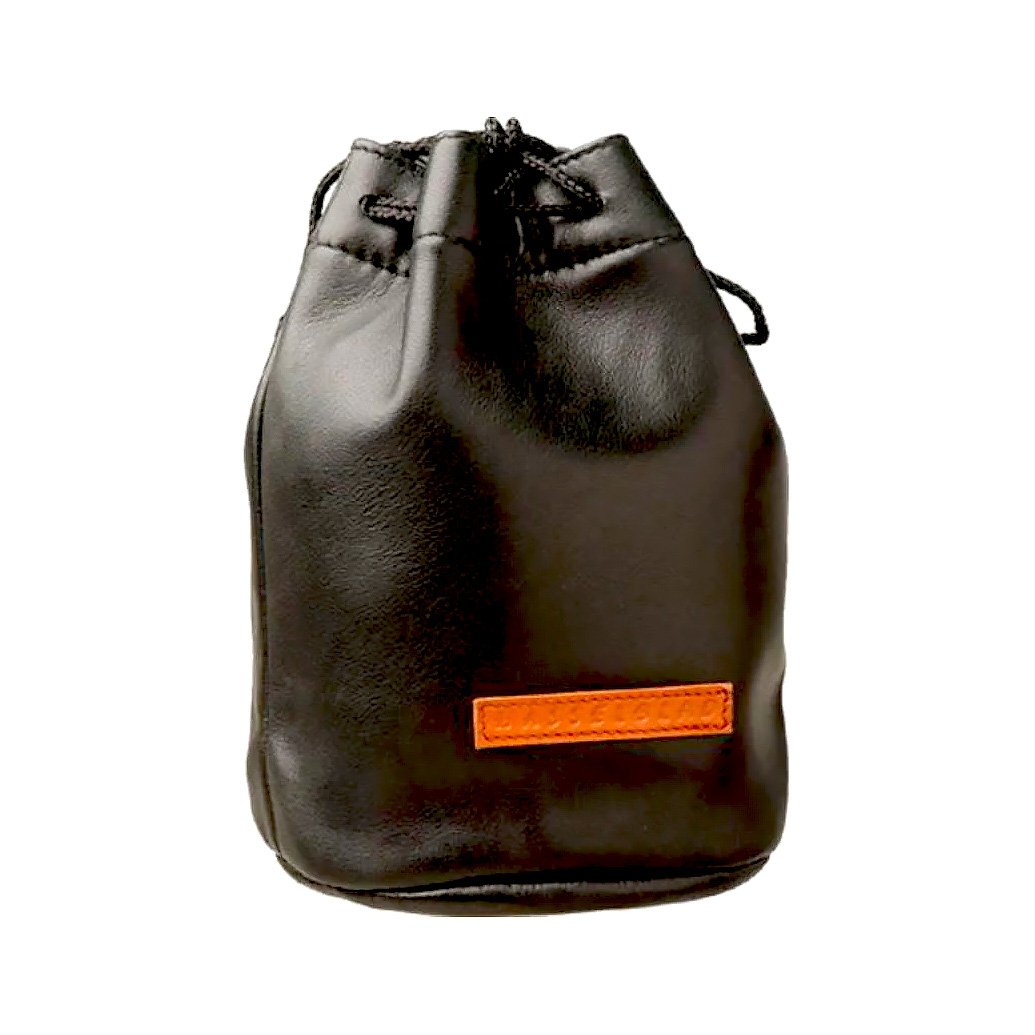
Speed comes from organization. Keep your next lens upright, hood mounted, and ready. Medium-format or specialty shooters on editorial jobs can stash heavy glass safely in a purpose-built pouch like the Hasselblad Lens Pouch HC/2 for HC lenses—great shock protection when you’re sprinting between locations.
9. Clean optics the right way, fast
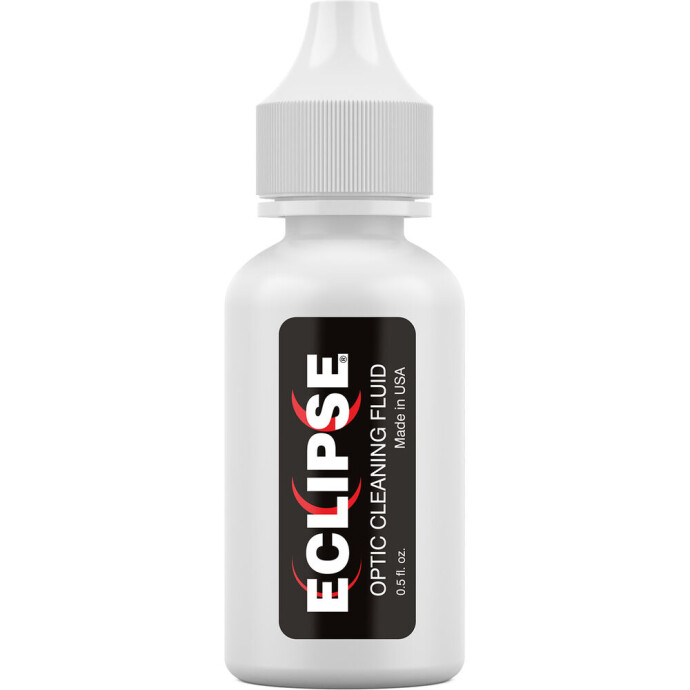
Smears and mist ruin backlit frames. A small bottle of Photographic Solutions Eclipse Optic Cleaner (0.5 oz) and fresh swabs or a clean microfiber can rescue contrast in seconds. Apply sparingly, wipe gently, and never reuse a dirty cloth on front elements.
10. Protect your investment before the storm
Field work is hard on gear. If you rely on cinema lenses, consider coverage like Canon’s CarePAK PRO Accidental Damage Protection for Cinema Lenses to safeguard against drops and the unexpected. Peace of mind helps you focus on the story.

Wrap-up
Build around fast, reliable zooms, layer in a dedicated wide, and keep your kit updated, protected, and clean. Whether you’re filing stills or rolling video, the right lens choices help you react faster and deliver cleaner, more compelling frames. Have questions? Visit Unique Photo or chat with our team to dial in the best lens lineup for your beat—and be ready when the next story breaks.