Budget-Friendly Video Setup for YouTube/Vlogging: What Makes Sense?
If you are building a video setup for YouTube, live streaming, vlogging, or small studio production, choosing the right camera style matters just as much as choosing the right price point. In this comparison, we are looking at several JVC video cameras that approach content creation from two different angles: traditional handheld camcorders and remotely controlled PTZ cameras.
For creators on a budget, the goal is usually simple: get reliable video quality, useful zoom range, easy operation, and room to grow without overspending on features you may not need on day one. Handheld camcorders are often the most natural fit for vloggers and solo shooters, while PTZ cameras can be excellent for fixed YouTube sets, podcast studios, worship streaming, and multi-angle productions.
Below, we compare the most relevant options for creators who want a practical, budget-conscious video setup.
Side-by-Side Specs Comparison
| Model | Camera Type | Resolution | Optical Zoom | Best Use |
|---|---|---|---|---|
| JVC GY-HM250SP (JVC1014) | Compact handheld camcorder | 4K-class compact camcorder platform | 12x integrated lens | Entry-level YouTube, streaming, mobile production |
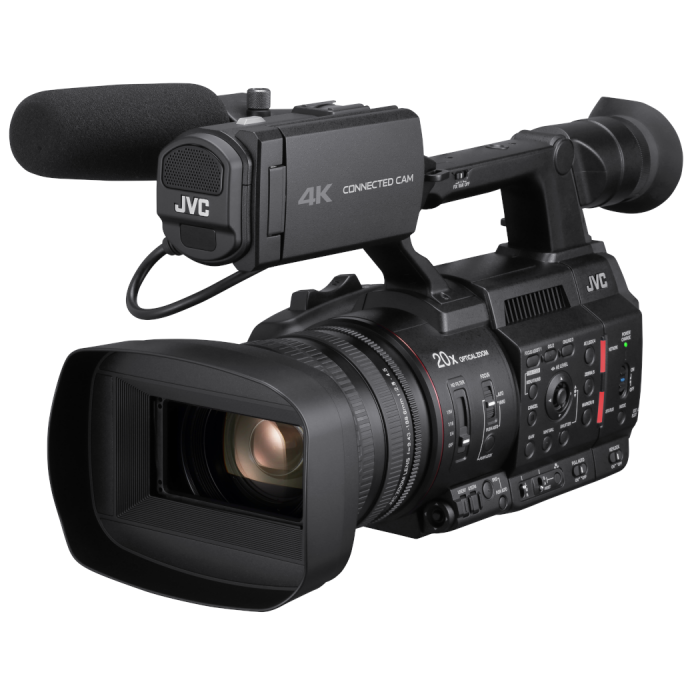
| JVC GY-HC500U (JVC1011) | Handheld connected camcorder | 4K | Integrated zoom lens | Higher-quality YouTube, interviews, run-and-gun video |
| JVC GY-HC500SPCU (JVC1013) | Handheld connected camcorder | 4K | Integrated zoom lens | Live event and specialty overlay workflows |
| JVC GY-HC500MC (JVC1012) | Handheld connected camcorder | 4K | 20x zoom | Flexible production, field capture, long-reach shooting |
| JVC KY-PZ200 (JVC1006) | PTZ remote camera | HD | 20x optical zoom | Studio streaming, fixed YouTube sets |
| JVC KY-PZ200N (JVC1003/JVC1004) | PTZ remote camera | HD | 20x optical zoom | Networked streaming and remote production |
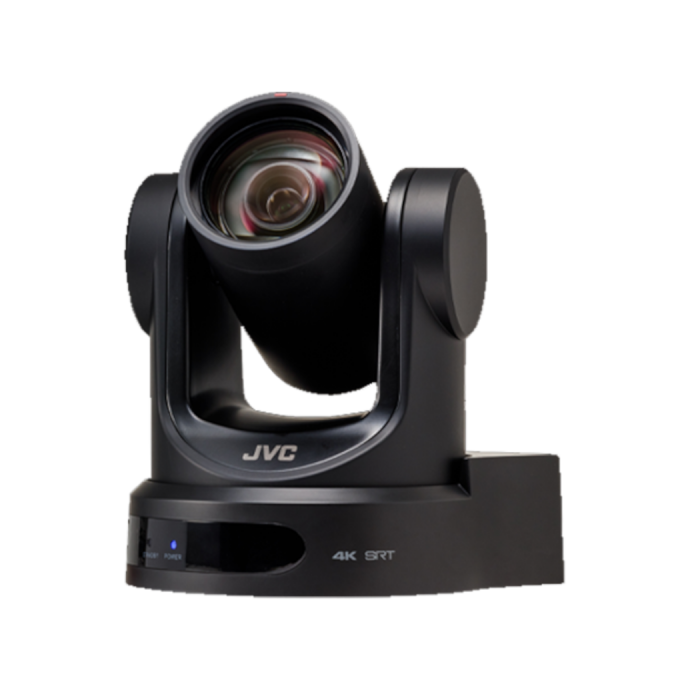
| JVC KY-PZ400N (JVC1001) | PTZ remote camera | 4K | 12x optical zoom | Higher-end studio YouTube and livestream production |
Comparing the Best Budget-Friendly Approaches
Best for Solo Vloggers: Handheld Camcorders
If your idea of YouTube or vlogging includes moving around, filming yourself, covering events, recording interviews, or shooting outside the studio, a handheld camcorder is usually the better fit. Models like the JVC GY-HM250SP and GY-HC500U give creators an all-in-one format with lens, recording system, pro-style handling, and practical zoom range already built in.
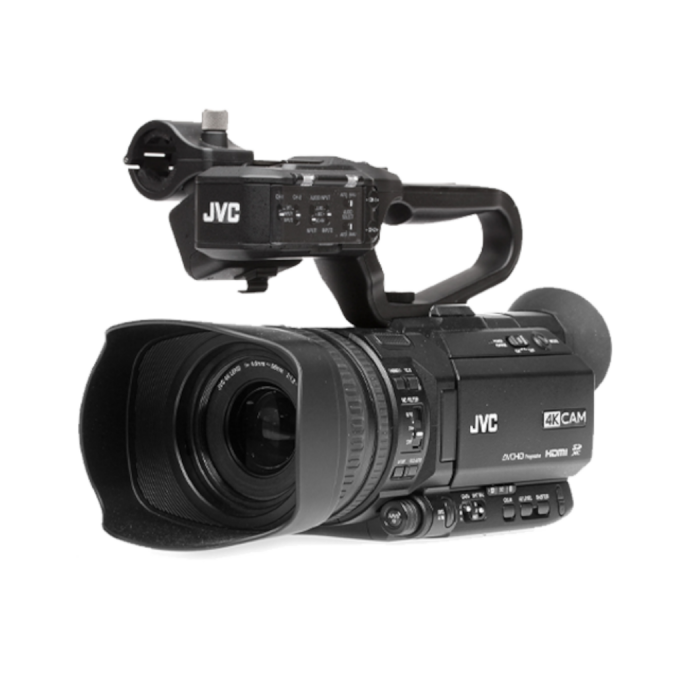
The GY-HM250SP stands out as one of the more approachable options here for budget-minded creators because it is a compact camcorder with an integrated 12x lens. That makes it especially appealing if you want a relatively straightforward package without building out a full interchangeable-lens setup. For beginners moving up from a phone or webcam, this type of camera can be a very practical upgrade.
The GY-HC500U takes things more into professional territory with 4K capture and a stronger connected-cam workflow. If your YouTube channel includes interviews, documentary-style work, educational content, or polished field production, it gives you more room to grow.
Best for Fixed Studio Setups: PTZ Cameras
PTZ cameras are a very different proposition. They are ideal when your camera position stays fixed and you want remote pan, tilt, and zoom control. For YouTube creators with a home studio, podcast room, teaching setup, or livestream space, a PTZ camera can save space and reduce the need for a camera operator.
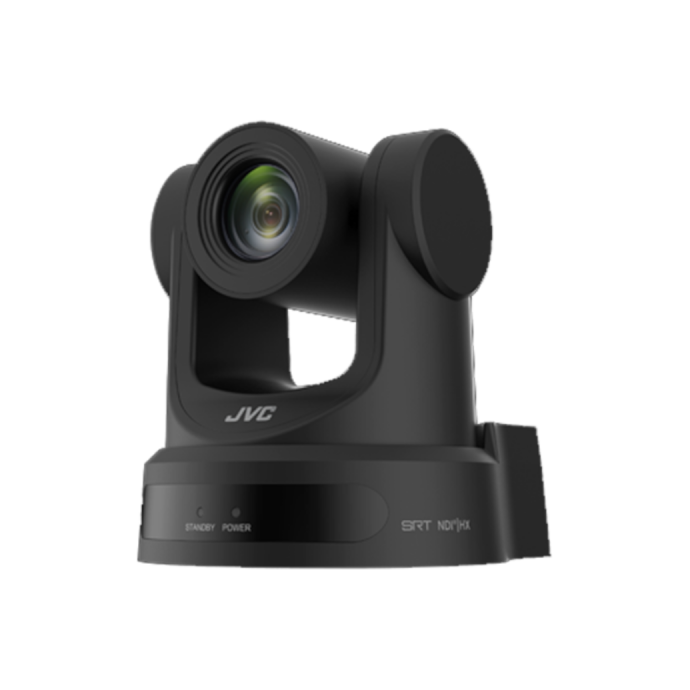
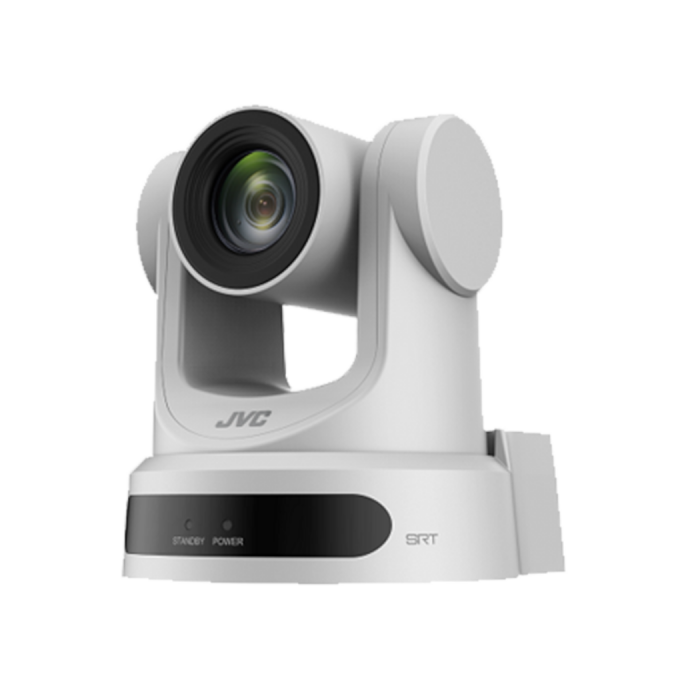
The JVC KY-PZ200 and KY-PZ200N models are particularly appealing in a budget discussion because they offer HD capture with a strong 20x optical zoom. If your delivery platform is primarily YouTube, livestreaming, online classes, or church streaming, HD may still be perfectly adequate, especially when balanced against lower cost and easier deployment.
The KY-PZ200N adds NDI HX workflow advantages, making it more attractive if you want network-based production or plan to expand into a multi-camera environment later.
4K Value: Which Models Make the Most Sense?
For creators who want longer-term value, 4K is worth serious consideration. Even if you publish in 1080p today, 4K capture can provide reframing flexibility, sharper master footage, and a bit more future-proofing.
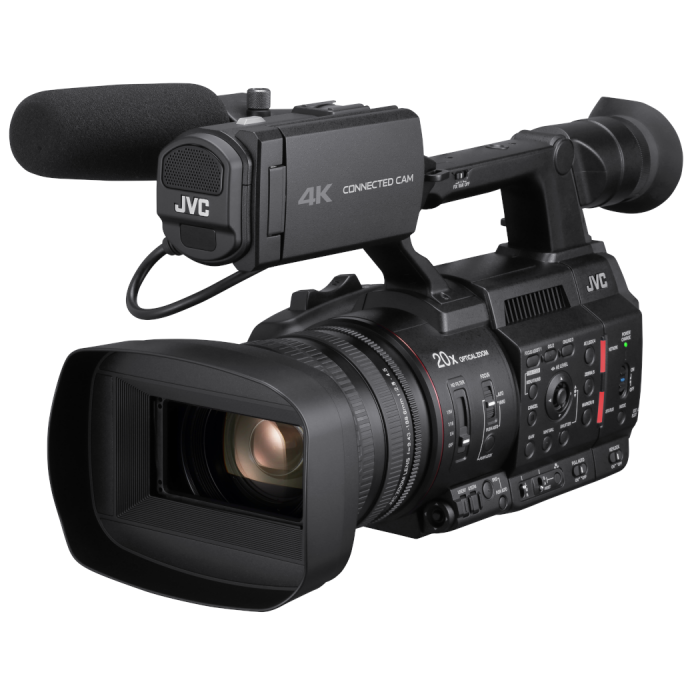
Among the handheld models, the JVC GY-HC500U and GY-HC500MC are strong 4K options. The GY-HC500MC is especially notable because of its 20x zoom, which adds versatility for creators who shoot a mix of talking-head content, events, presentations, and distant subjects.
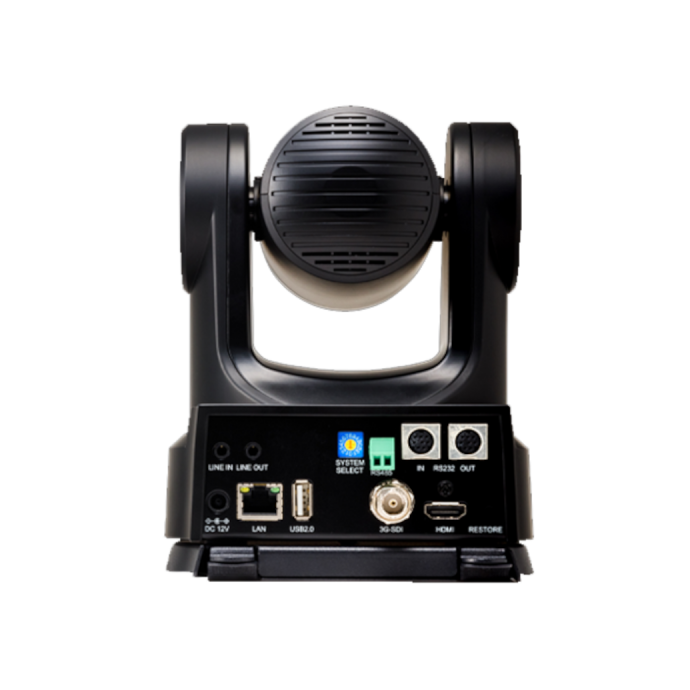
On the PTZ side, the JVC KY-PZ400N is the premium pick in this lineup for studio users who want 4K plus PTZ flexibility. It is not the most budget-first option, but it can be a smart buy for serious creators building a polished set with remote operation and network integration.
Zoom Range and Shooting Flexibility
Zoom can make a big difference depending on the kind of content you create. If you shoot seated videos in a small room, extreme zoom may not matter much. But if you record presentations, product demos, stage performances, or multi-person discussions, more zoom gives you far more framing freedom.
The PTZ cameras here are impressive from a reach standpoint, with the KY-PZ200 and KY-PZ200N offering 20x optical zoom. That is a major plus for larger spaces. The GY-HC500MC also stands out with a 20x zoom in handheld form, giving you mobile flexibility without giving up reach.
By contrast, the KY-PZ400N offers 12x optical zoom, which may be enough for many studio environments, especially if 4K resolution is the larger priority.
Ease of Use for New Creators
For most beginner YouTubers and vloggers, the simplest path is usually the best one. A compact or handheld camcorder is easier to understand if you are filming yourself, moving around, and operating everything directly from the camera body. In that sense, the GY-HM250SP is one of the friendlier entries in this comparison for creators looking for a practical starting point.
PTZ cameras are fantastic in the right environment, but they make the most sense when you already know your filming position, lighting, and production flow. They are less about spontaneous vlogging and more about controlled production.
Our Pick
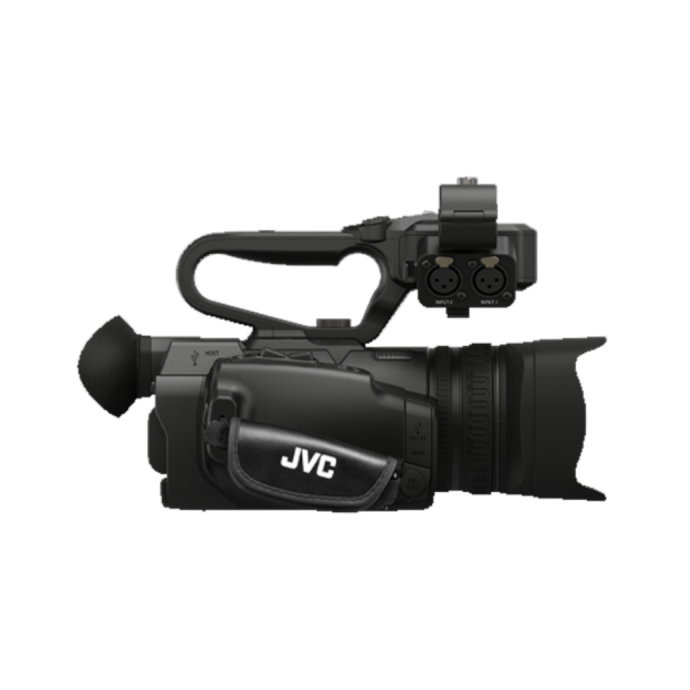
Our Pick for most budget-friendly YouTube and vlogging creators: JVC GY-HM250SP Compact Handheld Camcorder with Integrated 12x Lens and Sports.
Why? It offers the most approachable combination of integrated-lens convenience, compact handheld design, and creator-friendly versatility in this group. For someone starting a YouTube channel, filming local events, recording interviews, or upgrading from a smartphone, it is the model here that feels most aligned with a realistic budget-conscious setup.
If your content is primarily studio-based and remotely operated, the JVC KY-PZ200N is the better alternative pick, especially for creators who want PTZ functionality and room to scale into networked production.
Final Thoughts
The best budget-friendly video setup for YouTube or vlogging depends on how you shoot. If you need mobility, direct control, and an all-in-one camera experience, a handheld camcorder like the JVC GY-HM250SP or GY-HC500U makes the most sense. If you are building a fixed set for livestreaming, podcasts, or studio production, a PTZ model like the JVC KY-PZ200N can be a very efficient solution.
No matter which direction fits your workflow, Unique Photo offers professional video tools for creators who want dependable performance and a setup that can grow with their channel.