Introduction: Choosing the Right Audio Tool for Better Video
For videographers, audio quality often separates content that feels casual from content that feels truly professional. Whether you are filming vlogs, sit-down interviews, documentary segments, or run-and-gun travel footage, the biggest workflow decision is usually this: should you keep things simple with a camera-mounted microphone, or step up to an external recorder for more control and cleaner sound?
That question makes products like the Zoom M3 MicTrak Stereo Shotgun Microphone and Recorder, Zoom M4 MicTrak Stereo Microphone and Recorder, Shure MV88+ SE215-CL Portable Videography Bundle, OM SYSTEM ME-51S Directional Stereo Microphone, and Rode Interview Pro Wireless Handheld Microphone especially relevant. Each one targets a slightly different creator, and each reflects a different balance of convenience, sound isolation, portability, and post-production flexibility.
For creators shopping at Unique Photo, this category is particularly interesting because these tools are not just about specs; they directly affect how fast you can work on location, how much repair you need to do in post, and how confidently you can capture dialogue in unpredictable environments.
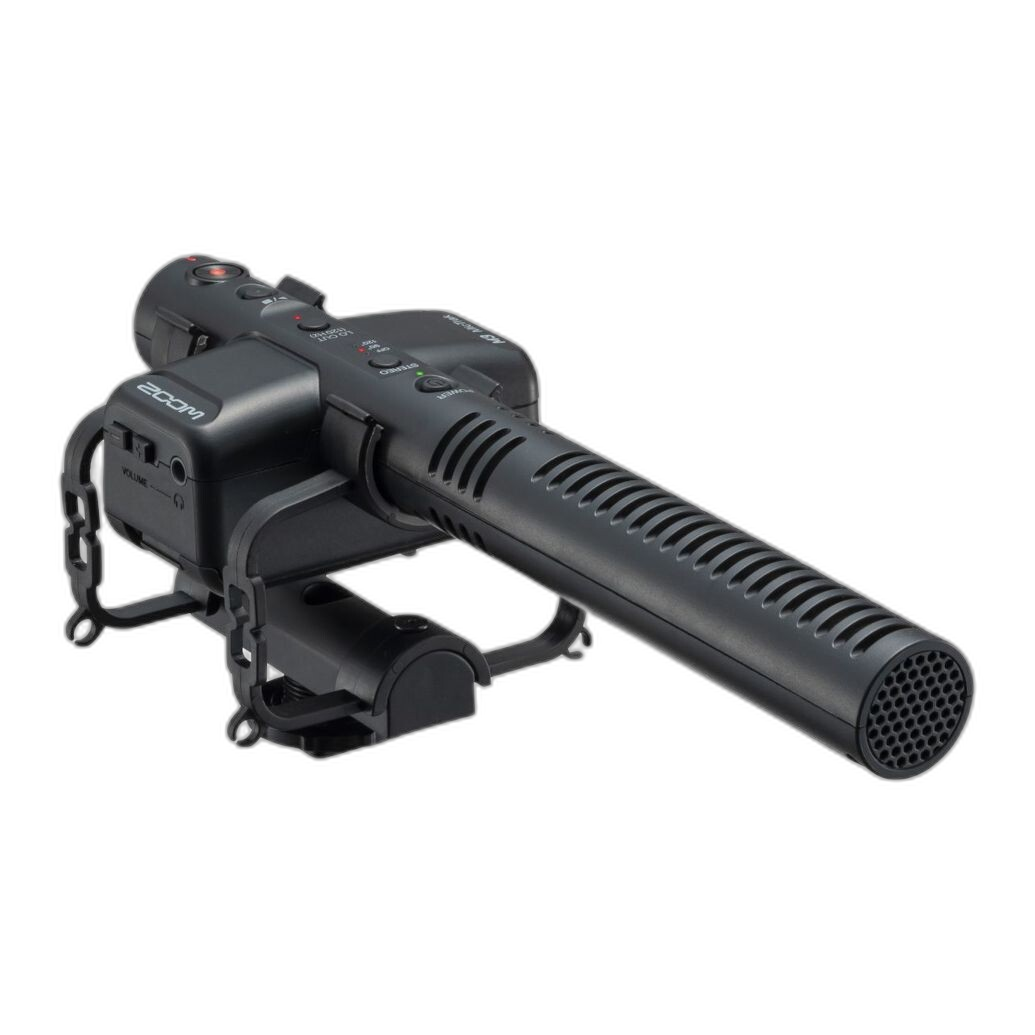
Zoom M3 MicTrak: The Best Middle Ground for On-Camera Convenience
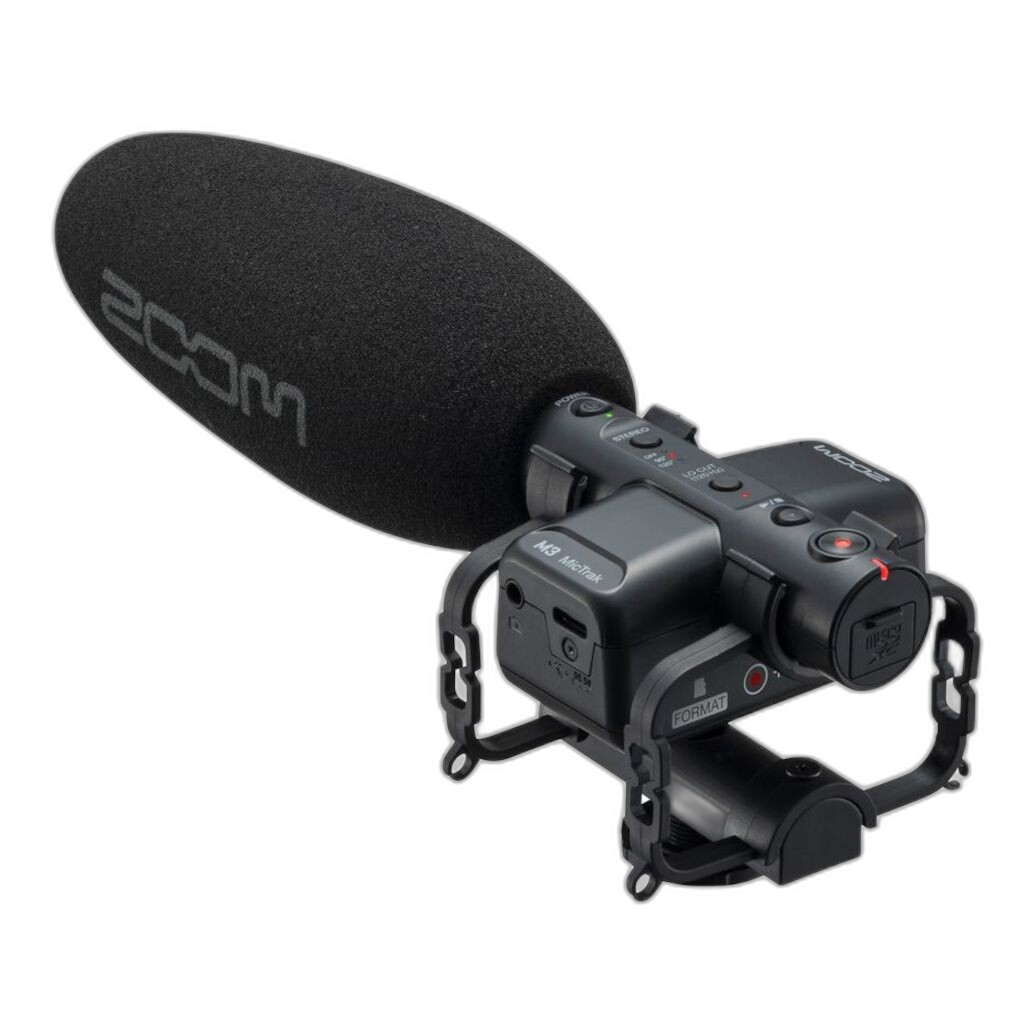
The Zoom M3 MicTrak Stereo Shotgun Microphone and Recorder is one of the most compelling solutions in this group because it blends two roles into one device: it works like a camera-mounted shotgun mic, but it also records internally. For many videographers, that hybrid design solves a long-standing problem. You get the speed and compactness of an on-camera microphone, while gaining the safety and quality benefits of dual-system sound.
Why the M3 Stands Out for Vlogs and Documentary Work
Traditional camera-mounted microphones are easy to use, but they rely heavily on the camera's preamps and recording circuitry. External recorders typically sound better, but they add setup complexity, cables, sync steps, and more gear to manage. The M3 sits between those worlds. For solo shooters, documentary filmmakers, and hybrid creators, that is a major workflow advantage.
Its shotgun-style form factor makes it more directional than a general stereo mic, which is especially useful when you are trying to prioritize speech in front of the camera. That makes it better suited to walk-and-talk vlogs, vérité-style documentary clips, and quick interviews where isolation matters more than ambient realism.
Pros
- Combines on-camera mounting with internal recording
- More focused pickup than a general-purpose stereo mic
- Excellent for solo shooters who want cleaner audio without a large rig
- Useful for vlogs, interviews, and documentary capture
- Reduces dependence on camera preamps
Cons
- Still not as isolated as a dedicated lavalier placed close to the subject
- Requires some post workflow if you use the recorded files instead of camera scratch audio
- Best results depend on thoughtful mic placement and distance
Zoom M4 MicTrak: A Strong Choice for Atmosphere, Music, and Flexible Stereo Capture
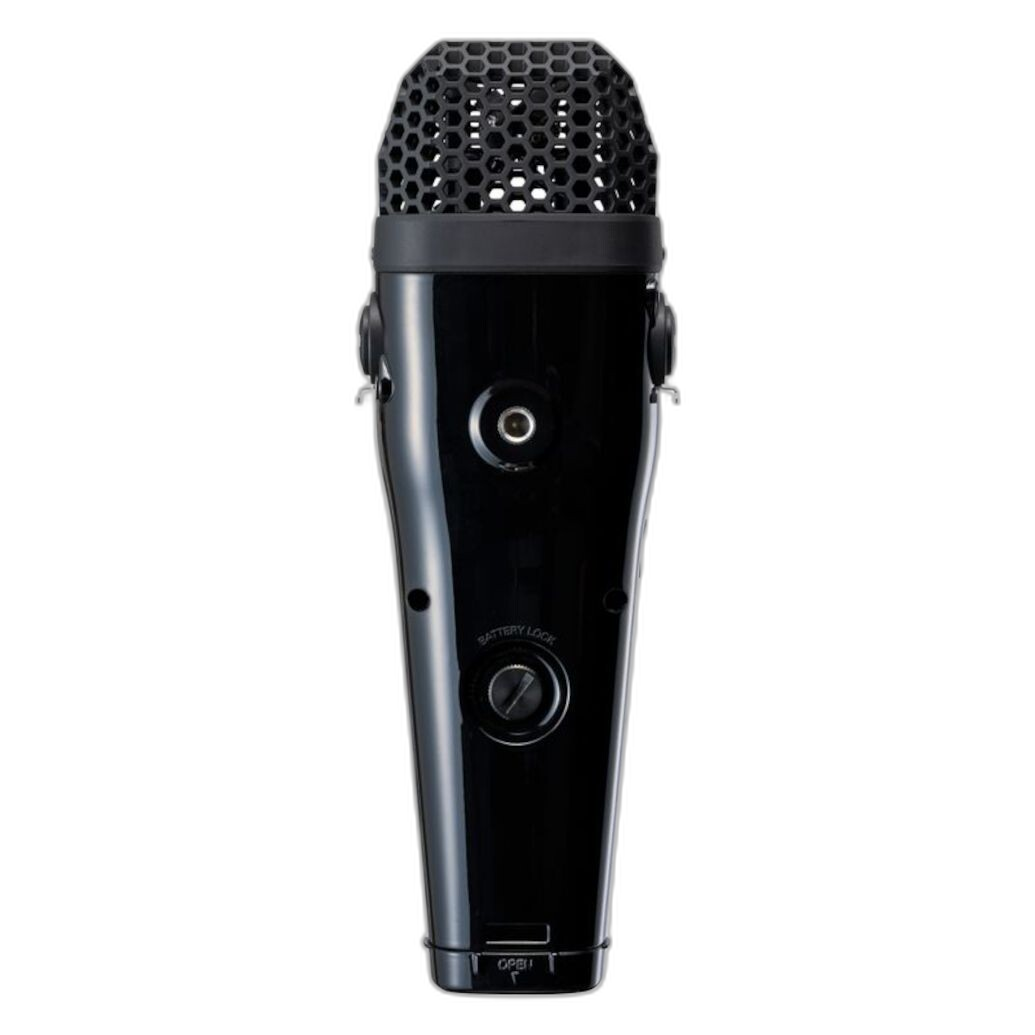
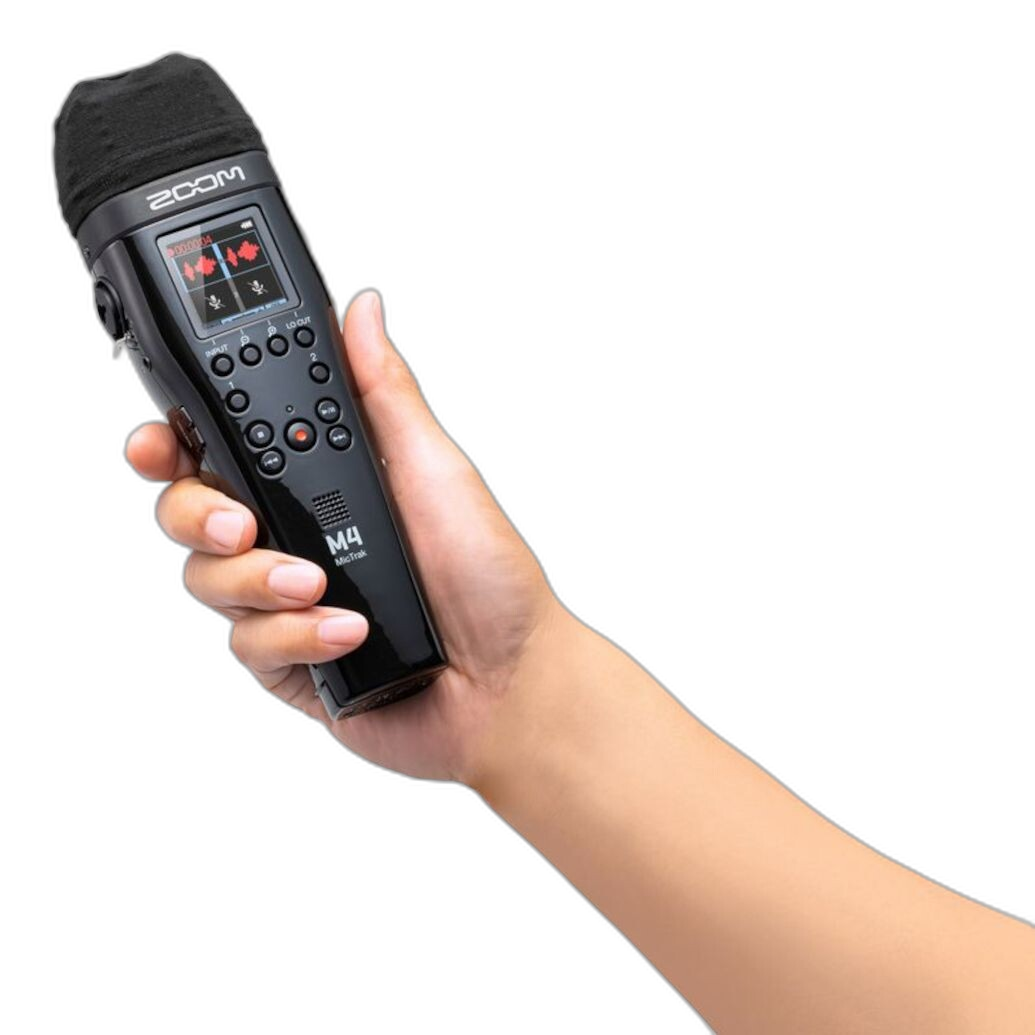
The Zoom M4 MicTrak Stereo Microphone and Recorder is a different kind of tool. Where the M3 is about forward focus and practical dialogue capture, the M4 leans more toward rich stereo recording. This makes it a very attractive option for creators who need better environmental sound, live music snippets, natural ambience, or broad soundscapes that add depth to documentary edits.
For video work, the M4 is appealing when your project needs the world around your subject to feel present. Travel films, behind-the-scenes content, city sound beds, and nature sequences can all benefit from this kind of fuller stereo image.
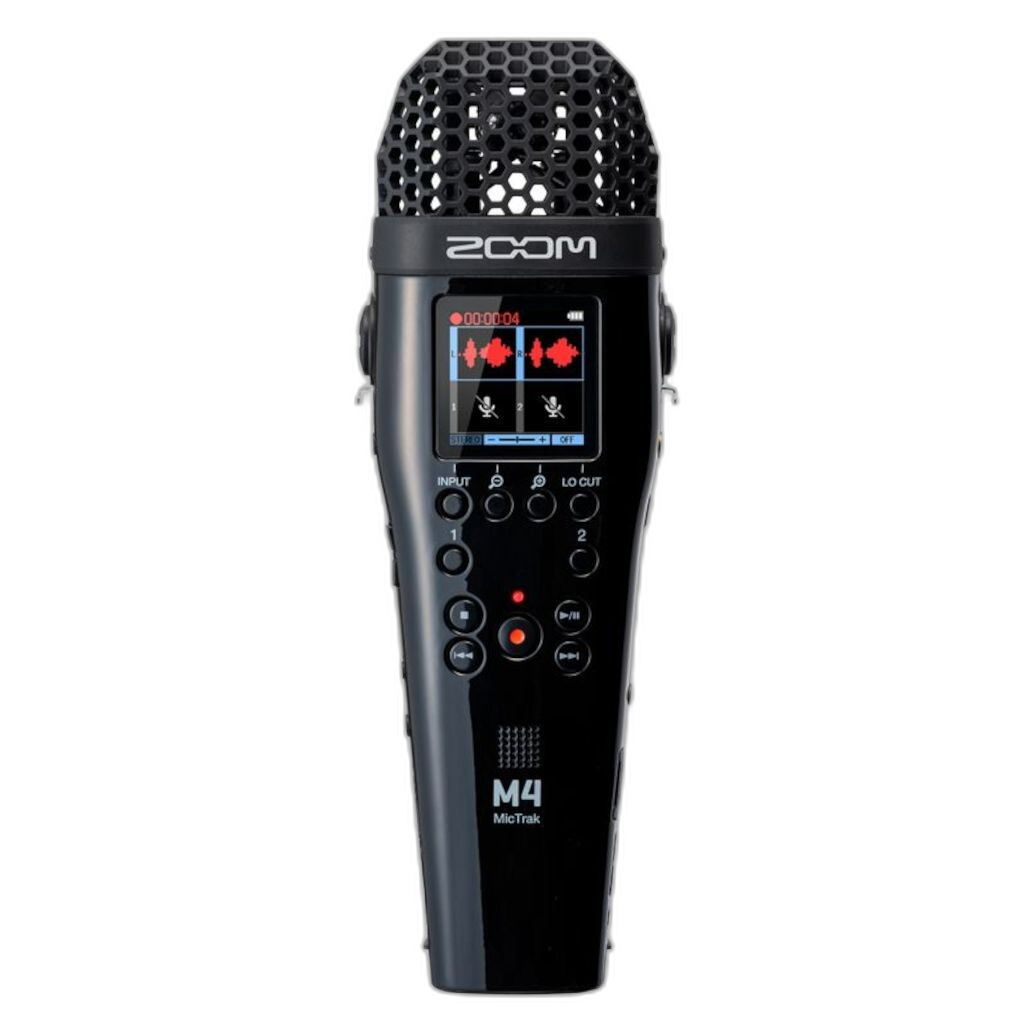
Where the M4 Fits in a Real Workflow
If your content regularly alternates between spoken segments and immersive ambient recording, the M4 can be more versatile than a narrow on-camera shotgun. It is particularly useful for creators who understand that not every audio problem should be solved by making the microphone more directional. Sometimes the goal is not isolation, but realism and dimensionality.
That said, for direct-to-camera speech in noisy spaces, a stereo recorder will not always outperform a more directional or closer-positioned mic. This is why the M4 shines most when used intentionally, either as a primary recorder for controlled scenes or as a specialty tool for gathering richer supporting audio.
Pros
- Captures a wider, more immersive stereo image
- Great for ambience, travel audio, music, and environmental texture
- Useful for creators building layered documentary soundtracks
- External recording offers more control than relying on camera audio alone
- Strong option for sound gathering beyond basic dialogue
Cons
- Less targeted for speech pickup than a shotgun-style mic
- Not the simplest option for fast-paced, one-person vlogging
- May require more careful integration into a video workflow
Shure MV88+ Portable Videography Bundle: Compact Creator-Friendly Audio
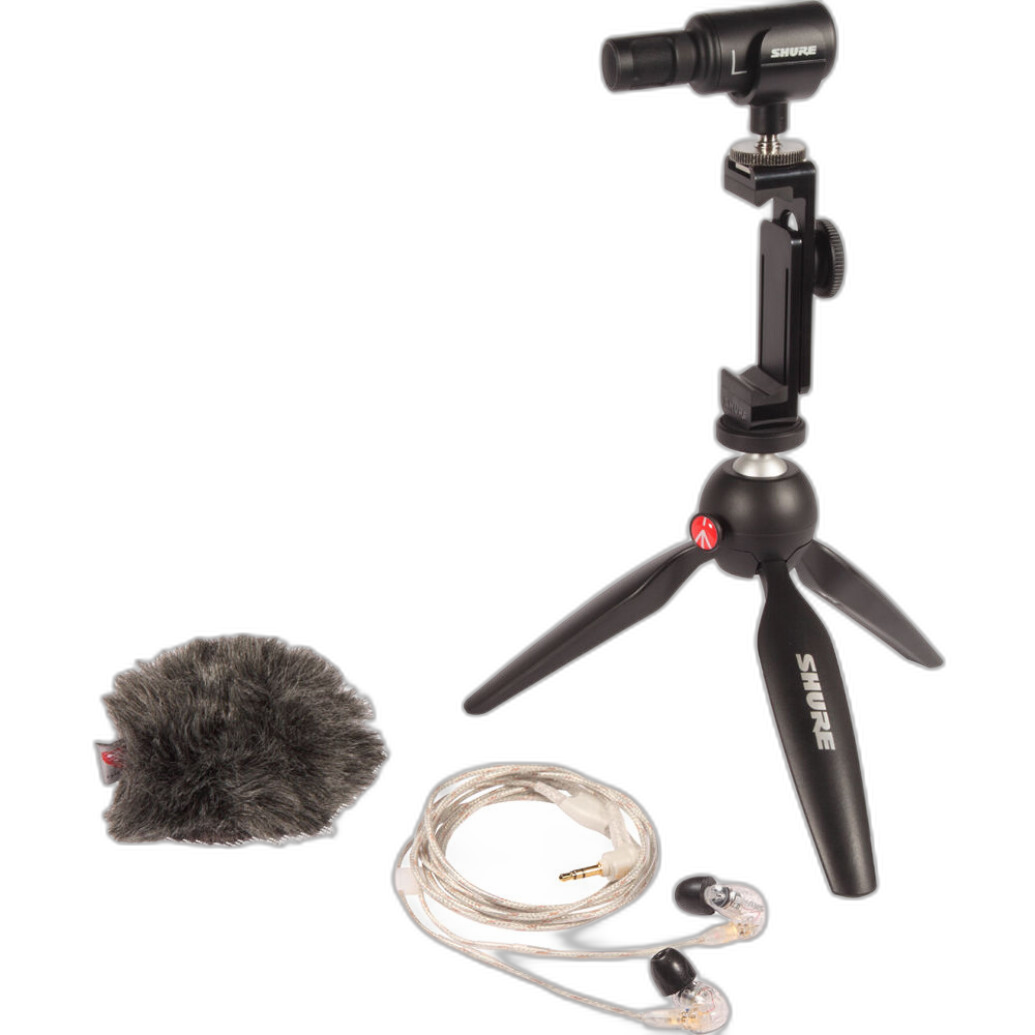
The Shure MV88+ SE215-CL Portable Videography Bundle is aimed at creators who value portability and a streamlined content setup. Shure has long been associated with dependable audio gear, and this bundle feels especially suited to mobile creators, compact rigs, and social-first production where simplicity matters almost as much as quality.
For vloggers and content creators who often shoot with lightweight setups, the MV88+ has clear appeal. It is easier to travel with than a larger recorder setup, and it can be ideal for creators who want a recognizable audio upgrade without immediately jumping into a more advanced dual-system workflow.
Who Should Consider the Shure Bundle
If your work lives at the intersection of video, social media, livestream snippets, and travel content, the MV88+ bundle offers a practical path forward. It is especially attractive for creators who want better sound than a basic built-in mic but do not want to manage larger recorders, XLR systems, or multiple syncing stages.
Its biggest advantage is accessibility. It lowers the barrier to recording cleaner audio and encourages creators to take sound seriously without overcomplicating production.
Pros
- Portable and creator-friendly design
- Great fit for lightweight vlogging and mobile production
- Strong brand reputation for audio quality
- Useful for content creators who want a simple upgrade path
- Bundle format adds convenience
Cons
- Less specialized than a dedicated recorder for advanced workflows
- May not offer the same flexibility as more robust field audio systems
- Not the best fit for complex multi-subject documentary recording
OM SYSTEM ME-51S: Affordable Directional Stereo Simplicity
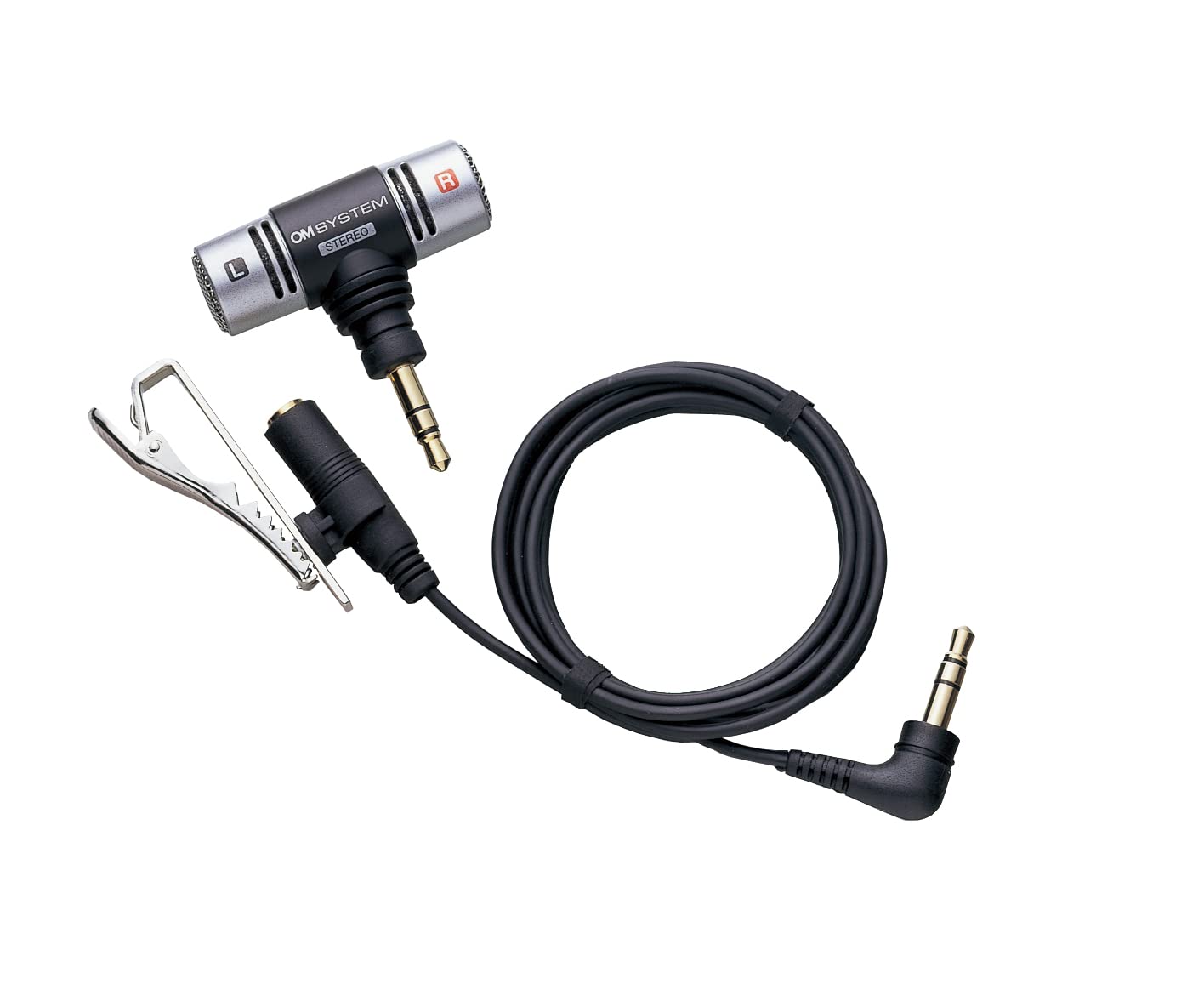
The OM SYSTEM ME-51S Directional Stereo Microphone for Digital Recorders and Cam is a more straightforward option that appeals to shooters who want an affordable, compact microphone for cleaner pickup than an internal camera mic. It is not trying to be an all-in-one field recorder or a comprehensive audio ecosystem. Instead, it offers a simple directional stereo solution that can improve everyday recording tasks.
For entry-level videographers, students, and casual documentary shooters, that simplicity can be a strength. Not every workflow needs internal recording, wireless transmission, or advanced channel management. Sometimes a better mic on a simple rig is enough to noticeably improve production value.
Pros
- Simple and approachable upgrade from built-in audio
- Compact directional stereo design
- Good fit for basic camera or recorder setups
- Appealing option for budget-conscious creators
- Easy to integrate into uncomplicated workflows
Cons
- Lacks the flexibility of recorders with onboard capture
- More limited for professional interview workflows
- Not as purpose-built for isolation as a shotgun solution
Rode Interview Pro: Best for Handheld Interviews and Event-Style Production
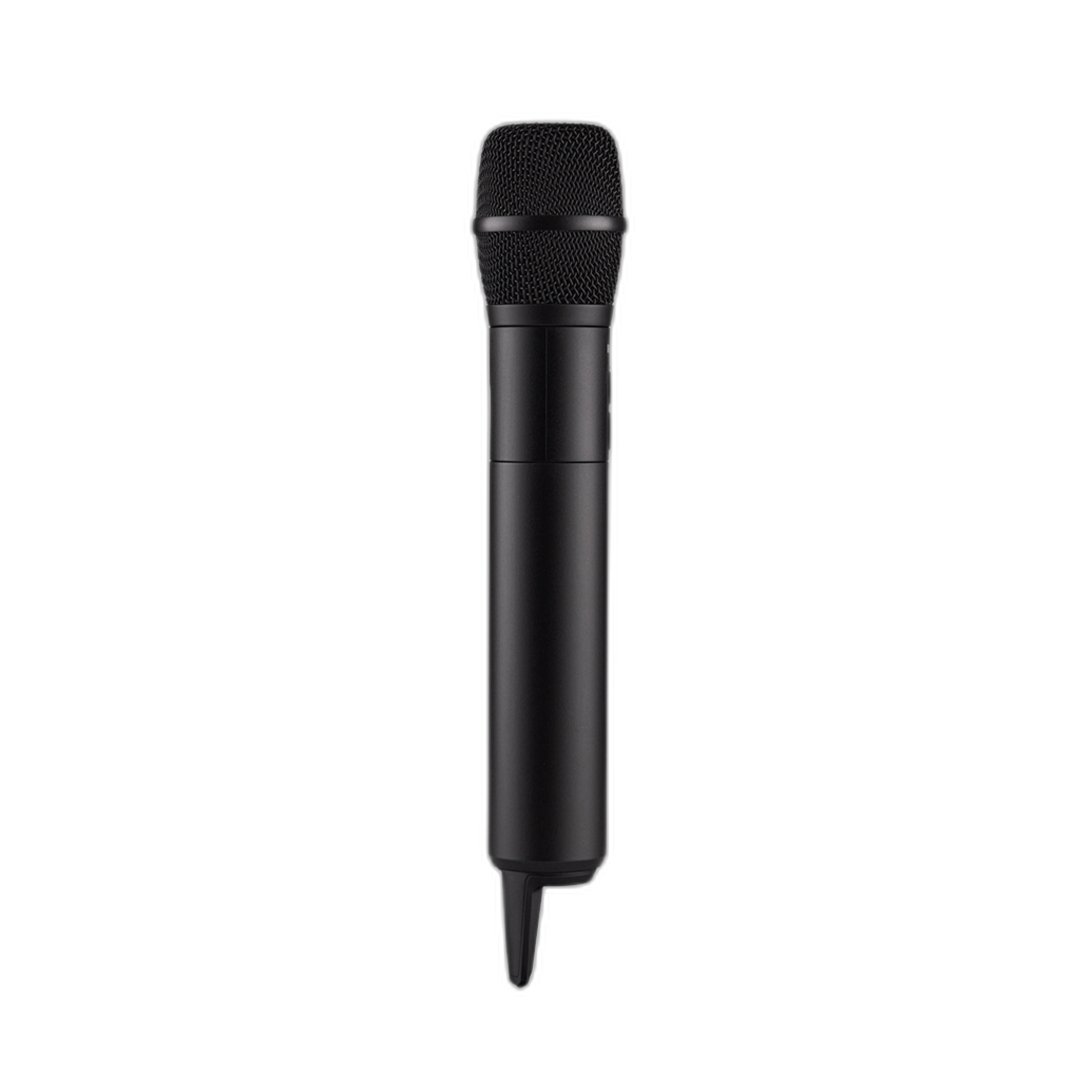
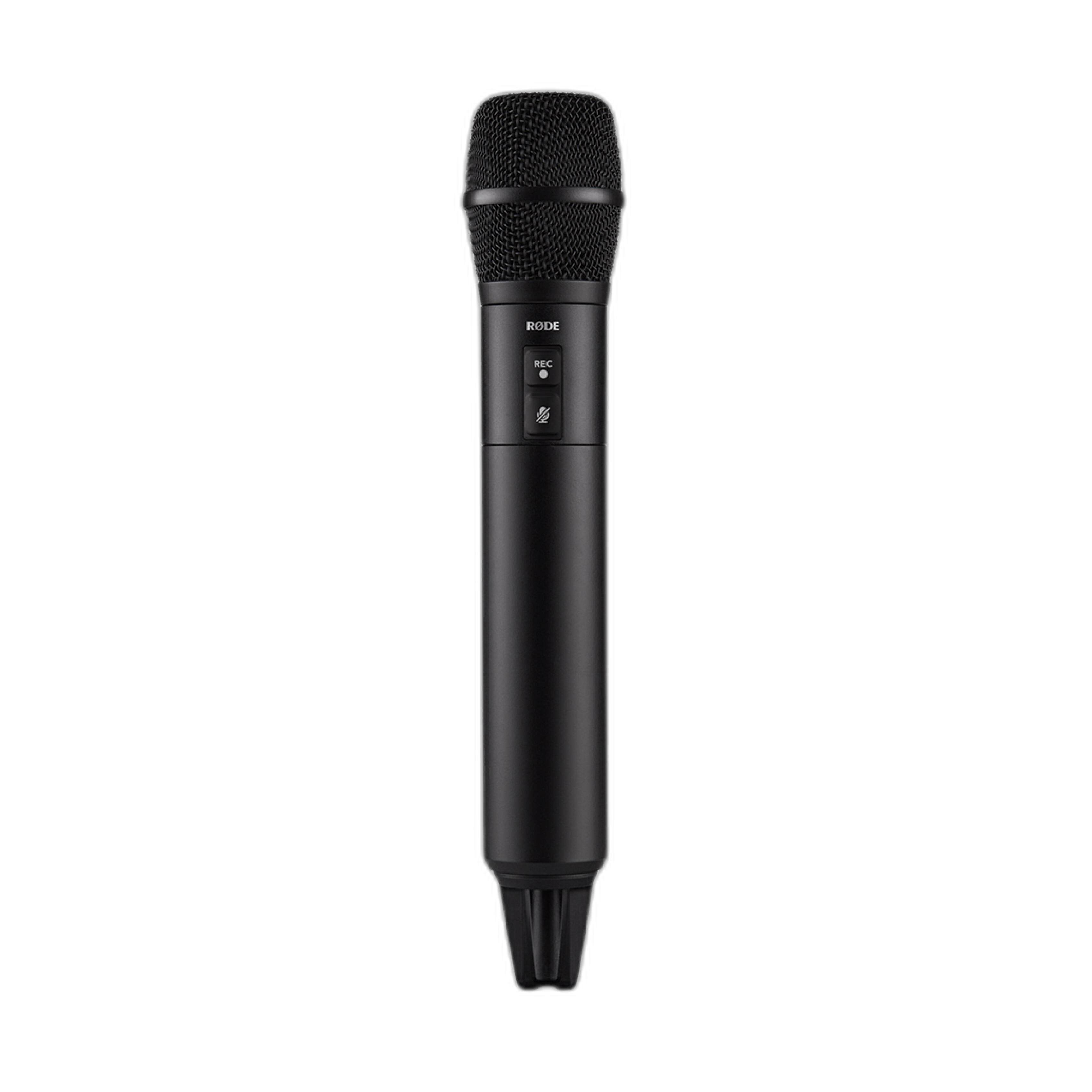
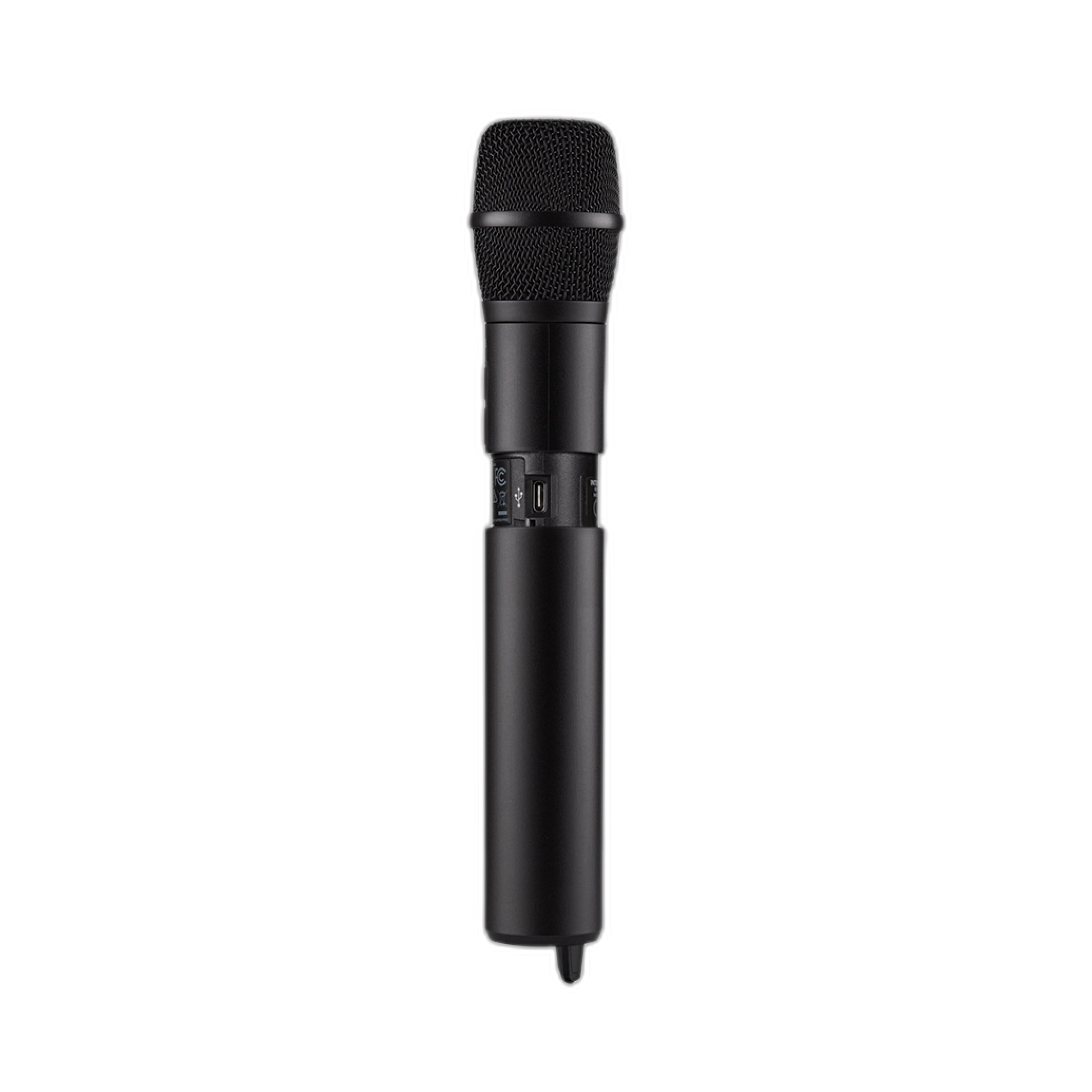
The Rode Interview Pro Wireless Handheld Microphone is the most interview-focused product in this selection. If your work includes street interviews, red-carpet coverage, event recap videos, presenter-driven content, or documentary segments where the microphone can be visible on camera, a handheld wireless mic can be far more practical than a camera-mounted solution.
It changes the entire workflow because it places the microphone where it matters most: close to the speaker. That proximity generally matters more to speech clarity than whether the mic is recording internally or routing directly into camera. In many real-world scenarios, mic placement beats mic type.
Why Handheld Wireless Can Beat On-Camera Audio
For interviews in busy spaces, a handheld mic often delivers more intelligible dialogue than any camera-mounted option. It also adds a polished, intentional visual style for host-led pieces. Rode's wireless approach further improves mobility, making it easier to work quickly in uncontrolled environments.
This is not the universal answer for every production, but for human-centered content, interviews, and host interactions, it can be the most effective tool of the group.
Pros
- Excellent for interviews, presenters, and event coverage
- Close mic placement improves speech clarity dramatically
- Wireless workflow supports mobility
- Strong on-camera presentation for host-driven content
- Often more effective than on-camera mics in noisy environments
Cons
- Less discreet than lavaliers or hidden mics
- Not ideal for ambient sound capture
- Different visual style than documentary setups that avoid visible microphones
External Recorders vs Camera-Mounted Microphones: Which Is Better?
The answer depends on how you shoot.
Camera-mounted microphones are best when speed, portability, and minimal setup are your top priorities. They make sense for solo vlogging, travel work, and situations where you need to stay nimble. Products like the Zoom M3 MicTrak and OM SYSTEM ME-51S fit that philosophy, though the M3 adds a much more advanced recording safety net.
External recorders make more sense when sound quality, backup capture, dynamic range, and post-production flexibility matter most. The Zoom M4 MicTrak is particularly attractive when ambience and stereo realism are part of the storytelling.
Interview-focused microphones, like the Rode Interview Pro, win whenever speech clarity in uncontrolled spaces is the primary goal. For many interview situations, putting the mic closer to the subject is more effective than mounting a better mic on the camera.
Compact creator bundles, like the Shure MV88+ Portable Videography Bundle, are ideal for creators who want an easier step up from basic audio without diving into more advanced field-recording workflows.
Final Verdict
If there is one standout recommendation for the broadest range of videographers in this comparison, it is the Zoom M3 MicTrak Stereo Shotgun Microphone and Recorder. Its hybrid design directly addresses one of the most common creator dilemmas: wanting the convenience of an on-camera mic without fully sacrificing the benefits of dedicated recording. For vlogs, quick interviews, documentary shooting, and run-and-gun filmmaking, it offers one of the smartest workflow balances available.
The Zoom M4 MicTrak is the better choice for creators who care deeply about stereo ambience and richer environmental sound. The Shure MV88+ is a strong pick for lightweight creator setups. The OM SYSTEM ME-51S works well as a simpler budget-friendly upgrade. And the Rode Interview Pro is arguably the best tool here for handheld interview scenarios where clean dialogue is the priority.
For videographers looking to improve audio quality with gear that matches real-world production needs, Unique Photo is an excellent place to buy and compare these options.