Choosing the right memory card in 2024 is about more than storage capacity. Your card affects burst shooting, video bitrates, buffer clearing, transfer speed, and overall workflow. If you are comparing SD cards vs. CFexpress vs. XQD, the best option depends on your camera, what you shoot, and how fast you need your media to perform.
At Unique Photo, photographers and videographers regularly ask the same question: Which memory card do I actually need? This guide breaks down the major formats, explains compatibility, and helps you choose the right card for photography, 4K and 8K video, sports, weddings, and hybrid shooting.
What is the difference between SD, CFexpress, and XQD?
The biggest differences between these card types are physical format, speed, and camera compatibility.
- SD cards are the most common and widely compatible. They are popular in entry-level cameras, many mirrorless bodies, and compact systems.
- CFexpress cards are much faster and designed for demanding stills and video workflows. They are now common in high-end mirrorless and cinema-oriented cameras.
- XQD cards were a major step up from older media formats and are still used in certain professional cameras, though many users are now moving toward CFexpress where supported.
If you shoot casually, SD may be all you need. If you shoot high-resolution RAW bursts, 6K or 8K video, or long-form professional projects, CFexpress is often the better choice.
Do I need an SD card or CFexpress card for my camera?
The first thing to check is your camera's card slot type. You cannot choose a format based only on speed or budget; the card must fit and be supported by your camera.
Many cameras use:
- SD-only slots
- CFexpress Type A slots
- CFexpress Type B slots
- XQD slots
- Dual-slot combinations, such as SD + CFexpress or dual SD
Some cameras that originally launched with XQD support later gained CFexpress Type B compatibility via firmware updates. That means many photographers upgrading their workflow may be able to use faster CFexpress media in a body that once relied on XQD. Always confirm compatibility in your camera manual or on the manufacturer's support page before buying.
When should you choose SD cards?
SD cards remain the most practical choice for many creators because they are affordable, compact, and easy to find. They are ideal if you shoot:
- General photography
- Portraits
- Travel content
- Light 4K video
- Beginner or enthusiast mirrorless and DSLR systems
For many users, high-quality SD cards deliver plenty of performance. But if your camera has advanced burst rates, high-bitrate internal recording, or large RAW files, SD can become a bottleneck. That is where CFexpress starts to make a real difference.
What is CFexpress, and why is it so popular in 2024?
CFexpress is one of the fastest removable media formats available today. It is built for professional workloads, including continuous RAW bursts and demanding video codecs. In 2024, CFexpress is increasingly the go-to choice for creators using advanced mirrorless cameras and cinema-capable hybrids.
Benefits of CFexpress include:
- Faster read and write speeds than SD
- Better support for high-bitrate video recording
- Improved buffer clearing for action and sports
- Strong performance for large RAW and high-resolution still files
At Unique Photo, CFexpress is often the recommendation for users who are pushing modern camera systems to their limits.
CFexpress Type A vs. Type B: what is the difference?
This is one of the most common memory card questions in 2024. CFexpress Type A and Type B are not interchangeable. They are different physical formats and require matching camera slots.
- CFexpress Type A is smaller and commonly associated with select Sony mirrorless cameras and compact high-performance workflows.
- CFexpress Type B is larger and typically offers even higher performance potential, making it popular in many flagship cameras.
If your camera uses Type A, you must buy Type A. If it uses Type B, you must buy Type B. Speed alone does not determine compatibility.
For Sony shooters looking at high-end performance, products like the Nextorage 1TB NX-A2AE CFexpress Type A 4.0 Memory Card, Nextorage 500GB NX-A2AE CFexpress Type A 4.0 Memory Card, and Nextorage 1TB NX-A2SE CFexpress Type A 4.0 Memory Card are the kind of media options worth considering for demanding hybrid workflows.
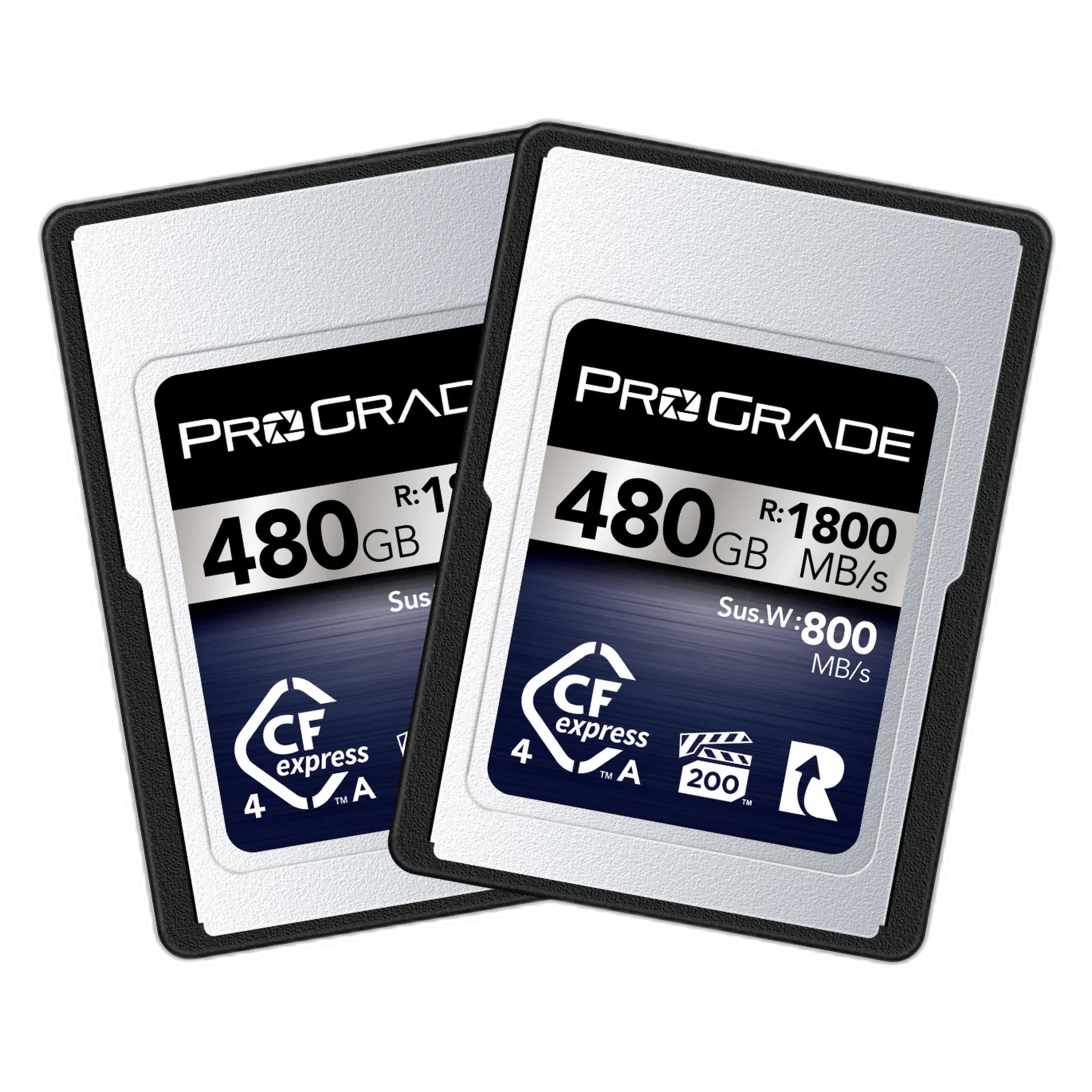
For creators who need Type A media in a multi-card workflow, the ProGrade Digital 480GB CFexpress 4.0 VPG 200 Type A Memory Card (2-Pack) is a relevant example of a performance-focused option for event, commercial, and video shooters.
Who should buy CFexpress Type B cards?
CFexpress Type B is a strong fit for photographers and videographers who need top-tier sustained performance. This includes:
- Sports and wildlife photographers shooting long bursts
- Photojournalists covering fast-moving events
- Wedding photographers working with dual-slot pro bodies
- Videographers recording high-bitrate 4K, 6K, or 8K footage
- Commercial shooters handling large RAW files
If your camera supports Type B and you need faster performance than SD can offer, this format is often the best answer.
Popular examples include the Sony 960GB CFexpress Type B TOUGH Memory Card, the ProGrade Digital 512GB CFexpress 4.0 Memory Card, and the Nextorage 1TB NX-B3AE CFexpress Type B 4.0 Memory Card.
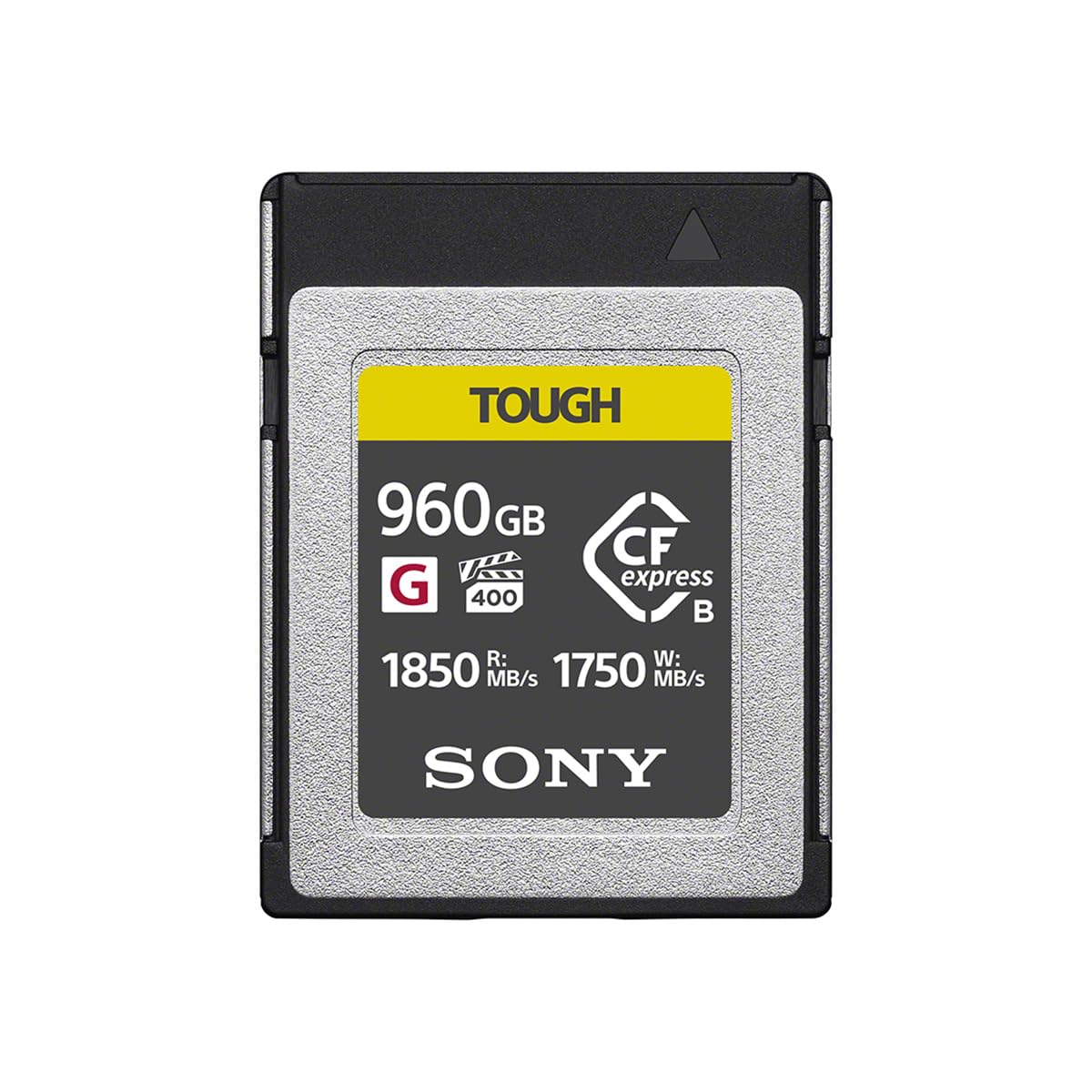
The Sony TOUGH series is especially relevant for professionals who value both performance and durability in challenging shooting environments.
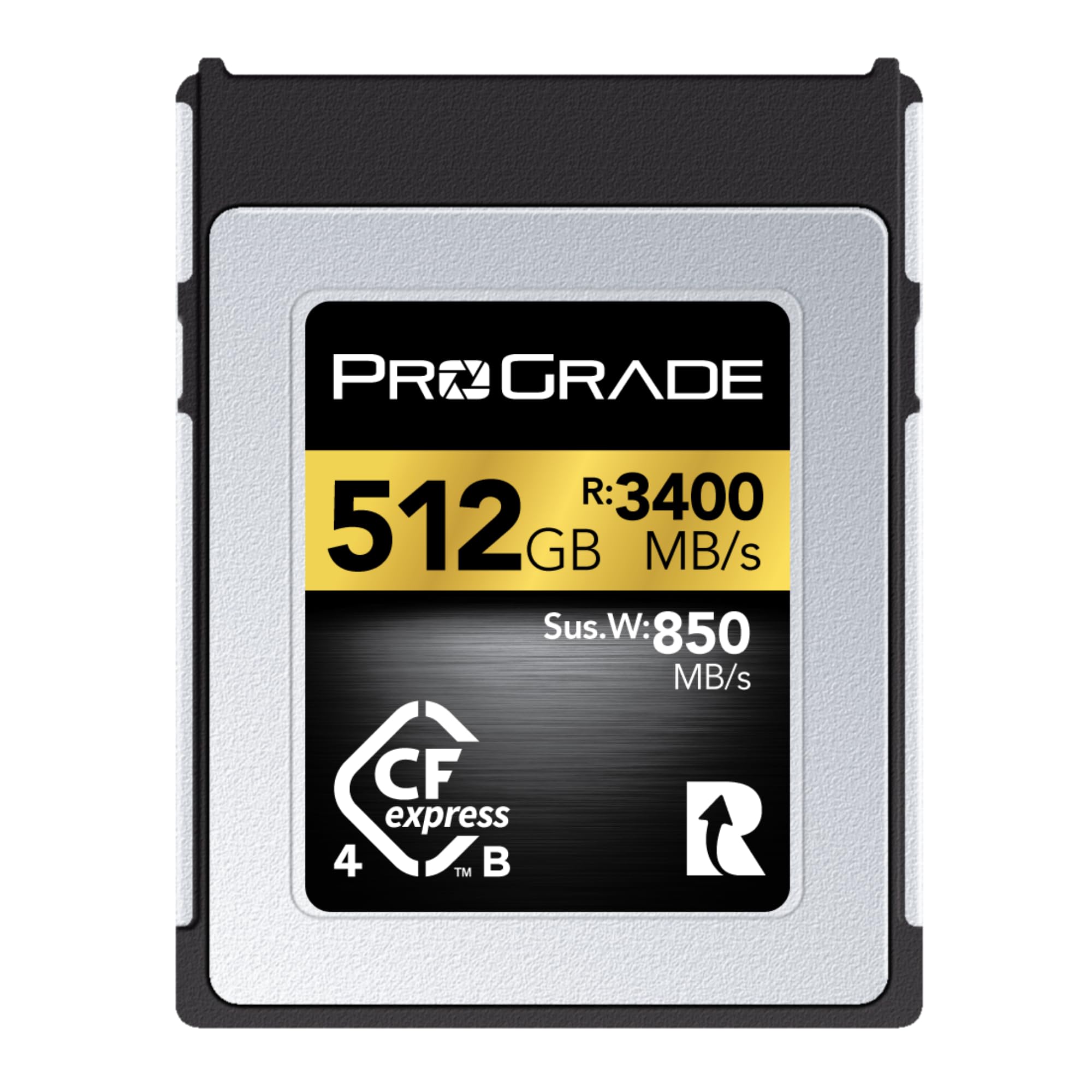

A card like the ProGrade Digital 512GB CFexpress 4.0 Memory Card is particularly appealing for professionals balancing capacity, speed, and workflow reliability.
Is XQD still worth buying in 2024?
XQD cards are still relevant for certain cameras, especially if your system was designed around XQD and you do not need to change your workflow. XQD is robust, reliable, and still trusted by many working photographers.
However, in 2024, XQD is more of a compatibility-driven purchase than a future-facing one. If your camera only accepts XQD, or if you already own an XQD-based workflow, buying another card can make sense. If your camera now supports CFexpress Type B through firmware, you may want to compare whether a move to CFexpress offers better long-term flexibility.
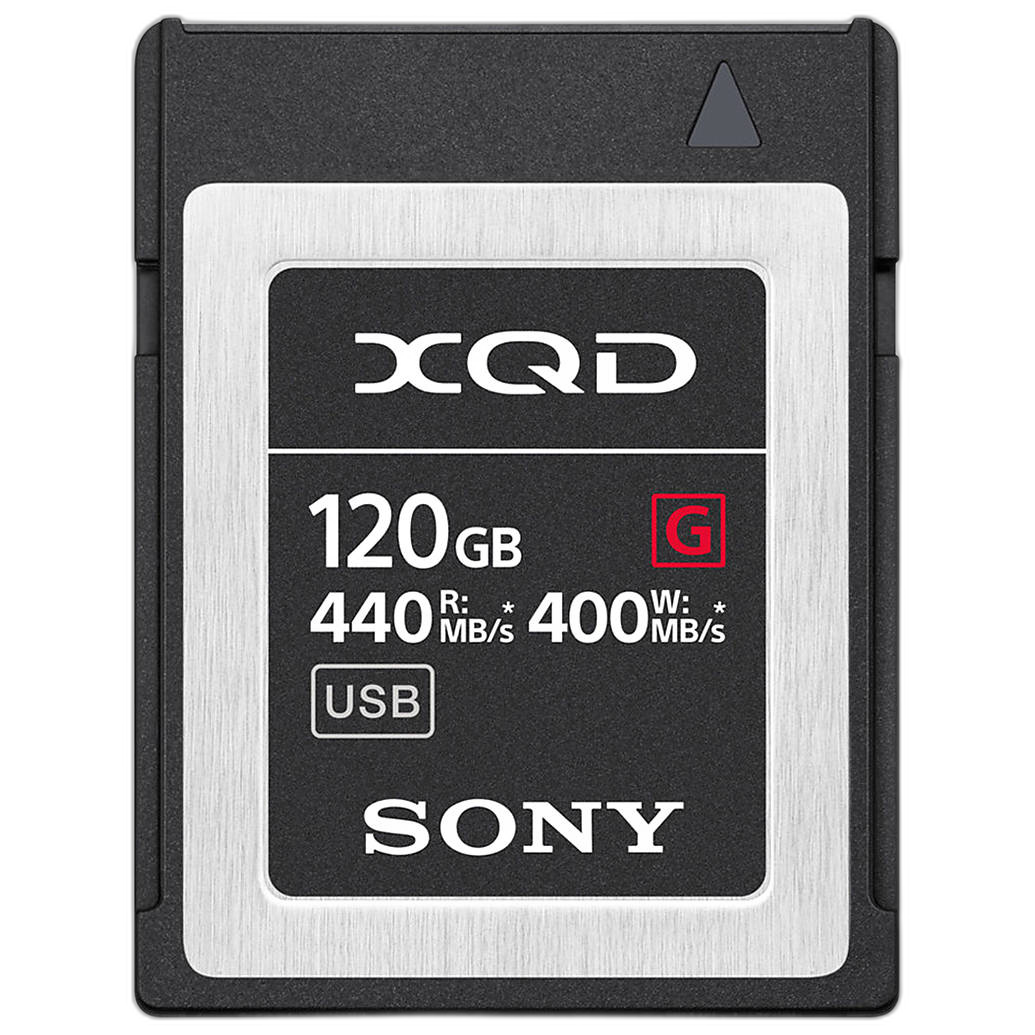
The Sony 120GB XQD G Series Memory Card is a good example of a dependable XQD option for users with compatible pro camera bodies.
What memory card speed do you actually need for photo and video?
Not every creator needs the fastest card on the market. The right speed depends on your workload.
- Portrait and lifestyle photography: SD is often sufficient unless your camera demands faster media.
- Sports and wildlife: CFexpress is often preferred for burst depth and fast buffer clearing.
- Wedding and event coverage: SD may work in many cameras, but CFexpress can improve responsiveness and reliability during high-volume shooting.
- 4K video: Depends on codec and bitrate. Many cameras can use SD, while higher-end codecs may require CFexpress.
- 6K and 8K video: CFexpress is frequently the better or required choice.
A useful rule: buy for your camera's highest-demand mode, not just your average use case. If you occasionally shoot long RAW bursts or high-bitrate video, the faster card may save you time and frustration.
How much memory card capacity should you buy?
Capacity depends on file size, shoot length, and backup strategy. In 2024, many photographers are moving beyond small-capacity cards because file sizes keep growing.
- 120GB to 256GB: Good for lighter stills workflows or backup use
- 480GB to 512GB: A popular sweet spot for advanced stills and shorter video jobs
- 960GB to 1TB: Great for extended shoots, high-resolution video, and fewer card swaps on set
If you shoot events or travel, multiple mid-size cards can reduce risk compared to one very large card. If you shoot long-form video, larger capacity cards may be more convenient and practical.
Should you buy one large card or multiple smaller cards?
This depends on your workflow and risk tolerance.
One large card gives you convenience and fewer swaps. Multiple smaller cards can offer better project separation and reduce the impact if one card is lost or damaged. Many professionals prefer spreading a job across more than one card, especially for weddings, live events, and travel assignments.
At Unique Photo, a common recommendation is to balance capacity, redundancy, and shooting style instead of focusing only on maximum storage.
How do you know which memory card is best for your camera?
Ask these questions before you buy:
- What card slot does my camera have?
- What recording modes do I actually use?
- Do I shoot long bursts, RAW, or high-bitrate video?
- How much storage do I need in a typical day?
- Do I want one large card or multiple smaller cards?
If you are unsure, Unique Photo can help narrow the options based on your camera model and workflow.
Best memory card buying tips for 2024
- Always verify camera compatibility first
- Buy for your most demanding shooting mode
- Do not overpay for speed your camera cannot use
- Choose trusted brands for professional work
- Consider durability and workflow, not just capacity
- Keep a card reader and backup routine in mind
For professionals and serious enthusiasts, media is not the place to cut corners. A reliable card supports smoother shooting, faster delivery, and better peace of mind.
Final thoughts: which memory card should you buy?
If your camera uses SD and your shooting needs are moderate, SD is usually the simplest and most cost-effective choice. If your camera supports CFexpress and you shoot action, commercial work, or advanced video, CFexpress is often the better investment. If your camera requires XQD, it is still a valid option, especially for established workflows.
In short:
- Choose SD for affordability and broad compatibility
- Choose CFexpress Type A if your Sony-compatible camera requires it and you need pro-level performance
- Choose CFexpress Type B for top-tier speed in demanding professional cameras
- Choose XQD when your camera depends on it or your existing workflow is built around it
Unique Photo carries a range of memory card options for photographers and filmmakers ready to upgrade their storage workflow. If you are comparing Type A, Type B, or XQD media, it is worth exploring current CFexpress and memory storage categories, related card readers, and camera-specific accessories to build a complete setup.
For internal linking, consider pointing readers to your Memory Cards category, CFexpress storage pages, camera accessories sections, and educational buying guides on video workflows and camera compatibility.